How Do You Make an AI Short Film?
You make an AI short film by starting with story development, not video generation. If you want an audience to stay for several minutes, the premise, character goal, emotional turn, and pacing matter more than the model output. Once the story works, build a compact script, break it into shots, create consistent character assets and storyboard stills, feed those stills into video models as references, then edit, sound-design, grade, caption, and export.
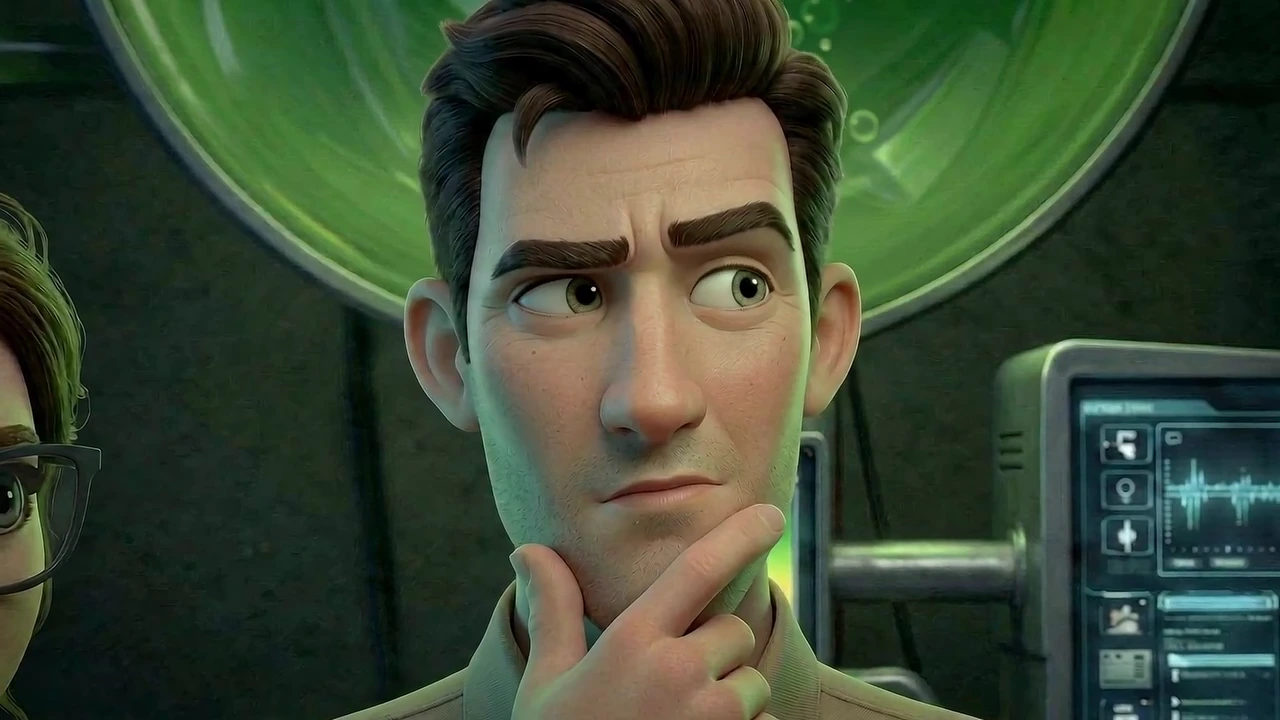
Definition
AI short film, defined
The short-film format works well for AI because it limits scope, but the audience still needs a reason to keep watching. Over several minutes, story development usually matters more than image or video generation quality: a clear want, obstacle, escalation, turn, and payoff will carry imperfect shots farther than beautiful clips without narrative pressure.
The mistake is asking a model to make the whole film at once. The practical workflow is closer to filmmaking: script, shot list, boards, clips, edit, sound, and polish.
For the broader production category, see AI filmmaking and how it applies to longer projects.
Definition
An AI short film is a short-form narrative or cinematic video that uses artificial intelligence to assist with or generate major production elements such as storyboards, characters, shots, voice, sound, or edits.
How it works
How to make an AI short film step by step
Keep the first film small, story-led, and structured so you can hold attention instead of collecting unrelated clips.
Develop the story first
Define one character, one want, one obstacle, one escalation, and one emotional turn before thinking about models.
Write a compact script
Keep the runtime controlled, usually 30 seconds to 3 minutes, and make every beat advance the story.
Break the story into shots
Translate the script into scenes, shots, duration, action, camera, sound, and continuity notes.
Create references and boards
Build character assets with multiple consistent views, then create storyboard frames that use those characters in the intended scene.
Generate clips per shot
Use text-to-video or image-to-video for short takes, guided by storyboard stills as start, end, or general scene references.
Edit and finish
Assemble the best takes, cut aggressively, add sound, grade, caption, disclose AI use, and export.
Why it works
Why short films are a strong AI format
Story carries retention
Over several minutes, audience attention depends on goal, conflict, escalation, and payoff more than visual novelty.
Small enough to control
A short film limits scenes, cast, and locations so continuity can be managed manually.
Fast creative feedback
You can test whether the story works before spending time and credits on polished generation.
Reference-led visuals
Character assets feed storyboard stills, and storyboard stills tell video models what outcome to animate.
Lower production cost
Solo creators can produce ambitious settings without cameras, physical sets, or large crews.
Editorial learning
AI shorts teach the real bottleneck: shaping generated shots into story rhythm, tension, and release.
Workflow example
A 90-second AI short film plan
Here is a practical scope where story determines what gets generated.
- 1
Story engine
A lonely astronaut wants to stay alive, but a living plant forces her to choose between survival and transformation.
- 2
Emotional turn
She begins by seeing the plant as a threat, then realizes it is the only living thing left with her.
- 3
Shot list
Twelve shots: exterior, corridor, plant reveal, character reaction, decision, transformation.
- 4
References
One astronaut character asset, one ship interior, one plant prop, and two or three consistent storyboard stills for the key scene.
- 5
Final cut
Generated clips are trimmed around the character's choice, with sound bridges, ambience, music, grade, and title card supporting the turn.
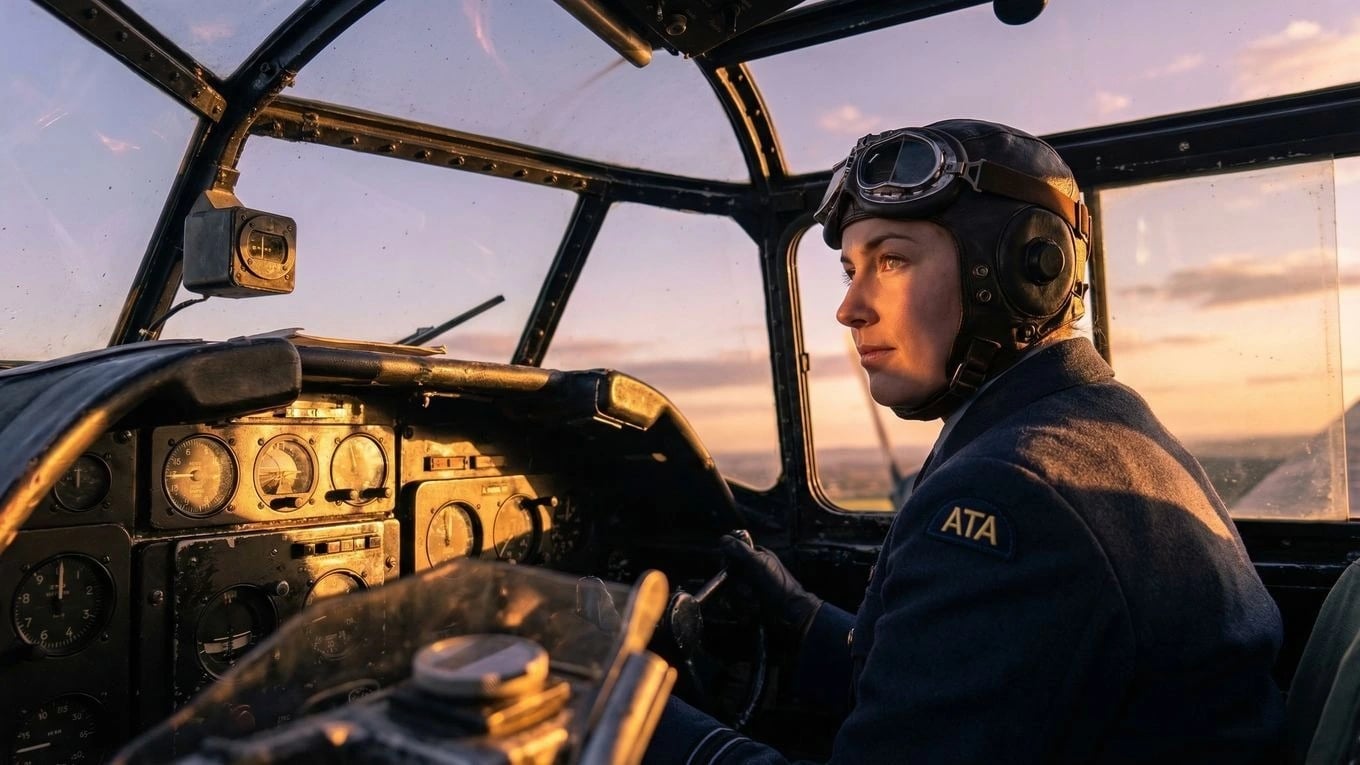
After the shot list, use storyboard to video AI to turn approved frames into motion.
Comparison
Story-led AI short film workflow vs one-click generators
A generator can create clips quickly. A short film workflow creates audience attention by making every generated shot serve the story.
Need
AI short film workflow
One-click generator
Story
Premise, character goal, conflict, escalation, emotional turn
Prompt idea
Audience retention
Beats designed to make viewers want the next shot
Visual novelty fades after a few seconds
Visual control
References and storyboards
Model interpretation
Characters
Character assets reused in storyboard stills and video references
May change between clips
Editing
Timeline assembly, pacing, sound
Download one clip
Deliverable
Finished short with story arc, credits, and export
Demo or social snippet
Use cases
What AI short films are good for
AI short films are useful when the goal is to prove a story, look, or workflow before a bigger production.
First narrative proof
Create a compact story without waiting for cast, locations, or a full crew.
Previs and pitch reels
Test tone, world, and camera language before greenlighting larger production.
Spec spots
Turn a campaign concept into a cinematic short for client review.
Course and classroom projects
Teach story structure, shot design, and editing with a fast production loop.
Proof
AI shorts reward story structure
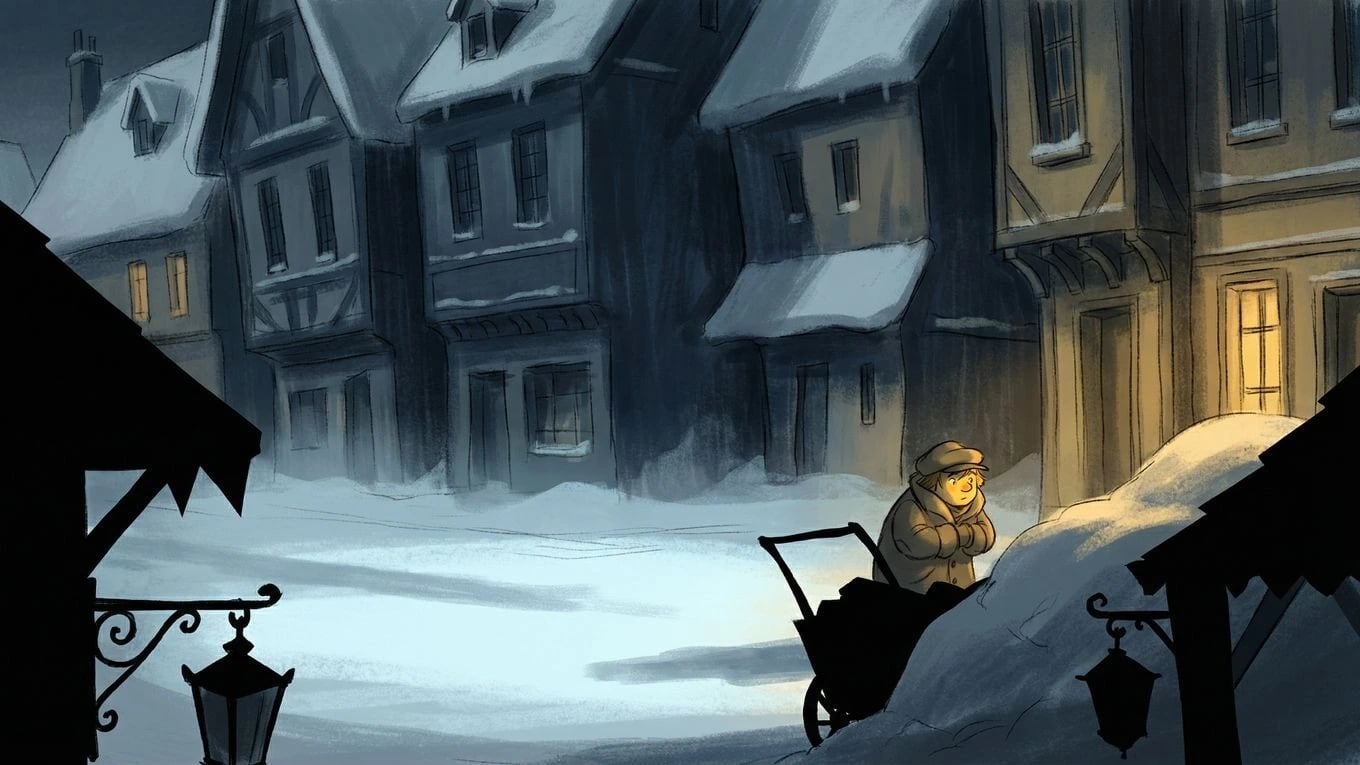
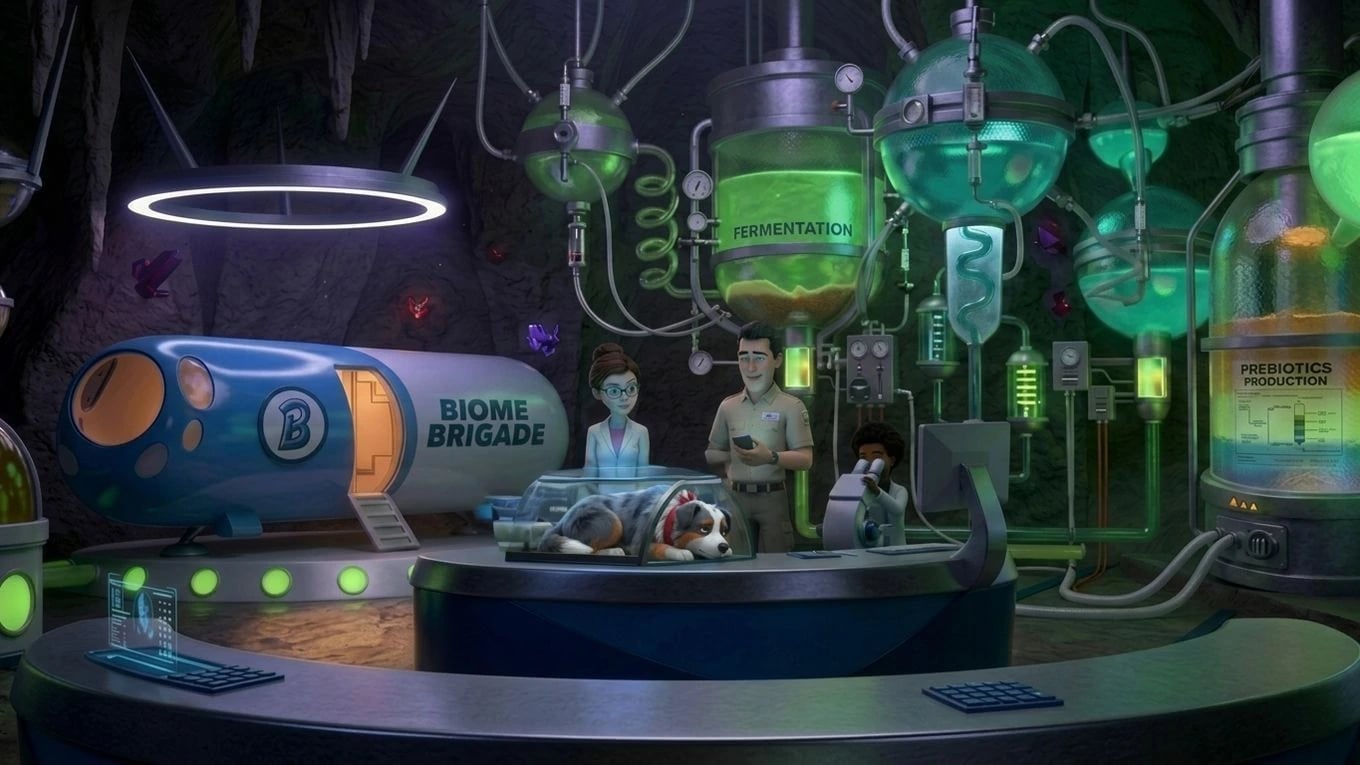
Current tutorials and SERPs emphasize workflow, but the strongest AI shorts still behave like films: a small story creates the reason to watch, references and boards control what appears on screen, and editing turns generated clips into a sequence with tension and payoff.
4 min
Biome Brigade Episode 1 runtime
< 4 weeks
Script to finished cut
1 operator
Structured production, not a clip pile
Script → cut
Boards and generated shots in one project
FAQ
Frequently asked questions
What is the easiest AI short film to make first?
Start with a 30-second to 3-minute film built around one character, one location, one clear want, and one emotional turn. Avoid heavy dialogue, crowds, complex hand interactions, and many costume changes on the first attempt because those are harder for AI video continuity and can distract from the story.
What matters most in an AI short film?
Story development matters most if the film is longer than a quick visual demo. The audience needs a reason to keep watching: a character goal, a question, a change, and a payoff. AI image and video generation should execute that plan, not replace it.
Should I generate the whole short film in one prompt?
No. Generate the film shot by shot after the story is developed. Whole-film prompts usually lose story, continuity, and timing. A shot-based workflow lets you approve each frame, regenerate weak takes, and edit only the useful seconds into the final cut.
Do I need storyboards for an AI short film?
Storyboards are strongly recommended. They lock composition, character placement, and camera intent before generation. For the best outcomes, create still frames from the video sequence you want, make sure the characters are consistent in those frames, then use those frames as references for the video model.
How many shots should an AI short film have?
A practical first AI short can work with 8 to 20 shots. That is enough for an opening, development, turn, and ending without creating too many continuity problems. Longer films need stricter character and asset management.
What should I do when AI video clips have artifacts?
Regenerate important shots, cut before the artifact appears, hide weak details with inserts or sound bridges, crop where appropriate, and use editing rhythm to keep the story moving. Many finished AI shorts use only the best seconds from each generated take.
Can I submit an AI short film to festivals?
Some festivals accept AI-assisted or AI-generated films, and others have restrictions. Check each festival's rules for AI disclosure, copyright, music, voice, actor likeness, and generated media rights before submitting.
Explore next
Related answers and features
An AI short film uses the whole Ciaro Pro pipeline in a compact format.
Make the short film you can actually finish
Develop the story first, then generate controlled shots and edit the sequence in one AI filmmaking workspace.
Tu visión. Plano a plano.
Empieza gratis. Escala cuando tu producción esté lista.