Herramientas de sincronizacion labial IA para actuaciones dirigidas
Muchos productos hacen que un personaje hable; pocos ayudan a conservar la actuacion que realmente quieres.
Ciaro Pro te mantiene en la silla de direccion: disena voz, importa o graba tomás y genera vídeo labial con precision de cuadro.
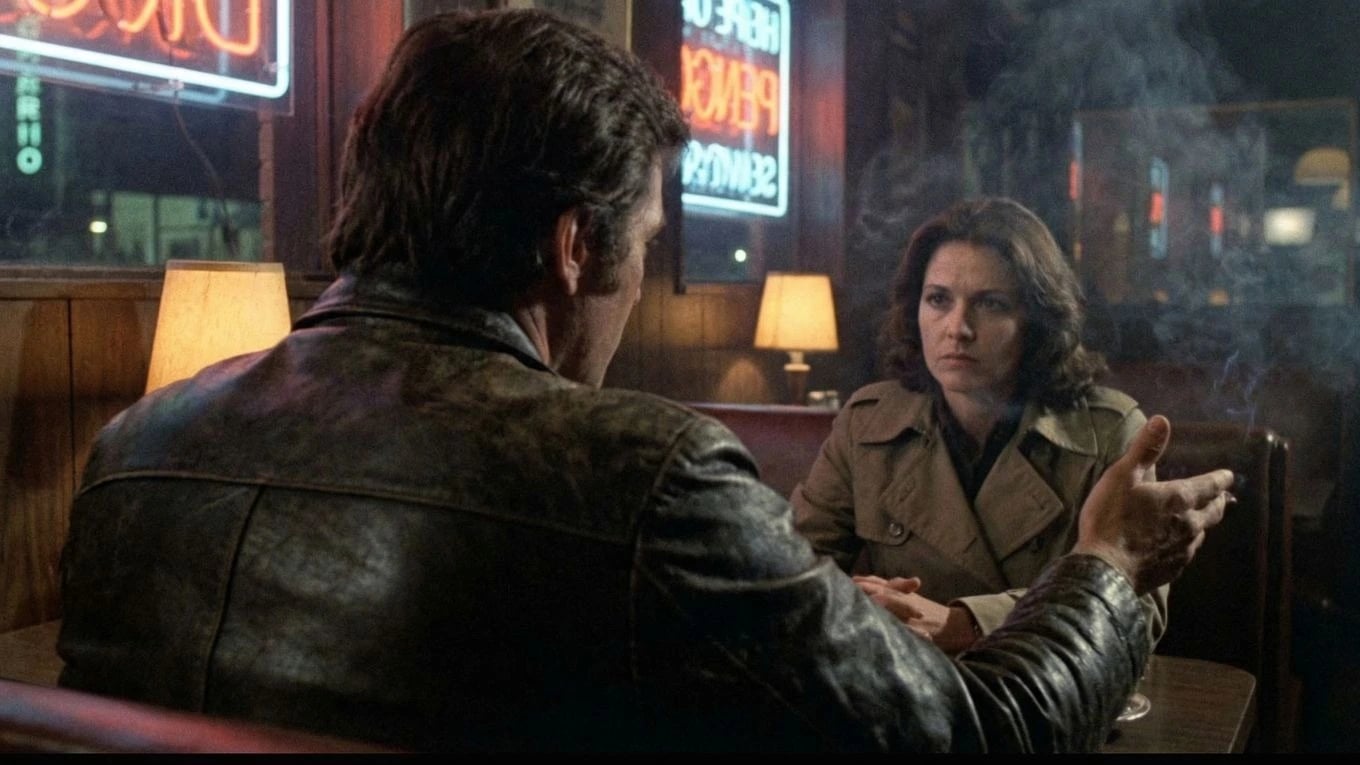
Diseno de voz
Construye la voz antes de la escena
Define tono, textura e intención para que la actuacion tenga identidad antes de entrar al plano.
Dialogue performance matters most inside a connected production. See storyboard to video AI for script-linked scenes, boards, and edit.
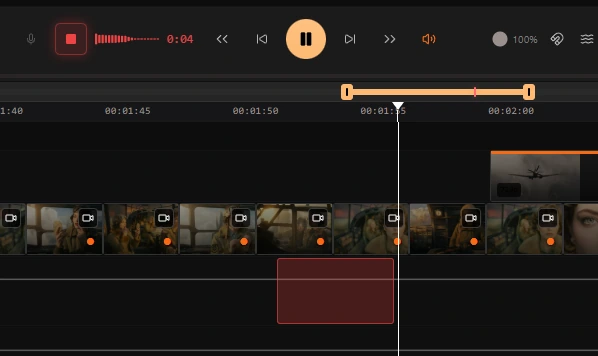
Entrada de actuacion
Usa exactamente la toma que quieres
Graba en timeline o importa audio final para conservar fraseo, respiracion, timing y matiz emocional.
Transferencia de voz
Tu actuacion, en la voz del personaje
Mapea tu toma al timbre del personaje preservando matices actorales; cambia la voz, no la interpretacion.
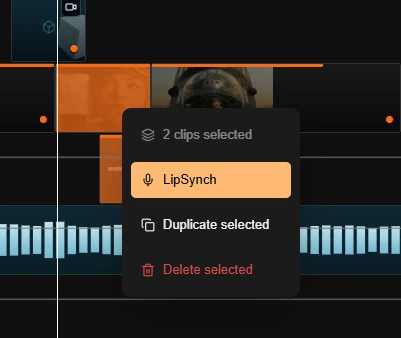
Lip Synch
Un clic para un plano hablado con precision de cuadro
Con audio bloqueado, genera vídeo sincronizado cuadro a cuadro sin deriva ni trabajo manual.
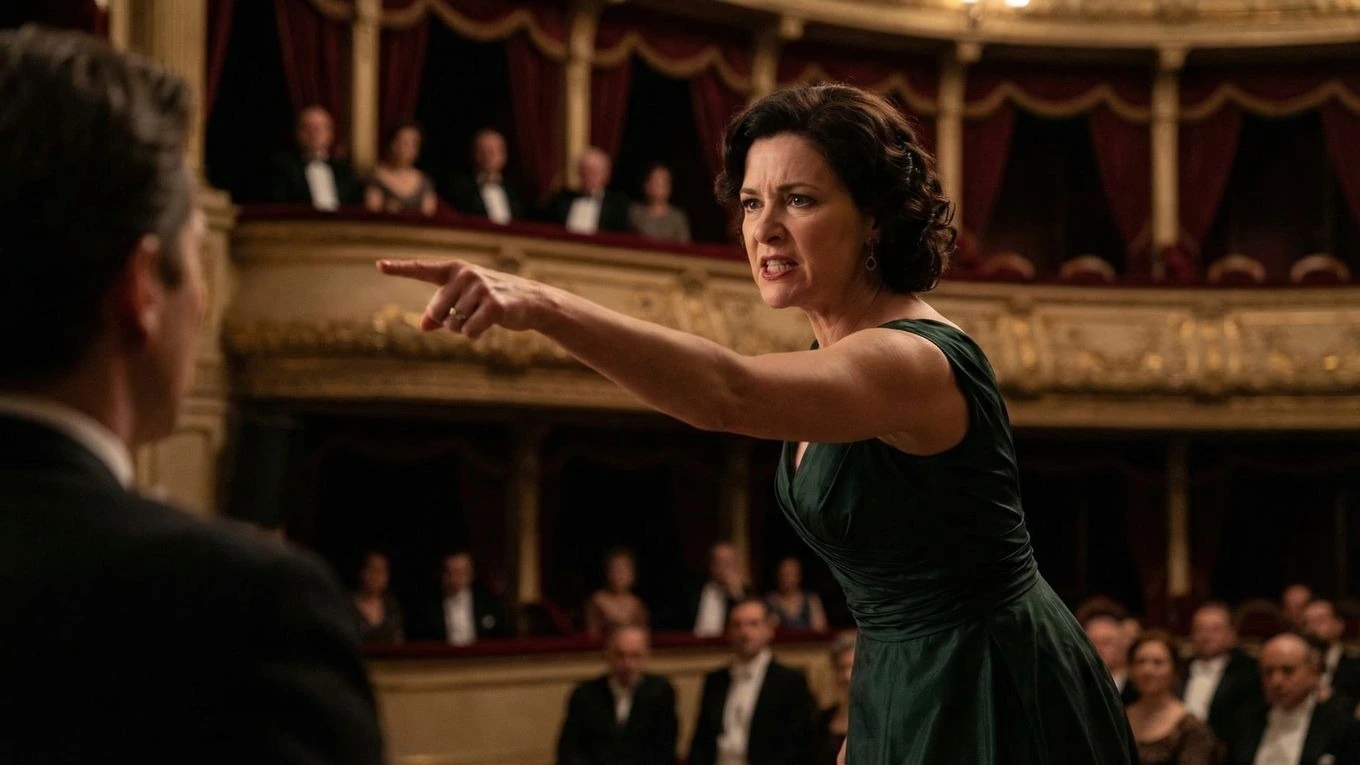
Animacion guiada por voz
Mejores escenas habladas con mejor control de actuacion
Ciaro Pro is built for voice-driven character animation where the acting choice matters as much as the visuals. You design the character's voice and look together, preserve the phrasing you want, and turn the take into a speaking shot that feels directed rather than loosely generated.
That makes the feature much more useful for dialogue scenes, monologues, and character moments where timing and emphasis carry the story forward — shots that drop straight into the AI-powered NLE without leaving the platform.
Actuacion primero
Conserva la eleccion actoral en lugar de timing aplanado por generación generica.
Planos hablados precisos
Pasa de diseno de voz a resultado final con control más fino del output.
Flujo de trabajo
Pipeline de actuaciones habladas orientado a direccion
Disenar voz primero
Define la voz del personaje antes de animar para una actuacion más creible.
Usar la toma correcta
Graba o importa la toma final conservando timing y matices de actuacion.
Control cuadro a cuadro
Convierte toma en plano hablado con precision editorial.
Siguiente
Sigue desde aquí
Más sobre storyboards, generación y acabado—elegido para la página en la que estás.
Tu visión. Plano a plano.
Empieza gratis. Escala cuando tu producción esté lista.