Conception de plans et préproduction visuelle
Planifiez chaque plan avec le script sous les yeux. Chaque scène, personnage, accessoire et décor reste connecté dans un même workflow de préproduction visuelle, capable de suivre les réécritures et les changements de production.
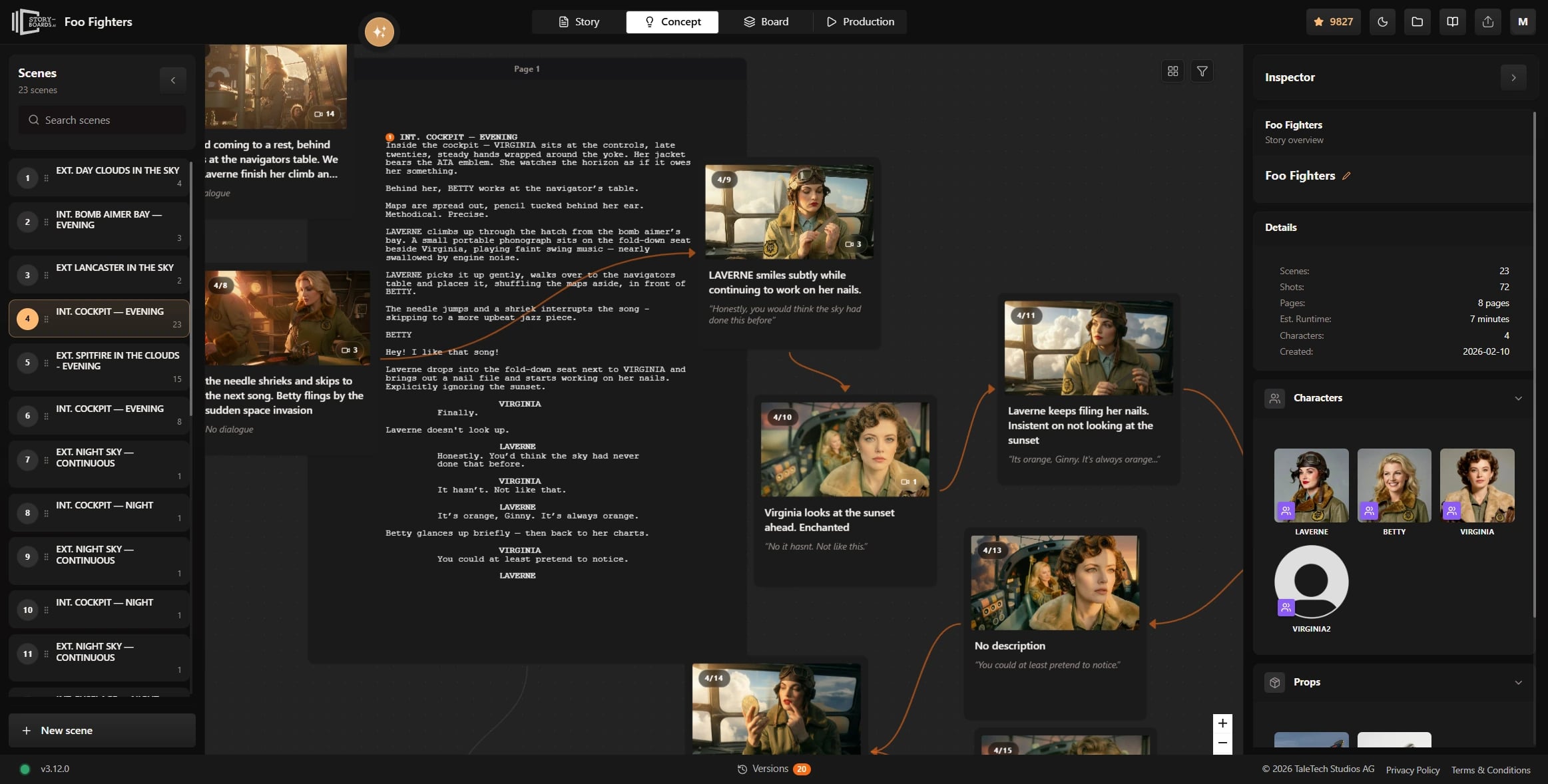
Plans liés au script
Chaque plan lié à votre script
Click any shot card and see the exact script moment behind it. Change the draft and the concept map stays aligned — so your shot planning never drifts away from the screenplay you are actually writing.
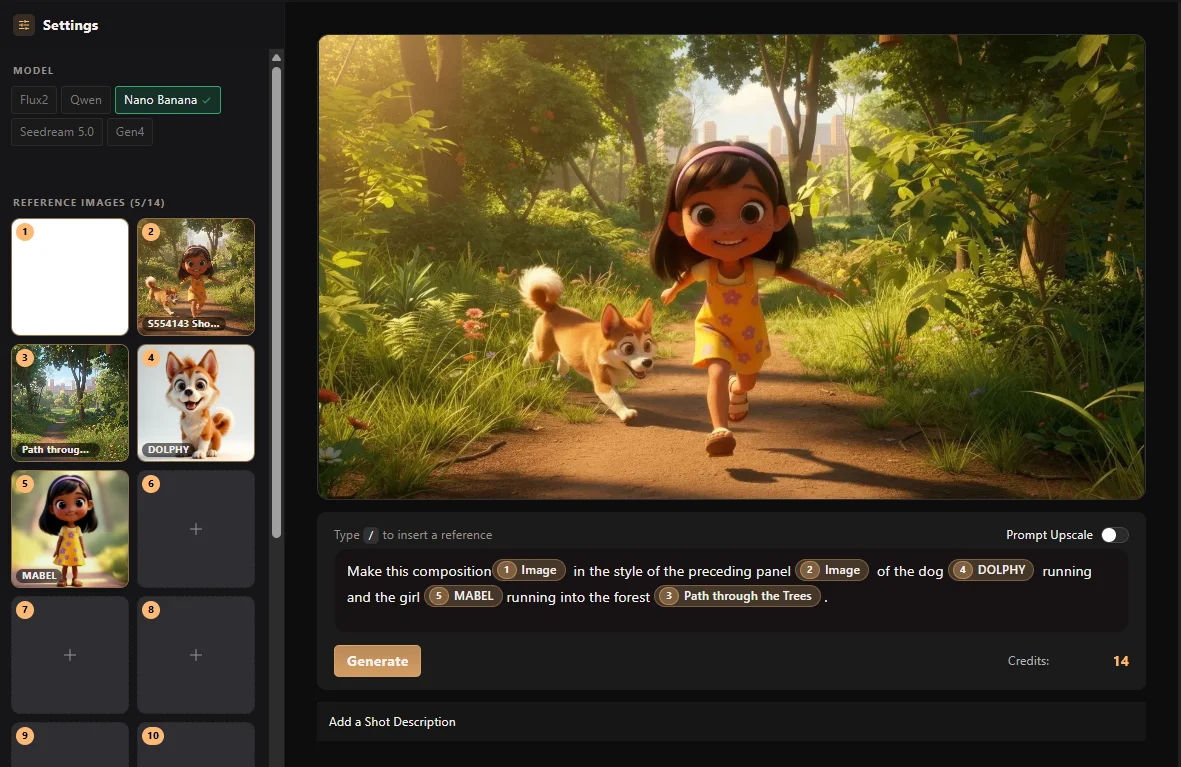
Assignation d'assets
Personnages, accessoires, décors - tout en contexte
Assign characters, props, and backgrounds directly to each shot so concept work flows straight into generation. No double entry, no disconnected references, no rebuilding the same decisions in three different places.
Démo live
Explorer un graphe de concept
Naviguez dans une carte de concept pour voir comment scènes, plans et assets de production restent connectés dans le workflow.
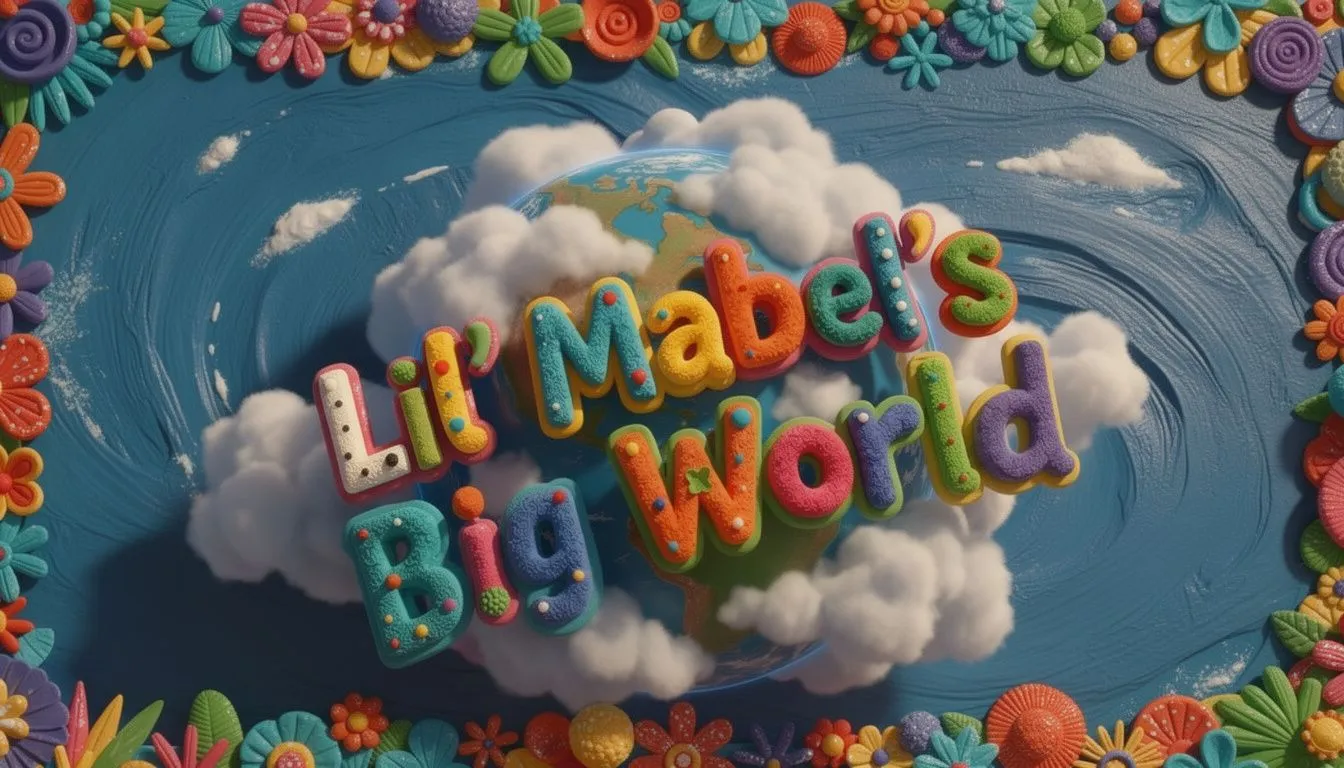
Title card. 'Little Mabel's Big World' logo animates over a spinning globe.

Diving through clouds. Camera descends toward a sunlit park below.

Wide Shot. The city sprawls below, quiet before dawn.

Close on a tree trunk. A tiny mouse peeks out from behind the bark.Wide shot.

Close-up of Little Mabel laughing, eyes bright with wonder.
Explorer la suite
Workflows associes a consulter
Passez aux pages Ciaro liees pour comparer les capacites et planifier votre pipeline.
Votre vision. Chaque image.
Commencez à construire votre histoire aujourd'hui. Gratuit pour commencer, assez puissant pour la production.