डायरेक्टेड परफ़ॉर्मेंस के लिए AI लिप सिंक टूल्स
कई AI टूल्स किसी पात्र को बोलता दिखा सकते हैं। कम टूल्स वही परफ़ॉर्मेंस दिलाते हैं जिसे आप रखना चाहते हैं, खासकर जब टाइमिंग, संयम और टोन मायने रखते हों।
Ciaro Pro आपको डायरेक्टर की सीट पर रखता है: आवाज़ डिज़ाइन करें, टेक आयात या रिकॉर्ड करें, और ऐसा लिप-सिंक वीडियो जनरेट करें जो परफ़ॉर्मेंस का अनुसरण करे।
वॉइस डिज़ाइन
सीन से पहले आवाज़ बनाएं
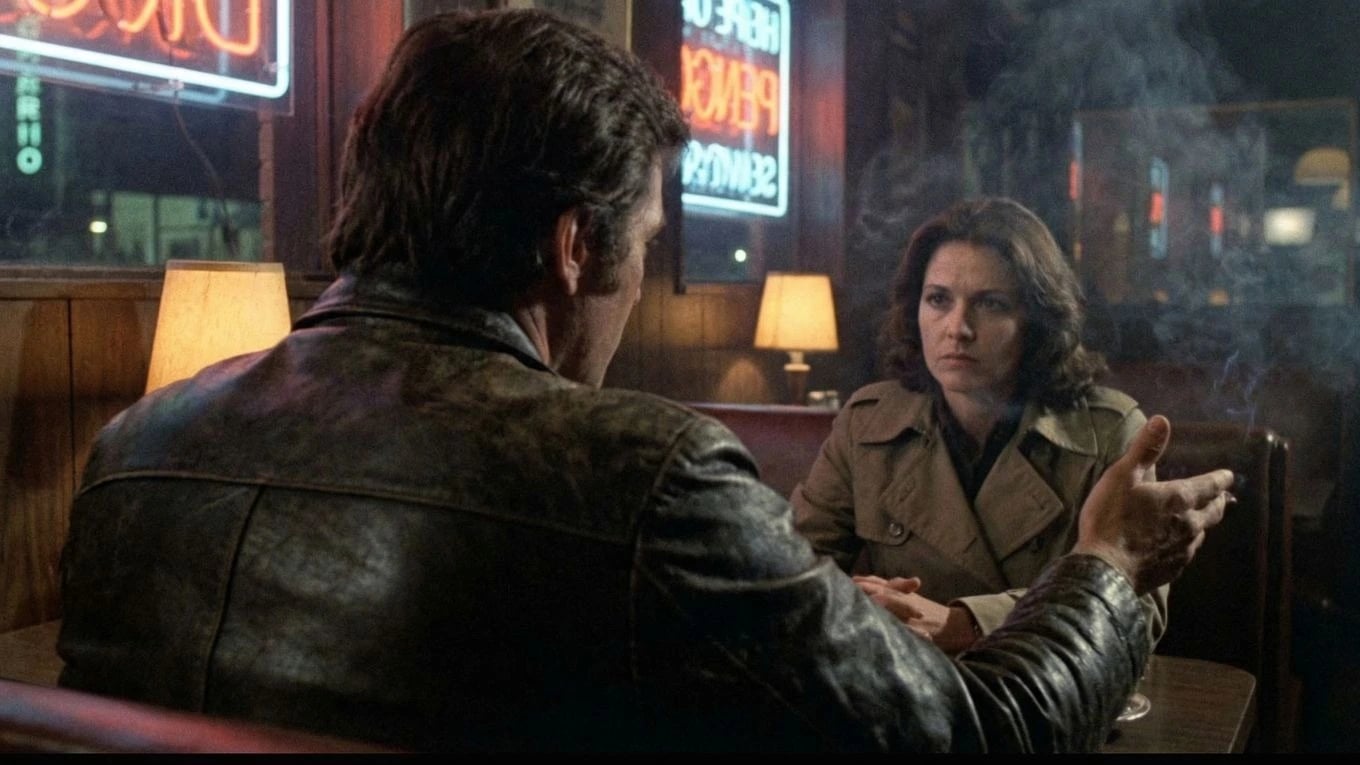
पात्र की ध्वनि आकार देने से शुरू करें। एक लाइन बोले जाने से पहले ही उसमें गर्माहट, तनाव, झिझक, अधिकार या धार दें ताकि शॉट में जाते समय परफ़ॉर्मेंस की पहचान तय हो।
परफ़ॉर्मेंस इनपुट
ठीक वही अभिनय विकल्प उपयोग करें जो आप चाहते हैं
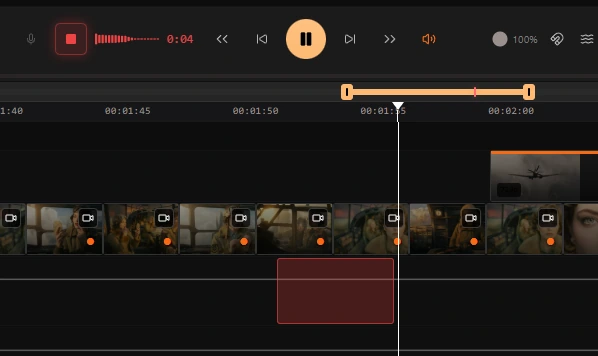
टाइमलाइन पर सीधे वॉइस-ओवर रिकॉर्ड करें या अपना ऑडियो लाएं जिसमें परफ़ॉर्मेंस पहले से कैप्चर हो। phrasing, साँस, टाइमिंग और भावनात्मक नुआंस बचाए रखें जिन्हें टेक्स्ट-आधारित जनरेशन अक्सर खो देती है।
वॉइस ट्रांसफ़र
आपका परफ़ॉर्मेंस, आपके पात्र की आवाज़
वॉइस ट्रांसफ़र आपकी रिकॉर्डेड टेक को पात्र की आवाज़ पर मैप करता है और अभिनय की बारीकियाँ सुरक्षित रखता है। phrasing, साँस, ज़ोर और टाइमिंग जस की तस रहते हैं। केवल आवाज़ बदलती है।
लिप सिंक
एक क्लिक में फ्रेम-सटीक बोलता शॉट
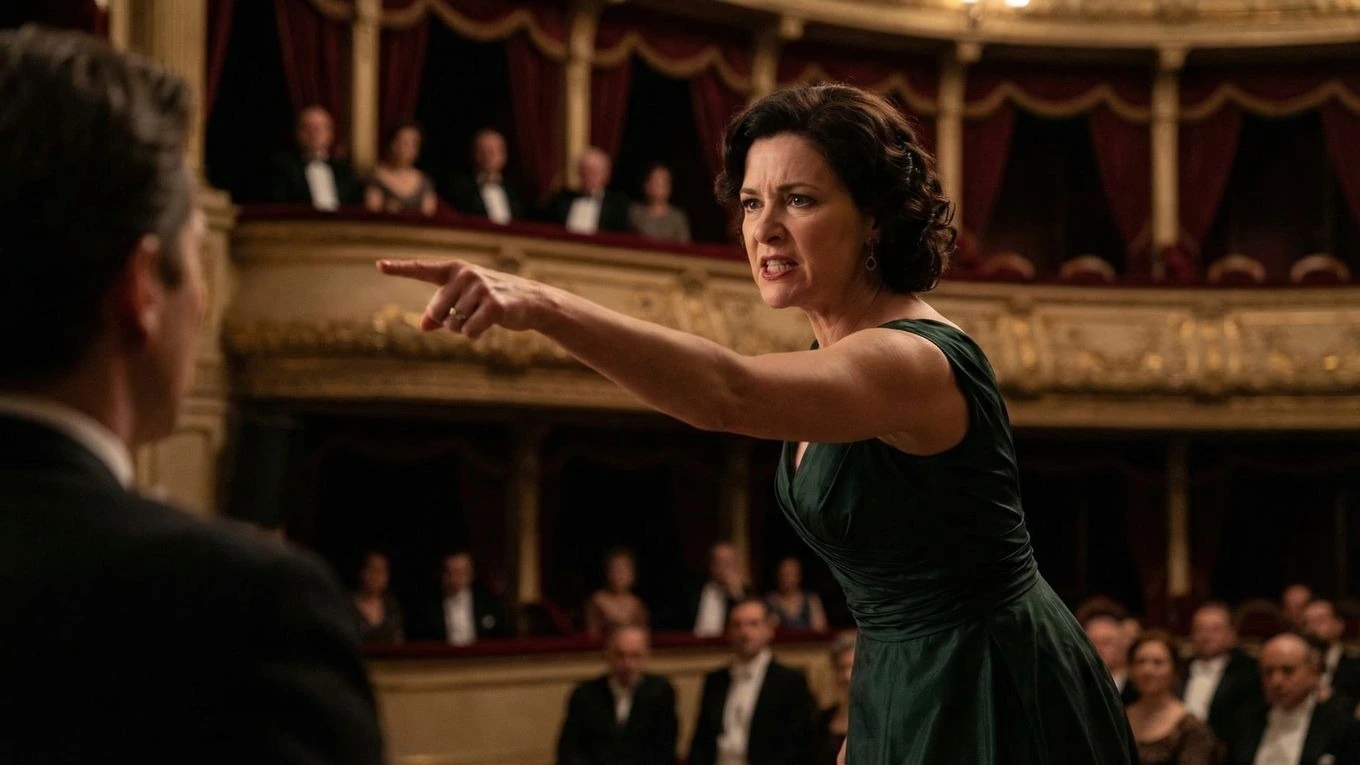
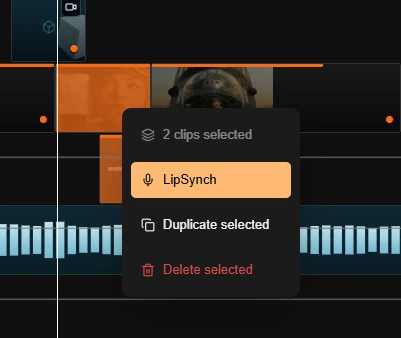
ऑडियो लॉक होने के बाद, एक क्लिक से लिप-सिंक्ड वीडियो जनरेट करें। परिणाम पात्र के वास्तविक वॉइस परफ़ॉर्मेंस को फ्रेम-दर-फ्रेम फॉलो करता है — न मैनुअल एनीमेशन, न ड्रिफ्ट, न अनुमान।
वॉइस-ड्रिवन एनिमेशन
बेहतर बोलते सीन बेहतर परफ़ॉर्मेंस नियंत्रण से शुरू होते हैं
Ciaro Pro is built for voice-driven character animation where the acting choice matters as much as the visuals. You design the character's voice and look together, preserve the phrasing you want, and turn the take into a speaking shot that feels directed rather than loosely generated.
That makes the feature much more useful for dialogue scenes, monologues, and character moments where timing and emphasis carry the story forward — shots that drop straight into the AI-powered NLE without leaving the platform.
परफ़ॉर्मेंस पहले
generic स्पीच जनरेशन की flattened टाइमिंग स्वीकारने के बजाय अभिनय निर्णय को सुरक्षित रखें।
फ्रेम-सटीक बोलते शॉट्स
वॉइस डिज़ाइन से जनरेटेड परफ़ॉर्मेंस तक अंतिम परिणाम पर अधिक सख़्त नियंत्रण के साथ जाएं।
वर्कफ़्लो
बोलते परफ़ॉर्मेंस के लिए डायरेक्टर-फर्स्ट पाइपलाइन
पहले आवाज़ डिज़ाइन करें
सीन एनीमेट करने से पहले पात्र की आवाज़ तय करें — व्यापक टोन और टेक्सचर से लेकर सूक्ष्म विवरण तक जो परफ़ॉर्मेंस को विश्वसनीय बनाते हैं।
वही टेक उपयोग करें जो वास्तव में चाहिए
टाइमलाइन पर सीधे वॉइस-ओवर रिकॉर्ड करें या अपनी फ़ाइनल ऑडियो फ़ाइल लाएं। सीन को चलाने वाली नुआंस, टाइमिंग और अभिनय-चॉइसेज़ बनाए रखें।
फ्रेम-सटीक परफ़ॉर्मेंस नियंत्रण
उस टेक को पात्र की आवाज़ में बदलें, ठीक जगह प्लेस करें, और एडिटोरियल सटीकता के साथ लिप-सिंक्ड बोलता शॉट जनरेट करें।
Aage explore karein
Related workflows jo dekhne layak hain
Ciaro ke connected pages kholiye aur capabilities compare karke pipeline plan kijiye.
आपकी दृष्टि। हर फ्रेम।
आज अपनी कहानी बनाना शुरू करें। शुरुआत के लिए मुफ़्त, और प्रोडक्शन के लिए काफी शक्तिशाली।