Rohideen in ausdrucksstarke Filmshots verwandeln
Von der Szenenabsicht bis zum finalen Render mit visuellen Referenzen, die von Schritt zu Schritt stimmig bleiben. Statt jedes Mal neu zu prompten, holen Sie mit progressiver visueller Leitung Tempo und kommen schneller zu produktionsreifen Ergebnissen.
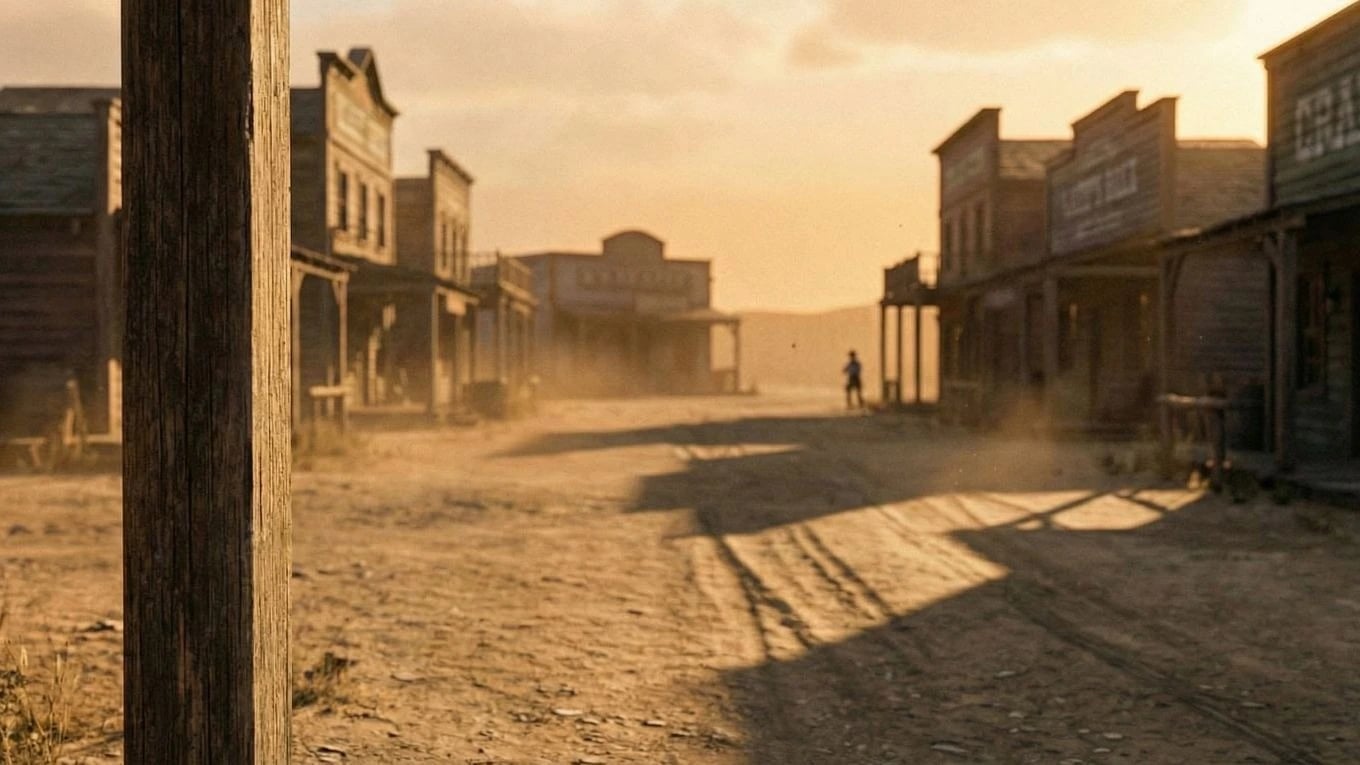
Szenen-Evolution
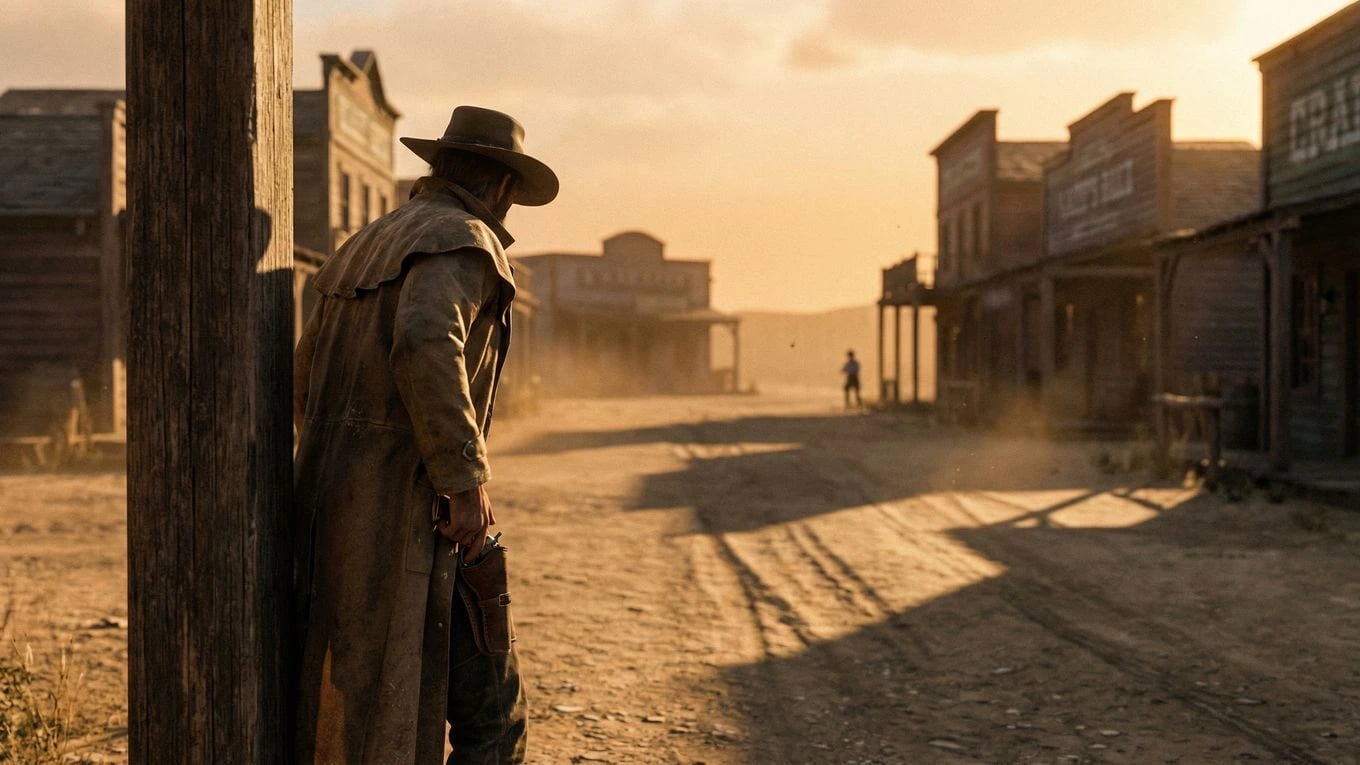
Vom Basis-Frame zum charaktergetriebenen Endshot
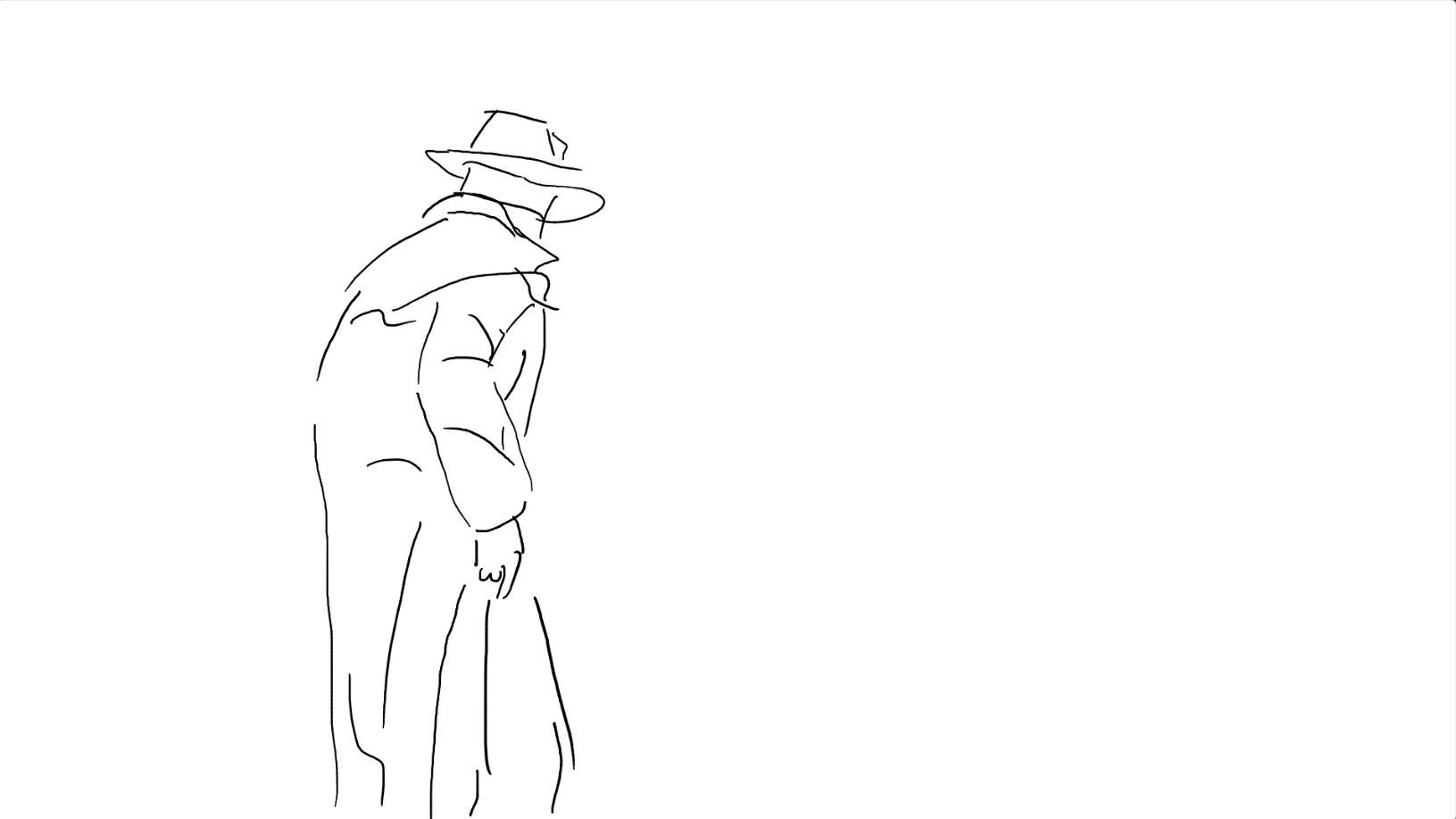
Start with the environment, add intent with a simple character sketch, then resolve to a polished shot. This keeps composition and tone grounded while still letting you explore creative direction quickly — frames that feed directly into your storyboard.
Finale Bewegung
Wandeln Sie die Shot-Progression in eine abspielbare Szene um
Wenn die Still-Richtung steht, generieren Sie Bewegung aus demselben visuellen Bogen. So gelangen Sie schneller zu Teaser-tauglichen Clips, die zu den bereits freigegebenen Frames passen.
Kreativer Durchsatz
Hohe Qualität beibehalten und trotzdem schneller werden
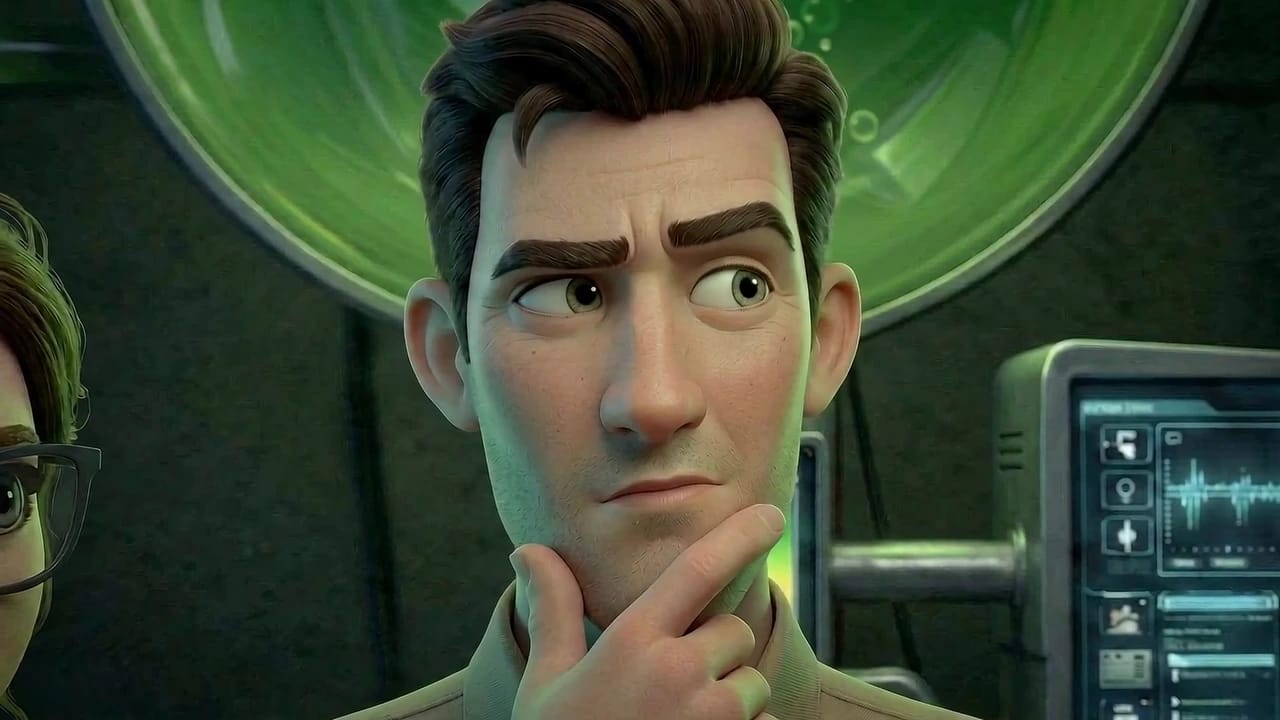
Great visuals are usually lost between experimentation and execution. This approach keeps both in one place, so teams can test options quickly without breaking continuity — especially important when working with consistent characters across shots.
That means less wasted generation, clearer approvals, and stronger scenes that hold together when you move from stills into AI video production.
Weniger blinde Generierungen
Bauen Sie in jeder Phase auf konkrete visuelle Referenzen statt bei jedem Prompt von vorn zu beginnen.
Stärkeres Freigabe-Vertrauen
Stakeholder können nachvollziehen, wie sich ein Frame entwickelt, und die Richtung früher mit weniger Unklarheit freigeben.
Szenen-Erweiterung
Dieselbe Richtung über mehr Shots hinweg tragen
Nach Freigabe der Kernszene erweitern Sie diese visuelle Sprache auf angrenzende Shots, Varianten und Schnitte. So wirkt die Sequenz vom ersten bis zum letzten Frame durchdacht.
Als Nächstes entdecken
Verwandte Workflows mit starkem Kontext
Wechsle zu verbundenen Ciaro-Seiten, um Funktionen zu vergleichen und deine Pipeline zu planen.
Deine Vision. Bild für Bild.
Beginne heute mit deiner Geschichte. Kostenlos zum Starten, mächtig genug für die Produktion.