AI character design software for film and animation production
Create production-ready characters for films, animation, commercials, and AI video workflows. Define looks, outfits, poses, references, and visual identity early so your cast stays consistent from concept art to storyboard, shots, and final frames.
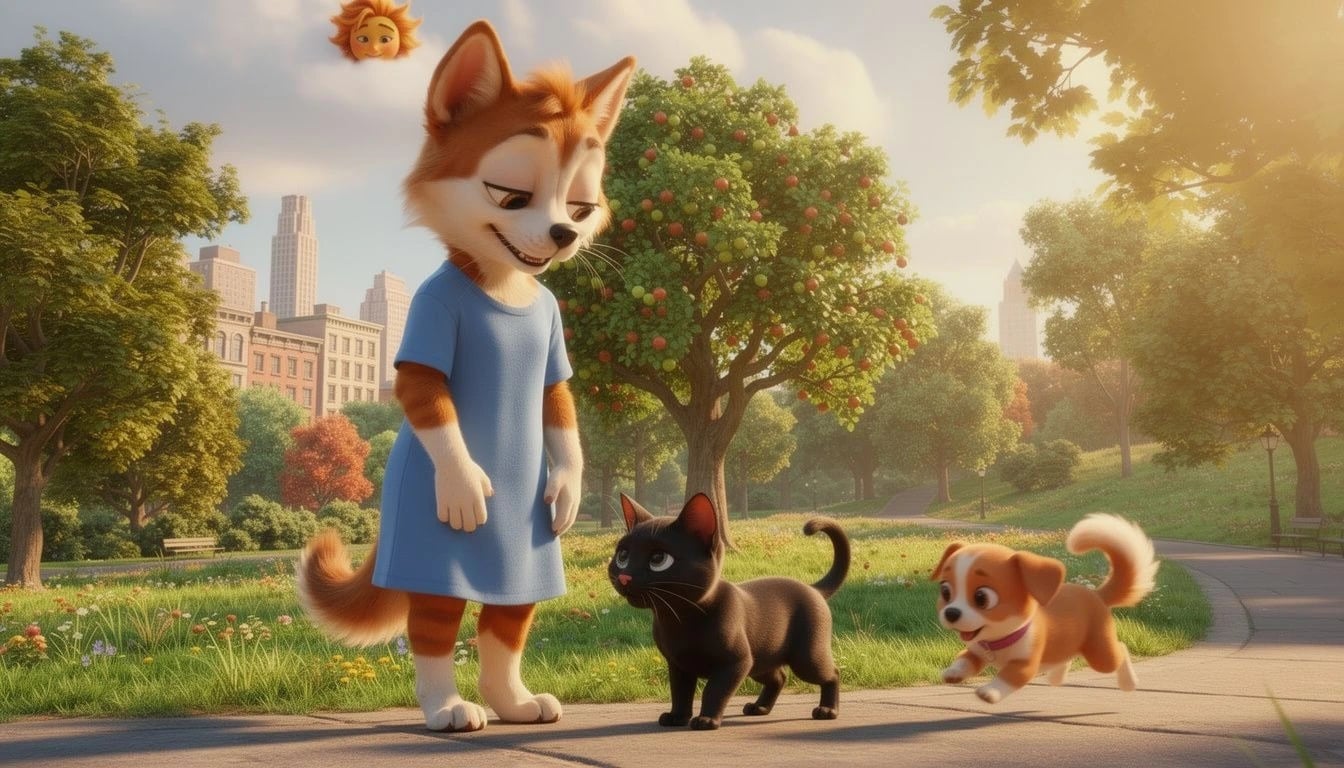
Visual design
Design characters that can survive production
Use the character editor to shape the details that make someone recognisable on screen. Instead of chasing consistency later, you can lock in the visual identity while the story is still taking shape — before it moves into shot concepting.
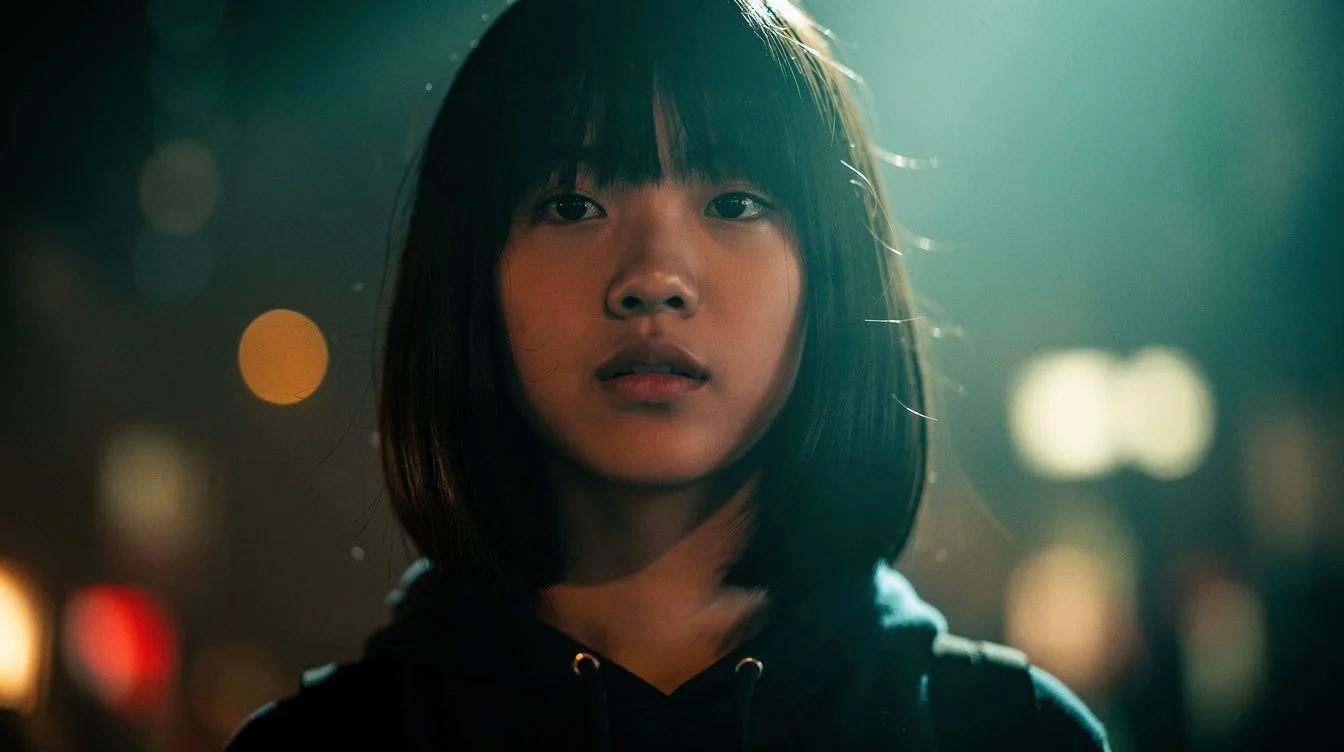
Poses & outfits
Build a reusable cast library for every scene
Build outfit variations for different arcs, test poses against the way scenes are framed using sketch and reference tools, and carry those choices forward into the rest of the workflow. By the time you generate the first frame, the character already knows who they are.
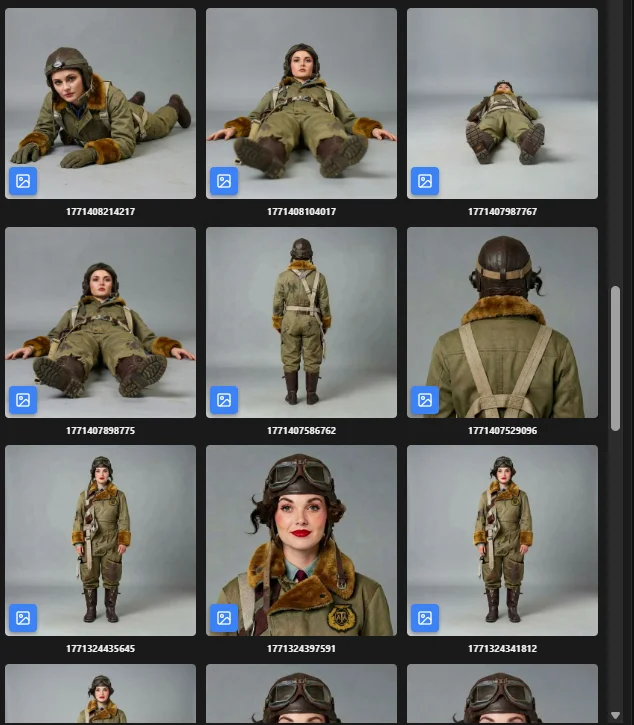
Continuity at scale
Character consistency from outline to final frame
AI production breaks when every shot reinvents the cast. Ciaro Pro keeps visual identity, wardrobe sets, and pose libraries attached to characters so boards, prompts, and generations reference the same person.
That is especially important for episodic work, branded series, and pilots where investors judge whether the world feels repeatable.
Reference sheets
Lock hair, costume, and silhouette choices teams can reuse in prompts and boards.
Variant control
Track outfit and age changes without spawning a visually different character.
Cast-wide overview
See which characters appear in which scenes before generation volume scales.
Everything studios need to build consistent AI characters
Visual identity builder
Design a character from scratch or start from reference. Shape hair, skin, costume, expression, and style into a look your team can reuse.
Pose library
Try poses for action, dialogue, close coverage, and animation blocking so the character works in the context of the shot, not just in isolation.
Outfit variations
Build wardrobe sets for different scenes, moods, or story periods without losing the core identity of the character.
Consistent generation
Once the character is defined, keep that look more stable across frames, shots, boards, and sequences instead of starting over every time.
Create characters
Create characters once, then carry them through the production pipeline
Ciaro Pro is built to help studios create characters that hold up once they leave the concept stage. Instead of treating every image like a fresh prompt, you build a reusable character system with visual identity, pose options, and outfit variations that stay useful as the project grows.
That is what makes the character work production-ready: the same person can move from exploration into shots, boards, animation, and sequence work without constantly being rebuilt from scratch.
Character systems only pay off when they survive every scene and shot. Learn how to keep characters consistent in an AI movie with Ciaro Pro.
Reusable character foundation
Lock in the details that make a character recognisable before scene work starts to compound.
Consistency under pressure
Keep the cast coherent across boards, shots, and iterations when production demands more volume.
AI Assistant
Help defining characters before shots multiply
Use the assistant to pressure-test character motivation, visual direction, and how a cast member should read on screen — while definitions live in the same project as the script.
Explore the AI AssistantQuestions about character design
- Does this replace a dedicated design tool?
- Ciaro Pro focuses on production-ready character systems for film and animation pipelines — identity, poses, outfits, and consistency across shots.
- How do characters link to storyboards?
- Assigned characters flow to shot cards, boards, and generation prompts so the same cast appears in planned frames.
- Can we maintain consistency in AI video?
- Defined references and project context reduce drift when moving from stills to generated motion.
Proof
Characters that held across Biome Brigade
The episode relied on repeatable character direction across scenes — see the case study for how cast consistency behaved through boards and final frames.
View case studyAI film continuity
Keep characters, wardrobe, locations, and assets consistent across multi-shot AI scenes.
Help Center
How to in Ciaro Pro
Step-by-step guides for the workflows on this page — from first click to finished output.
Next
Keep going from here
More on storyboards, generation, and finishing—chosen for the page you are on.