AI Filmmaking, from script to final cut
Ciaro Pro is the AI filmmaking platform where the script, storyboard, generated shots, and edit stay in one project. Write the scene, board it, generate it with leading video models, and cut it without exporting between tools.
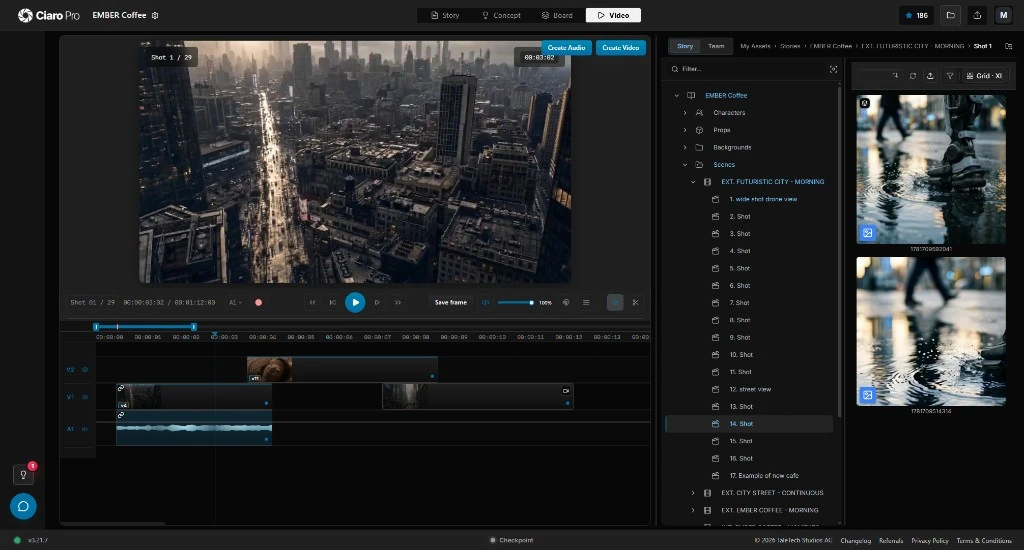
Definition
What is AI filmmaking?
AI filmmaking is the practice of using generative AI across film production, from script and storyboard to generated shots, voice, sound and the final edit, while a director keeps creative control of story and performance.
It is not the same as typing a prompt into a video generator. A clip tool returns one shot. A film needs dozens of shots that share characters, locations, light, and timing.
AI filmmaking adds the parts a clip tool leaves out: a script that drives the shot list, references that hold continuity, and an edit where each take is judged against the scene.
For a longer explainer, read what AI filmmaking is and how teams use it
Workflow
How AI filmmaking works
Most AI films move through the same six stages as a conventional production. The difference is where the material comes from and how fast you can revise it.
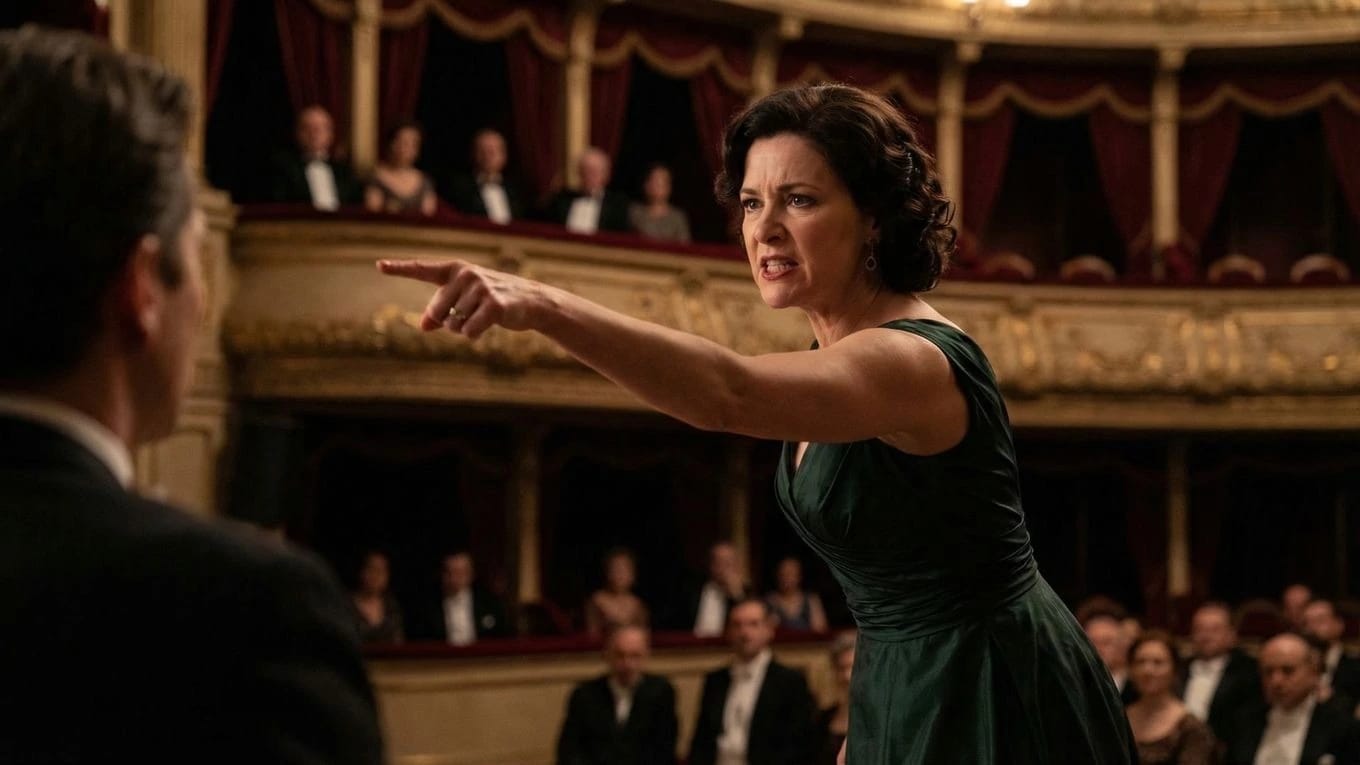
1. Script and story
Write or import the screenplay, lock the premise, and break scenes into beats. Story problems cost the least to fix here.
- Typical tools
- Screenwriting software such as Final Draft, plus chat assistants such as ChatGPT or Claude for outlines and rewrites.
- In Ciaro Pro
- Import a Final Draft or PDF script, or write in the built-in screenplay editor with an AI story assistant. The script becomes the spine of the project.
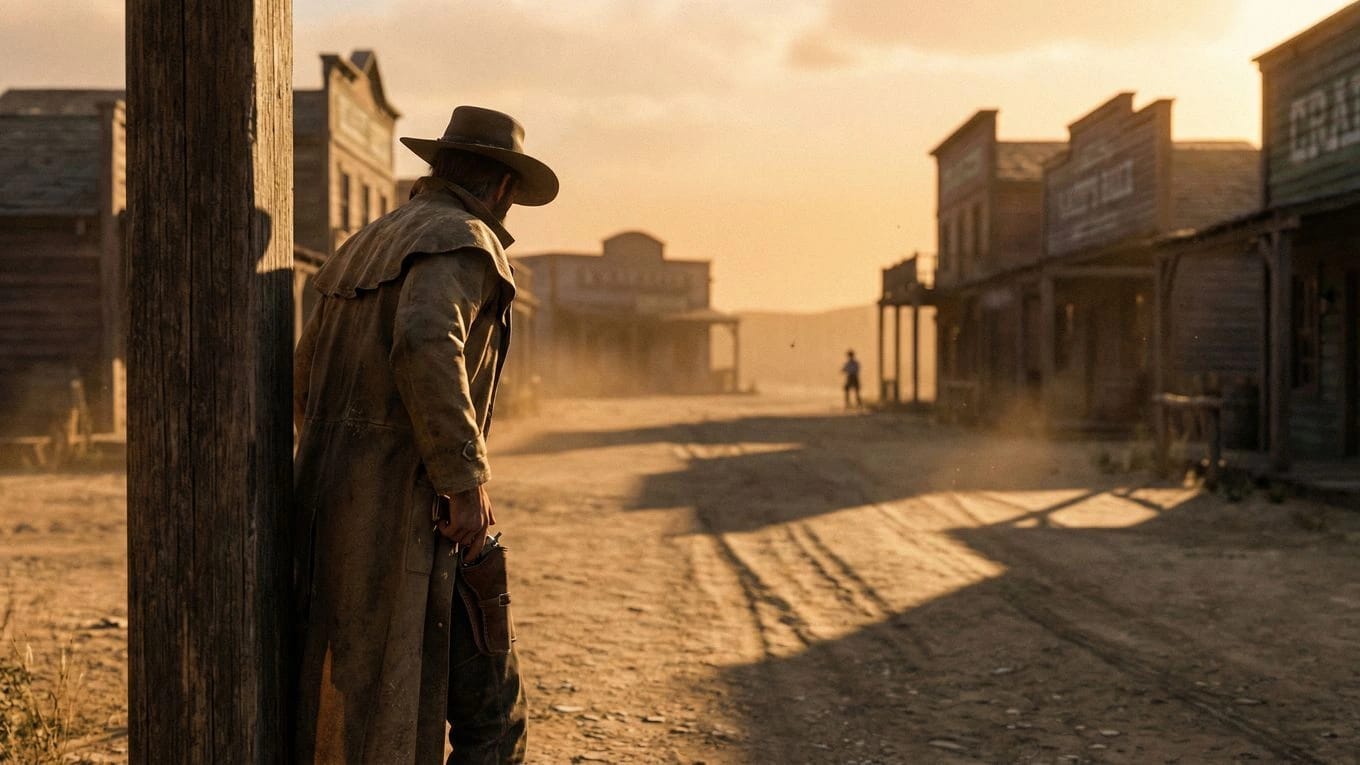
2. Visual development and characters
Define the look: characters, wardrobe, locations, props, and palette. These references are what keep shot 40 consistent with shot 1.
- Typical tools
- Image generators such as Midjourney or Flux, with reference images collected in folders or mood boards.
- In Ciaro Pro
- Plan characters, props, and backgrounds from the script, then build reusable character looks, outfits, and poses with Flux 2, Nano Banana, Nano Banana 2, QWEN, Seedream 4.5, and Gen 4.
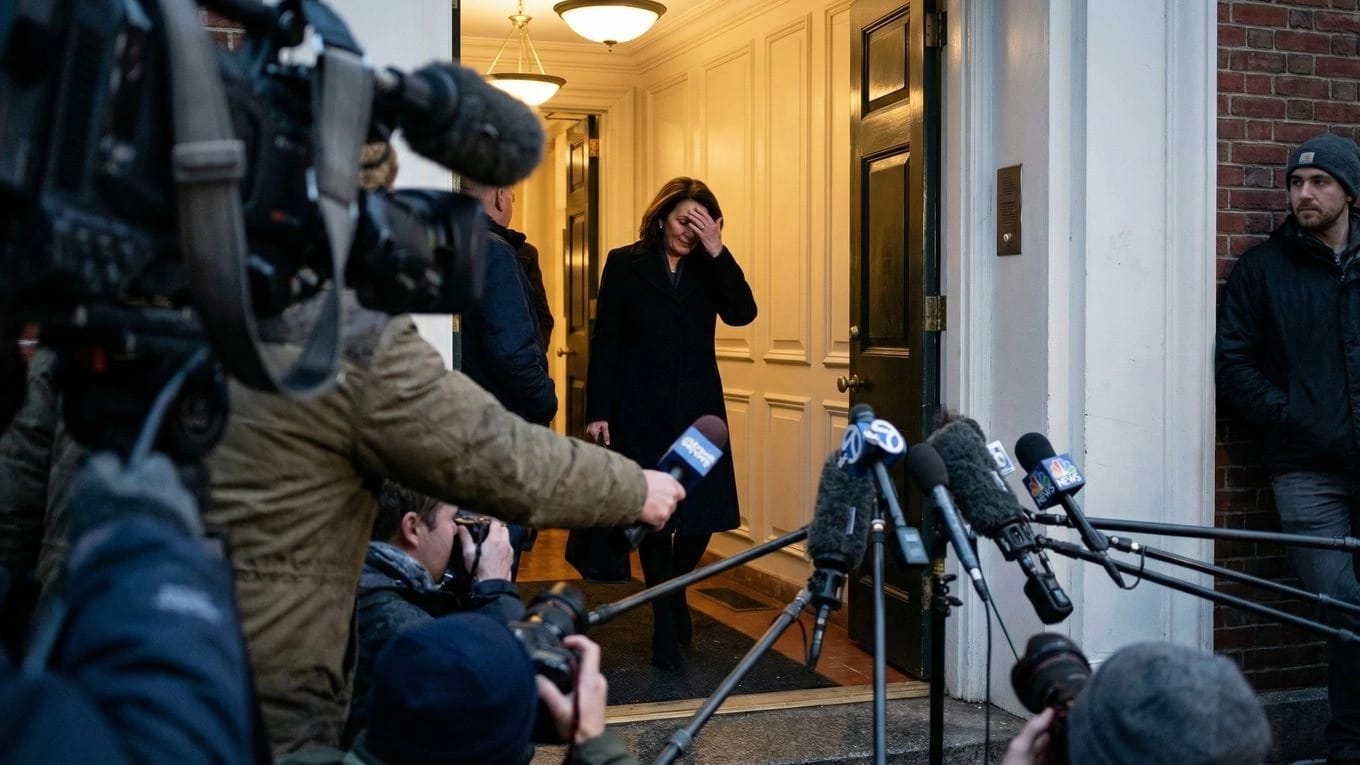
3. Storyboard and shot planning
Turn each scene into a shot list and frames: framing, lens, movement, and coverage. Approve the board before you spend credits on motion.
- Typical tools
- Storyboard apps, spreadsheets for shot lists, or image generators used one frame at a time.
- In Ciaro Pro
- Generate shot-by-shot boards from the script, check continuity across the sequence, and approve frames for video.
4. Shot generation with video models
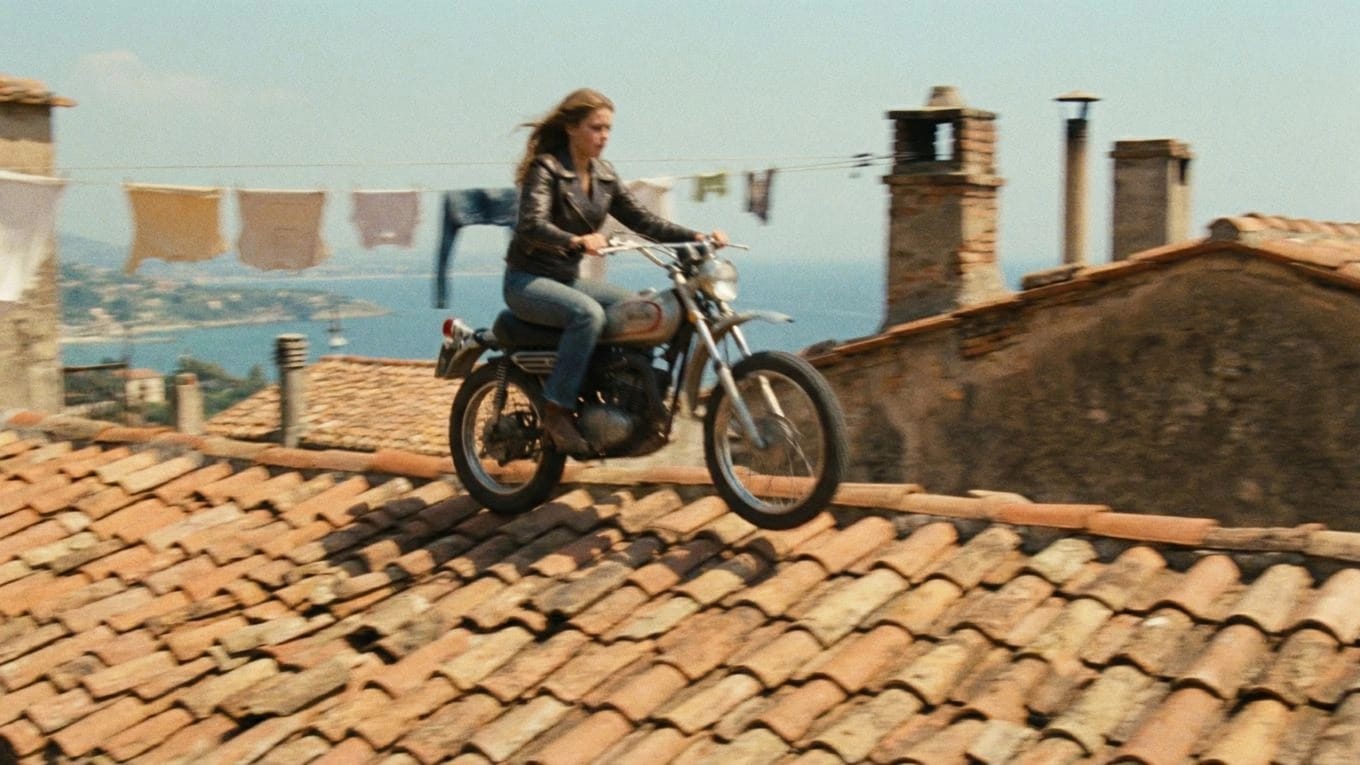
Animate approved frames into shots. Expect several takes per shot; the usable-take rate drives both schedule and budget.
- Typical tools
- Video models such as Runway, Kling, Veo, Luma, Sora, and Seedance, each in its own app and credit system.
- In Ciaro Pro
- Send a board frame to video with script context and shot notes attached. Available models include Ray 3.2, Veo 3.1, Sora 2, Gen 4.5, Kling 3, Seedance 2.5, and HappyHorse 1.1.
5. Voice, sound, and lip sync
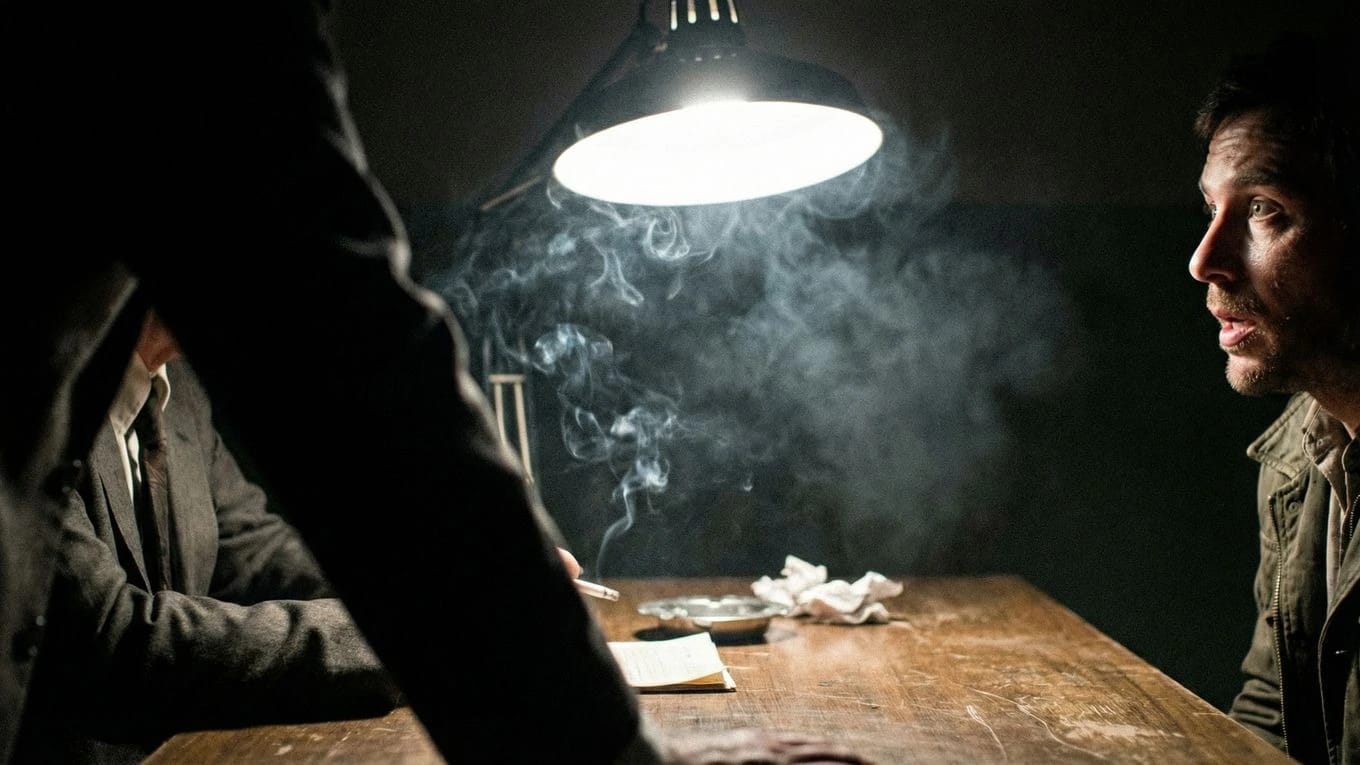
Add dialogue, narration, music, and effects, then match mouths to the performance. Sound carries more of the film than most first-timers expect.
- Typical tools
- Voice generators such as ElevenLabs, music generators, and separate lip-sync tools.
- In Ciaro Pro
- Design character voices or import your own takes, then generate frame-accurate speaking shots on the same timeline as the picture.
6. Edit, finish, and export
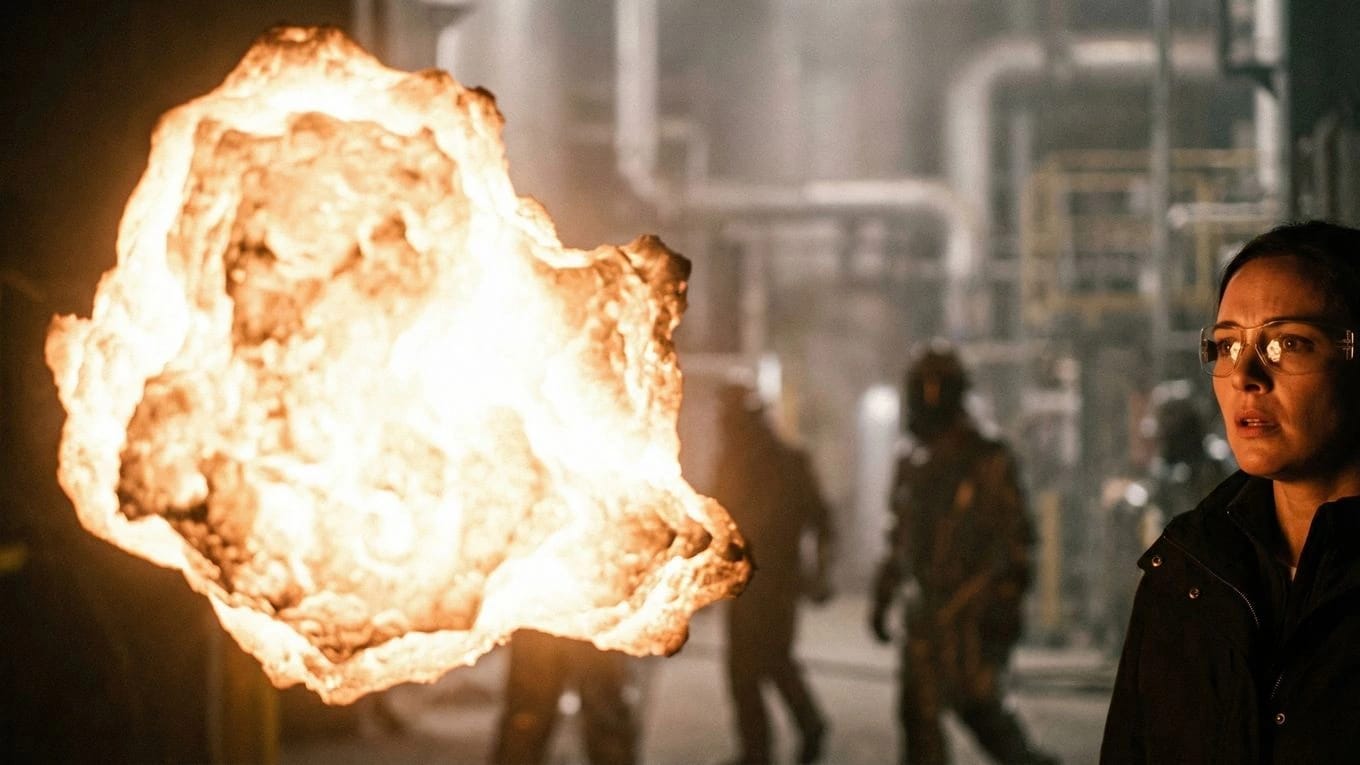
Assemble the cut, fix pacing, replace weak shots, then grade and deliver. This is where a set of clips becomes a film.
- Typical tools
- Non-linear editors such as Adobe Premiere Pro, DaVinci Resolve, or CapCut.
- In Ciaro Pro
- Cut in the built-in non-linear editor and export in 4K, HDR, or EXR. Or keep finishing in Premiere Pro or DaVinci Resolve Studio with the Ciaro Pro plugins.
Tools
AI filmmaking tools by stage
You can build an AI film from standalone tools. Many people do. This is what each stage usually involves and what the handoffs cost you.
| Stage | Common standalone tools | What you give up stitching them together | In Ciaro Pro |
|---|---|---|---|
| Script | Final Draft, ChatGPT, Claude | The script stays a document. Nothing downstream knows which scene a shot belongs to. | Script import and editor; scenes drive shots |
| Look and characters | Midjourney, Flux | References live in folders and get re-uploaded to every tool. | Reusable characters, props, and locations with Flux 2, Nano Banana, Nano Banana 2, QWEN, Seedream 4.5, and Gen 4 |
| Storyboard | Storyboard apps, shot-list spreadsheets | Boards and shot notes are copied by hand into prompts. | Script-linked boards with continuity review |
| Video | Runway, Kling, Veo, Luma, Sora | Separate accounts and credits per model; takes download as loose files. | Ray 3.2, Veo 3.1, Sora 2, Gen 4.5, Kling 3, Seedance 2.5, and HappyHorse 1.1 from the board or timeline |
| Voice and lip sync | ElevenLabs, separate lip-sync tools | Audio and picture meet only in the editor, late in the process. | Voices, your own takes, and lip sync on the timeline |
| Edit and delivery | Premiere Pro, DaVinci Resolve, CapCut | Every replacement shot means another export, download, and re-import. | Built-in editor, 4K/HDR/EXR export, Premiere Pro and Resolve plugins |
Third-party tools are named as common examples, not endorsements. Model availability in Ciaro Pro changes as new models launch.
See every AI model in Ciaro ProCost
What does AI filmmaking cost?
Runtime is a weak predictor. Shot count, takes per usable shot, continuity, sound, and revisions decide the budget. These are planning ranges in USD for tools and generation, excluding paid labor.
- Simple AI short, 30–90 seconds
- $50–$500
- Ambitious indie short, 1–3 minutes
- $300–$3,000
- Professionally managed production
- From the low thousands
You write, direct, and edit it yourself.
More shots, dialogue, specialist help, and revision rounds.
A team handles direction, design, sound, and delivery.
How Ciaro Pro pricing works
Writing, planning shots, arranging boards, and editing do not use credits. AI generation does, and the cost per output depends on the model and settings you choose.
Free includes 50 credits a month and one project, no credit card. Indie is $24/month with 500 credits, Pro is $49/month with 1,200 credits, and Studio is $79/month with 2,500 credits and 3 seats.
Made with Ciaro Pro
Finished AI films, not demo clips
Two productions built end to end in Ciaro Pro, from script and boards through generation, sound, and the final cut.
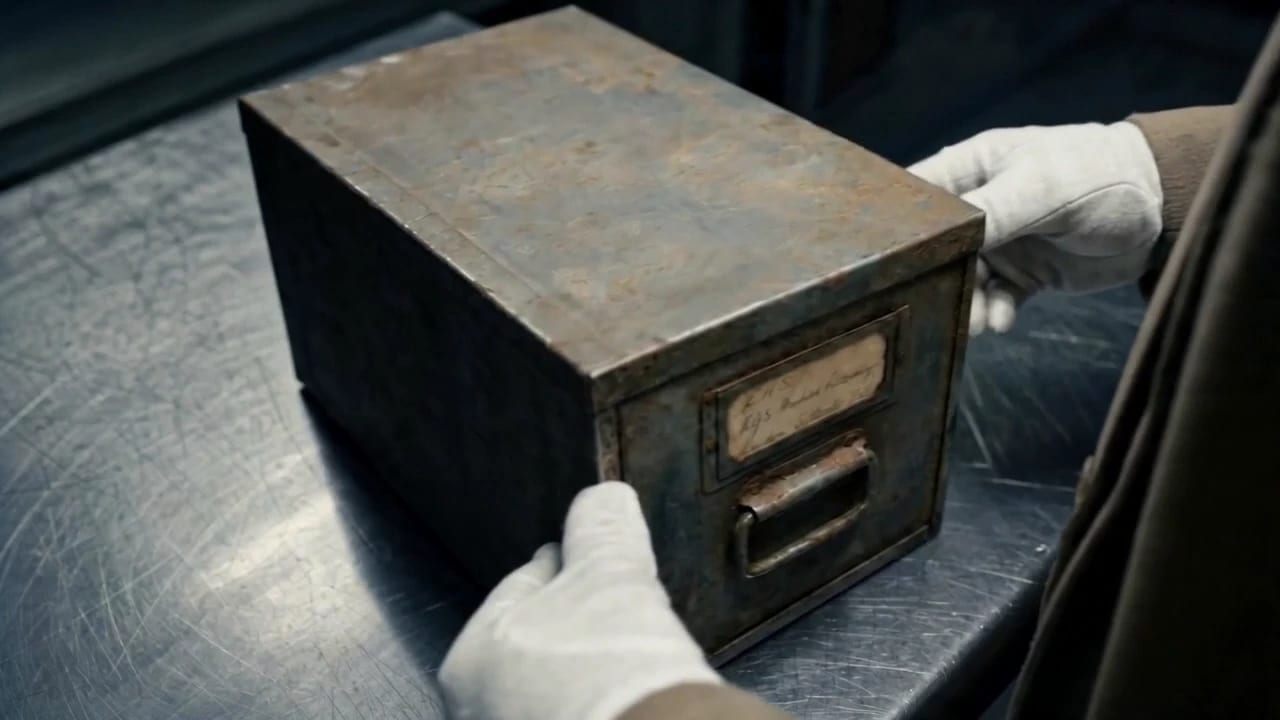
Garmin spec brand film · about 1 min 50 s
The Last Message from Shackleton
A documentary-style commercial built around a lost Shackleton recording. Script beats, shot intent, and sound design stayed linked, so revisions targeted story moments instead of rebuilding the film.
Read the case study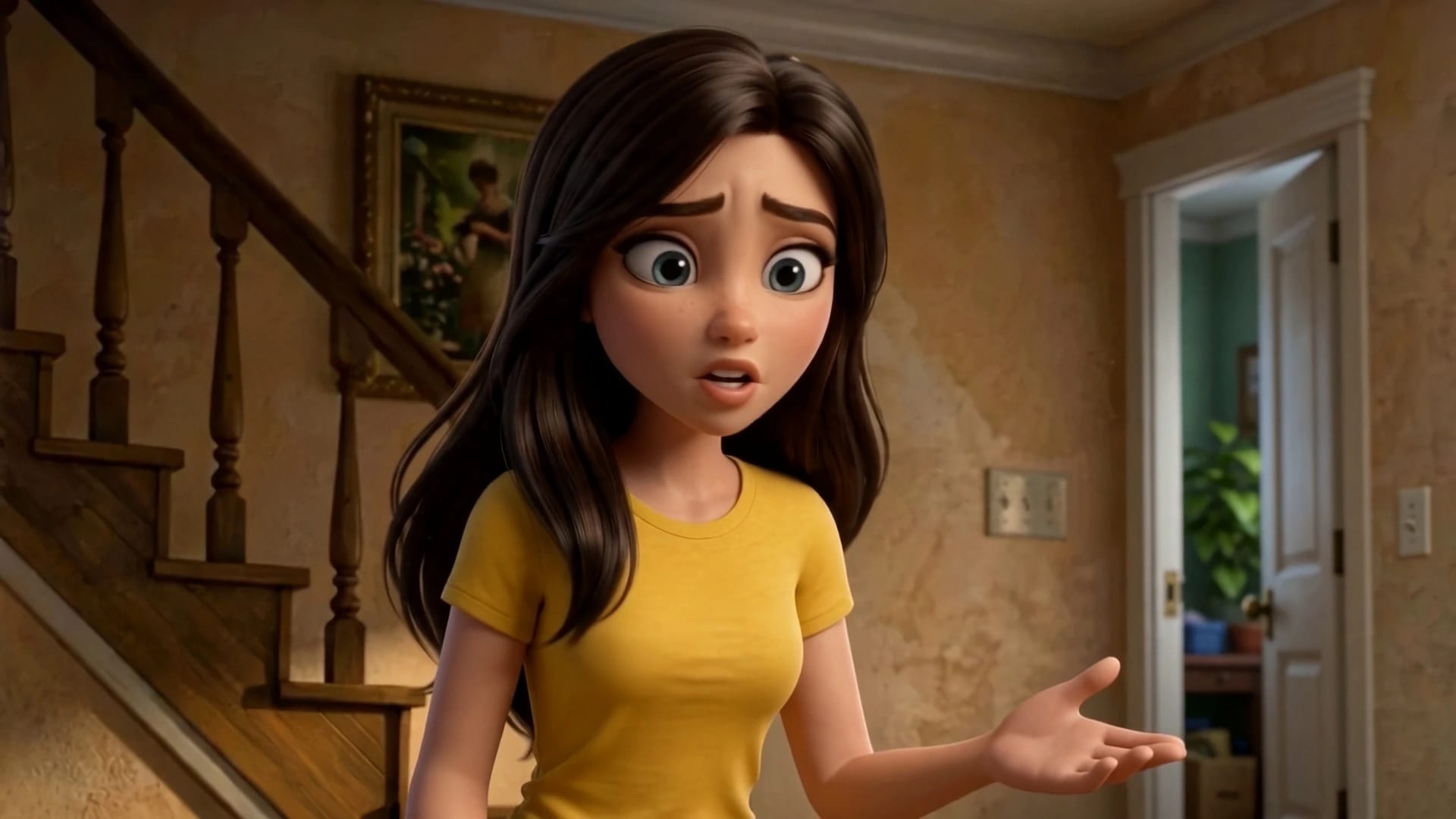
Animated episode · four minutes
Biome Brigade, Episode 1
An animated entertainment and education series for Biome Brigade, Inc. The same character sheets, locations, and shot intent carried from screenplay to edit across the whole episode.
Read the case studyPlatform vs generator
AI filmmaking platform vs AI video generator
Video generators such as Runway, Kling, Veo, and Luma are built to make shots, and they make good ones. An AI filmmaking platform is built to make the film those shots belong to.
| Capability | AI video generator | AI filmmaking platform |
|---|---|---|
| Unit of work | One prompt, one clip | Script, scenes, and shots in one project |
| Story context | Lives in your prompt | Each shot is linked to its scene and notes |
| Characters and continuity | Re-uploaded references per clip | Reusable characters, props, and locations |
| Model choice | The vendor's own models | Several image and video models side by side |
| Editing | Export to a separate editor | Timeline included, plus Premiere Pro and Resolve plugins |
| Best for | Single shots, tests, social clips | Short films, episodes, brand films, pitches |
Several of these generators' models run inside Ciaro Pro, so the choice is rarely either-or.
FAQ
AI filmmaking questions, answered
Direct answers to the questions people ask most before they make their first AI film.
The best AI tool for filmmaking depends on whether you need one shot or a whole film. For single shots, a strong video model such as Veo, Kling, or Runway is enough. For a film, you need script, storyboard, generation, sound, and edit connected, which is what an AI filmmaking platform such as Ciaro Pro provides.
Best AI filmmaking software comparedYou make an AI movie by starting with story, not generation. Write a compact script, break it into shots, build consistent character and location references, storyboard the sequence, then animate approved frames with video models. Finish with voice, sound, lip sync, and an edit where you replace weak takes until the film holds together.
Step-by-step AI short film guideYes, in most countries making a movie with AI is legal, but commercial permission is not the same as copyright ownership. Check each model's terms, clear every input you upload, and avoid recognizable people, voices, brands, or protected material without rights. Copyright protection generally depends on meaningful human authorship in the finished work.
Copyright and commercial use in AI filmmakingAI filmmaking can be profitable when the work is paid for up front: brand films, commercials, pitch films, previs, and client episodes. Lower production costs widen the margin on those jobs. Earning from distribution alone is harder, because an AI short competes for attention like any other film.
See commissioned work made with Ciaro ProChatGPT alone cannot generate a finished movie. It can write a script, outlines, shot lists, and prompts. OpenAI's Sora model generates video clips, but a movie also needs consistent characters across many shots, sound, and an edit. Ciaro Pro offers Sora 2 alongside other video models inside one production workflow.
AI video models in Ciaro ProThe best AI platform for video production keeps planning, generation, and editing in one place. Look for script import, storyboards, a choice of current video models, character continuity, a real timeline, and export to your editor. Ciaro Pro covers each of those stages for film, animation, and brand work.
AI video production softwareAI in films means using machine learning to create or change material during production. Typical uses are script development, concept art, storyboards, generated shots, de-aging, voice, dubbing, and lip sync. In AI filmmaking, these tools produce most of the picture and sound, while people keep the story and creative decisions.
AI film production for directors and studiosA simple 30 to 90 second AI short typically costs $50 to $500 in tools when you do the creative work yourself. Longer or more complex films cost more because of shot count, retakes, sound, and revisions. In Ciaro Pro, writing, boards, and editing are free of credits; only generation uses them.
AI short film cost guideAnswer guides
Go deeper on AI filmmaking
Short, sourced answers on the decisions behind an AI film, from the first script page to rights and budget.
AI film continuity
Keep characters, wardrobe, locations, and assets consistent across multi-shot AI scenes.
Make your first AI film in one project
Write the script, board the scenes, generate the shots, and cut the film without moving files between tools. Start on the free plan.