Nov 20265 min read
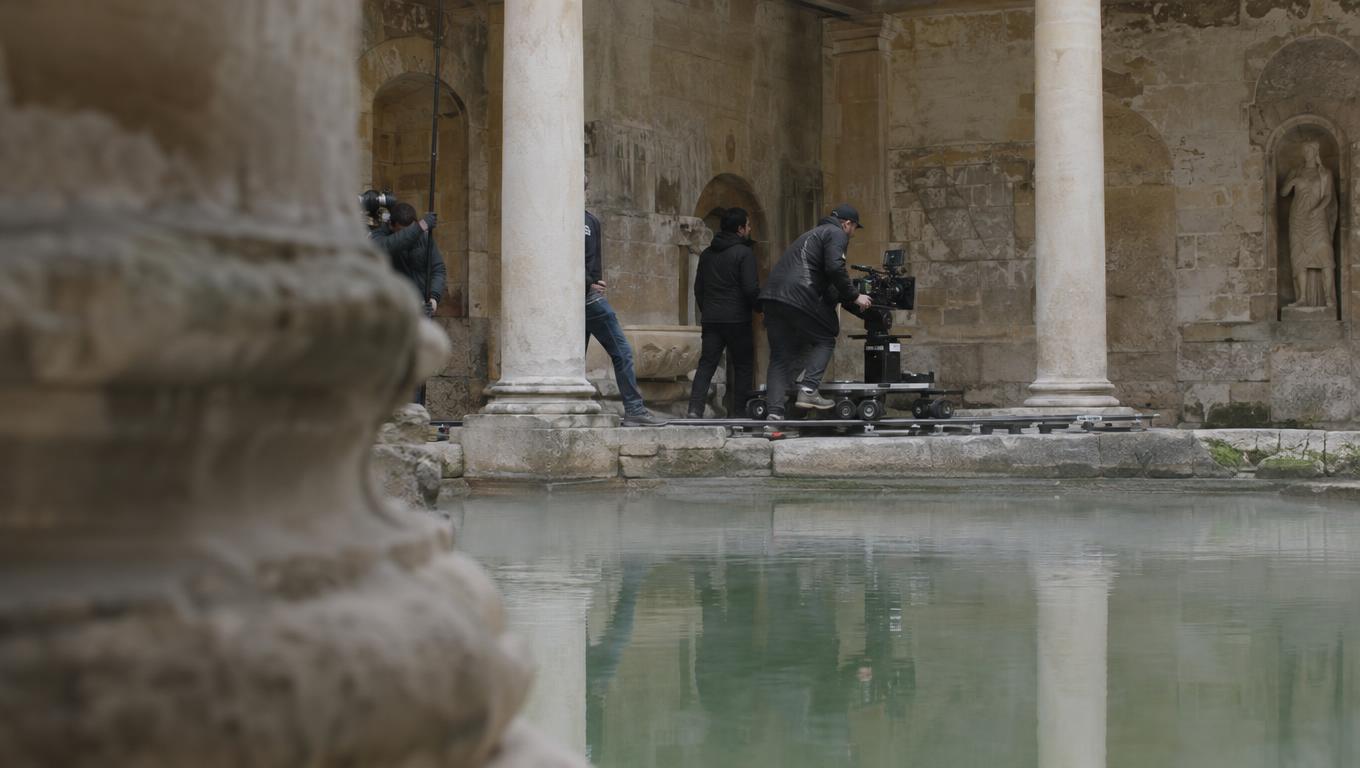
Can an AI Image Editor Extend a Film Location Across a Moving Shot?
A convincing expanded frame is a useful start. Here is how to compare AI outpainting and a painted matte against the demands of a moving camera.
Tutorials, workflow breakdowns, and model deep-dives for screenwriters, storyboard artists, and independent filmmakers.
A convincing expanded frame is a useful start. Here is how to compare AI outpainting and a painted matte against the demands of a moving camera.
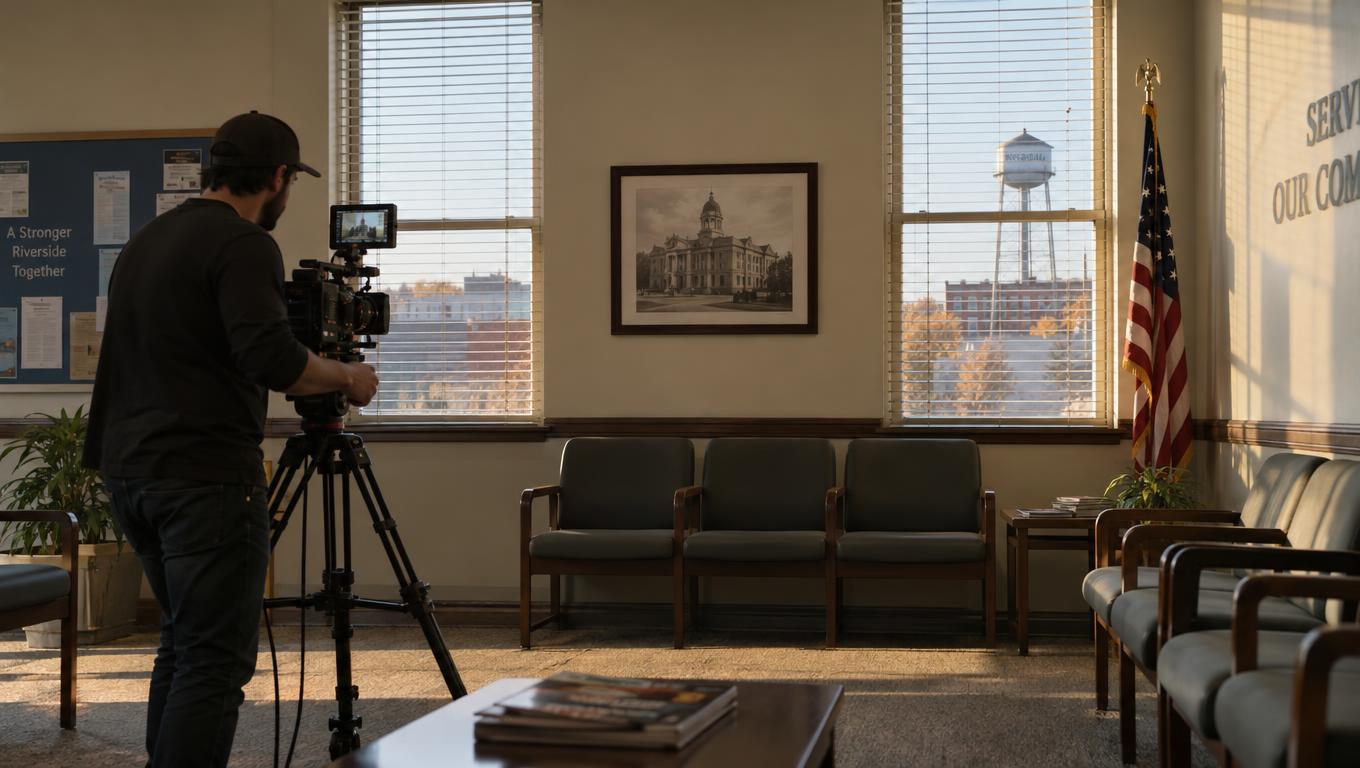
A practical comparison for filmmakers: test a closer room view and a character coat change, score what stays consistent, and measure the work needed to correct each result.
A client question is not approval to regenerate a shot. Track the source, version, authority, and next gate before passing review notes to an artist.
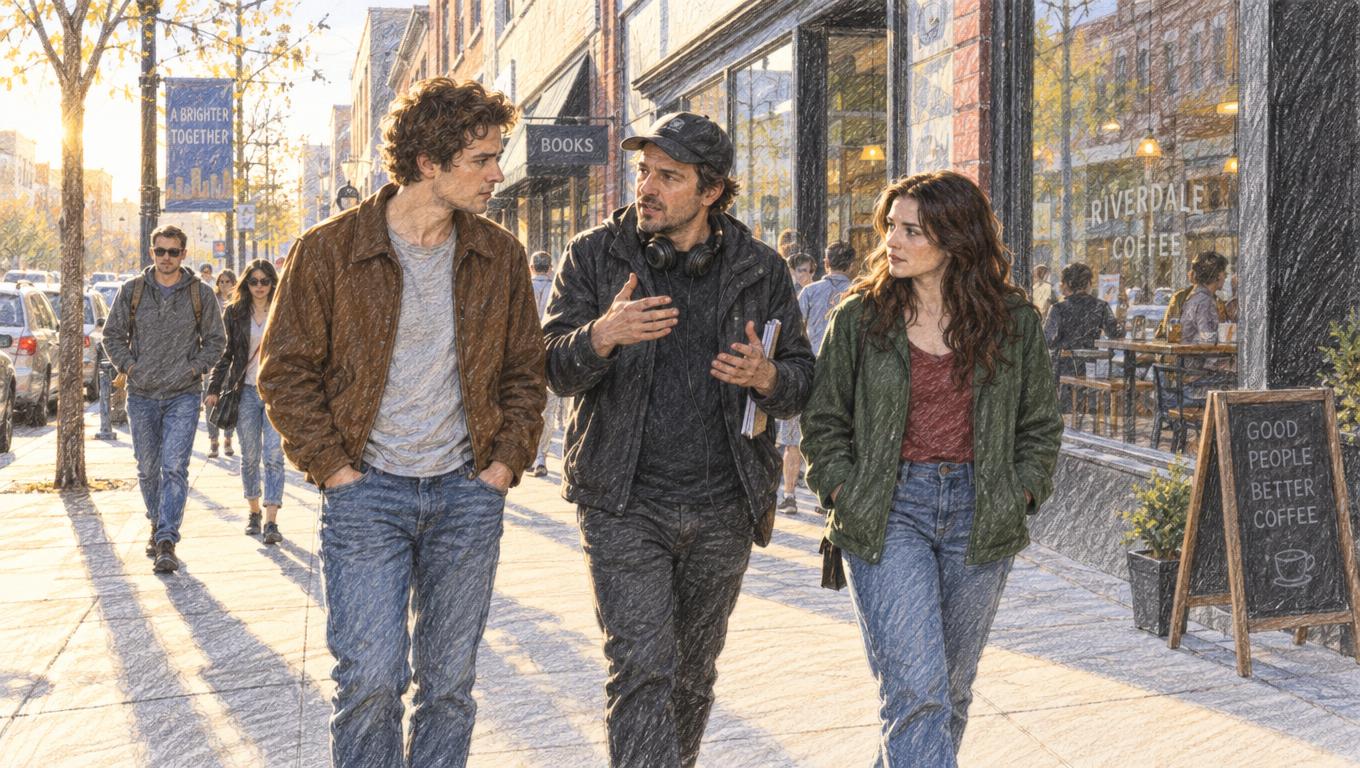
A strong alternative scene can create weak production choices. Use one confrontation to compare dramatic gains, new demands and the handoffs needed before boarding.

A small change to when a prop changes hands can invalidate approved footage. Trace the visible conflict, test the cut, and separate story approval from replacement work.

A strong clip is not enough. Test three connected shots, an edit, and a realistic review change before choosing a video workflow.
A practical animatic review workflow for finding missing reactions, testing timing, and carrying shot decisions into generation.
A wide-cut approval does not settle the vertical cut, alternate end card, or final mix. Use a deliverable matrix and a representative review test to keep each decision tied to the right file.
A playable AI-generated file is not necessarily ready for review. Use a shot-level gate to decide what to accept, conform, regenerate, or hold.

A fast edit needs more than plausible regenerated clips. Learn how to separate timeline decisions from shot identity, approvals, continuity references, and controlled replacements.
An NLE holds the cut, but AI-generated shots need a shared record of intent, lineage, continuity constraints, and approval status before they can be safely replaced.
A practical workflow for turning AI-generated clips into traceable, continuity-safe editorial replacements with stable shot IDs, approvals, and clear handoffs.
AI-generated clips become usable editorial shots only when their story purpose, references, approval status, and replacement lineage remain connected to the timeline.

A practical guide to character consistency in AI video, covering script breakdowns, character bibles, visual references, prop continuity, location consistency, and batch review workflows.
AI image editors work best as a pre-production tool for storyboard planning, continuity, approvals, and asset management—not as a novelty image generator.
AI-generated shots can be regenerated after editorial begins. This guide explains how to preserve the context editors need to replace them without changing the scene by accident.

A practical DaVinci Resolve workflow for AI-generated films—from technical ingest and media organization to shot versions, replacements, continuity, color, sound and delivery.

AI-generated footage creates a versioning and continuity problem that a timeline alone cannot solve. Learn how shot IDs, metadata, approvals, and replacement-ready cuts keep AI film edits stable.

A practical workflow for planning accurate AI tutorial videos before generation—covering learning objectives, visual evidence, references, storyboards, approvals and editorial handoff.
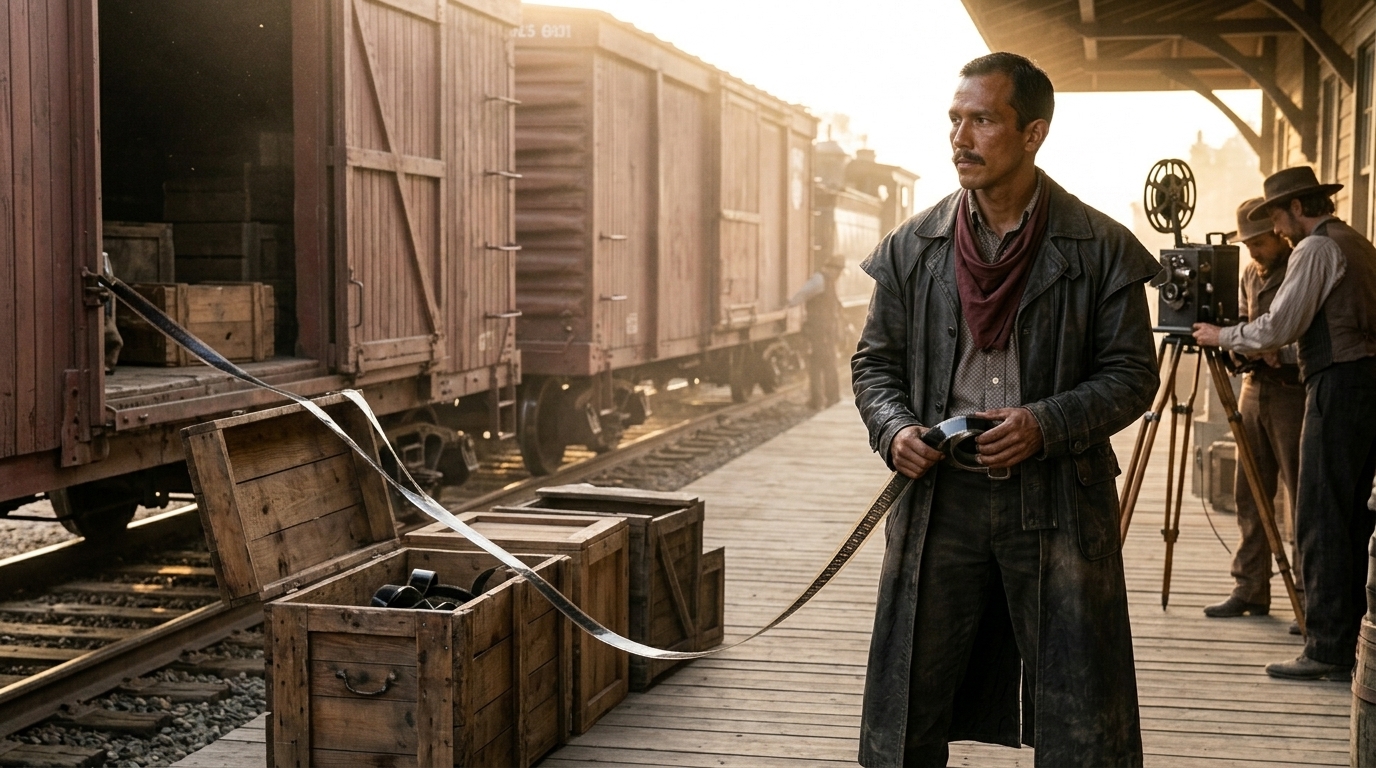
A practical editorial handoff specification for AI-generated shots, covering Shot IDs, statuses, manifests, usable frames, continuity, approvals, proxies and replacements.
AI will expand access to animated content while shrinking production teams, pushing traditional studios to compete on creative judgment, control, governance and distinctive craft.
Compare AI-native, traditional and hybrid video production using total workflow cost, revision risk and cost per approved deliverable.

A practical guide to locking characters, locations, props, camera language, and lighting so generated shots remain coherent across an entire film scene.

A strong script breakdown for AI storyboarding turns vague script pages into boardable beats, protects continuity, and reduces revision loops before generation starts.
A practical framework for benchmarking Seedance 2.5 and other AI video models by accepted footage, failure yield, labor and revision risk.
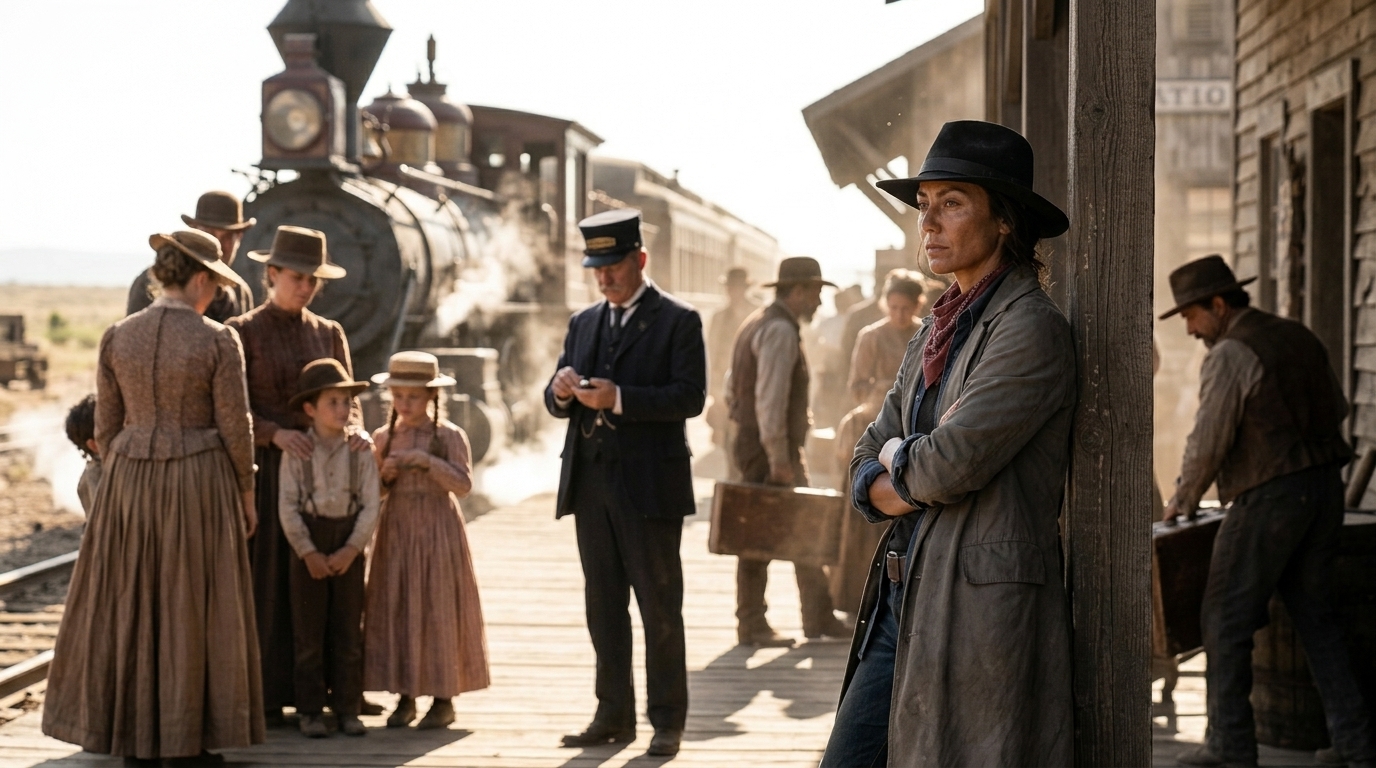
Turn a screenplay scene into purposeful AI-film coverage with a reusable shot-list template, worked example and pre-generation review checklist.

AI-generated clips become editable shots only when they retain narrative purpose, continuity conditions, approval status, version history, and enough technical room for the cut.
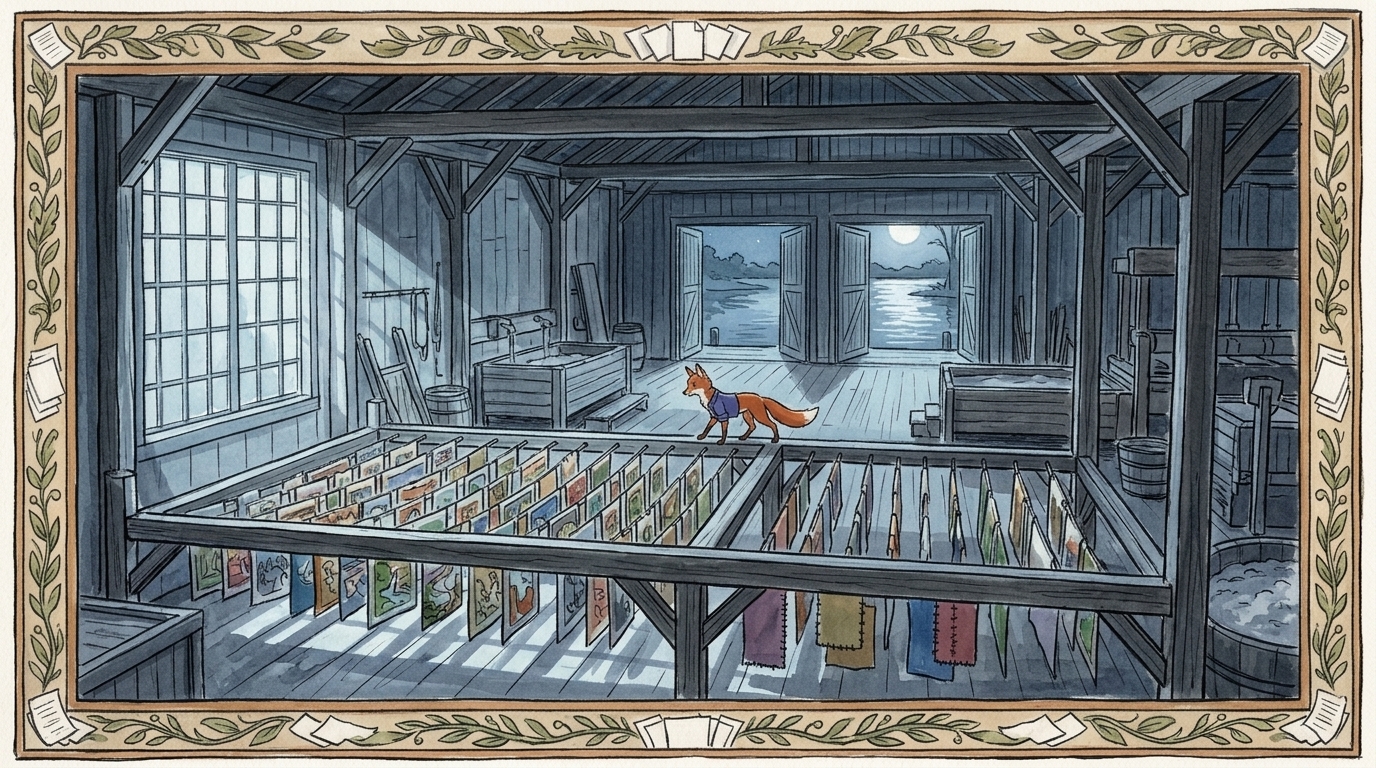
AI can generate strong frames fast, but coherent AI films depend on a disciplined visual development workflow. This guide shows how to lock characters, locations, props, shot rules, and approvals so continuity survives from script to final cut.
One great AI shot is easy to make; keeping 12 shots coherent is where production asset management matters. Learn how to organize characters, locations, props, approvals, and references so AI film sequences stay consistent.
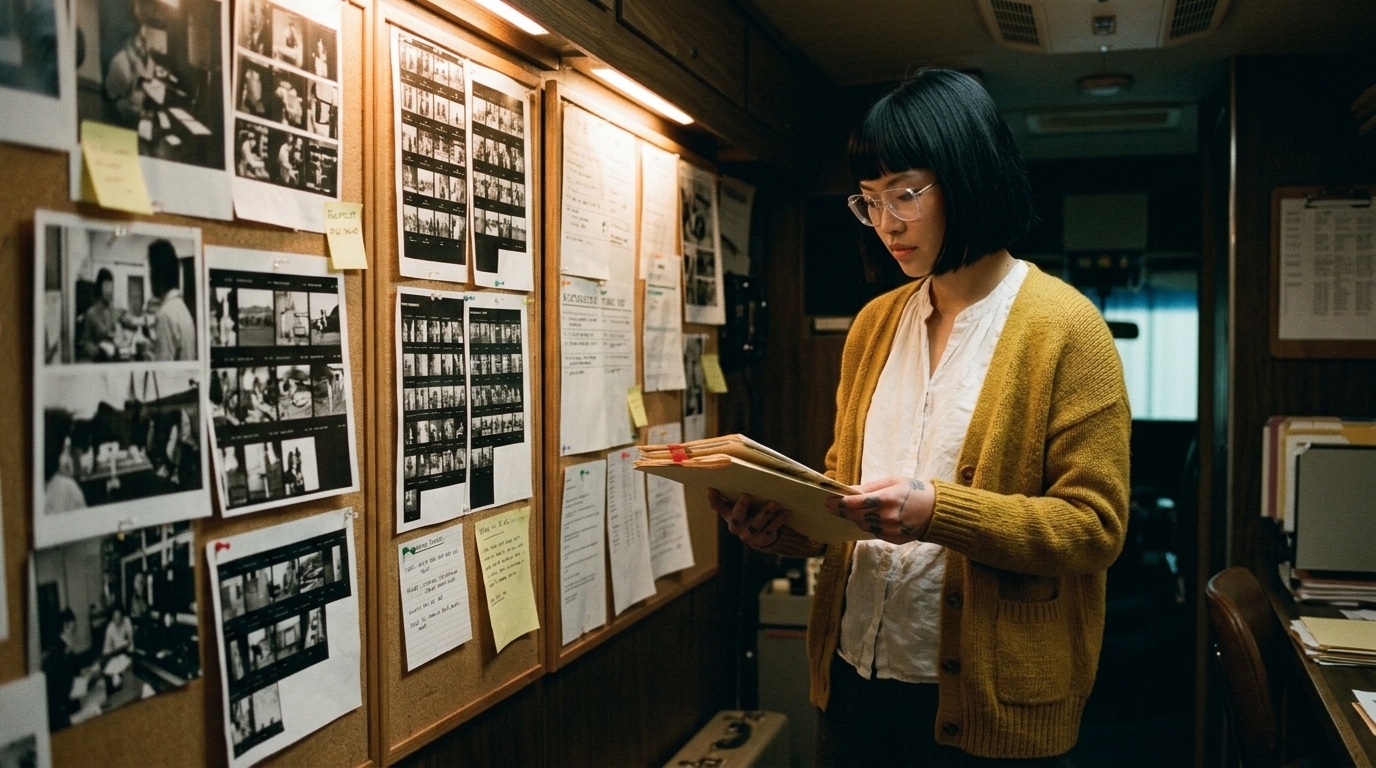
A practical guide to building a visual reference library for AI film production—so characters, locations, props, and style stay consistent across scenes, shots, and revisions.

AI video continuity often fails not at the character level, but at the location level. Learn how to use asset libraries, visual reference boards, master shots, and storyboards to keep scenes coherent.
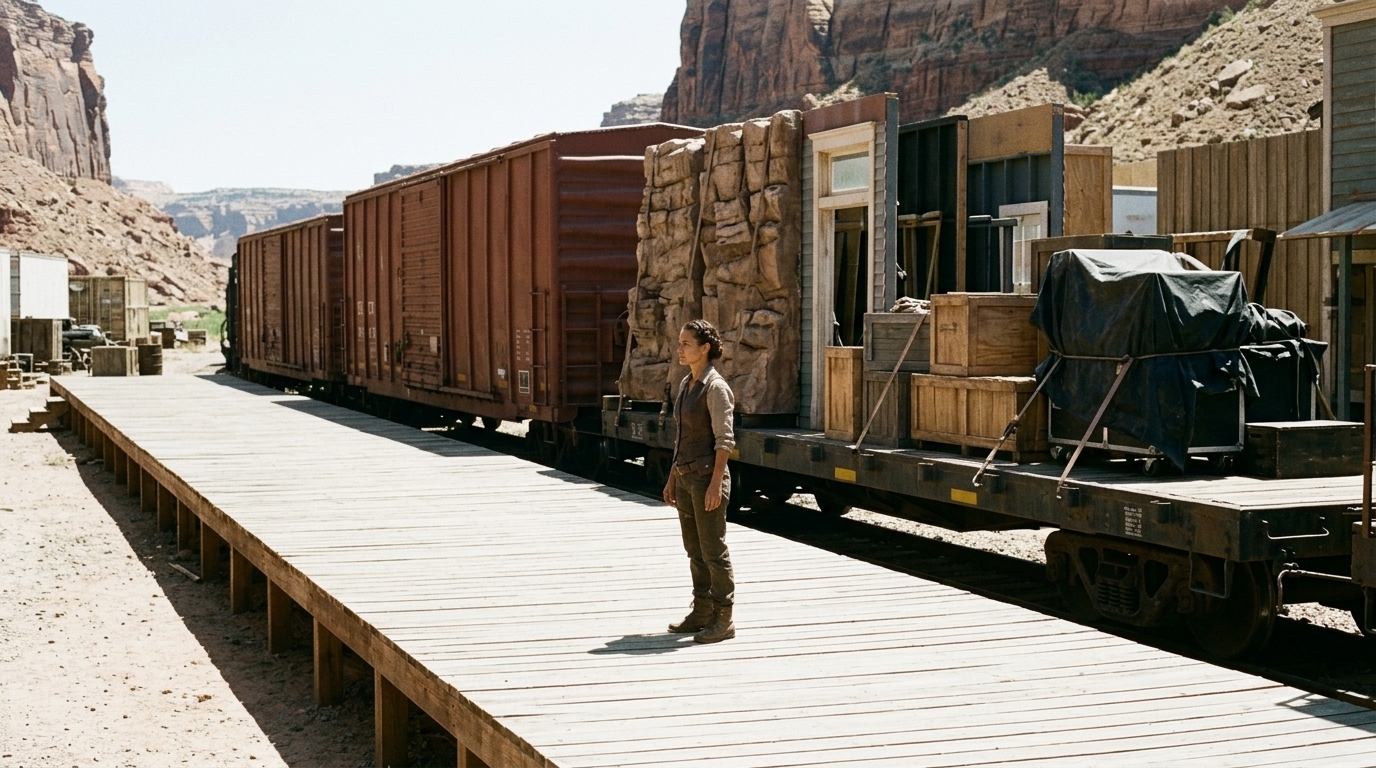
The biggest approval problem in AI film production is not the prompt — it is the workflow. Learn how to connect script intent, visual references, storyboard revisions, shot approvals, and edit review into one disciplined process.
Learn how to keep AI video scenes coherent across cuts with a practical continuity checklist for character, wardrobe, props, location, lighting, and visual style.
AI film work breaks down when continuity drifts across shots. This guide shows how to build a visual continuity system using scripts, character bibles, reference boards, storyboards, and short test clips.

A storyboard can look polished and still fail after client notes if the workflow is fragmented. Here’s how to build a production-ready storyboard package that survives revisions, protects continuity, and keeps approvals clear.
The biggest failure mode in an AI shot list workflow is starting from prompts instead of the script breakdown. Learn the control layer that keeps AI generation aligned with story and continuity.
AI filmmaking works best when it starts with a script breakdown and moves through shot list, storyboard, and animatic before final generation. This guide explains how a connected workflow reduces waste, protects continuity, and makes approvals faster.
AI does not remove pre-production; it exposes every gap in it. Build an AI-ready package with script breakdowns, shot lists, storyboards, continuity notes, and visual reference boards before generation.
A connected AI previsualization workflow helps agencies and directors preserve story logic, continuity, and approval clarity from pitch deck to proof of concept.
AI video credits disappear fastest when teams generate before the shot is ready. Learn how pre-production, shot planning, continuity rules, and revision control reduce waste and improve results.
A storyboard can show whether a scene is clear, but only an animatic can show whether it feels right. Learn when to use each, and how AI changes the pre-production workflow.

A character bible for AI film is more than backstory: it is a production control system that locks identity, organizes references, and protects continuity across scenes, angles, and revisions.
Learn how a script breakdown for AI video turns scenes into a clear shot list, protects continuity, and supports storyboard planning in a practical pre production workflow.

AI film budgets are shaped less by model price than by workflow, continuity, labour, and revision. This guide shows how to budget from idea to final sequence.
AI dialogue scenes fail less because of weak models and more because of broken workflows. This guide shows how to build believable performance with an audio-first, continuity-driven AI lip sync video pipeline.
Most AI storyboard tools can generate frames, but few can support a real previs workflow. Here’s what production-ready storyboard-to-video pipelines need in 2026.
Investors do not fund impressive AI—they fund lower perceived risk. Learn how to use a film pitch deck and proof of concept film to show real execution evidence.

Choose the right AI video model by shot type: motion, dialogue, product polish, cinematic realism, reference control, continuity, and local pipeline needs.

AI filmmaking does not fail because prompts are weak. It fails when generated clips cannot be organized into a coherent timeline with continuity, pacing, and story logic.

A five-part production test for turning an impressive AI-generated clip into a coherent, revisable and editable scene.
Get new tutorials, workflow guides, and model updates delivered to your inbox.
See how Ciaro Pro connects writing, concepting, storyboarding, and production across one platform.
Compare the image and video models discussed in our tutorials and deep-dives.
Match workflow guides and production capabilities to the plan that fits your projects best.