Test google ai studio against a sequence, not a showreel shot
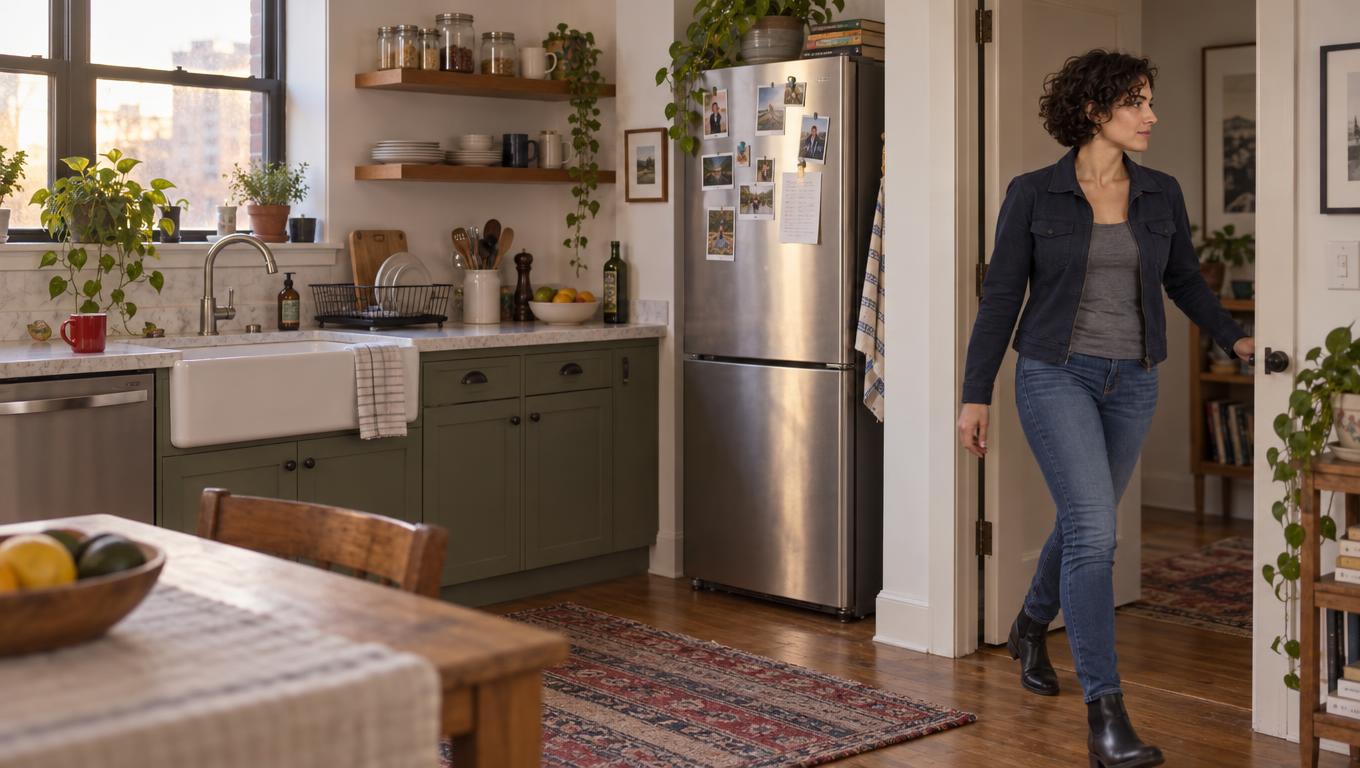
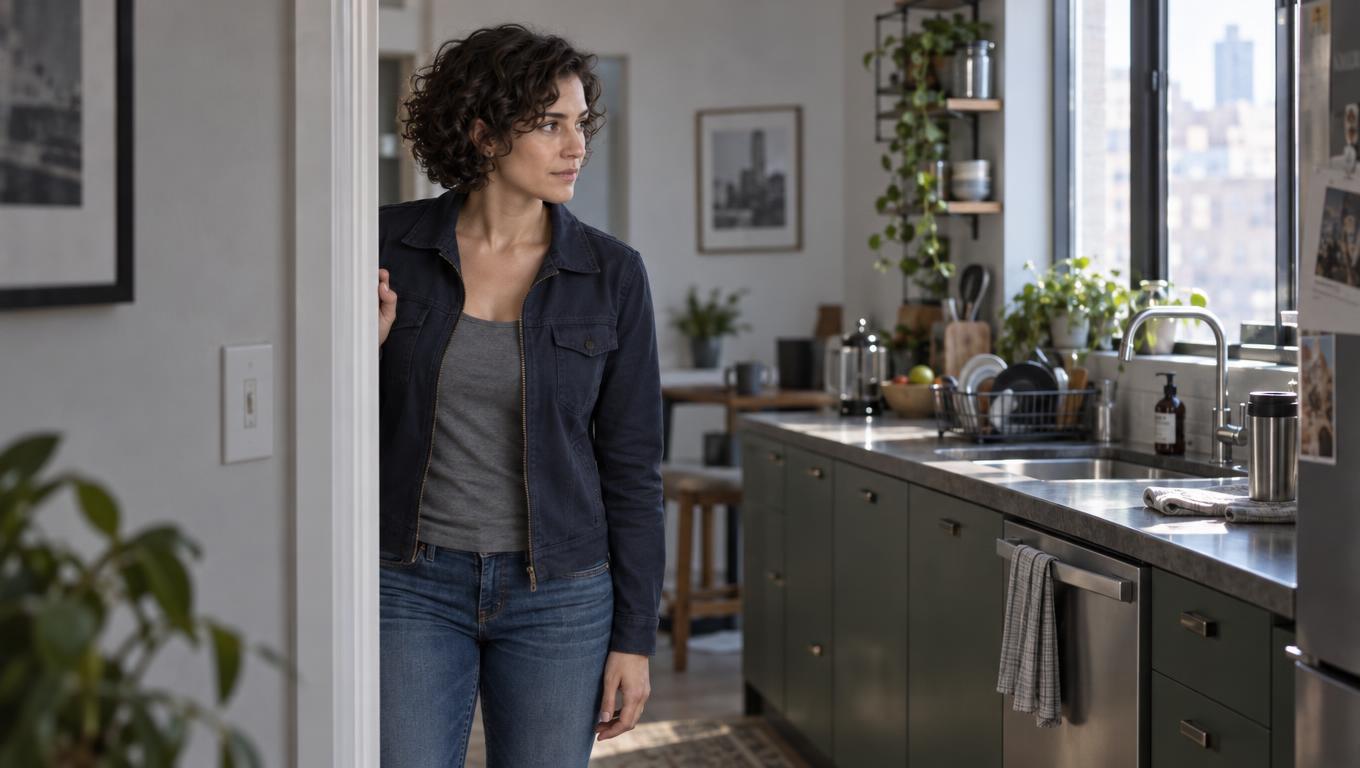
A generated clip of a character entering a kitchen looks ready for review. In the next angle, her face changes and the red mug moves to the wrong side of the sink. The first clip proved that the model could make an appealing image; it did not prove that the team could cut the scene.
The useful trial is a short sequence with an edit decision attached. Give candidate workflows the same shot requirements, cap the attempts, assemble the results, then make one ordinary review change. Judge the cost of getting usable coverage, not the quality of the best isolated take.
Establish what the available workflow can prove
Before assigning shots, identify the exact model and where the team will use it. In the live account, check access, accepted reference inputs, video output, available controls for subsequent attempts, applicable limits and pricing, and how results can be retained.
Check the current model documentation, video-generation documentation, pricing, and rate limits against what the account actually exposes. Do not infer a particular model’s capabilities from the AI Studio product name.
Google AI Studio (source) can be useful for trying available models and prompts. It is a development environment, not Google Search’s AI Mode or the production approval record. If an available model can inspect a board and flag a contradictory prompt, record that as prompt-review evidence. It is not evidence that a video model can generate matching clips.
Run the motion trial in an available video-generation workflow that supports the required task, even if the prompt review happened in AI Studio.
There are also two different comparisons worth keeping apart. A common-input trial gives candidates only references and controls that all can accept; use it to compare output under equivalent conditions. A best-supported-workflow trial lets each candidate use its available reference and revision controls; use it to judge what the team could actually produce. Label the trials separately.
An unavailable reference input is unsupported, not a failed generation, and its absence makes a common-input result narrower—not necessarily less useful.
Fix one brief and a test budget before generating
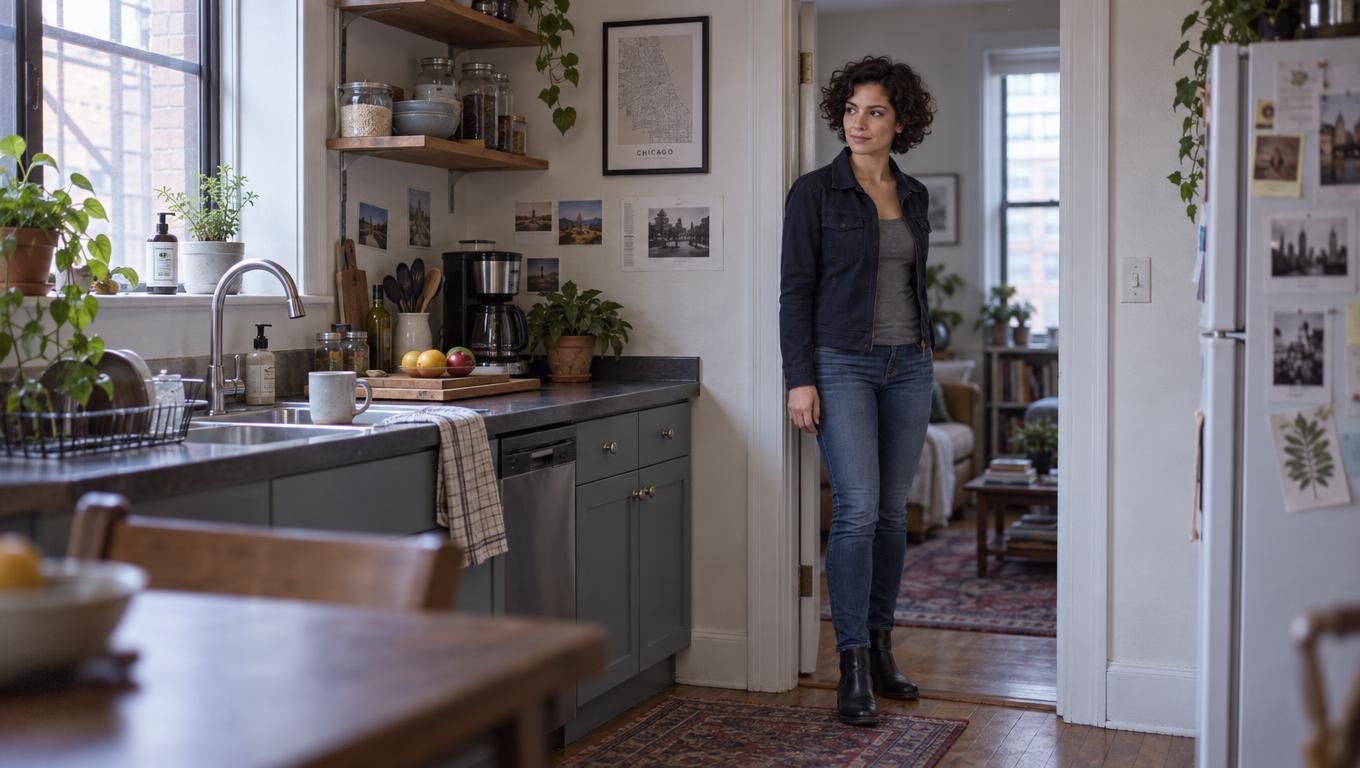
Use this hypothetical three-shot kitchen scene throughout the trial. Mara enters through a door on frame left carrying a red ceramic mug in her right hand. The sink is on frame right. She sets the mug to the right of the sink, then withdraws her hand. The approved package contains character views and references, her charcoal jacket, the mug reference, a simple room plan, and a lighting reference showing a window on the left. Keep the camera on one side of the action.
| Shot ID | Required coverage | What must survive the cut |
|---|---|---|
| K01 — wide | Mara enters and approaches the counter; the door and sink establish the room. | Her identity, jacket, mug, and direction of travel remain clear. |
| K02 — medium | Mara sets the mug to the right of the sink with her right hand. | Her hand, the mug’s appearance, and its position match K01 and the room plan. |
| K03 — insert | The same hand releases the mug and withdraws. | The mug stays to the right of the sink; the action can cut from K02 without reversing geography. |
Set the target duration and cut points from the boards before testing. For this trial, the editor requires enough stable footage around each intended cut to choose at least half a second on either side. A shot passes only if it delivers its action and those usable cut points. Identity drift, changed mug design, reversed room geography, or a mug that jumps position across K02–K03 is a continuity failure even if an individual frame looks good.
Give every candidate the same first-pass allowance—for example, three attempts per shot—and set a total spend or time ceiling that the production can afford. Record both ceilings before seeing results. Log every attempt, including partial successes: K01 may pass while K02 fails, but that is not a successful three-shot sequence.
Keep the prompt, references and generated assets, model and settings where available, output ID, elapsed generation and review time, and charge. If pricing or access differs, compare the actual cost and time required for an accepted sequence within the preset limits; do not give a more expensive candidate extra tries without marking it as a separate trial.
Review the cut, then change one approved detail
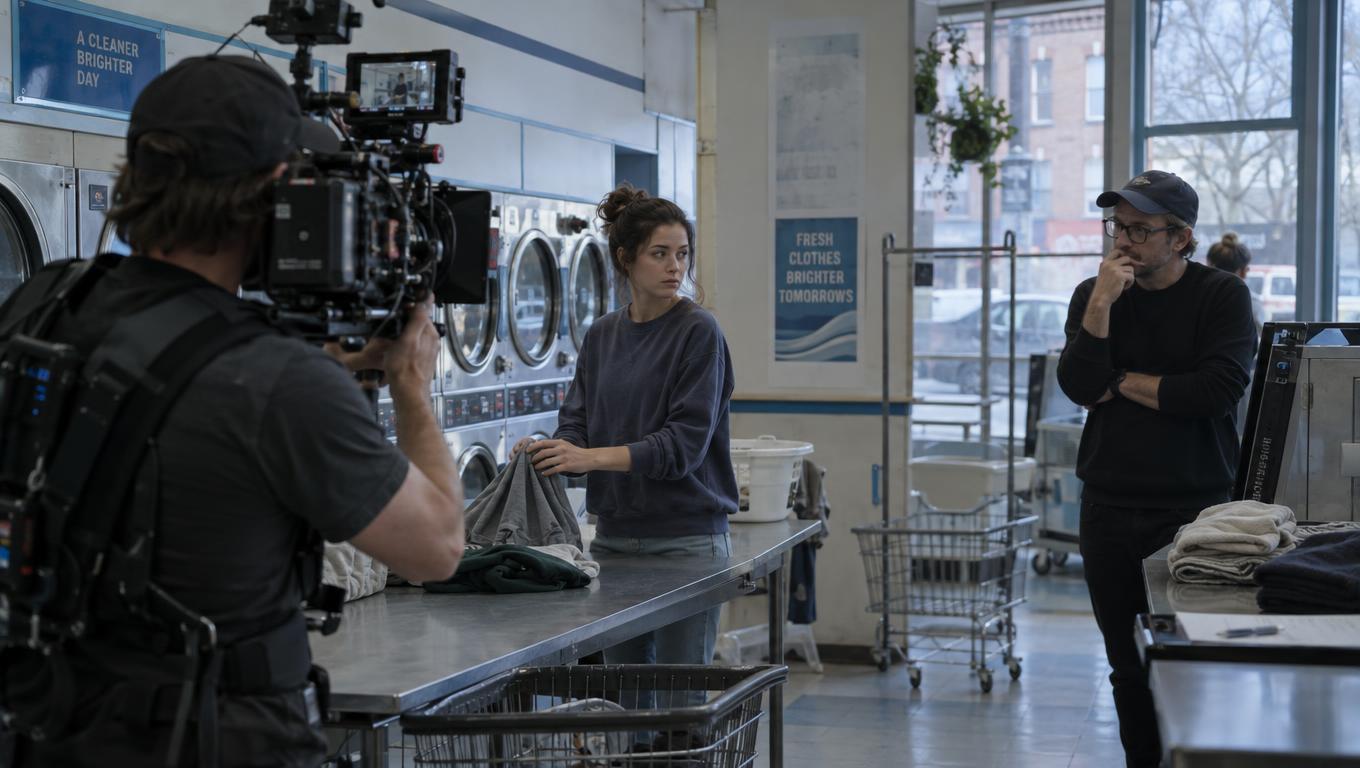
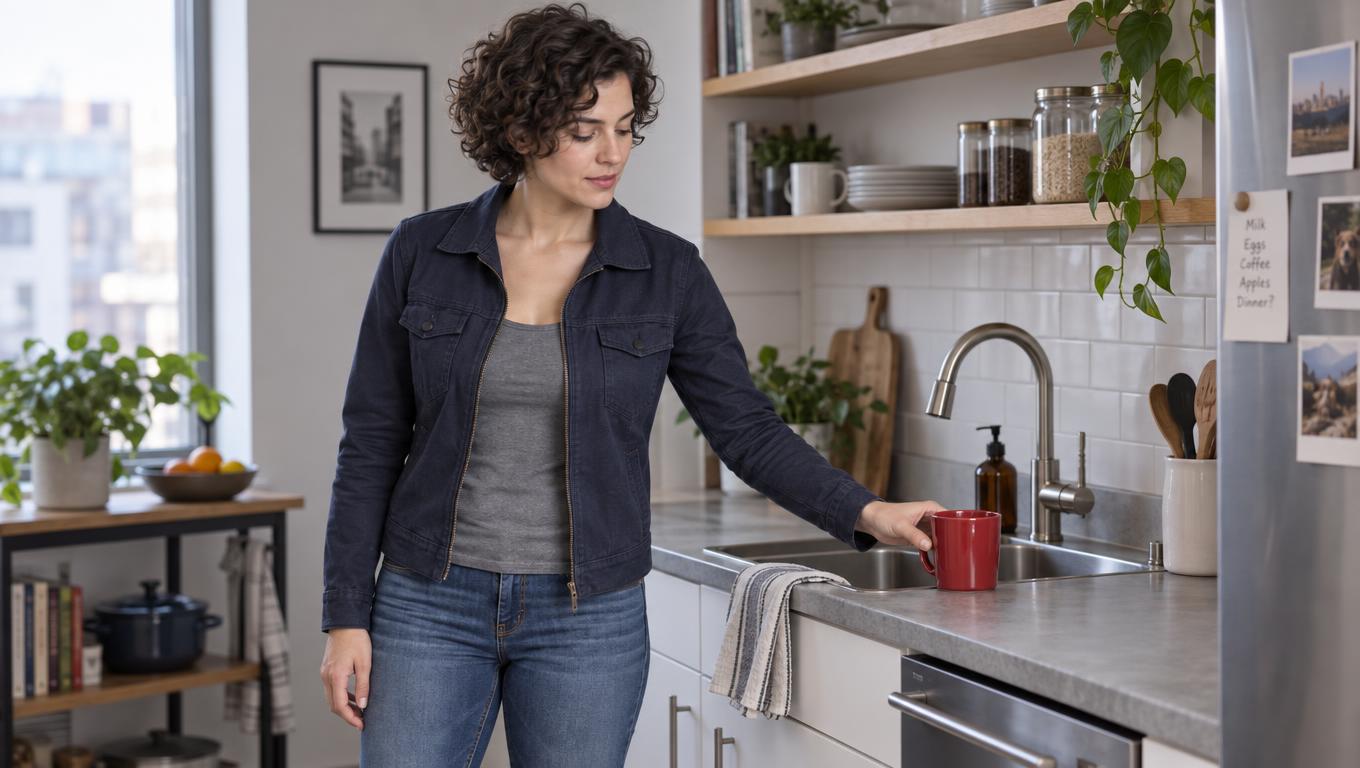
storyboard frames The director checks the beat and performance, the editor marks usable cut points and continuity breaks, and the producer records attempts and repair effort. Require agreement on the non-negotiable conditions above rather than averaging them into an image-quality score. Now apply one hypothetical review note to that same scene: place the mug to the left of the sink instead. K01’s entrance, character, lighting, and room geography remain approved.
K02 and K03 need replacements that preserve everything except the mug’s final position. Allow, for example, two replacement attempts per affected shot, subject to the same overall budget ceiling. If the workflow cannot revise selectively and K01 must also be regenerated, log that additional scope and check whether the new K01 still matches the approved coverage.
This produces a decision the team can use. Suppose one candidate delivers a strong first pass but, within the revision allowance, changes Mara’s face in K02 or puts the mug back on the right in K03. It has not passed the review test. Another candidate might look less polished at first yet deliver an editable K01–K03 sequence and the corrected K02–K03 at an acceptable cost. Advance the latter if its image quality meets the project’s standard; otherwise retest or redesign the shot.
These are decision examples, not measured model results.
When a single difficult insert is holding up an otherwise viable approach, make a separate shot-specific model decision rather than allowing a sequence-wide verdict to hide the exception.
Carry the reasons for approval into production
Retain the approved references, boards, shot IDs, prompts, model versions, selected outputs, rejected attempts, cut-point notes, charges, and unresolved risks alongside the production edit. Keep the first approved K01 and the replacement K02–K03 identifiable as one reviewed version of the scene. A note such as “K03 passes placement but has only a short usable release” tells an editor far more than a folder named best clips.
Choose a workflow only after it has met the scene’s continuity, editability, revision, and budget conditions. If a requirement remains unsupported or unproven, carry that limitation into the shot plan rather than treating a promising clip as approval for the sequence.