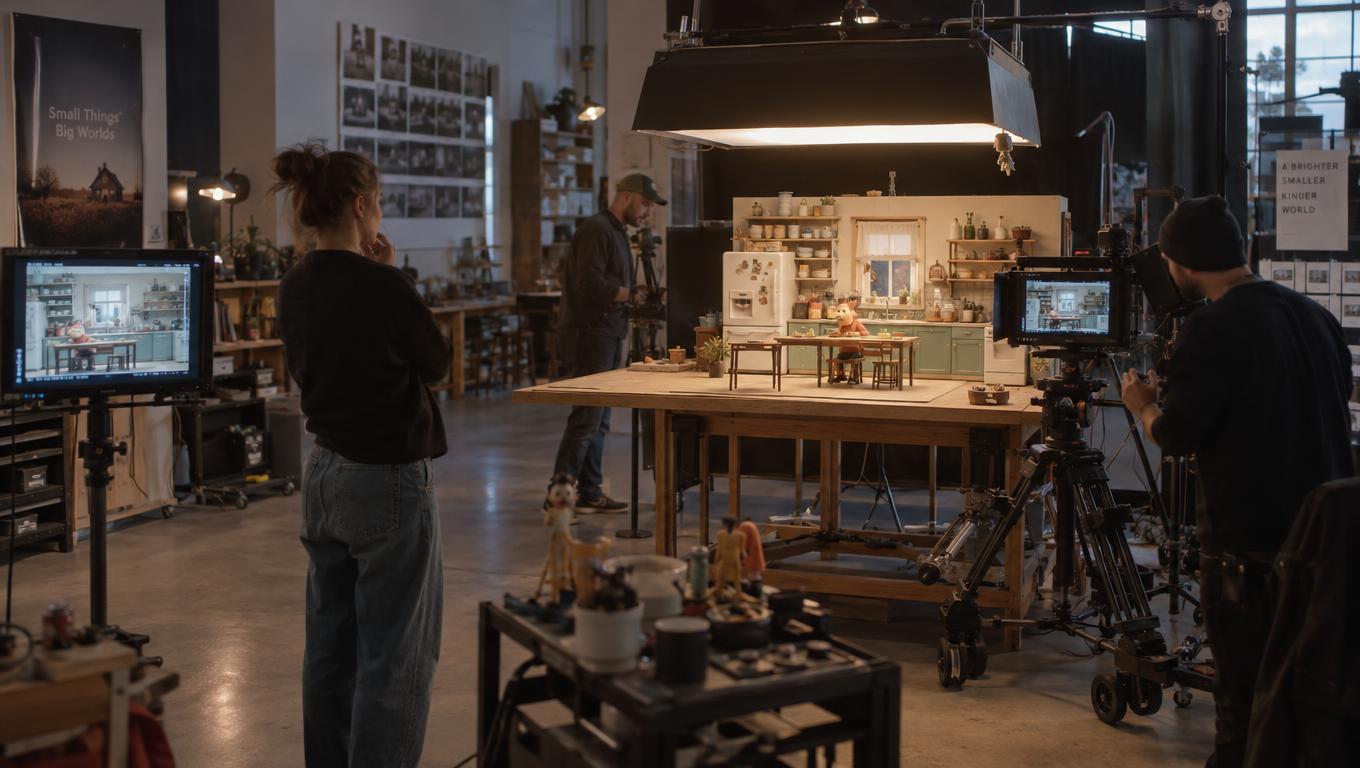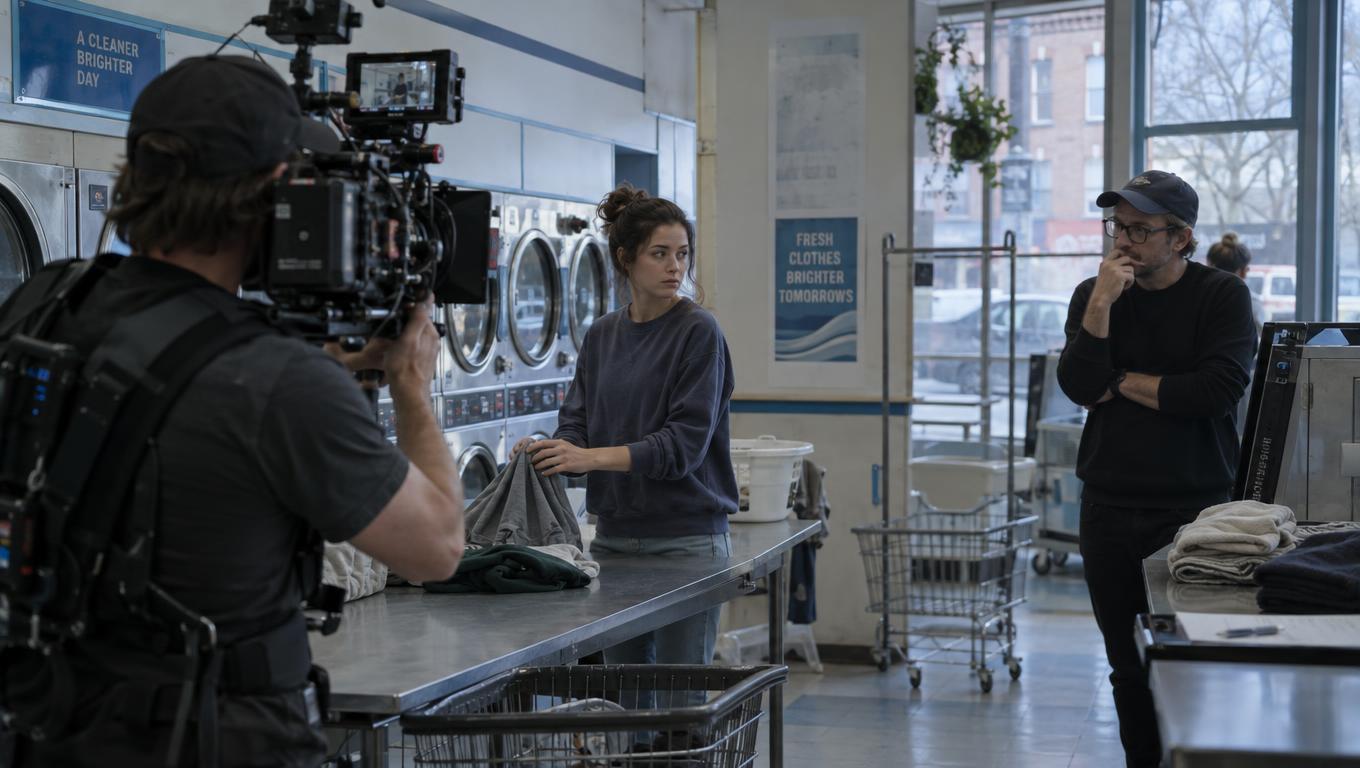
The CapCut video editing app cannot supply a missing reaction
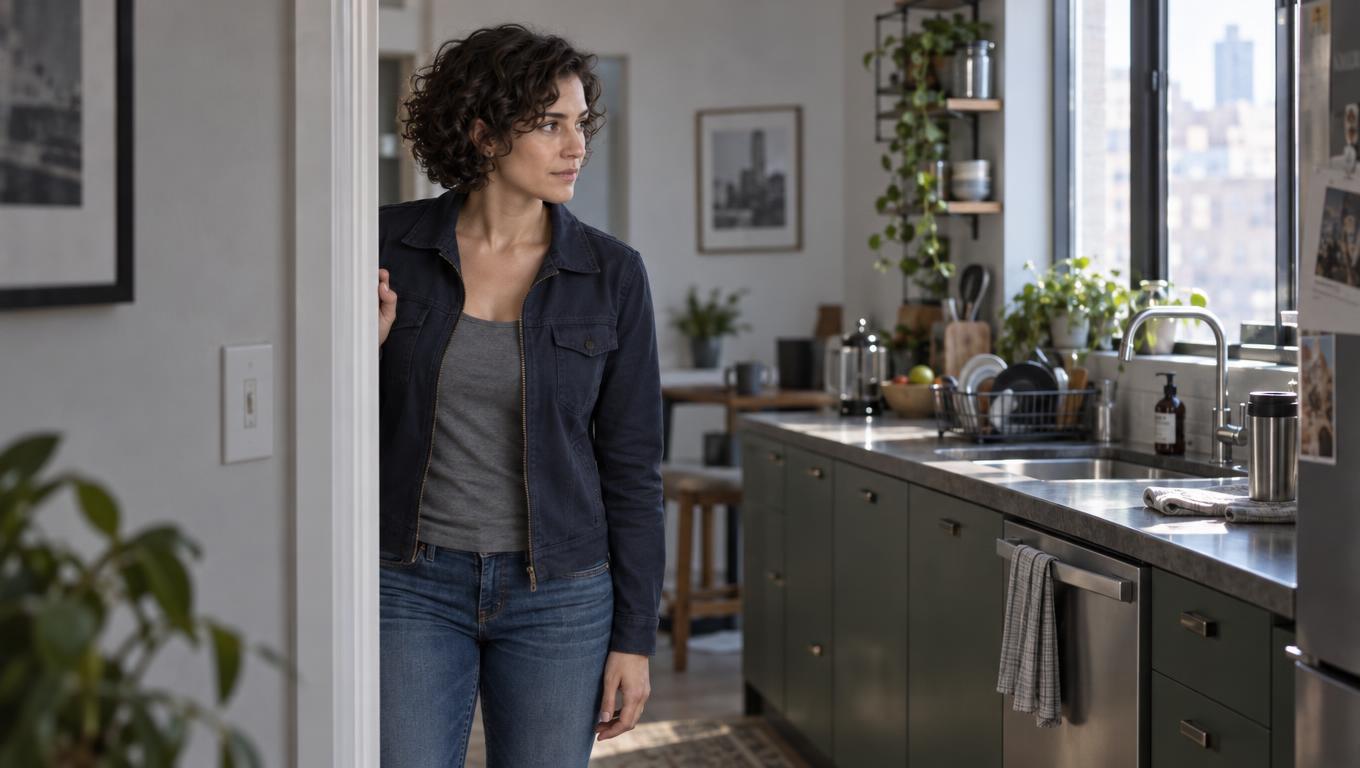
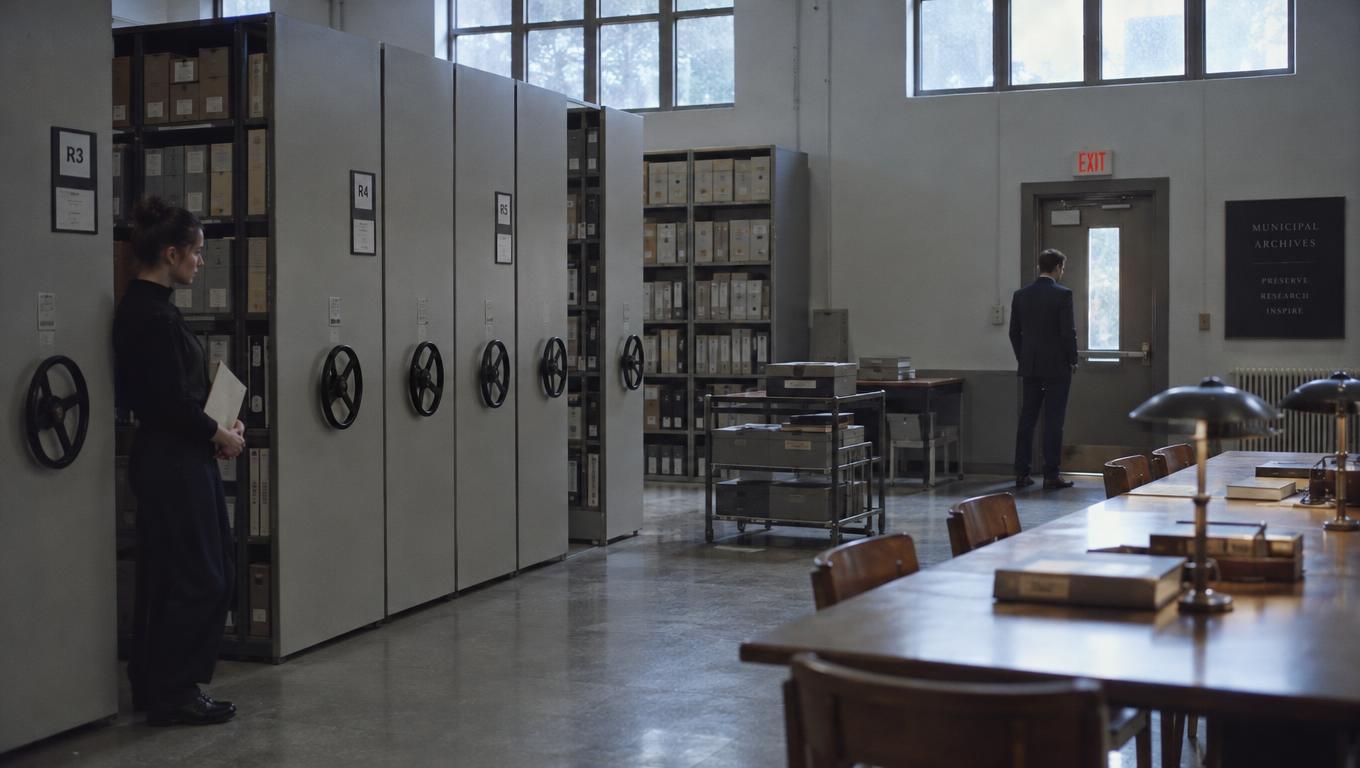
In an illustrative scene, Mara tells Jo, “They sold the archive. It closes at six.” Jo answers, “Then we go now.” The boards make the exchange legible: a close-up of Mara, followed by a rear view of Jo walking toward the door. But in the timed cut, Mara’s line outlasts her planned close-up. Jo’s answer arrives without a visible response to the news. Is Jo alarmed, resolute, or unsurprised? The existing images do not settle it.
That is a coverage question, not a reason to polish either frame. Start with the smallest animatic that can expose it: provisional boards identified as SC03 S12 (Mara) and SC03 S13 (Jo), scratch dialogue on its own track, approximate shot durations, and temporary sound only where it affects the cut. Mara’s line takes about three seconds; S12 was planned for two. Leave the uncovered time visible rather than hiding it under an attractive transition.
A provisional drawing and an edit decision may be relatively straightforward to revise before video generation and finishing. A new angle, motion test, or finished shot can still require substantial work. The animatic’s value is that it tells the team which work the scene actually needs.
Separate a short shot from a missing shot
First ask whether the information the audience needs is already pictured. If Mara’s delivery carries the consequence of the sale, extending S12 through the end of her line may fix the overrun. If the audience must see Jo absorb the news before deciding to leave, a longer view of Mara cannot supply that information. Nor can more time on S13’s rear view, unless Jo’s movement itself communicates the intended response.
Duplicate the cut and test three options at the same dialogue pace. Extend S12 and listen for whether the hold has a purpose. Place a clearly labeled SC03 S12A: JO REACTION? board between S12 and S13, then vary its duration to find out whether a visible response changes how Jo’s answer reads. Finally, try a dialogue revision or an earlier exit: if Jo’s decision reads through action, the answer or the proposed reaction may be unnecessary.
A meaningful insert is another option only if it conveys something specific—such as Jo taking the archive key—not merely a picture to cover the line. Each test changes the generation list differently. A longer S12 calls for sufficient duration and a performance beat; S12A calls for another angle with eyeline and lighting matches; a shortened exchange may eliminate a shot. None of these outcomes is proved by a still board alone.
If a turn or gesture carries the decision, keep a low-fidelity motion test provisional before approving final footage. This is the distinction between a storyboard’s proposed image and an animatic’s timed sequence.
Review the sequence before reviewing individual pictures
Give the editor three passes over the same identified cut—say, animatic v04—before collecting shot requests.
- Watch without stopping for comprehension. Does Jo’s decision follow from Mara’s news? Note uncertainty without prescribing a close-up. A first-time viewer’s confusion is useful evidence; familiarity with the script can conceal the gap.
- Watch for rhythm. Check where dialogue begins and ends, whether the pause feels intentional, and whether extending S12 changes whose emotion the silence appears to belong to. Keep scratch music and effects independently adjustable so they do not disguise a weak hold.
- Inspect the cuts. Check eyelines, screen direction, character position, props, and lighting direction. If S12A solves the reaction but reverses Jo’s eyeline relative to S13, it is not yet usable coverage. Identify an editorial alternative—a revised angle, a two-shot, or a cut that avoids the mismatch.
Record each finding with the cut version, timecode, and shot IDs: “v04, 01:12, S12–S13: Jo’s answer arrives before a readable decision.” Timecode alone becomes unreliable when the edit changes. The shot IDs also let the artist distinguish a request for a new board from a request to lengthen S12.
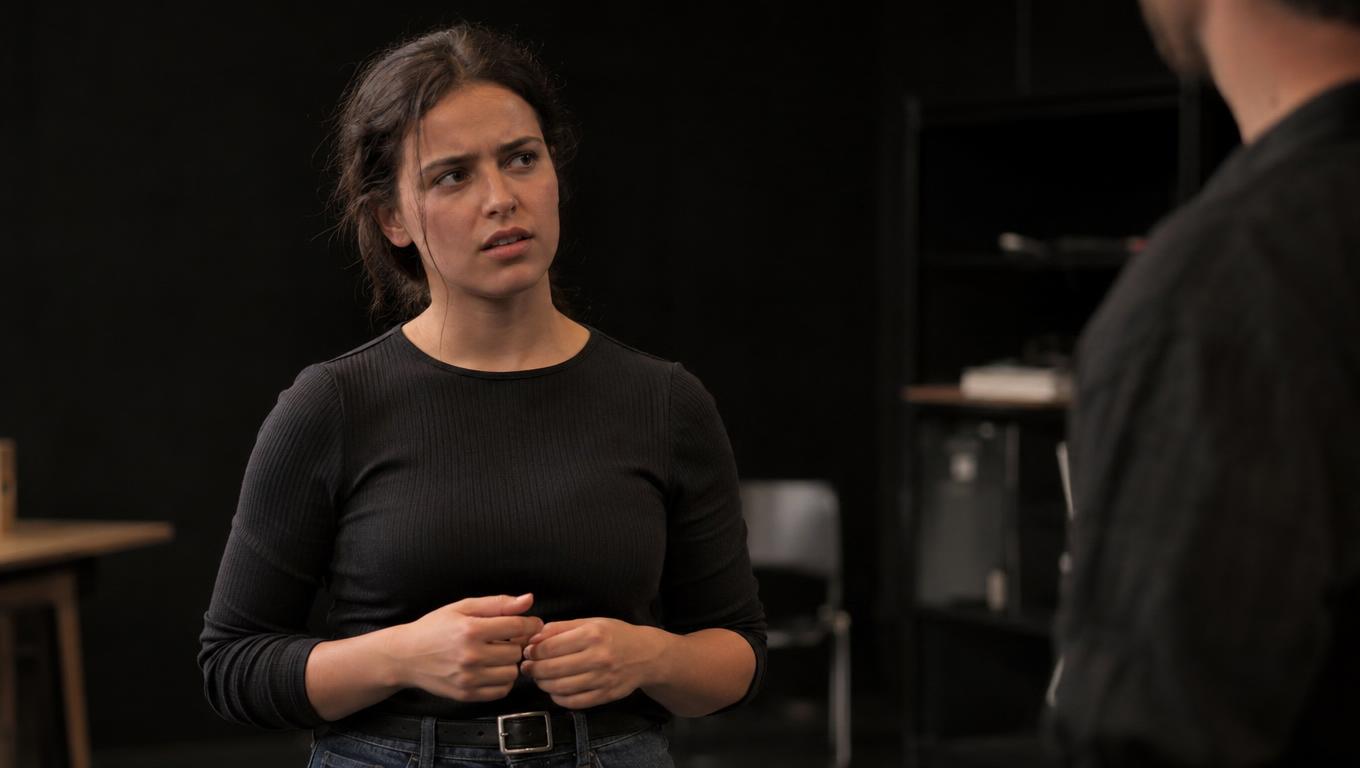
Give reviewers decisions they can actually make
Circulate one current cut rather than several exports that invite incompatible notes. The editor presents the timing and continuity tests. The director decides what Jo’s beat must communicate: immediate resolve, concealed alarm, or hesitation. The artist checks whether S12A can be boarded within the scene’s established geography and visual references, and proposes another setup if it cannot.
The producer compares the work implied by each choice: revised boards, reference preparation, generation attempts, and any motion or edit tests. The client judges whether Jo’s decision and the scene’s intended message read clearly; they need not prescribe a camera angle. A note should become a decision with an owner. For example: “S12A, v04: test a silent reaction before Jo’s answer; director to choose listener close-up or two-shot after v05.” When v05 is issued, mark the note addressed, superseded, or still open.
Approval at this stage concerns the beat, timing range, and visual direction—not the final performance or the temporary drawing.
Make the generation list reflect the approved cut
Assign every shot one disposition against a named cut version. Keep revisable boards tied to their shot context so a placeholder cannot be mistaken for approved footage.
| Disposition | Decision rule | Next action |
|---|---|---|
| Ready for final generation | The beat, approximate duration or tolerance, neighbouring cuts, and required character, prop, eyeline, and screen-direction matches are specified. | Generate to the approved visual direction and record the approver. |
| Board coverage first | The necessary information cannot be read in the existing images, or a proposed angle creates a continuity problem. | Revise or add a board, then test it in the cut. |
| Keep provisional | Timing can be tested, but a motion-dependent beat or unresolved decision has not been approved. | Label the placeholder, name its decision owner, and request a limited test if needed. Do not queue final footage. |
| Cut | The scene remains clear at the intended pace without the shot. | Remove it from the generation list and retain the decision in the cut record. |
S12A remains provisional while the director weighs its effect. If v05 shows that a hold on Mara makes Jo’s answer clear, cut S12A. If Jo’s visible response is essential and the revised board preserves the geography, move it to ready only after its purpose and visual direction are approved.
A production workspace that connects shot context with assembly and replacements can help carry that decision forward; the essential requirement is that the approved cut and generation brief agree.
Choose editing software by testing the handoff
The editor’s judgment exposes the problem; the application must let the team test and preserve the answer. professional video editing software. An editor who already works efficiently in one of them need not migrate just to time provisional frames. Drawing or managing boards, cutting them to dialogue, and tracking approvals are related tasks, but they do not have to happen in the same application.
The CapCut video editing app may suit a quick rough assembly when the immediate question is whether S12 needs another second. Its published materials describe timeline editing and audio tools. That does not establish whether a particular team’s shot references, review notes, and approvals will survive handoff.
Test the workflow with SC03: change S12’s length and order, keep dialogue and temporary sound independently adjustable, replace the S12A frame without losing its shot ID, circulate v05 with visible identifiers, and trace the director’s note into the next cut and generation brief. Test the same handoff in any candidate editor; a feature list is no substitute for doing one revision.
When generated footage replaces a board, watch the sequence again. A different duration, eyeline, or performance can reopen an approved edit. Before a shot enters final generation—or stays there after replacement—the team should be able to name its beat, timing tolerance, neighbouring matches, approved visual direction, and owner of any open question. If it cannot, keep the shot provisional.