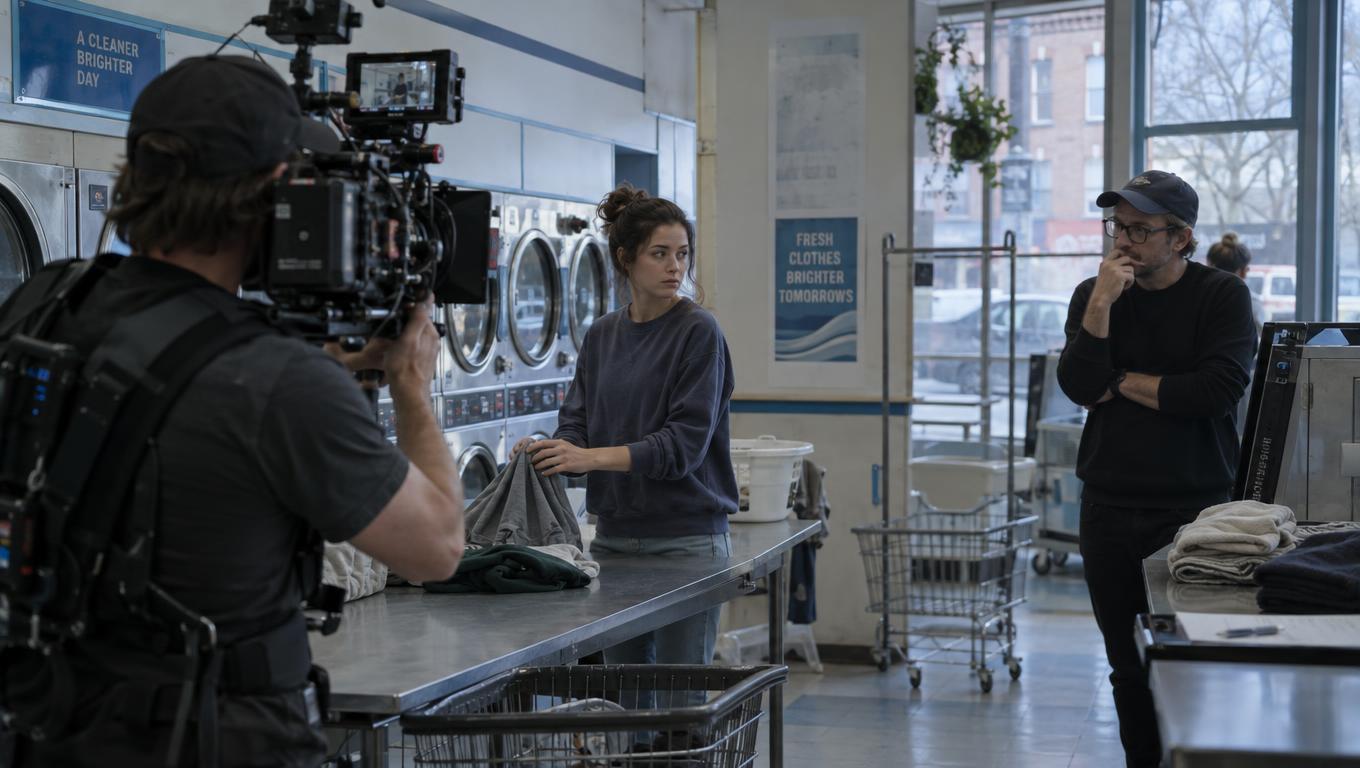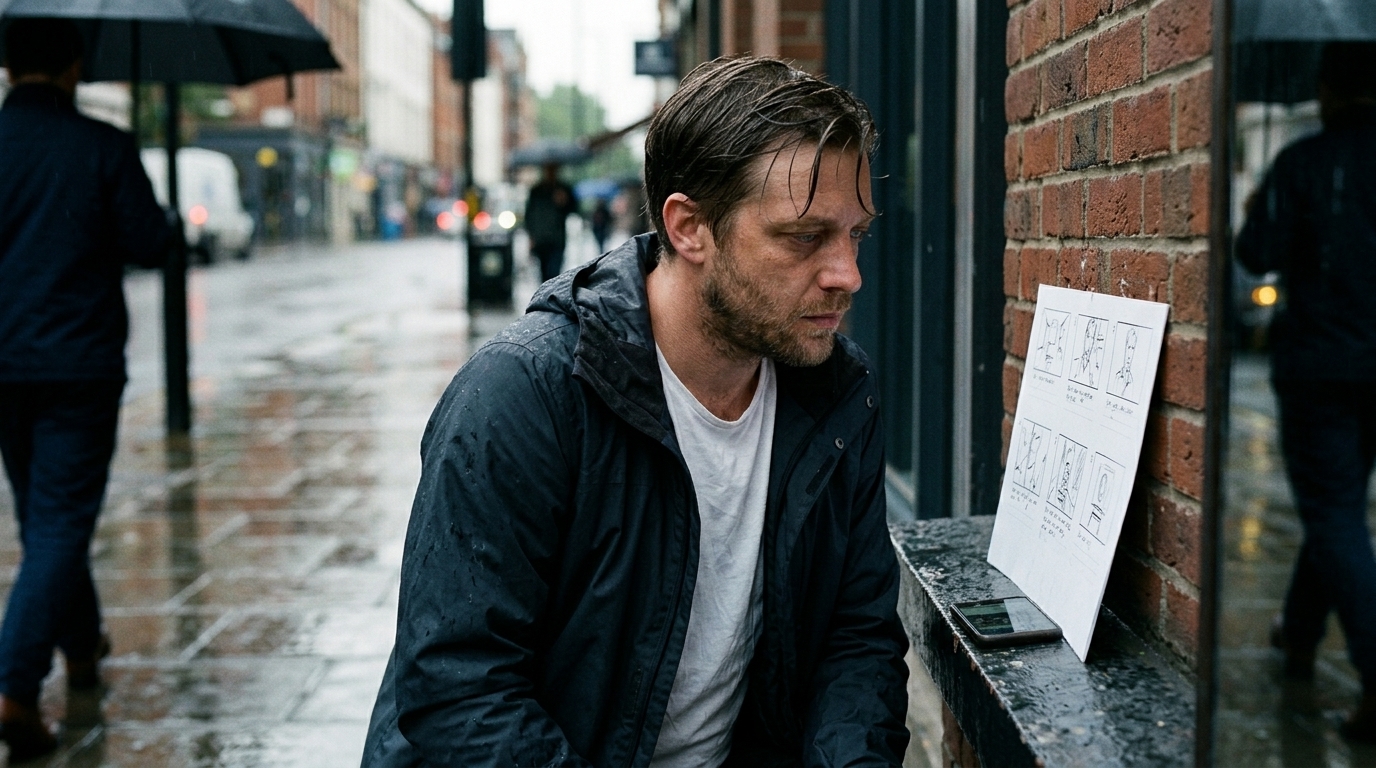
Why Storyboards Fail Once Timing Enters the Picture
A storyboard can tell you whether a scene is clear. It cannot always tell you whether the scene feels right.
That is the production problem many directors run into: on paper, the sequence makes sense, the coverage is there, and the beats are readable. Then motion enters the picture and the rhythm changes. A pause lands too long, a cut feels rushed, a reveal loses impact, or a shot that looked strong as a still frame simply does not hold up once it has to live next to the shots around it.
In other words, storyboards are excellent for structure and intent, but they break down the moment you need to judge timing and pacing.
That is where the animatic earns its place. If the storyboard is the blueprint, the animatic is the first rough performance. It reveals the audience experience: how long each beat holds, how shots flow into one another, and whether the sequence plays as a scene rather than a collection of good individual images.
This distinction matters even more in AI workflows. AI can accelerate early exploration, generate frame options quickly, and help teams move from script to shot faster than before. But it does not remove the core production challenge: isolated visuals do not automatically become a coherent sequence.
In fact, when AI is used without a strong plan, teams often get the opposite problem — nice-looking shots that do not cut together, characters that drift in appearance, and time wasted on revisions that were avoidable from the start.
For directors, animators, agencies, and small studios, the real question is not “storyboard or animatic?” It is: how much motion fidelity do you need before you spend time, credits, or budget on final generation?
Storyboard vs. animatic: what each one is for
A storyboard communicates structure and intent. It shows what happens, what is framed, what is emphasized, and how the scene is organized. It is the fastest way to align a team around coverage, sequence setup, and early visual development. It is also why many teams start with a shot list first, then generate frames for each shot — the planning comes before the generation.
An animatic communicates timing, pacing, and motion rhythm. It turns those planned shots into a rough moving sequence so you can judge how the scene plays over time. This is why animatics are so valuable in previz, proof-of-concept films, trailers, commercials, explainers, and any project where runtime or editorial rhythm matters before full production begins.
A useful shortcut is this:
- Storyboard = structure and intent - Animatic = timing and audience experience
That is also why storyboard artists and animators often treat them as different jobs, not competing ones. A storyboard can be read like a score: it tells you the composition. An animatic is closer to the performed version: it tells you how the composition actually lands.
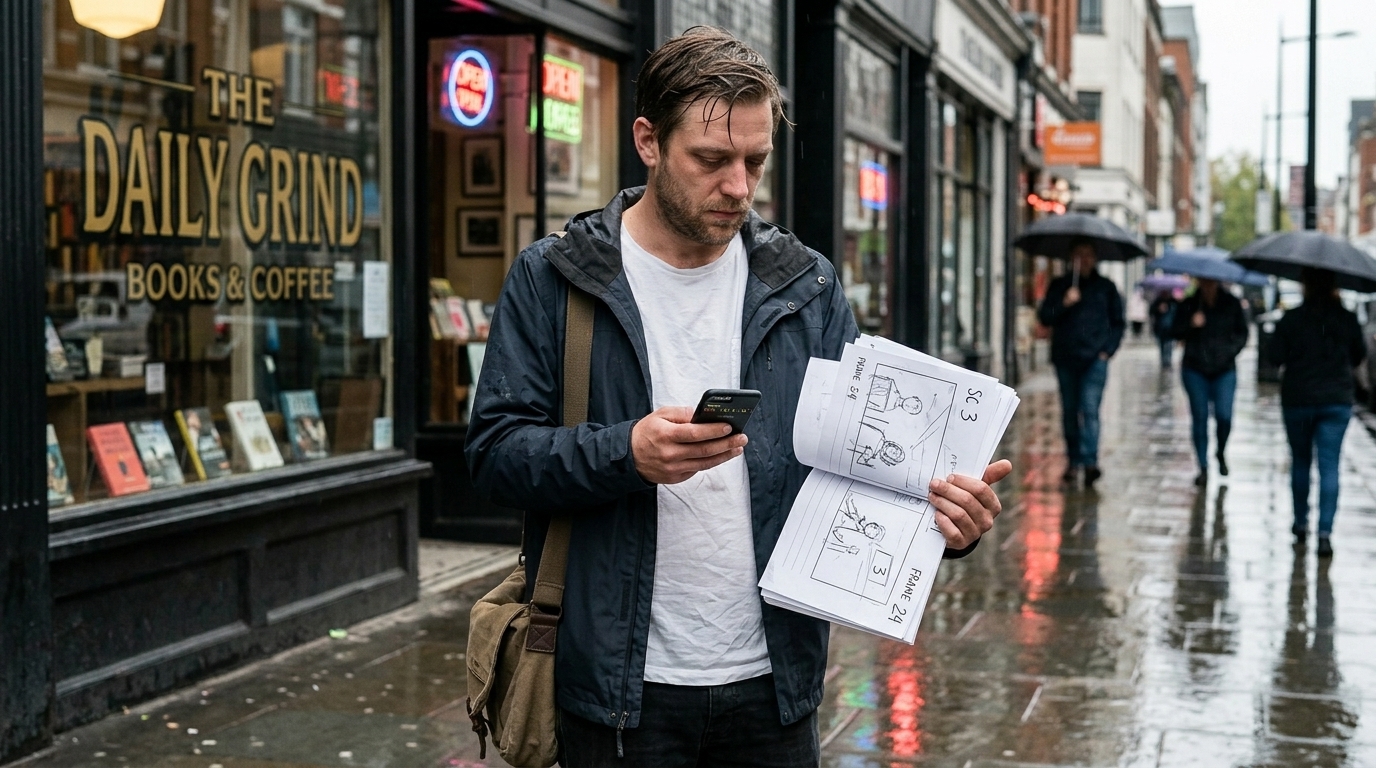
Why AI makes the distinction more important, not less
AI speeds up planning, but it does not solve sequencing by itself. The biggest production pain in AI-assisted work is often consistency — characters changing appearance from scene to scene, faces drifting, style shifts, voices or visual details mutating, and tiny glitches multiplying across re-generation attempts.
That is why structured preproduction matters more in AI workflows. If the plan is loose, the output becomes even harder to control. If the scene breakdown is clear, however, AI becomes much more useful: it can accelerate shot exploration, support look development, and help test timing ideas without pretending to replace the director.
A good AI animatic workflow still starts with human direction:
1. Break the script into scenes and key beats. 2. Build the shot list. 3. Generate or assemble storyboard frames. 4. Add timing, rough motion, and sound cues. 5. Review pacing before final animation or video generation.
That handoff from script to shot to timing is where the production value lives. It is also where many teams lose time when assets are scattered across different tools.
When a storyboard is enough
A storyboard is often the right choice when the current bottleneck is structure, not motion.
Use a storyboard when you need to:
- explore visual ideas quickly - align a director, editor, producer, or client on scene structure - test coverage and composition - communicate intent before final art or animation - make early decisions in concepting and preproduction
In these situations, boards are faster to revise than motion tests, and that matters. You are not yet trying to judge exact runtime or edit rhythm; you are making sure the scene exists in a clear form. For many teams, this is enough to move forward with confidence.
If you are building that stage in a connected workspace, a storyboard-focused production board helps keep shot status, scene notes, and script references tied together instead of living in separate files.
When an animatic is the better choice
Choose an animatic when the question is no longer “does this scene make sense?” but “does this scene play?”
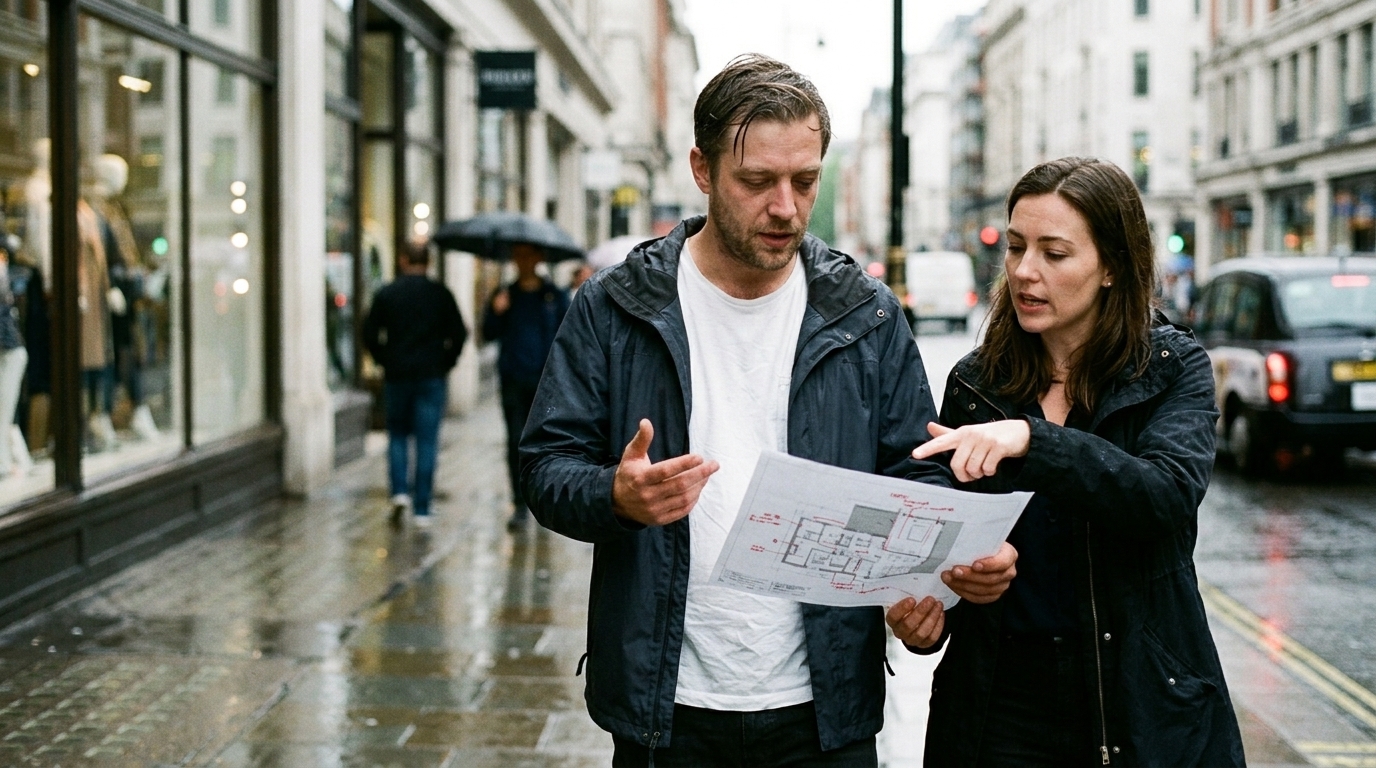
Animatics are the better choice when you need to test:
- timing and pacing - camera motion or shot movement - cut rhythm between beats - scene length before expensive generation - editorial structure in trailers, pitches, commercials, or explainer content - motion-aware planning before committing to final animation or AI video generation
This is especially useful when a storyboard looks strong on paper but you cannot yet judge the audience experience. If the pacing is unclear, the motion needs to be tested, or you are unsure whether the shot sequence carries emotional weight, an animatic will tell you more than static boards can.
It also helps avoid one of the most expensive AI mistakes: spending credits on fully generated shots before the sequence is stable. When the pacing is wrong, every regenerated clip becomes another round of rework.
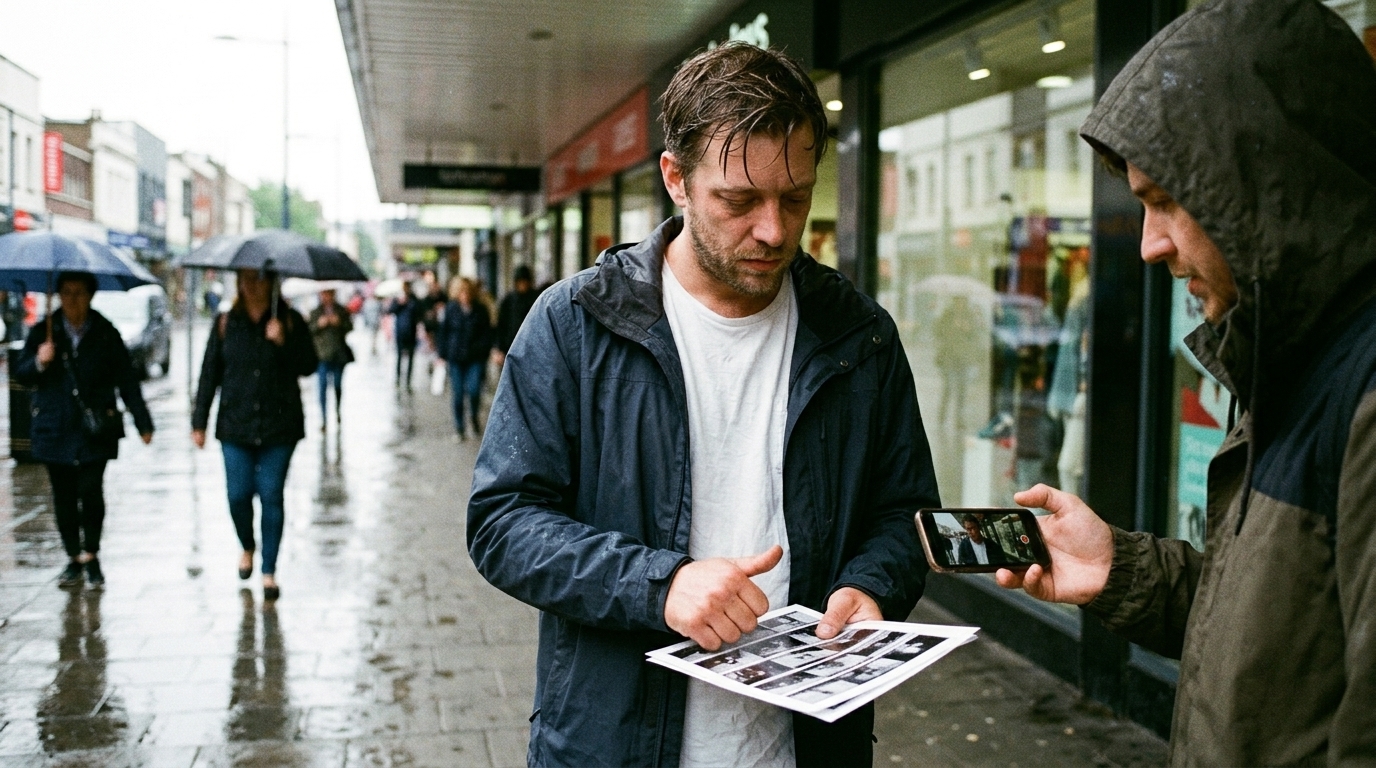

The practical workflow difference
In production terms, the difference is simple:
- A storyboard workflow answers: What happens? What is the shot? What is the intent? - An animatic workflow answers: How long does it last? Where does the beat land? Does the scene flow?
That is why many teams use both. Storyboards create the shared structure. Animatics validate the sequence before the expensive work starts.
This is also where AI changes planning without replacing the director. AI can accelerate frame generation, look exploration, and rough motion tests, but the director still owns the logic of the scene: what matters, what is cut, what is held, and what must be seen. AI is the assistant to the process, not the authority over it.
For teams that want script-linked look exploration, early visual development tools can keep scenes, characters, and references aligned before the timing pass begins.
A script-to-shot-to-timing workflow that actually holds together
If you want an AI animatic workflow that avoids fragmented output, start with a disciplined sequence plan.
1. Script breakdown Identify scenes, beats, and story purpose. Before any image generation, decide what each scene must accomplish.
2. Shot list first Build the shot list before generating images or clips. This is the part many creators already do in practice, because it keeps the generation step focused.
3. AI-generated frames for each shot Use AI to produce storyboard frames or reference stills. At this stage, you are exploring composition and intent, not trying to finish the film.
4. Timing pass Turn the frames into an animatic. Add rough durations, motion cues, transitions, and audio markers so you can judge pacing and rhythm.
5. Motion notes and revisions Adjust beats, shorten or extend shots, and fix continuity issues before final animation or video generation.
6. Final production Only after the sequence feels coherent should you spend time on full motion, polish, or rendered video.

A connected workspace makes this much easier because the script, scene breakdown, generated frames, and edits stay linked. That reduces the common problem of scattered assets: one tool for the script, another for references, another for boards, another for generated clips, and another for edits. When everything lives in one production context, the team can see the path from idea to timing to final output.
For that handoff into edit and timing assembly, production tools are most valuable when they keep timeline work connected to the original plan.
The real cost of skipping the timing stage
Skipping the animatic stage often looks efficient at first. In practice, it usually creates more waste.
The cost shows up as:
- re-generating shots because the cut rhythm is wrong - fixing continuity after the fact - losing time to small glitches that could have been caught earlier - getting client or team feedback too late in the process - burning credits on scenes that were never sequence-ready
That is why animatics are especially useful for proof-of-concept films, trailers, pitches, commercials, explainers, and previsualization work. In those contexts, you are not just proving that a shot exists — you are proving that the scene works as a sequence.
A simple decision guide
Use this checklist to choose the right tool:
Choose storyboard if: - you need early visual exploration - the main issue is structure or coverage - you are aligning a team or client on intent - you want the fastest path to shot planning
Choose animatic if: - pacing is unclear - motion or camera movement must be tested - you need to judge runtime and cut rhythm - the sequence will cost real time or credits to generate - continuity across multiple shots matters now, not later
Choose both if: - you need strong structure and timing - you are building a pitch, trailer, commercial, or previz package - you are using AI and want to reduce wasted iterations before final generation - your workflow depends on keeping references, boards, and motion tests connected
Conclusion
Storyboards and animatics are not competing tools. They answer different production questions.
If the problem is structure, start with boards. If the problem is timing, start testing with an animatic. And if the project has multiple shots, AI-generated frames, or a client approval process, the best workflow is usually both: storyboard for clarity, animatic for rhythm.
That combination reduces revisions, protects continuity, and gives directors more confidence before spending on final animation or video generation.
In a connected workflow, the payoff is practical: fewer wasted iterations, better alignment, and a sequence that feels coherent before production gets expensive.\n\nIf you need that planning work delivered as a production-ready package, Ciaro Studio offers storyboard and previsualization services covering scene breakdown, shot intent, timing, review, and handoff into animation.\n