Shot-level image generation for film and animation teams
Ciaro Pro visual tools focus on one job: turn planned shots into approved stills your team can board, generate, and edit. Sketch control, references, composition, and frame evolution stay tied to the script and shot — not a generic AI art playground.
Focused scope
Built for shot development, not every visual effect under the sun
Competing tools often blur image generation, VFX, and social content into one noisy surface. Ciaro Pro keeps visual work anchored to shots, scenes, and production references so teams approve direction earlier.
That makes the workflow useful for directors, previz artists, and animation leads who need consistent frames before video spend — not designers hunting inspiration in a disconnected gallery.
Shot-first workflow
Every frame links to a shot card with script context, assets, and status.
Controlled evolution
Move from base environment to sketch to resolved frame without losing composition.
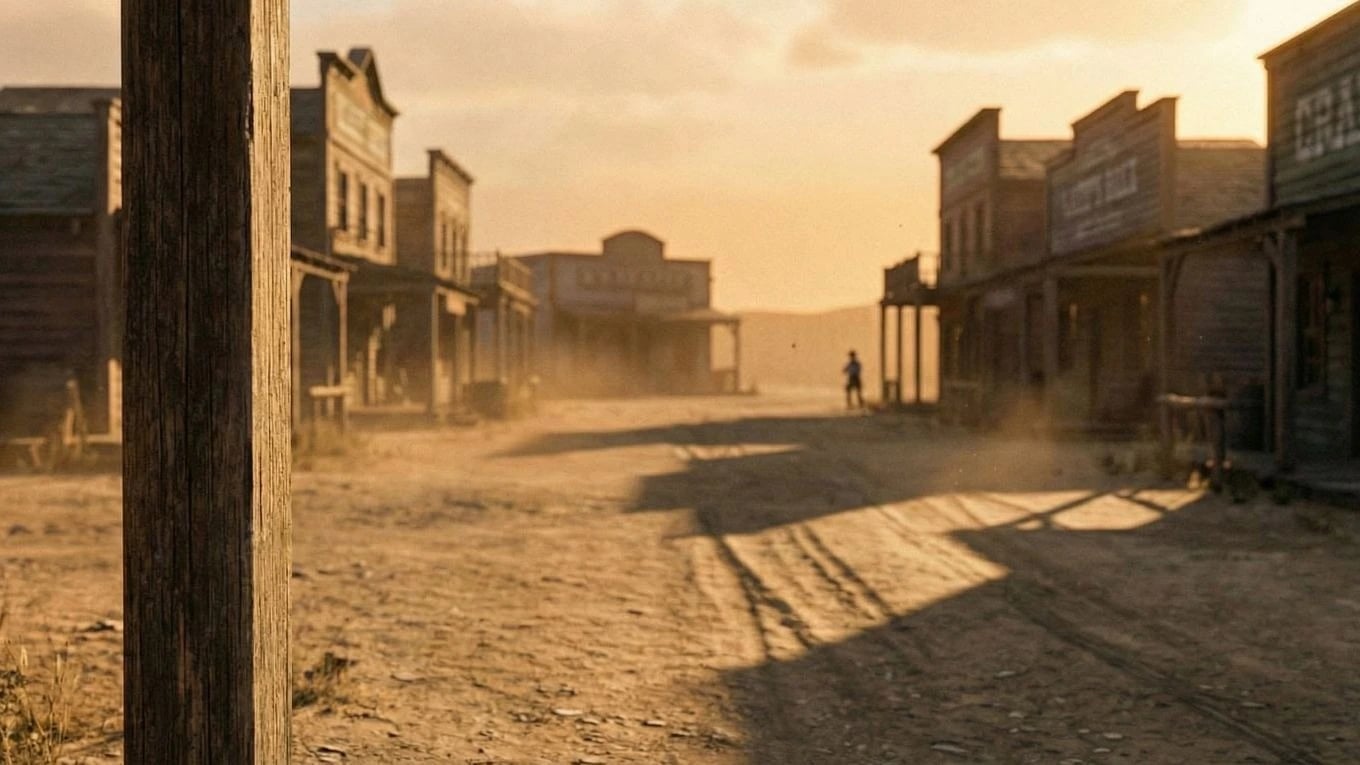
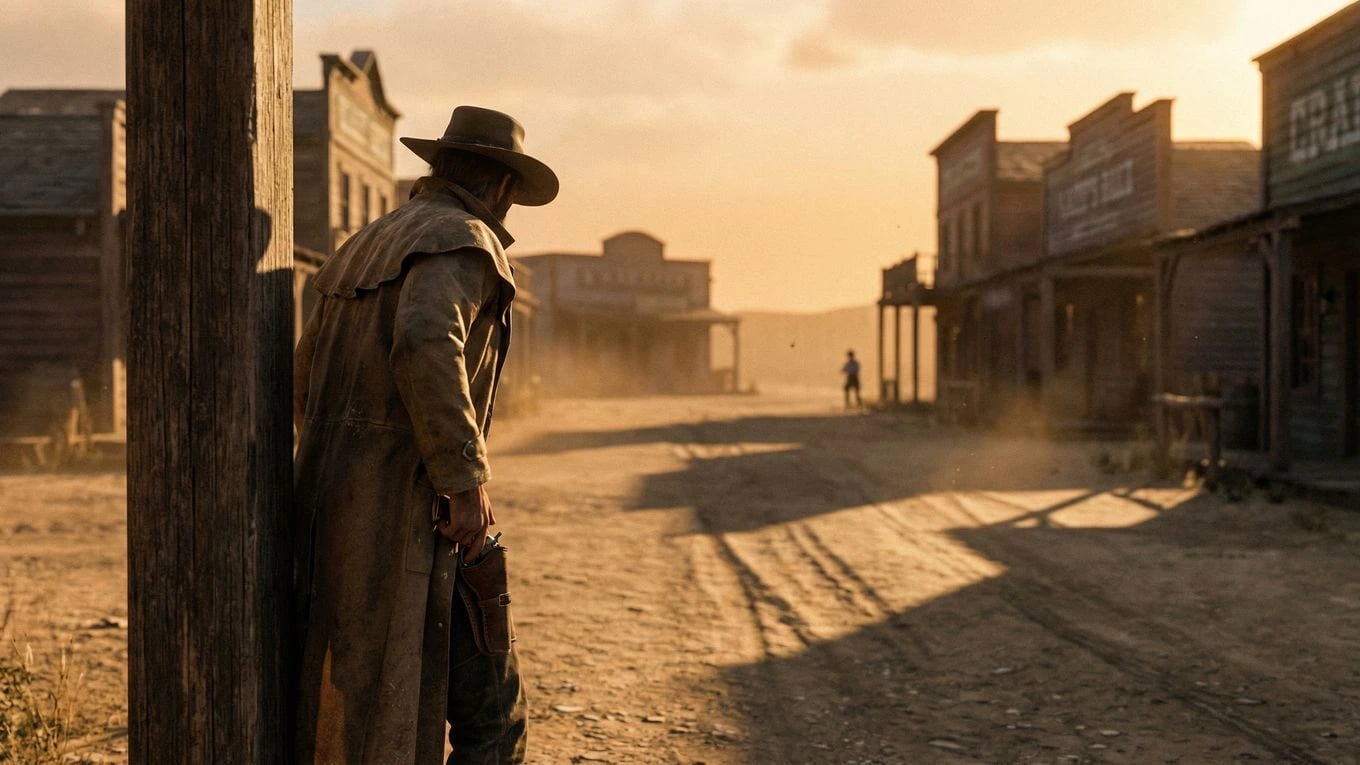
Scene Evolution
From base frame to approved cinematic shot
Start with the environment, add intent with a simple character sketch, then resolve to a polished shot. This keeps composition and tone grounded while still letting you explore creative direction quickly — frames that feed directly into your storyboard.

Final Motion
Convert approved stills into AI video production
Once the still direction works, generate motion from the same visual arc. You get a faster path to production-ready clips that stay consistent with the frames your team already approved.
Approved stills should feed motion inside the wider pipeline. Follow the storyboard to video AI workflow from planned frames to generated clips.
Creative Throughput
Keep visual effects quality high while production moves faster
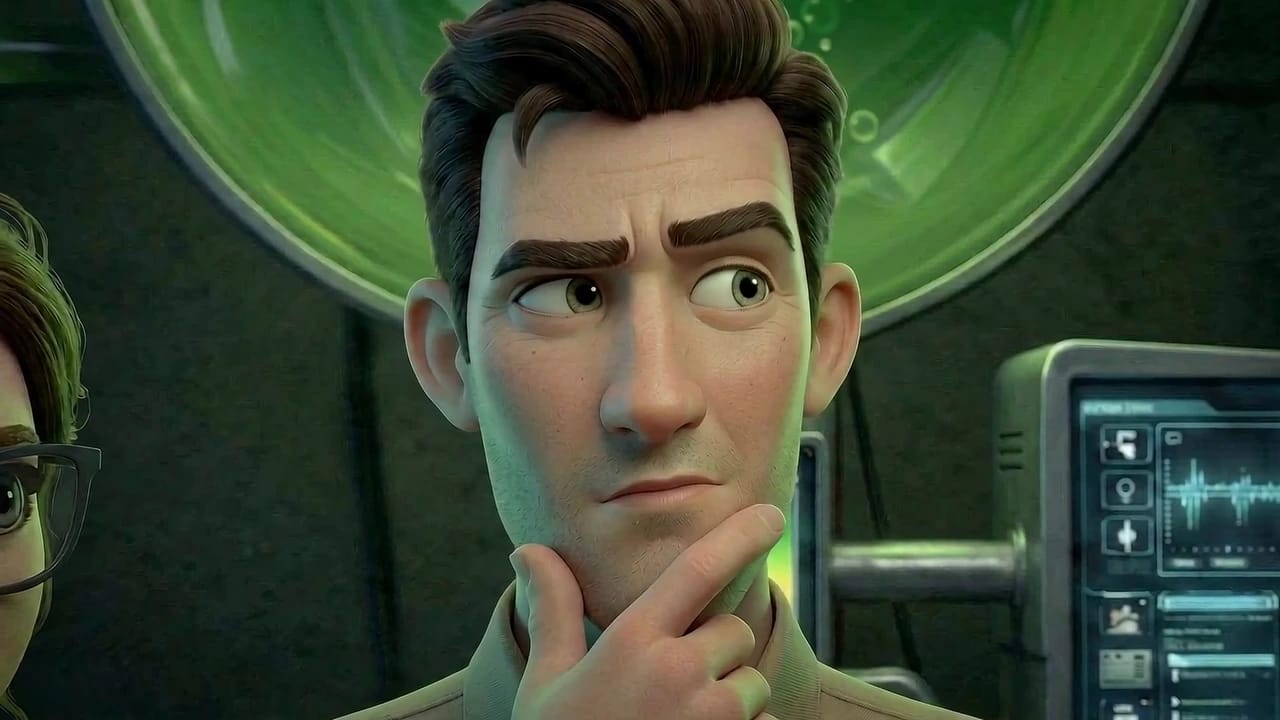
Great visuals are usually lost between experimentation and execution. Ciaro keeps both in one place, so professional teams can test options quickly without breaking continuity.
That means less wasted generation, clearer approvals, and stronger scenes that hold together when the work moves from still frames into AI-generated video shots.
Fewer blind generations
Build on concrete visual references at each stage instead of starting over with every prompt.
Stronger approval confidence
Stakeholders can follow how a frame evolves and approve direction earlier with less ambiguity.
Scene Expansion
Carry the same visual direction across more shots
After the core scene is approved, extend that visual language across adjacent shots, variations, and edits. The result is a film, commercial, or animation sequence that feels intentional from first frame to final output.
AI Assistant
Prompting support while you develop the look
The Ciaro Pro assistant helps articulate visual intent, compare directions, and plan the next iteration — especially when moving from concept to approved still. It supports prompting; it does not replace the artist.
Explore the AI AssistantQuestions about visual tools
- Is this general AI image generation software?
- Ciaro Pro is built for production shots tied to scripts, storyboards, and sequences — not standalone social or stock imagery.
- How do stills connect to video?
- Approved frames feed storyboard and image-to-video workflows inside the same project, including the storyboard-to-video path.
- Can I use sketches and references?
- Yes. Sketch overlays and reference images help control composition and continuity before final frames are approved.
Proof
Visual direction that survived a full episode
Biome Brigade used connected shot planning, boards, and generation so frames stayed coherent across a ~4-minute episode — see the case study for workflow and timeline.
View Biome BrigadeNext
Keep going from here
More on storyboards, generation, and finishing—chosen for the page you are on.