Turn approved boards into shots you can edit
Every generated clip starts from a frame you already signed off—not a blank prompt. Shot notes, character references, and sequence order stay attached from board to cut.
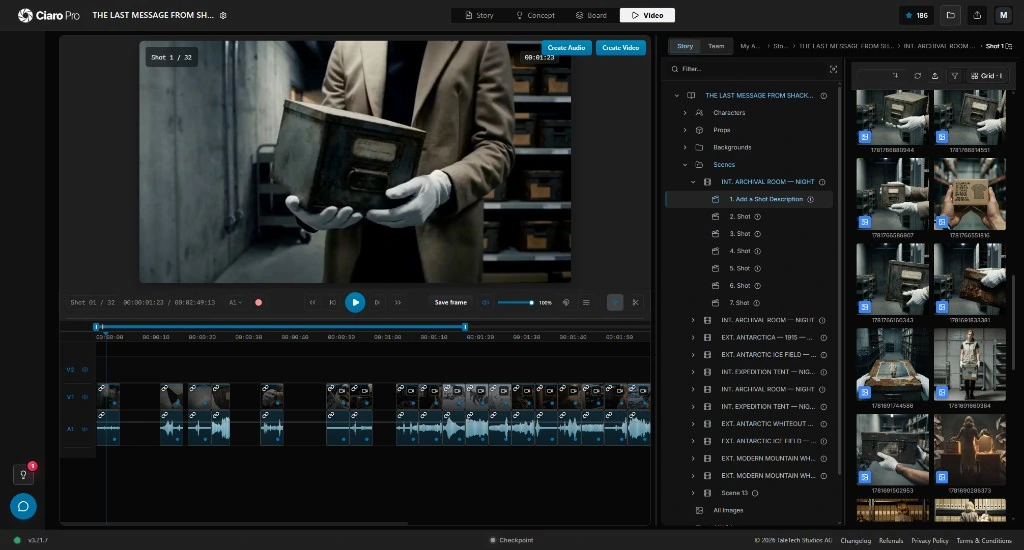
A storyboard-to-video production view: scenes, shot notes, board frames, image-to-video generations, selected takes, and timeline assembly in one workspace.
Bridge the gap
AI video that follows the storyboard—not the prompt
The strongest path from board to motion starts with coverage, composition, timing, characters, and a reason for every shot. A one-line prompt cannot carry that.
Generic video generators can animate a still, but they rarely know where the shot sits in the screenplay or which board authorized the take. Multi-shot work drifts when boards, notes, and the edit live in other tools.
In Ciaro Pro, each frame stays tied to its scene, shot card, and references. You generate motion, judge the take against the board, and place it on the timeline without rebuilding context.
Board quality determines clip quality. Plan and approve frames with AI storyboard software before you spend generation budget on motion.
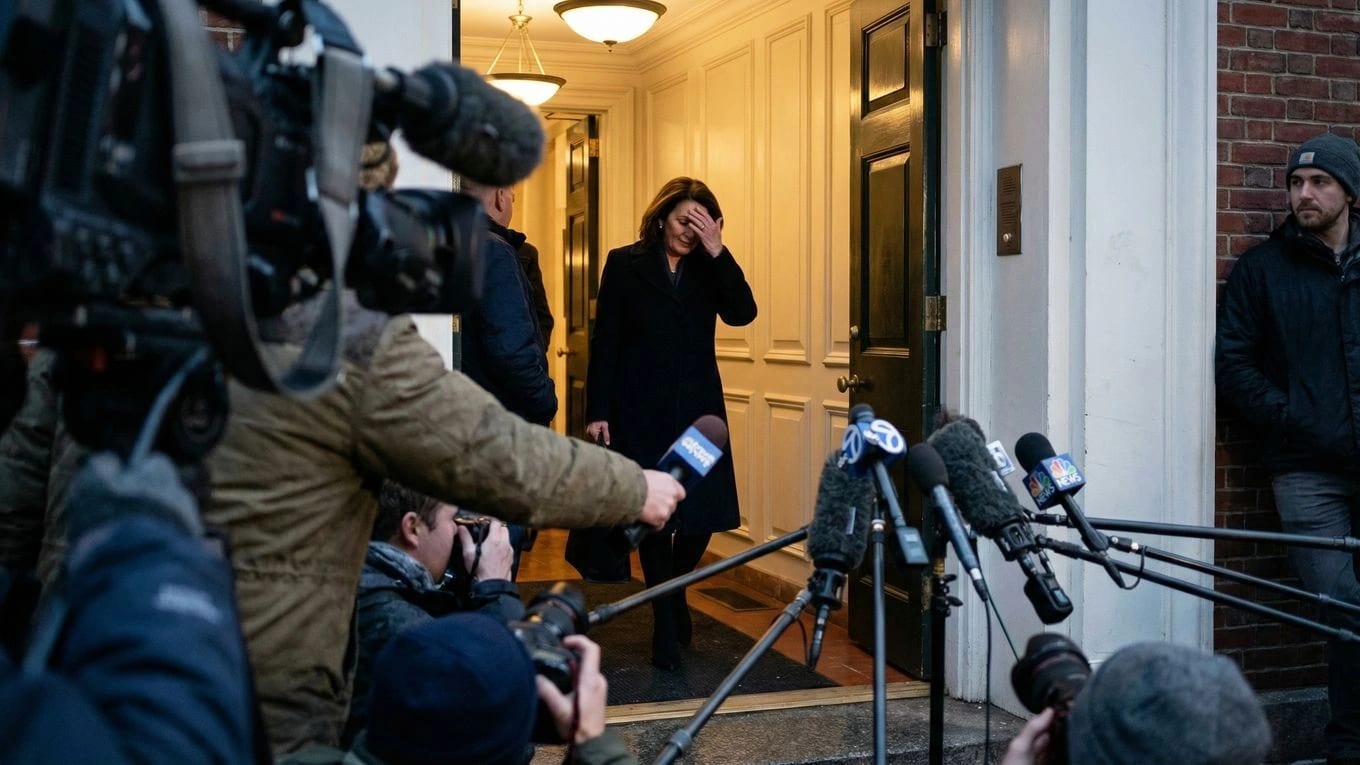
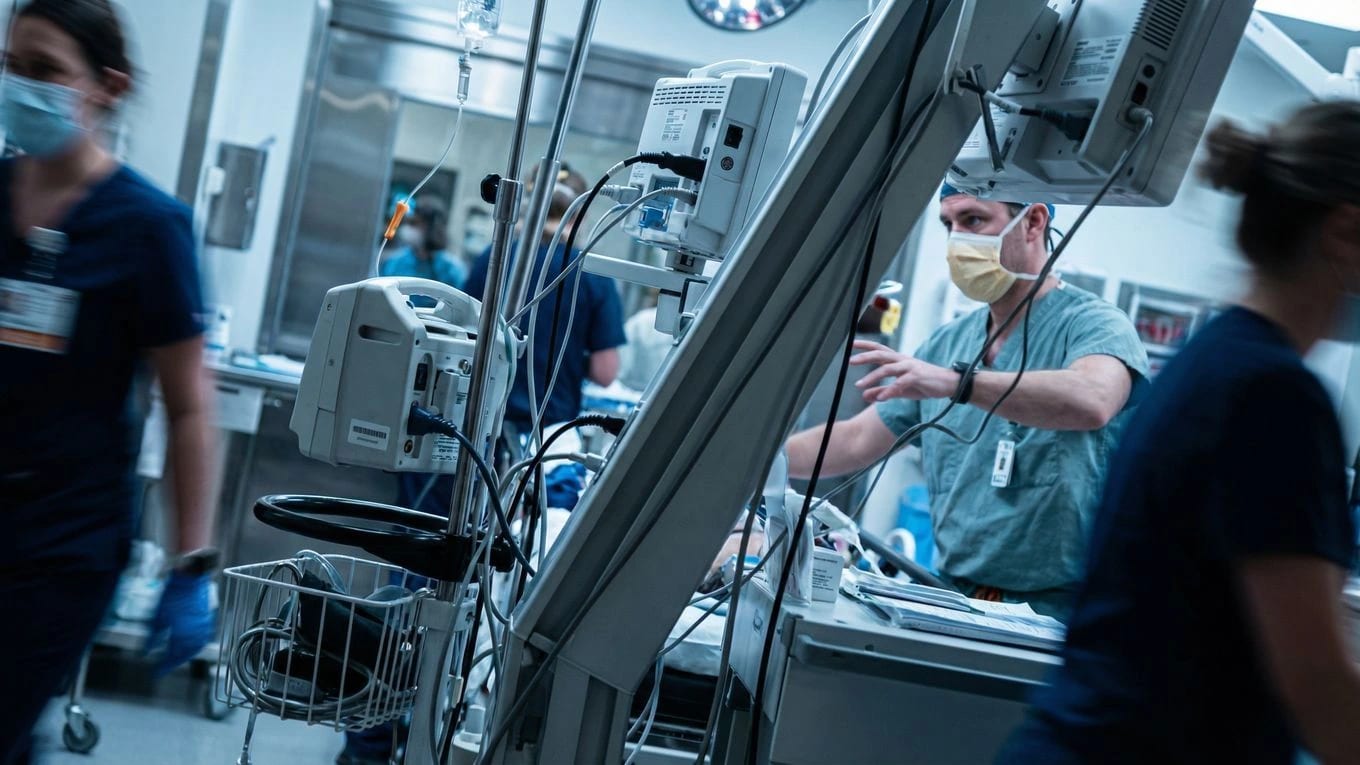
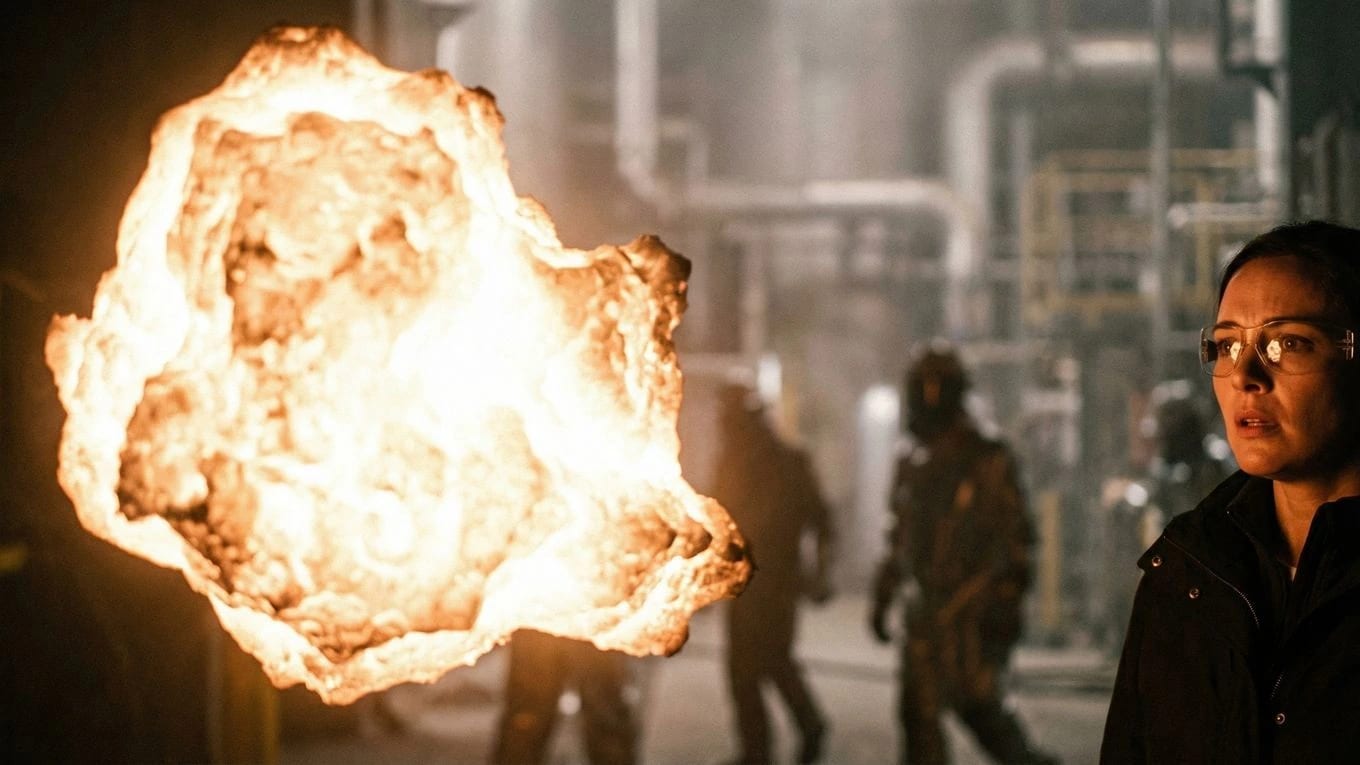

Start from script-linked boards
Build storyboard frames from scenes and shot plans so every image-to-video run carries story context, camera intent, and production notes.
Generate clips from approved frames
Use board frames as visual anchors for AI video generation instead of asking a model to invent framing, cast, and action from scratch.
Assemble and judge in context
Review generated takes beside the board and shot notes, place selects on the timeline, and refine pacing while the screenplay stays visible.
Workflow
From script to storyboard to video you can review
This is a production path, not a one-off conversion. Plan the shot, approve the frame, animate it, compare the take, and edit the sequence while the board stays the reference.
Board-to-motion only works when frames stay script-linked from day one. Open the storyboard workspace to plan shots before you generate motion.
Import or write the scene
Start with screenplay pages, a scene outline, or a production beat sheet that defines what the board must communicate.
Break the scene into shots
Define coverage, camera angle, action, character presence, and visual references for each moment reviewers can sign off.
Create storyboard frames
Generate or refine boards that make composition and continuity reviewable before any video generation spend.
Turn storyboard frames into video
Run AI video generation from planned frames, references, and shot notes so motion follows the approved board.
Compare takes against the board
Judge whether the generated clip preserves action, framing, character continuity, and story intent against the source frame.
Edit the sequence
Place selected takes on the timeline and adjust pacing while the storyboard and screenplay remain in view.
Iterate without losing context
Regenerate frames or clips from the same shot context instead of rebuilding prompts from memory in another app.
Production bridge
Built for script-to-storyboard-to-video production
Script to storyboard to video
Scene-linked shot planning
Storyboard frames tied to screenplay context
Board-to-motion workflow for multi-shot sequences
AI storyboard to animation
Image-to-video generation from board frames
Motion iterations without losing visual intent
Continuity checks before final assembly
Turn storyboard into video AI
Generate clips from approved frames
Keep characters, locations, and references attached
Review takes beside the shot plan
Sequence editing
Timeline assembly for generated shots
Clip review and selection against boards
Export-ready structure for short films and pilots
Who it's for
When the board should guide the video—not the other way around
Ciaro Pro connects pre-production boards to AI motion with the discipline of scenes, shots, and editorial review—not one-off clip tests.
Teams use it for pitch sequences, pilots, previs, music videos, commercials, and short films where the storyboard stays the reference through approval and edit.
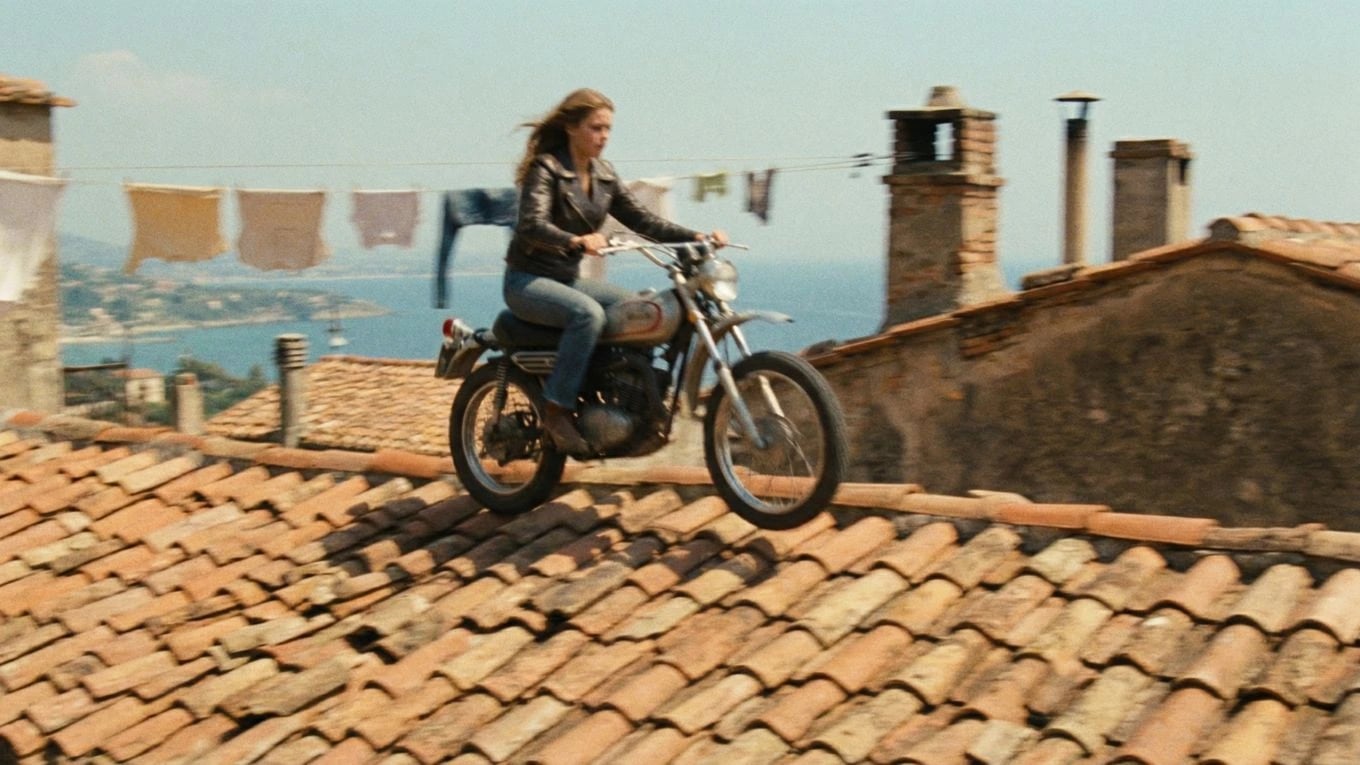
Continuity
Keep the storyboard as the reference through generation
The board should still decide framing, action, pacing, and continuity after you generate. Each clip stays tied to its source frame so you can keep it, or send it back for another take.
One connected production
Script, shots, boards, generated clips, and the edit timeline
Script
Shots
Boards
Video
Timeline
A continuity review board comparing storyboard frames, generated video stills, shot notes, and timeline placement for a multi-shot sequence.
Ciaro Pro vs converters
A production bridge—not a one-frame video converter
A simple storyboard video generator may animate a still. A production workflow needs the screenplay, shot list, board, generated media, and edit to stay in one project with clear approval gates.
Ciaro Pro is built for the full bridge from storyboard into video generation, with the timeline ready to review and assemble the sequence.
For definitions, steps, and comparison criteria, read storyboard to video AI explained for definitions, steps, and comparison criteria.
Capability
Ciaro Pro
Typical generator
Script context
Connected to scenes and shots
Often absent
Storyboard frames
Used as generation anchors
Usually uploaded one at a time
Shot notes
Attached to each board and clip
Rewritten manually
Continuity review
Board, take, and timeline in context
Separated from editing
Multi-shot sequences
Built for scenes and episodes
Optimized for isolated clips
Production system
Links to script, storyboard, and the rest of the production
No production structure

Case study
Boards, AI shots, and a final edit in one project
Biome Brigade Episode 1 is this path in practice: plan the story, approve boards, generate shots from those frames, and assemble the cut—a four-minute episode in under four weeks.
Explore next
Around board-to-motion
Plan the boards first, finish sequences in production, or watch a real episode that used this path.
Production guides
Understand the workflow before choosing a tool
Concise guides explain the production decisions behind this workflow and where each step fits.

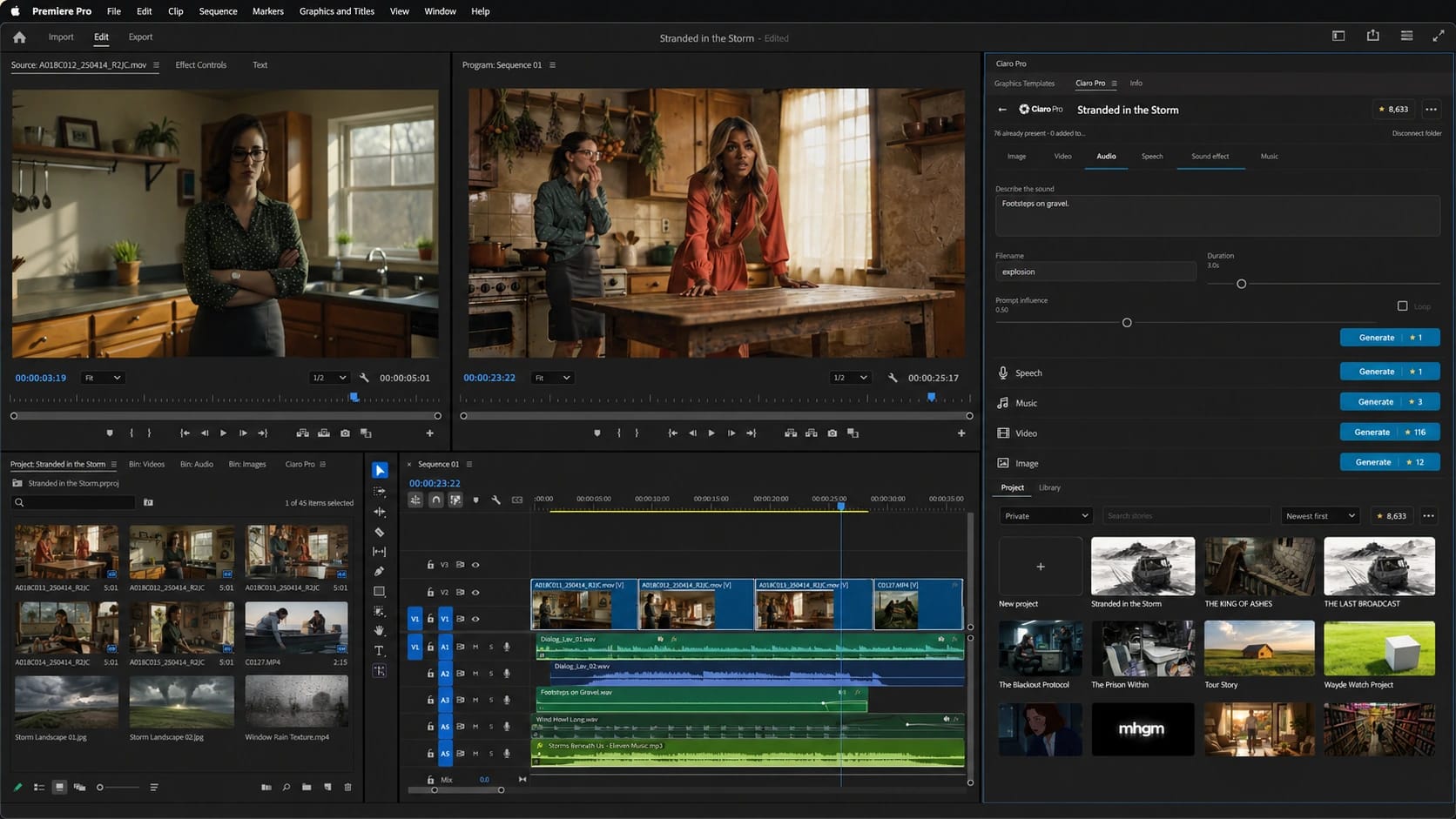
Board to edit
Carry the storyboard workflow into Premiere Pro.
Bring available Ciaro Pro assets into the project and create new images, video, speech, music, and SFX against the cut.
Script to production
Move from breakdown and shot lists to storyboards, notes, and approvals without losing intent.
FAQ
Common questions about storyboard to video AI
Can Ciaro Pro turn a storyboard into video with AI?
Yes. Ciaro Pro supports a storyboard-to-video workflow where planned frames, shot notes, characters, and scene context guide AI video generation and timeline assembly.
Is this the same as image-to-video AI?
Image-to-video is one capability. Ciaro Pro wraps it in production structure: screenplay context, shot planning, board review, comparable takes, and sequence editing.
Can I go from script to storyboard to video?
Yes. Start from a script or scene outline, plan shots, create and approve storyboard frames, generate video clips from those frames, and assemble the result on the timeline.
Who is storyboard to video AI best for?
It is strongest for filmmakers, animators, agencies, and creators making multi-shot sequences where story continuity and board-led direction matter more than one isolated clip.
Does Ciaro Pro replace traditional storyboarding?
No. It makes storyboarding more useful for AI production by keeping boards linked to generation and editing instead of treating them as throwaway references after the first render.
Move from storyboard to video you can cut
Approve boards, generate motion with shot context, and edit the sequence without losing the screenplay or the shot plan.