Why AI Video Credits Disappear Fast
The cheapest AI video generation is the one you do not have to redo.
That is the lesson many creators learn the hard way: ai video credits disappear fastest not because the model is magically overpriced, but because the shot was not defined well enough before the first generation. If you start prompting before the scene goal, camera intent, and continuity rules are locked, every generation becomes a test. And every test exposes another missing decision.
That is where budgets get burned: not just on the listed tool price, but on the repeated retries, regenerations, and close-but-not-usable clips that follow an unclear brief. In other words, the real cost driver is usually the workflow, not the invoice.
The expensive mistake: generating before the shot is ready
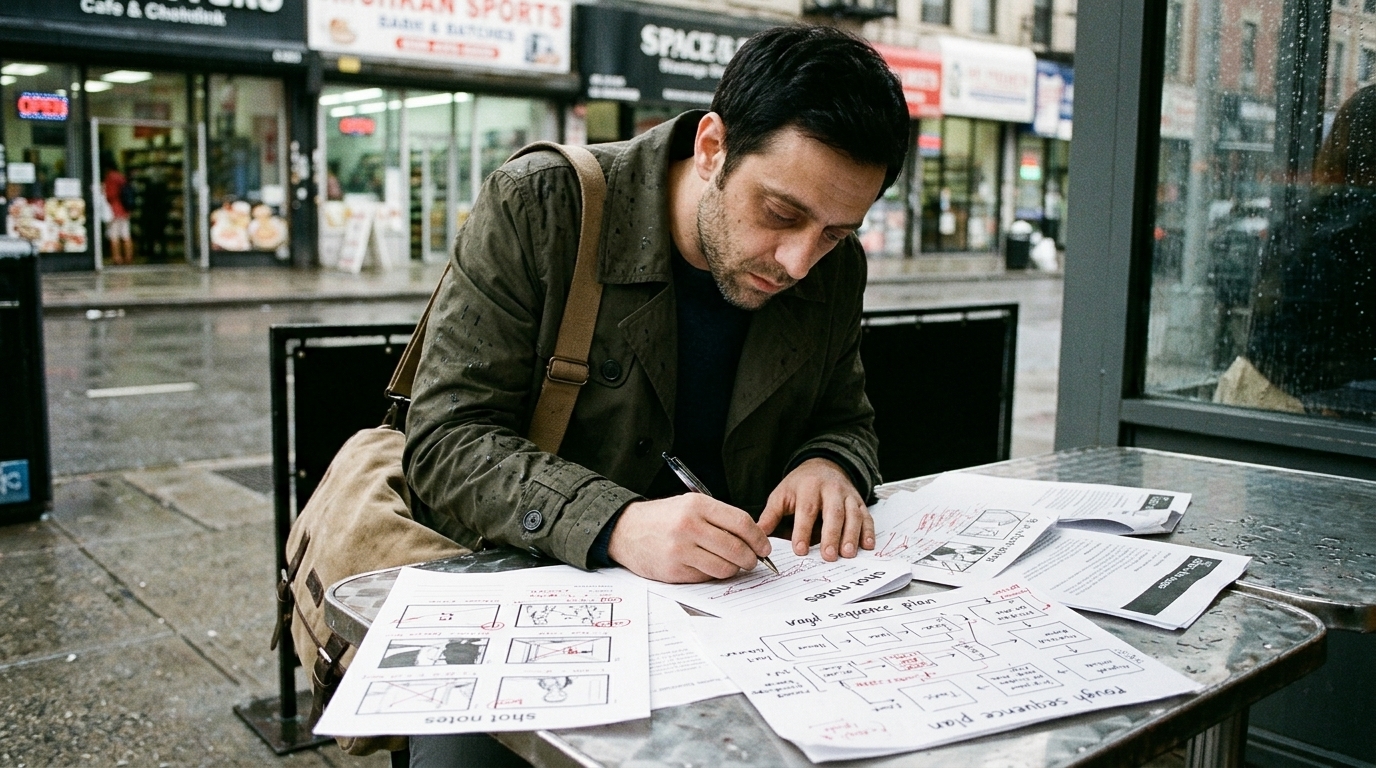
A lot of AI video spend gets wasted because the sequence is still in pre-production, but the team has already moved into generation.
That sounds efficient in the moment. It is not.
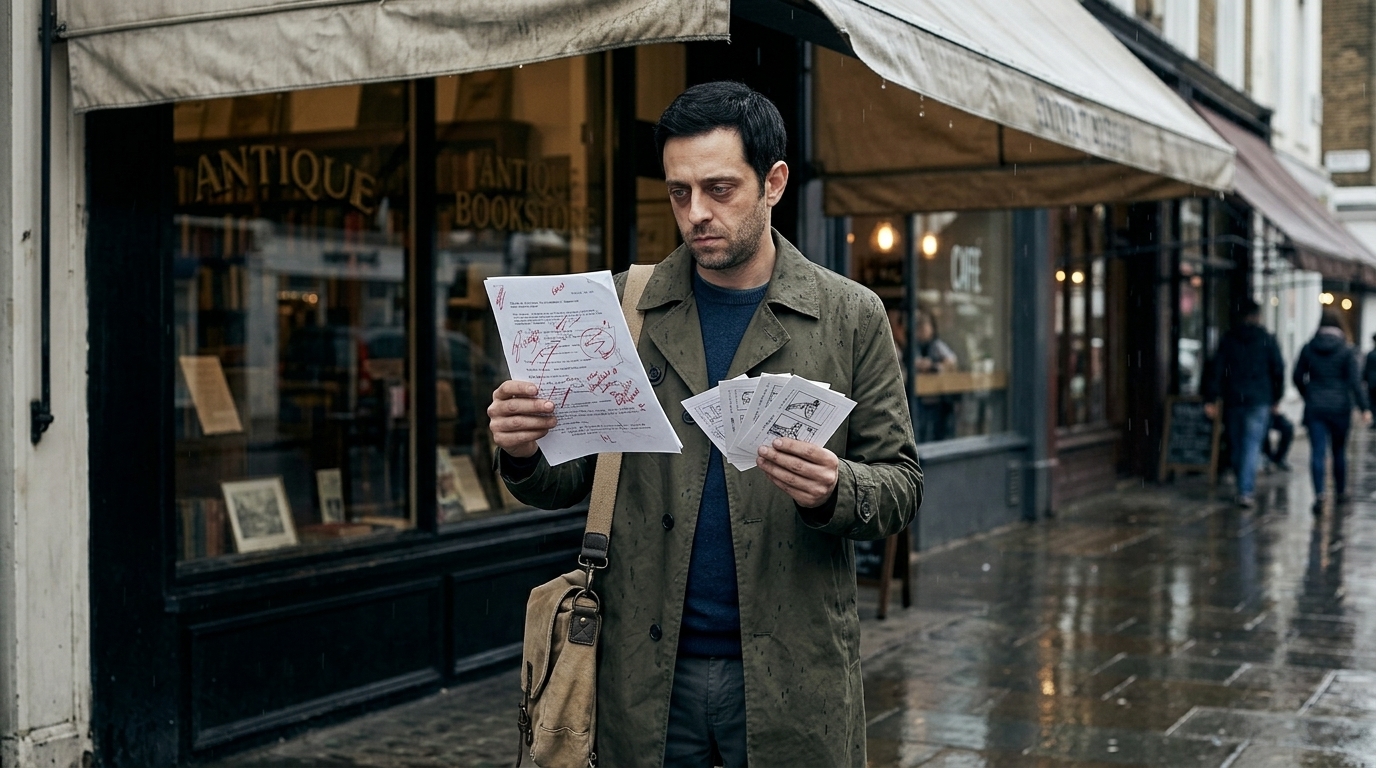
When the shot definition is vague, the model has to guess at the editorial intent. You may get something visually interesting, but not something you can actually cut into the scene. Then comes the rerun: a different framing, another prompt, a new reference, a third version, a fourth. Each pass can improve one detail while breaking another. The clip is close, but not usable. Credits vanish.
This is why planning discipline is the cheapest way to reduce AI video generation costs. The fewer undefined variables you carry into generation, the fewer generations you need to solve the same problem.
Define the shot before you prompt
A real shot brief should answer four basic questions:
- What is the scene for? - What must the camera do? - What should the viewer notice? - What must stay consistent?
If you cannot answer those clearly, you do not have a shot yet — you have an idea.
That distinction matters because AI video is a production process, not a magic prompt exercise. The model can only execute as well as the brief allows. A strong shot planning pass forces clarity on the outcome before the first credit is spent.
In practice, that means defining the shot in production language:
- scene goal - shot purpose - camera intent - visual rules - references - approval criteria
This is the planning framework that keeps a sequence from turning into a regeneration loop.
Start with script breakdown, then scene-to-shot breakdown
The right workflow order is simple:
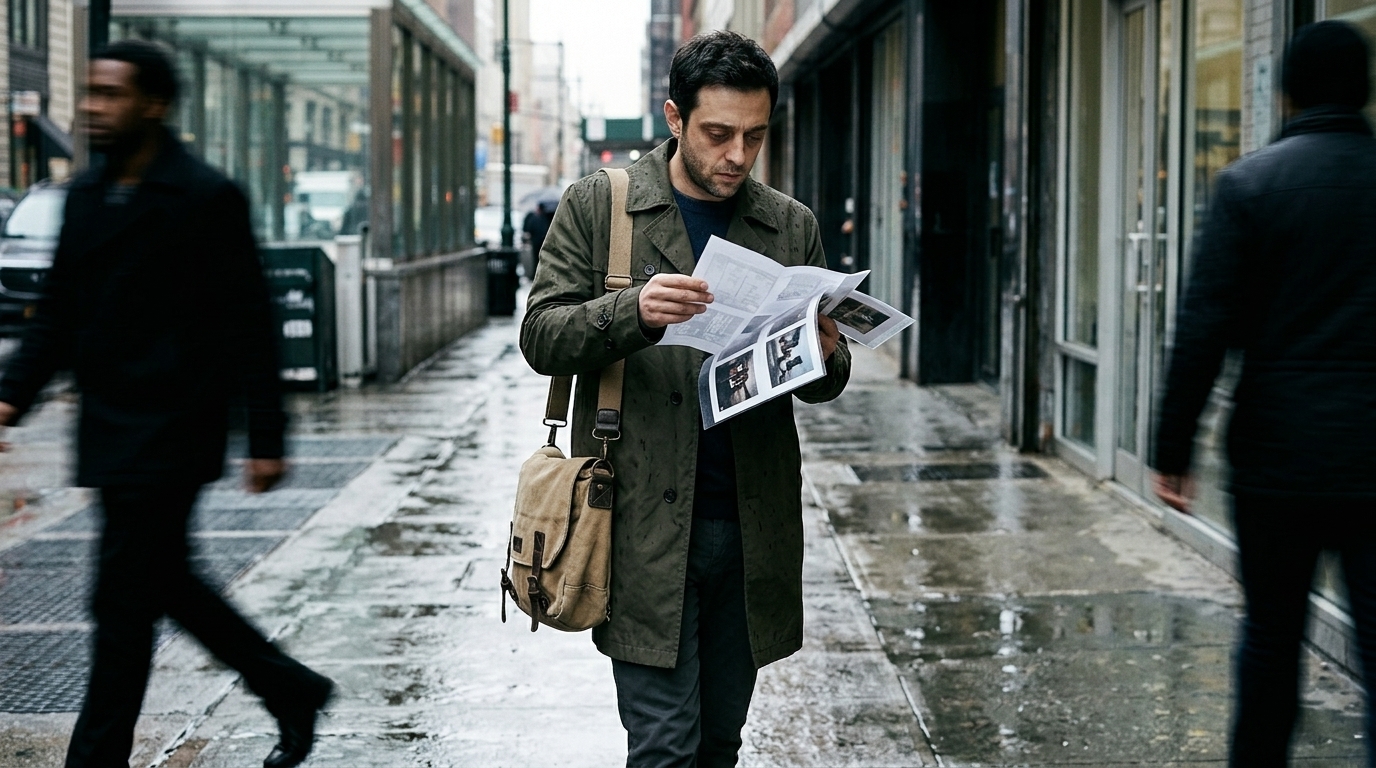
1. Script breakdown 2. Scene-to-shot breakdown 3. Boards, frames, and references 4. Approval 5. Generation
If you skip straight to generation, the AI ends up doing pre-production for you, which is exactly the expensive part to outsource casually.
A script breakdown tells you what the scene has to accomplish. A scene-to-shot breakdown translates that into coverage: what angle, what moment, what emphasis, what transition, what emotional beat. Only then should you move into boards, reference frames, or an animatic.
That sequence is what keeps production workflow disciplined. It also helps you catch problems early: if the scene needs a reveal, a reaction, and a cutaway, you should know that before any video is generated.
Use AI for boards and references before final generation
AI is often more useful before production than during it.
Use it to build:
- storyboard boards - reference frames - look development studies - rough scene coverage - timing tests
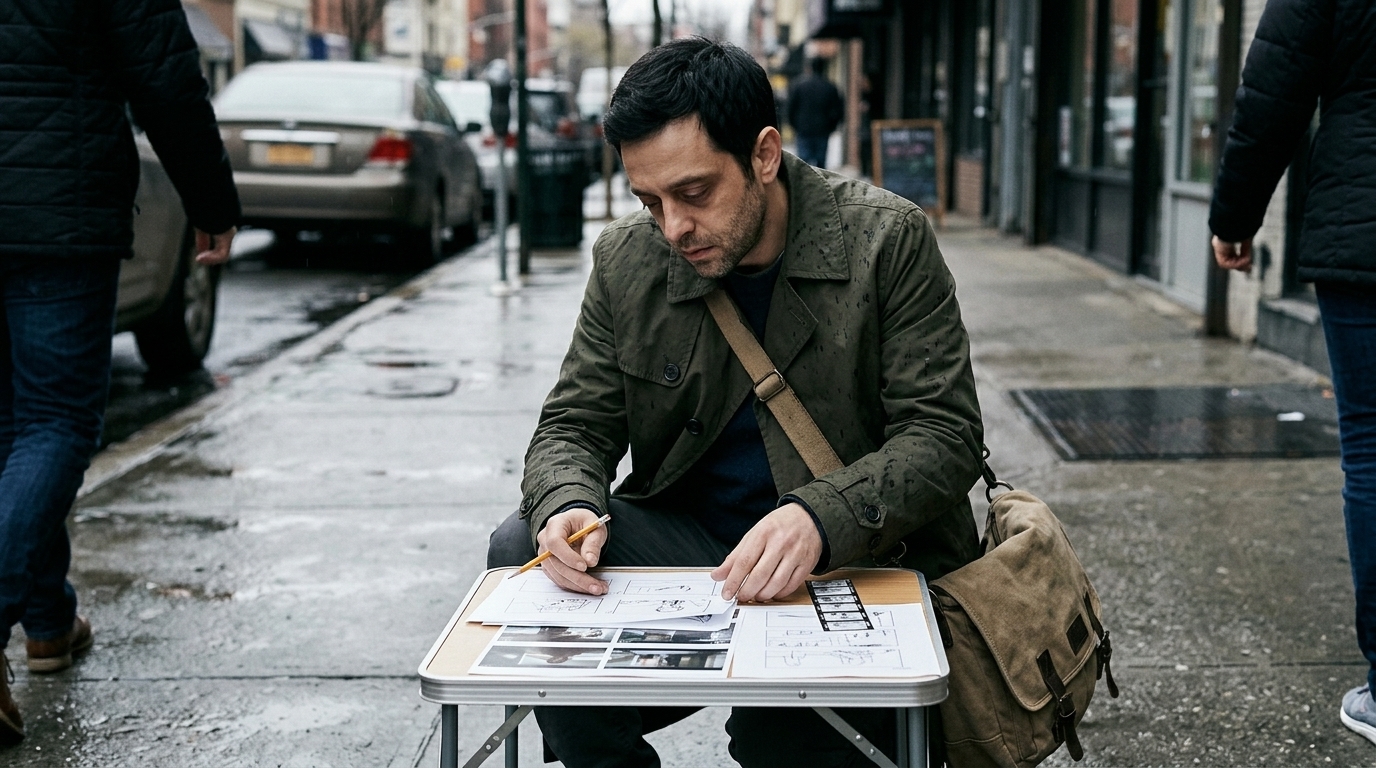
That is where you can explore ideas at lower cost and higher speed. A storyboard or reference frame gives the model directional context that a vague text prompt cannot. It also helps the team align on framing, movement, and visual tone before credits are spent on motion.
This matters because isolated generations are rarely enough. AI video tools can produce impressive clips, but they do not automatically understand the sequence around them. A board, reference, or starting frame reduces ambiguity and gives the model a clearer target.
If your workflow supports it, keep the script, boards, shot notes, and generated clips together in one connected production context. That is the difference between scattered experimentation and a purposeful pipeline. Tools like connected storyboard workflows and AI-assisted production planning are most valuable when they help you stay in that context.
Lock continuity rules early
One of the fastest ways to waste credits is to let continuity drift.
Before generation, decide the rules that must remain stable:
- character appearance - wardrobe - location - time of day - lens feel - composition - lighting style - camera movement
If those are not set early, every new take creates a new version of the world. That is how teams end up regenerating because the face changed, the outfit drifted, the framing broke, or the scene no longer matches the surrounding coverage.
Continuity is not a cosmetic concern. It is a budget control mechanism.
When the rules are explicit, you spend fewer credits fixing preventable drift. When they are fuzzy, you spend credits rediscovering what should have been decided in pre-production.
Revision control prevents you from solving the same problem twice

Once generation starts, you need revision control.
That means versioning shots, tracking changes, and knowing exactly what changed between one attempt and the next. Without that, teams often regenerate the same mistake repeatedly because nobody can tell whether the issue was framing, motion, character consistency, or editorial intent.
Good revision control is not glamorous, but it is one of the strongest ways to save budget. It helps you answer:
- What was approved? - What changed? - What problem are we solving now? - Are we refining the shot, or restarting it?
This is especially important when several people are involved. Directors, animators, producers, and editors can all have different notes. If those notes are not tied to the specific shot version, the team can burn through generations without actually moving closer to the cut.
A connected workspace for production collaboration can help keep approvals, notes, and shot versions tied together so the same issue does not get solved twice.
Volume only helps when the brief is already tight
Some creators do reduce spend by generating multiple variations. That can work.
But variation is only useful when the shot brief is already tight.
If the scene goal is clear, the camera intent is locked, and the visual rules are stable, then generating several options can help you compare subtle differences in timing, emotion, or composition. That is a productive use of volume.
If the brief is still vague, though, ten variations just means ten ways to waste credits.
So the rule is simple: generate options after the shot is defined, not before. Variation should help you choose between good answers, not search blindly for the question.
Why this problem gets worse with limited credit plans
Credit-based pricing makes planning mistakes immediately visible.
That is why creators feel the pain so quickly: one unclear shot can consume multiple attempts, and each attempt has a direct cost. Limited credit plans make every mistake more painful because there is no room to treat generation like endless exploration.
But the issue is not just budget pressure. It is also momentum. When you spend half a day chasing a near-miss clip, the whole team slows down. Creative energy gets stuck in prompt correction instead of moving the sequence forward.
The better approach is to treat AI generation like any other production step. Lock the brief, check the references, approve the direction, then generate with intent.
The connected workflow that saves credits
A connected workflow keeps the whole production context in one place:
- script context - shot list - reference frames - storyboard boards - approval notes - generated clips - edits and replacements
That matters because generation works best when it happens later and more purposefully. The more disconnected your process is, the more likely you are to regenerate in isolation, without the notes or context that explain what needs to change.
A practical pipeline looks like this:
script breakdown → scene-to-shot breakdown → boards/frames/references → approval → generation
That is also where tools like production-focused editing and generation workflows become valuable: not because they promise a shortcut, but because they keep the shot, the assets, and the edit in the same production context.
Pre-generation checklist
Before you spend another credit, ask:
- Is the scene goal clear? - Is the shot purpose defined? - Do we know exactly what the camera should do? - Have we locked the viewer’s focus? - Are continuity rules written down? - Do we have reference frames or boards? - Is the shot approved for generation? - Do we know what success looks like in the edit? - Are we solving a new problem, or repeating an old one?
If the answer to any of those is “not yet,” pause. That pause is often the cheapest part of the entire process.
The practical takeaway is straightforward: AI video is powerful, but credit-based workflows punish sloppy pre-production. Teams that build discipline before generation waste fewer credits, move faster, and get more coherent results from the same budget.
The goal is not fewer generations for their own sake. The goal is fewer unusable generations and a faster path to a shot that can actually cut into the sequence.