The Problem: An AI Clip Is Not Yet an Editable Shot
The folder arrives midway through the cut: final_final_v6.mp4, shot12_newcamera.mov, orbit_025_take4_better.mp4, and six nearly identical exports from different days. They are all technically editable. Several are visually strong. None answers the questions an editor, producer, or client needs answered before a replacement enters the timeline:
- Which planned shot does this file belong to?
- Is it the director’s preferred take, or simply a new generation?
- Does it replace the current timeline clip, and for what editorial purpose?
- Is it approved for this cut, approved only for review, or still an experiment?
- Does it preserve character, prop, camera, and action continuity with adjoining shots?
- Does it include enough material before and after the action to edit safely?
That is the central workflow problem in AI-assisted filmmaking. An AI generation is a media file. A production shot is a planned unit of story, continuity, coverage, and editorial intent. The workflow must keep those two things connected.
Premiere Pro, DaVinci Resolve, and other NLEs remain essential for assembling performance, shaping pace, building sound, testing transitions, and making finishing decisions. They can also hold useful local metadata, bins, markers, and editorial history. But they are not usually the shared system of record for generation provenance, continuity references, cross-team approvals, and replacement intent.
As discussed in why the timeline needs production context, that context has to travel alongside the timeline.
Why version chaos reaches editorial so quickly
Conventional dailies are imperfect, but they usually arrive within a known structure: shoot days, camera cards, slates, take numbers, planned coverage, and a shared understanding of what was meant to be filmed.
AI production can introduce new source material throughout editorial, often after the cut has established a shot’s pacing and story function. One setup may produce several plausible variants. A director may prefer the movement in one, the facial performance in another, and the composition in a third. A producer may need a longer duration. An agency may require a vertical version. A client may request a prop correction that also changes a character’s hand position.
Each request can create another usable clip. Usable, however, is not the same as approved for a specific story beat.
Generated media can vary at exactly the points that matter at a cut: framing, screen direction, wardrobe, prop placement, character features, lighting, background activity, movement direction, duration, and the frame where an action begins or ends. A beautiful new shot can still be wrong because the character enters from camera left rather than camera right, the red notebook has disappeared, or the reaction ends before the dialogue can breathe.
This is not solved by better prompting alone, nor by asking editors to sort more media manually. It is a production-data and handoff problem.
Build the Workflow Around a Stable Shot Identity
Create a stable shot identity before generation, from the script breakdown and shot list. It identifies the planned editorial unit regardless of how many source files are created for it.
For example, in Project ORBIT, Scene 04, Shot 025:
- Stable shot ID:
ORBIT_SC04_SH025 - Source version:
ORBIT_SC04_SH025_v03 - Editorial export:
ORBIT_SC04_SH025_v03_EDIT
The stable ID remains constant. The version identifies a particular media iteration. Whether that version is a select, approved for edit, or superseded should primarily be managed as workflow state and metadata—not only as a filename suffix.
Filename conventions remain useful, especially when media moves between systems. But labels such as best, new, latest, and final should never be the only way to identify a shot. Model names, dates, raw prompt text, and long visual descriptions may be useful metadata; they do not tell an editor what story beat a file serves.
Every planned shot should connect to:
- its scene, narrative beat, shot description, and coverage purpose;
- a storyboard frame, animatic position, or reference composition;
- character, location, prop, wardrobe, and visual-development references;
- camera and framing intention;
- the relationship to the previous and next shots;
- continuity notes and known constraints;
- current workflow status and approval owner; and
- all associated generated-media versions.
This is the distinction teams need to preserve: source version is the media iteration, selection is the team’s preferred candidate, and approval state defines what editorial may use for a stated purpose.
Separate Media Existence From Permission to Use It
A file on a drive is not an editorial decision. Use explicit workflow statuses so everyone can tell whether media exists, whether it is preferred, and whether it is safe to put into the current cut.
| Status | Meaning for the team | Editorial implication |
|---|---|---|
| Planned | The shot is in the shot list, but no usable media exists. | Do not expect source media yet. |
| In generation | Alternatives are being created, extended, or refined against the brief. | Not ready for cut or approval. |
| Review | Candidates are ready for director, producer, agency, or client review. | Do not assume a preferred version exists. |
| Select | A preferred candidate has been chosen. | May still require technical and continuity checks. |
| Editorial temp | Good enough to test story, rhythm, or timing. | Treat as a labelled placeholder, not an approved image source. |
| Replace requested | The current source needs a documented revision. | Retain the current version until the replacement passes review. |
| Approved for edit | Cleared for use in the current timeline as specified. | Editor can conform it. |
| Approved / locked | Formally approved. | Require an explicit change decision before replacement. |
| Superseded | Retained for traceability but no longer current. | Exclude from active-select and replacement bins. |
| Rejected | Not available for editorial use. | Keep out of usable-media bins. |
Use “final” sparingly. A clip may be final for offline editorial while still awaiting a higher-resolution export, cleanup, colour work, sound synchronization, or a client’s formal approval.
Make Every Handoff Replacement-Ready
The editor should never receive “a new clip.” The handoff should say: “This is a replacement for this shot, this cut position, and this editorial function.”
A replacement-ready package includes:
- stable shot ID and source version;
- current status;
- target timeline shot, clip instance, or prior version to replace;
- frame rate, aspect ratio, resolution, codec, and colour/export information;
- exact duration and timecode or frame count where relevant;
- available head and tail handles;
- audio status, including guide audio, usable production audio, or no audio;
- storyboard, shot brief, continuity references, or a reference thumbnail;
- a precise description of what changed;
- approval owner, approval date, and remaining limitations.
Handles deserve particular attention. A generated clip can look successful in isolation but fail editorially if it begins after the action has already started, ends immediately after the action, or offers no clean entrance and exit. Extra frames give editorial room for timing changes, J-cuts, L-cuts, transitions, reframing, stabilization, sound design, and overlap with adjoining shots.
“New version attached” creates uncertainty. A usable note is specific:
ORBIT_SC04_SH025_v04replaces v03 at Scene 04, Shot 025. Maintain the existing 48-frame reaction hold, preserve left-to-right screen direction, and provide 24-frame handles at both ends. Director approved for edit; colour remains temporary.
A Workflow Diagram With Clear Decision Gates
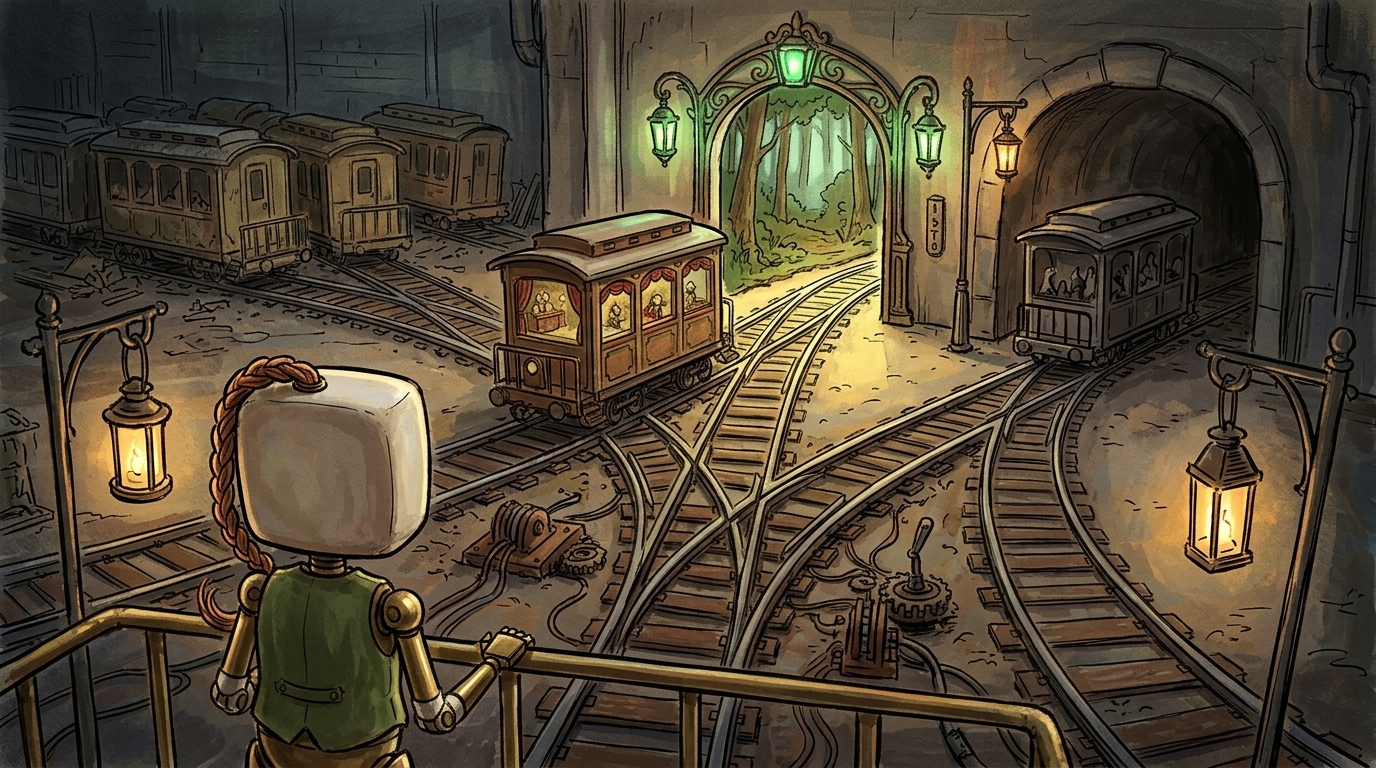
The workflow diagram is not just a route for moving files. It shows how context and decisions move with the media:
Script and boards
        → shot brief and continuity reference
        → generated candidates
        → contextual review
        → selected source
        → editorial conform
→ approval, lock, or replacement request| Stage | Decision gate | Named owner | Required artifact | Output |
|---|---|---|---|---|
| Script and boards | Is this a necessary story beat with planned coverage? | Director, producer | Script breakdown, shot list, board or animatic position | Stable shot ID and planned shot |

| Shot brief | Is visual and editorial intent clear enough to generate against? | Director, art or animation lead | Brief, references, continuity notes | Generation-ready brief | | Generated candidates | Do outputs meet the brief at a basic visual and technical level? | Artist or AI creator | Candidate files, generation record, thumbnails | Review candidates | | Contextual review | Which candidate best serves the scene and adjacent shots?
| Director; producer confirms scope | Review notes and decision | Select or replacement request | | Editorial handoff | Is the source suitable for the intended cut position? | Editor, with director sign-off | Replacement-ready package | Approved for edit or editorial temp | | Editorial conform | Does it work in the timeline at the intended function?
| Editor | Timeline test and conform note | Current editorial source or return note | | Approval and change control | Is the stated version approved, locked, or being replaced? | Producer; agency/client where applicable | Dated decision and change record | Locked source or traceable superseded version |
A connected production workspace can keep shot briefs, version history, review decisions, and NLE handoffs attached to the same shot identity. For teams working across generation and editorial, an AI-powered production and NLE workflow can provide that shared layer without treating the timeline as the only source of production truth.
Continuity Must Travel With the Media
Continuity is shared production and editorial responsibility. It cannot be left to the editor to reconstruct from folders, memory, and exports.
For every shot, record the continuity details needed to replace it safely:
- Character identity: face, hair, costume, age, body proportions, and performance energy.
- Location and design: layout, time of day, weather, background activity, and set dressing.
- Props and wardrobe: position, condition, colour, hand placement, and changes since the previous shot.
- Screen direction and geography: entrances, exits, movement direction, eyelines, and 180-degree-line implications.
- Camera language: lens feel, height, angle, movement, shot scale, depth of field, and framing logic.
- Action matching: the action state at the first and last usable frames.
- Lighting and grade: source direction, contrast, colour temperature, atmosphere, and intended grade relationship.
- Sound and dialogue: guide tracks, lip-sync expectations, room tone, and editorial usability.
Before approving a replacement, perform a neighboring-shot check. Does the incoming clip match the preceding exit and following entrance? Does it retain the red notebook, dusk lighting, left-to-right movement, and the character’s emotional state? This check catches failures that are invisible when a clip is reviewed alone.
A Short Scene: Name the Editorial Function
In Project ORBIT, Scene 04, Mara crosses a dusk-lit station platform, stops at a bench, and discovers a red notebook. Shot 024 establishes her moving left to right. Shot 025 is a medium reaction as she sees the notebook. Shot 026 is an insert of her hand reaching for it.
The first selected version of Shot 025 is strong, but the editor needs a longer hold to let Mara’s line play over the reaction. The director’s note should not be “make it more cinematic.” It should be:
Replace
ORBIT_SC04_SH025_v03with a medium reaction that holds for 12 additional frames before Mara looks down. Maintain left-to-right screen direction from Shot 024, dusk lighting, the navy coat, and the red notebook in the lower foreground. Keep Mara’s right hand free so Shot 026 can match the reach. Deliver 24-frame head and tail handles. This is a regeneration request, not a colour or export request.
That note separates a creative change—the performance hold and composition—from a regeneration request—new source media is required. A note such as “make the platform sign less prominent” may instead be a design change, a finishing note, or a request that does not justify regenerating the shot. The producer can assess its scope before creating more versions.
The resulting source is reviewed against Shots 024 and 026, marked Approved for edit, and linked to the superseded v03. The editor can replace it without guessing whether it is merely another attractive alternative.
Replacement-Readiness Checklist
Before a clip enters the timeline—or replaces one already in it—confirm:
- It has a stable shot ID tied to the script, scene, and story beat.
- Its version is clear, with the prior source linked where relevant.
- Its status is explicit.
- The intended timeline target or prior version is named.
- The director’s preferred candidate is identified separately from other usable alternatives.
- The handoff states what changed and whether it is creative, technical, export-related, or a regeneration request.
- Character, wardrobe, props, location, action, camera, lighting, and screen direction have been checked against neighboring shots.
- Frame rate, aspect ratio, resolution, duration, colour/export details, and audio status are known.
- There are sufficient clean handles for the intended edit and sound work.
- The editor can quickly access the relevant storyboard frame, brief, or reference image.
- The approval record identifies who approved the media, when, and for what use.
- Superseded versions remain traceable without cluttering active-select bins.
The goal is not to add administration around generation. It is to ensure every new render arrives with enough identity, intent, continuity context, and approval history to become an editorial decision—not another mystery file.