Why Most AI Storyboard Tools Still Don’t Reach Previz
Everyone has an AI storyboard generator now. Fewer teams have a workflow that actually gets them to watchable previz without starting over.
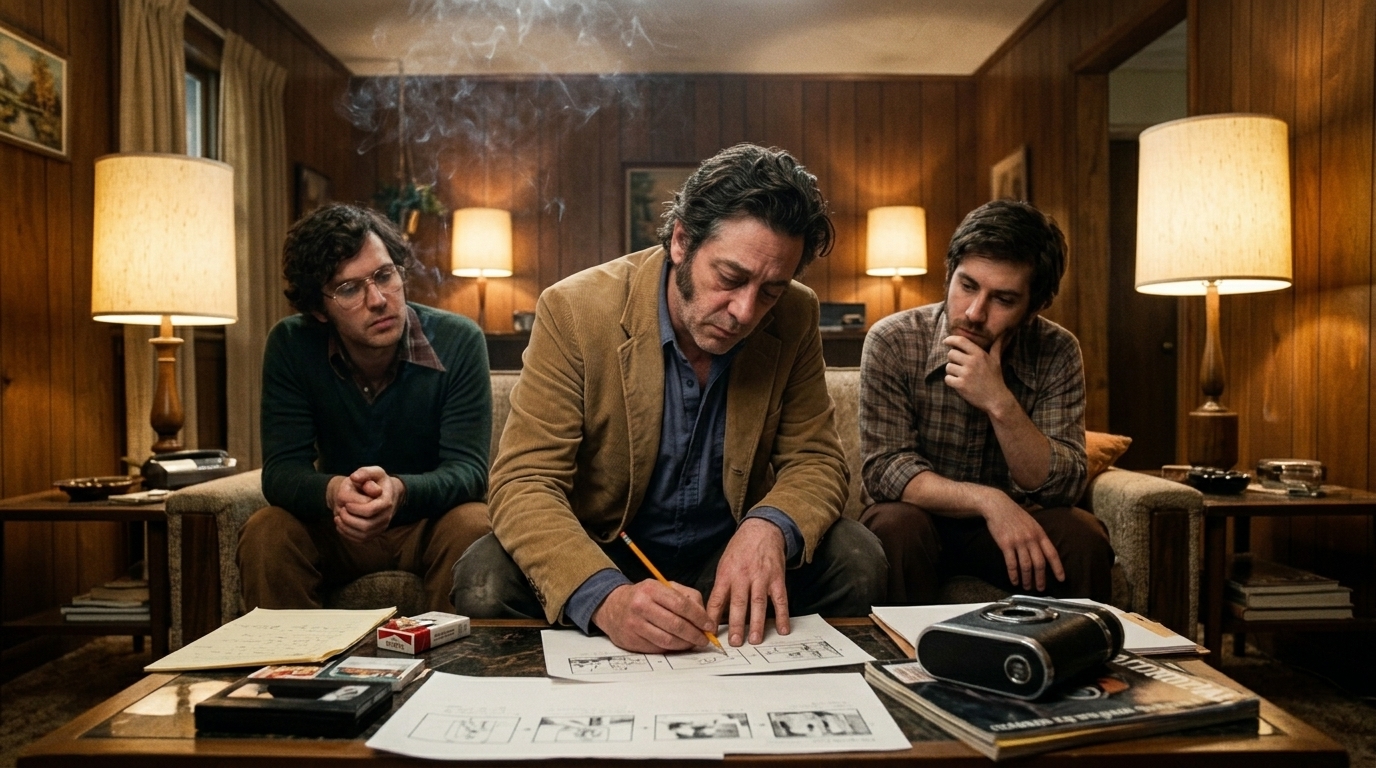
That gap matters because storyboards and previs solve different problems. Storyboards are useful for communication and approval. Previz is a planning tool for testing shots, timing, geography, and tone before production — not the finished pixel. A board can show an idea; previs has to prove whether the idea plays.
In practice, most teams still live in the old pre-production graveyard: Final Draft → illustrator → Boords → Premiere animatic → Dropbox refs → regenerate everything when the script changes. It works until the script moves, the shot order changes, or a client asks for one more version. Then every disconnected asset becomes a re-prompting nightmare.
That is why the modern promise of an AI previs or storyboard to video AI workflow is not “better images.” It is pipeline continuity. The real win is when script changes, shot intent, character references, and timing all stay connected so revisions propagate downstream instead of forcing a full redraw.
What previs means in 2026
A useful 2026 ai animatic workflow sits between static boards and final production. Static boards are still valuable for client decks, pitch docs, and projects that do not need motion. Final film frames are not the goal here. Previz sits in the middle: enough motion to test editorial logic, but not so much polish that you mistake it for the movie.
If you are making a 90-second commercial or a 3-minute short, the question is not “Can AI draw a frame?” It is “Can I turn one scene into something I can watch, cut, revise, and trust?”
That is where a filmmaking-native pipeline matters. Instead of treating storyboard images like isolated outputs, the connected workflow looks more like this:
Script as source of truth → scene and shot breakdown → locked character and location references → boards with camera intent → timed animatic → selective video generation for hero shots
Why camera intent beats vague prompts
A lot of storyboard tools fail because they ask for an image, not a shot.
For filmmakers, camera intent is the difference between “cinematic close-up” and a usable plan. The board needs to carry:
- Dolly movement or a static hold - Lens feel: wide, normal, compressed, intimate - Framing progression across the sequence - Duration per shot so timing can be tested in an animatic
That is also why sequential generation matters. Shot N should inherit from shot N-1 wherever possible, preserving continuity across framing, character position, and motion logic. Otherwise the boards look related for one frame and collapse the moment you ask for a sequence.
Start with the hardest beat, not the whole script
One of the biggest mistakes in film pre production is trying to previs everything.
Start with the hardest beat first — the scene most likely to break in edit. That might be:
- an action beat where geography has to read - a dialogue scene with blocking and eyelines - a setup that must explain space clearly - a tone-heavy moment where pacing matters more than coverage
If that one scene survives script-to-board-to-timed animatic, you have proven the workflow. If it fails, you have learned where the pipeline is weak before you spend hours on the rest of the project.
A mini case study: one revision, one propagation
Take a 3-minute indie scene, or a 90-second commercial with one hero sequence.
Day 1: the script calls for a character to enter from camera left, cross the room, and reveal an object on the table.
Day 2: the director changes the blocking. The character now enters from a doorway behind frame, and the reveal needs to land later for better tension.
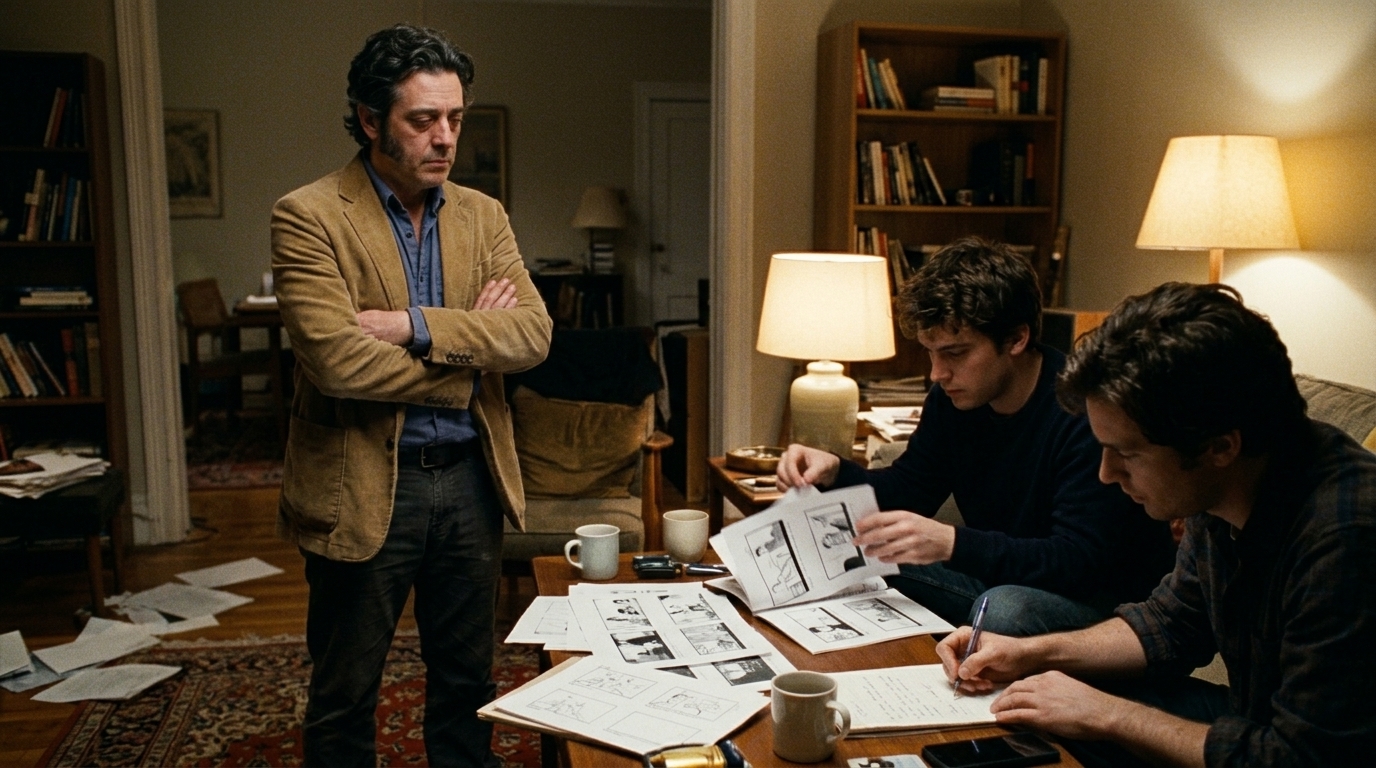
In a disconnected workflow, that means rewriting the board, redoing the animatic, hunting old refs in Dropbox, and regenerating mismatched frames.
In a connected workflow, the script update propagates into the shot breakdown, the location context stays locked, the character reference stays consistent, and only the affected shots are regenerated. The rest of the sequence keeps timing, continuity, and editorial structure intact.
That is the difference between a tool and a production system.
When to stop at animatic vs. push into video
Not every project should become full-motion AI. Some jobs need only boards for approval. Others need a rough cut feel before anyone commits to production.
Here is a practical decision matrix for choosing between static boards, animatic, and full storyboard video generation:
| Project type | Revision risk | Need for motion | Client approval needs | Delivery format | Best stop point | |---|---:|---:|---:|---|---| | Pitch deck / concept sell | Low | Low | High | PDF / slides | Static boards | | Ad pre-pro with timing questions | Medium | Medium | Medium | MP4 | Timed animatic | | Action scene with blocking uncertainty | High | High | Medium | MP4 + EDL | Selective video for hero shots | | Indie short with evolving script | High | Medium | Medium | MP4 + edit round-trip | Animatic first,
then video where needed | | Editorial-heavy campaign | Medium | High | High | MP4 + EDL | Push beyond animatic |
The useful rule: stop at animatic when timing and geography are the main questions. Push into full AI video when motion, performance, or tone cannot be judged from stills alone.
Round-trip to the NLE is the real test
A production-ready workflow should not die inside a storyboard app. It should round-trip into editorial.
That means MP4 and EDL export matter. If the previs can move into the NLE, then back again after notes, you are not just generating images — you are building a path into the edit. That is also where Ciaro’s positioning is strongest: collapsing pre-viz through rough cut, not pretending to replace the final grade.
For filmmakers, that is the point. The tool should help you shape the sequence before production, then hand off cleanly to the edit when the plan changes.
Brief competitive reality check
There is a real market here, but the tools are not solving the same problem.
- Boords AI is strong for client-facing decks and classic storyboard presentation. - Krea is useful when you need fast frame generation. - Storyflow leans toward a connected canvas experience. - mStudio, Tadaah, and Incepto are closer to full pipeline workflows.
That is not a knock on any of them; it is just the difference between a panel tool, a fast image tool, and a filmmaking system. If your pain is revision churn across script, characters, and shots, the pipeline matters more than the canvas.
Ciaro’s pitch is deliberately filmmaking-native: script as the single source of truth, storyboard modules tied to characters and locations, a storyboard-to-video path, and a production timeline built for animatic timing. That is the kind of structure teams need when they are trying to ship, not just explore.
Production-ready checklist: is your storyboard pipeline actually usable?
Use this checklist before you commit a project to an ai storyboard generator workflow:
1. The script is the source of truth. 2. Scene and shot breakdowns are structured, not just pasted into prompts. 3. Characters and locations stay locked across revisions. 4. Boards carry camera intent, not only image style. 5. Shot duration is defined for each board. 6. Shot N can inherit continuity from shot N-1. 7. The workflow supports a timed ai animatic. 8. You can export MP4 for review. 9. You can round-trip via EDL into the NLE. 10.
Revisions update downstream without rebuilding the whole sequence.
If you cannot check most of those boxes, you do not really have a previs workflow yet — just image generation with extra steps.
The practical takeaway is simple: start with one scene, board it, time it, watch it move, and then decide which shots deserve full generation. That is how AI storyboard work stops being a silo and starts becoming a system that ships.
What a Production-Ready Board Needs: Camera Intent, Continuity, and Time
Everyone has an AI storyboard generator now. Very few teams have one that can actually survive notes, preserve continuity, and reach a watchable previs without starting over.
That gap is why so many productions still fall into the same graveyard workflow: Final Draft → illustrator → Boords → Premiere animatic → Dropbox refs → regenerate everything when the script changes. It looks organized right up until a line change, a shot reorder, or a character wardrobe tweak forces the whole chain back to zero.
In 2026, that is the real test of a storyboard generator: not whether it can draw a frame, but whether it can behave like part of a filmmaking pipeline.
The connected pipeline that actually ships
A production-ready workflow is less about “generating images” and more about keeping every decision connected:
Script as source of truth → scene and shot breakdown → locked character and location references → boards with camera intent → timed animatic → selective video generation for hero shots
That sequence matters because revisions can then propagate downstream instead of breaking the whole system. If the script changes, the board should know what scene it belongs to, which character it uses, what location geometry it assumes, and what shots depend on it.
That is also where filmmaking-native tools separate themselves from generic canvas products. A connected system treats the screenplay as the master document, then ties the storyboard module to characters, locations, and a production timeline for animatic timing. In practice, that means a scene update doesn’t just produce fresh images — it updates shot context.
If you want a deeper look at that approach, Ciaro’s AI storyboard software for film teams is built around the same principle: approved frames should lead into motion without losing screenplay context, shot intent, or sequence structure.
Scene selection: prove the hardest beat first
A common mistake is trying to previz the whole script. That is slow, expensive, and usually unnecessary.
Instead, choose the hardest beat first:
- Action if the challenge is choreography or blocking - Dialogue if performance rhythm and coverage matter - Geography if the audience must understand space - Tone if the scene lives or dies on mood
If a storyboard system can handle the hardest beat, the rest of the scene usually follows. If it cannot, you will know early — before you’ve spent time on easy shots that don’t test anything.
Camera intent beats vague prompts
This is where many tools fail. A useful board does not say “cinematic close-up” and call it done. It needs camera intent that a crew or editor can actually read.
At minimum, that means:
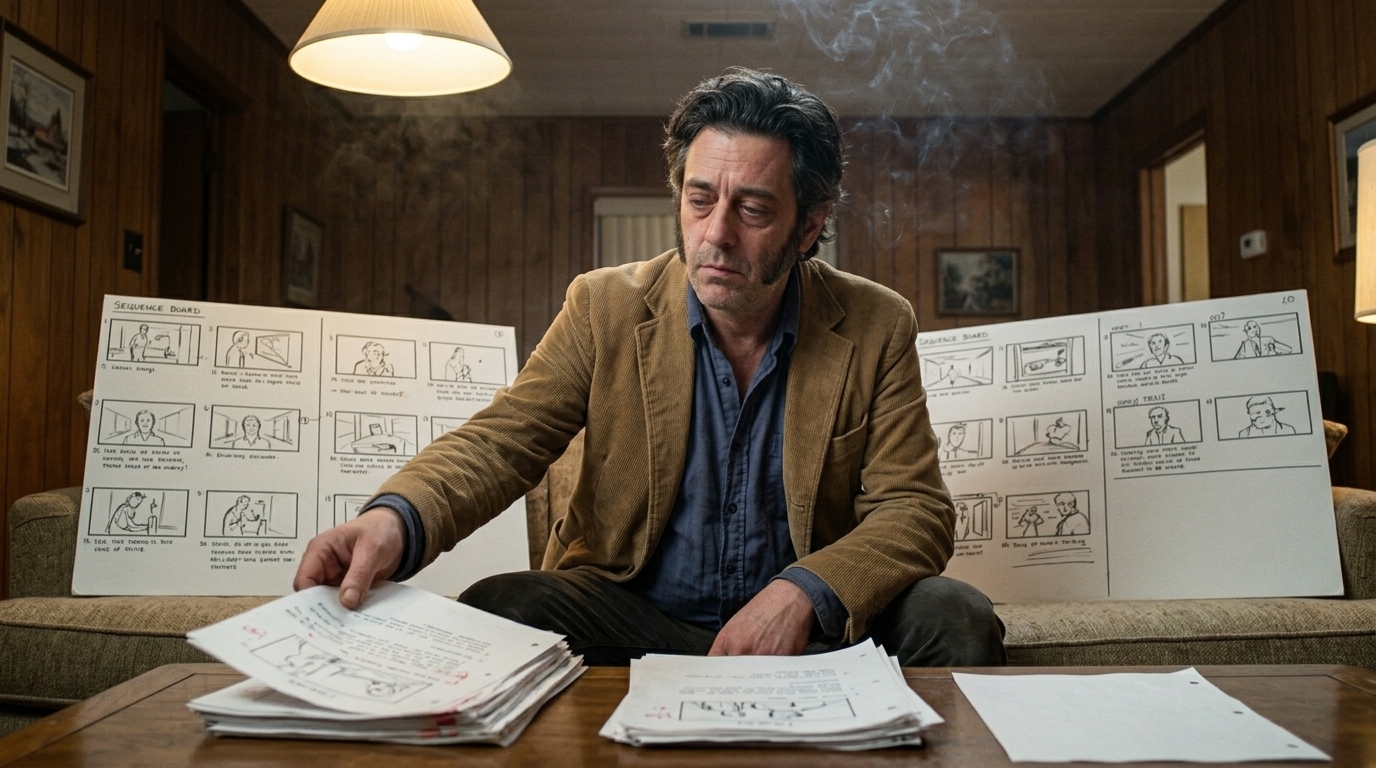
- Dolly movement: push in, pull back, lateral move, or compound motion - Lens feel: wide, normal, telephoto, compressed, intimate, expansive - Framing progression: how the shot changes over time, not just where it starts - Duration per shot: how long the shot holds in the animatic
A board with camera intent answers questions a director and editor care about: Does the shot move? How does it breathe? How long do we stay? What does the lens do to the scene’s emotional distance?
That is why a proper storyboard generator has to think in shots, not images.
Sequential generation and continuity
The second big difference is sequential generation: shot N should inherit from shot N-1.
That inheritance is not a gimmick. It is how you preserve continuity across:
- Framing: the angle and composition evolve logically - Character: wardrobe, pose, eyeline, and emotional state stay stable - Motion: if a character crosses frame left to right in one shot, the next shot respects that movement instead of resetting it
In a disconnected workflow, every new frame is a new guess. In a connected workflow, each shot is aware of the scene around it. That makes revision cheaper and the animatic more trustworthy.
This is also where locked references matter. If the character sheet and location layout are stable, the board can stay consistent while the scene changes around it. That is the practical value of reference-aware generation: fewer redraws, fewer continuity errors, and less time spent re-explaining the same shot to different tools.
Why scene geography and tone matter as much as the frame
A board is only useful if it helps you understand where people are and how the scene feels.
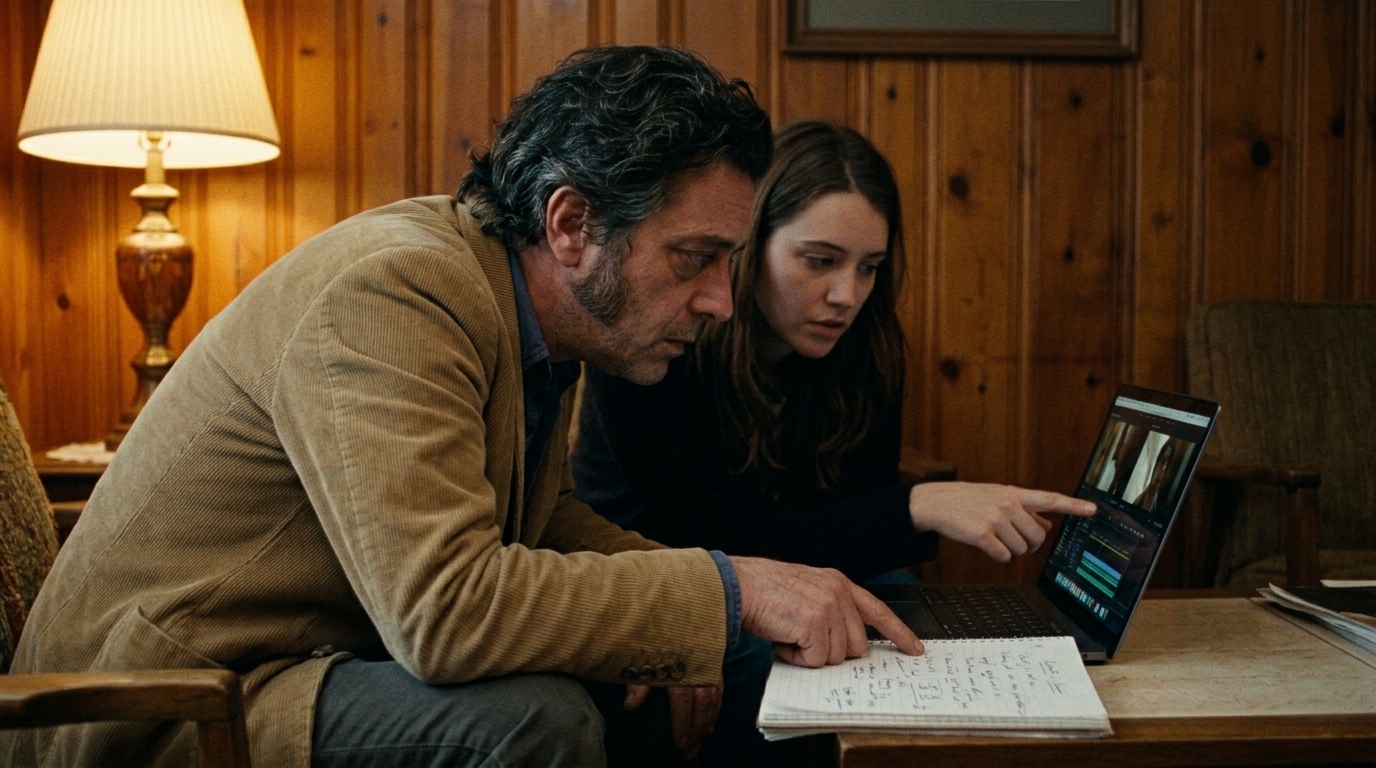
Scene geography prevents the classic editing problem where every shot looks cool but no one can tell where the characters stand relative to each other. Tone prevents the equally common problem where the visuals are technically right but emotionally wrong.
When boards carry geography and tone, the animatic stops being a folder of disconnected frames and starts acting like a usable rehearsal for production. That is the difference between “we have images” and “we have a sequence that can be cut, reviewed, and trusted.”
Where Ciaro fits
Ciaro’s approach is built for that second category. Rather than treating storyboards as isolated outputs, it keeps the pipeline connected from screenplay through storyboard to motion. That means the system is designed to preserve shot context, character consistency, and sequence logic as the plan evolves.
For teams that need to move from boards to motion without resetting the whole project, the most relevant next step is the storyboard-to-video AI workflow.
Final checklist: does your pipeline actually hold up?
Use this shorter field test before you commit real production time:
1. Can you start from the script, not a blank prompt? 2. Can you break one scene into shots with clear intent? 3. Can you lock characters and locations early? 4. Can you specify camera movement, lens feel, and shot duration? 5. Can shot N inherit continuity from shot N-1? 6. Can you build a timed ai animatic? 7. Can you export MP4 and EDL? 8. Can you revise one scene without redrawing the entire project?
If the answer is yes, you have more than an image generator. You have a previs workflow.
The practical move is still the same: start with one difficult scene, board it, time it, and watch it move. If it holds up, expand. If it doesn’t, fix the pipeline before you scale the work.