Why AI Films Need a Visual Continuity System
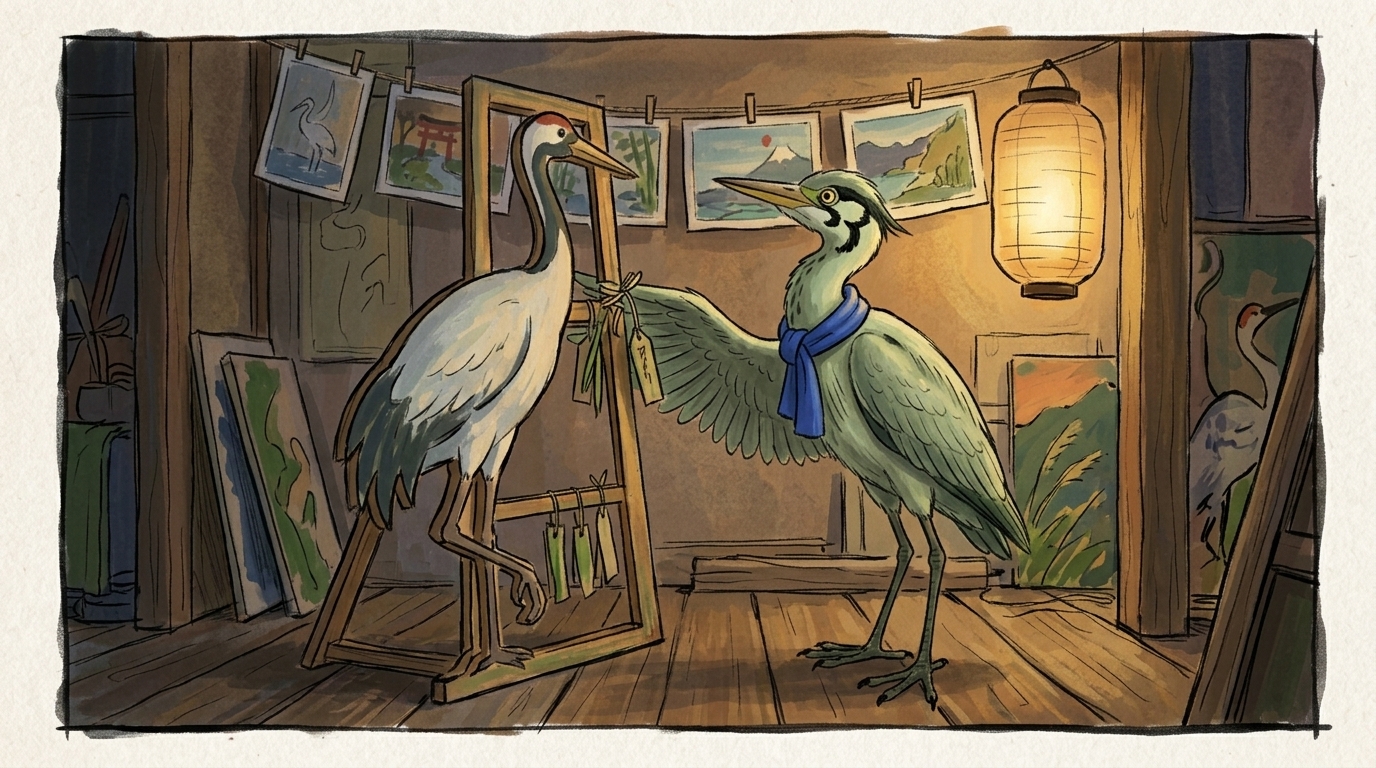
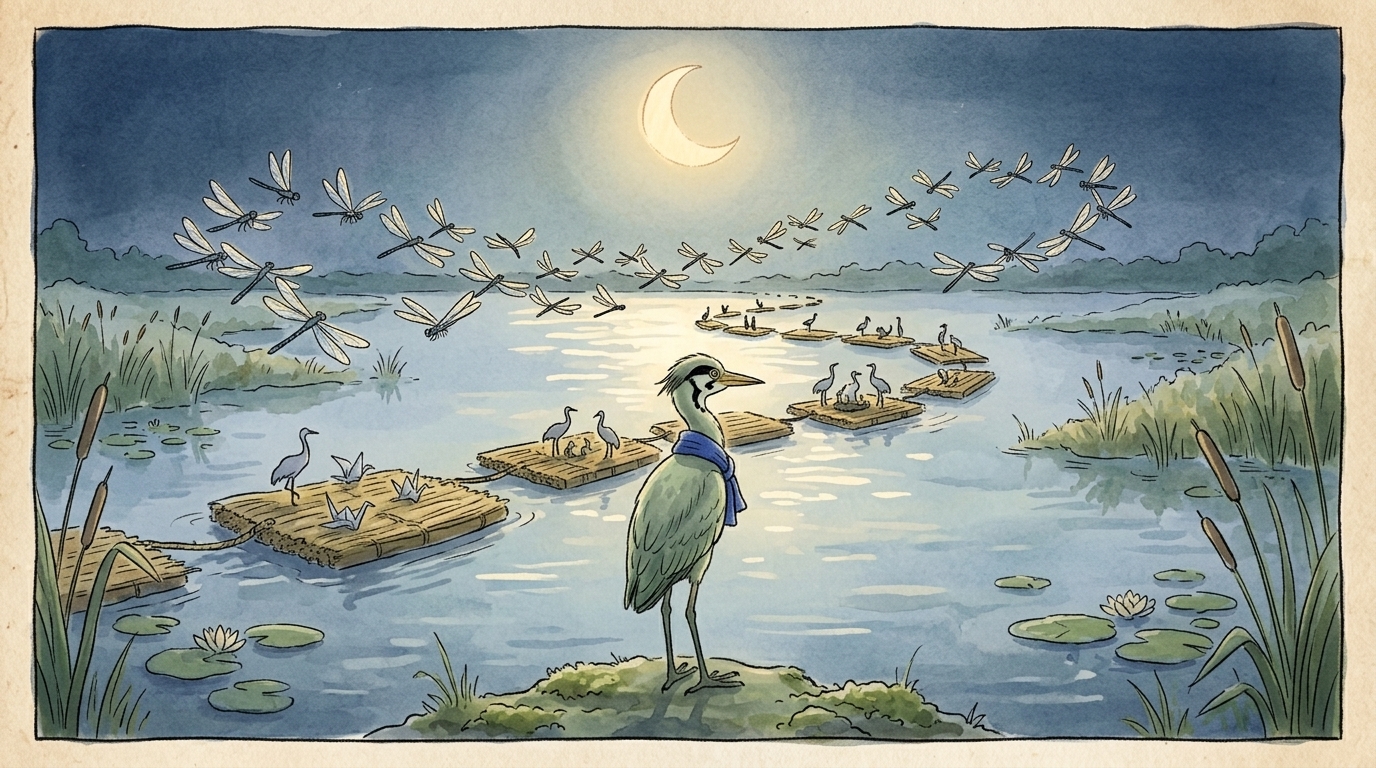
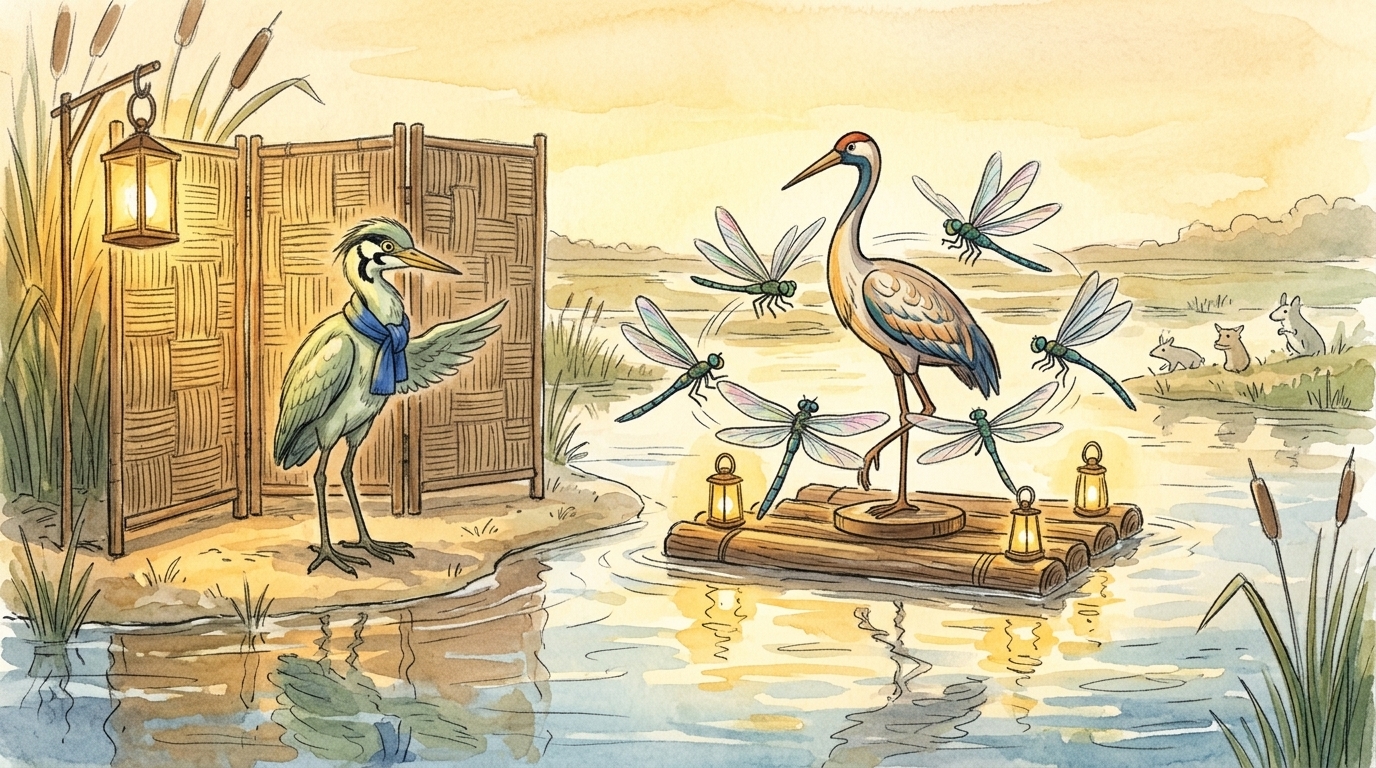
The central problem in AI film and animation is not bad prompts. It is broken continuity across a multi-step production pipeline. AI tools can generate an impressive single shot, but they do not automatically preserve the same character face, wardrobe, lighting, pose, framing, or environment from one scene to the next. A character may appear with a new face in the next clip. The same room may change layout. A costume may subtly shift color or details.
Individually, the shots can look strong; together, the film starts to feel unstable.
That is why a visual continuity system for AI films matters. It is the layer that turns isolated clips into coherent films, animation sequences, and story-driven outputs that can actually be pitched, reviewed, and finished. Continuity is not cosmetic. It affects story clarity, client confidence, and production efficiency. When continuity is missing, teams waste generations, time, and credits trying to repair drift after the fact.
A useful way to think about it is this: AI video generation is a production engine, not a production structure. Prompting can guide a shot, but it does not organize the full filmmaking workflow. If scripts and assets are scattered across tools, if references are inconsistent, and if approvals are disconnected from the boards, the result is usually a pile of good fragments rather than a reliable sequence.
A continuity system starts before generation
If you want repeatable results, the system has to begin in pre-production. Start with a script breakdown and extract the continuity-critical elements before any clip is generated. That means identifying:
- character identity and behavior - location details and layout - prop rules - wardrobe rules - visual style references - recurring camera patterns or framing logic
This is where a character bible becomes essential. A strong character builder for film and animation workflow gives you a place to define the fixed traits that stay stable across scenes: face shape, age, silhouette, hair, wardrobe, palette, signature props, posture, and behavioral notes. If those rules are not documented, they tend to drift from shot to shot.
A location bible is just as important. It should hold spatial rules, room layout, key landmarks, weather or time-of-day limits, and any visual details that must remain unchanged. Prop and wardrobe rules should be treated with the same discipline. If a jacket has a red lining in shot one, that detail should not disappear in shot four unless the story says so.
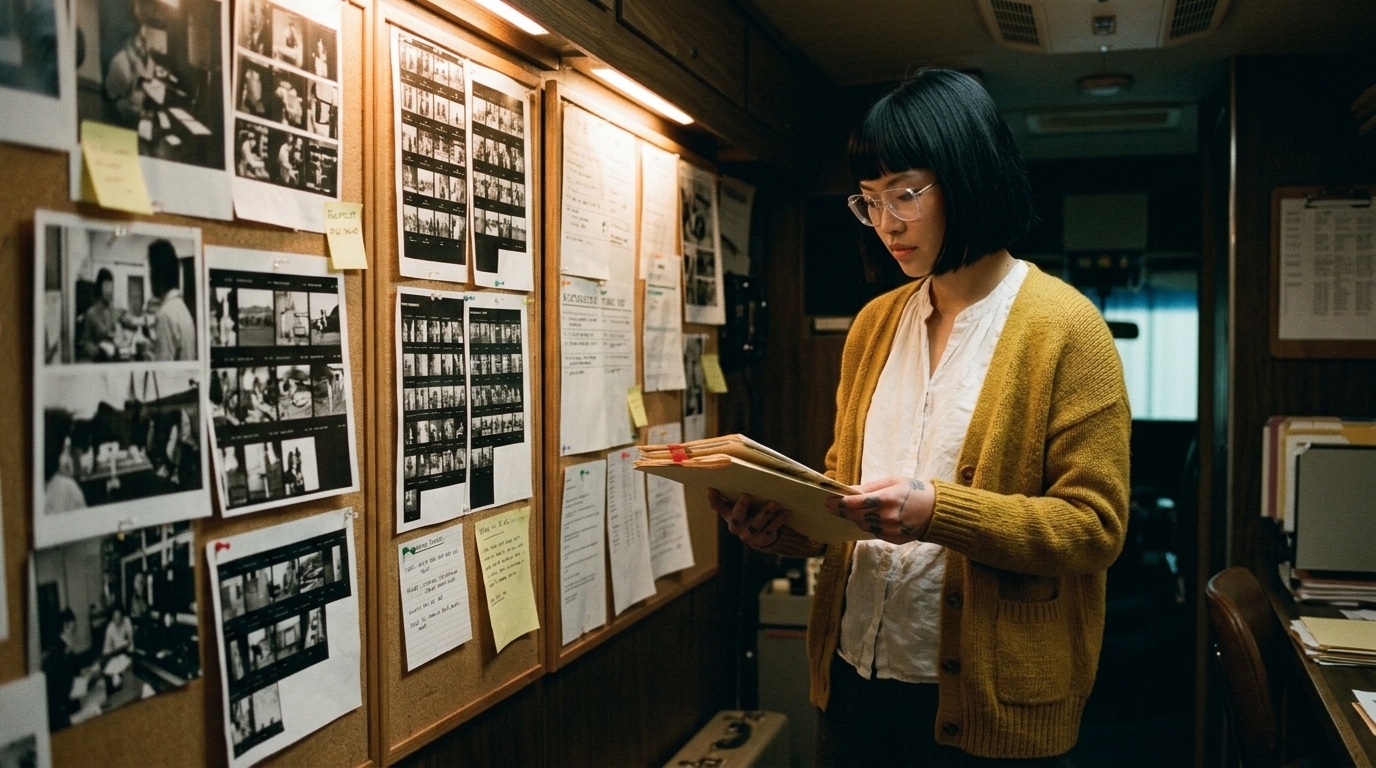
A centralized reference board is the practical home for all of this. It keeps character, location, prop, and style references in one place so prompts and boards do not become fragmented across folders, chats, and tools. The more scattered the references are, the more likely the project is to drift.
Storyboards are continuity documents, not just planning pages
One of the biggest workflow mistakes in AI filmmaking is treating storyboards as optional concept art. In practice, storyboards should function as continuity documents. They map intent, expose gaps, and preserve the handoff from script to visual production.
Each storyboard frame should carry more than composition. It should include:
- shot intent - framing - action - reference notes - continuity flags
That matters because storyboard frames are not the same as concept frames, test shots, or final sequence clips.
- Concept frames establish the look and feel. - Storyboard frames define the planned shot and its narrative role. - Test shots validate whether the continuity rules actually hold. - Final sequence clips are the assembled production outputs.
If those stages get blurred together, the team loses control over what is approved, what is still exploratory, and what is supposed to match the film’s continuity rules.
A dedicated storyboard workspace helps keep that distinction visible. It also makes it easier to review shot intent before any generation credits are spent.
The operational workflow: from script to clip to edit
Continuity is really a filmmaking workflow problem. A reliable system usually looks like this:
1. Script breakdown - identify every recurring character, location, prop, and wardrobe element - mark shots that depend on strict visual matching
2. Build continuity documents - character bible - location bible - prop and wardrobe rules - style references and visual tone notes
3. Plan in storyboards and shot lists - define shot intent, lens feel, camera movement, and action - attach continuity flags where drift would break the scene
4. Generate with constraints - reuse reference frames
- keep naming conventions consistent - organize scenes and versions clearly - track which assets were used for which shot
5. Test in short ranges first - validate continuity with short-form test shots before committing to longer sequences - compare the generated result against the bible and storyboard intent
6. Assemble and audit in the edit - sequence assembly and timeline review are where continuity errors become most visible - check for drift in face, costume, lighting, pose, and environment
This is why production teams need shared context and approval gates. The director or creative lead still has to preserve rules and intent before more credits are spent. AI can accelerate the work, but it cannot replace direction.
A simple example: one character, three shots
Imagine a short scene with one character entering a hallway, picking up a key, and turning toward a door.
In shot one, the character walks in from frame left. In shot two, they bend to pick up the key. In shot three, they turn toward the door while holding it.
If there is no continuity system, several things can drift immediately:
- the character’s face may change between shots - the jacket may lose its stitching or lining detail - the key may change shape or vanish between frames - the hallway layout may shift enough to break spatial logic - the lighting direction may reverse without explanation
With a continuity system, each of those details is defined before generation. The storyboard notes the action. The character bible locks the identity. The location bible keeps the hallway stable. The reference board holds the approved visuals. The shot list tells the generator what must not change. The edit becomes a check for compliance, not a rescue mission.
The tactics creators use, and their limits
In the wild, creators use a range of partial workarounds to hold shots together:
- reference pinning - LoRA training - IPAdapter/Reactor-style methods - ControlNet-style blocking - compositing - image-to-video - inpainting - simple 3D blockouts - zoom-outs and cropping - heavily edited outputs
These are useful tactics, but they are not a complete system. Many strong results are the product of extensive editing, not pure generation. That is an important distinction. If you see a consistent sequence, it may have been assembled from multiple passes, composited layers, and manual correction rather than one clean generation.
The best results usually come from prep work and consistency in style and model usage, not from trying to fix everything in post. Post-production can improve coherence, but it cannot reliably solve a weak foundation.
Why short scenes are easier to control
For AI-first workflows, it often helps to break a film into short scenes or standalone shots, often in the 15 to 30 second range. That reduces continuity pressure and makes the production more manageable. It also gives you room to validate the look before committing to a full sequence.
Short-form test shots are especially useful when you are checking:
- whether the character stays recognizable - whether wardrobe details remain stable - whether the location reads the same way across angles - whether camera movement breaks the set - whether the edit exposes drift that the single clip hid
This is one reason current AI video tends to be better for isolated clips or editing assistance than for full multi-shot narrative continuity. The smaller the unit, the easier it is to control.
The production pain points continuity solves
A continuity system is not only about visual polish. It directly addresses the most common failures in AI-assisted production:
- repeated regenerations - wasted credits - inconsistent characters - scattered references - poor handoff from planning to production - clips that look good alone but fail in sequence
It also improves client confidence. A project feels more credible when each shot is clearly tied back to the same rules, references, and approvals.
The takeaway
If you want AI films to feel coherent, build a system that connects script, character bible, reference board, storyboard, shot list, test clips, and edit into one operational workflow. Do not wait until the timeline to discover that the face changed, the room shifted, or the costume drifted.
A connected production workspace makes that much easier because scripts, storyboards, characters, assets, references, generated clips, approvals, and edits stay linked. That is the real advantage of treating continuity as part of the filmmaking workflow instead of a problem to patch later. If you are building this process now, start with the continuity documents, then use a shared board and approval path to keep the whole sequence aligned.