Why one good AI shot is not enough
AI video can already produce a striking shot: a clean close-up, a believable environment, a convincing performance beat. But the moment that scene has to survive across multiple shots, the illusion starts to break. A character’s face shifts, a jacket changes color, a prop disappears, the room geometry resets, or the lighting jumps as if the scene came from a different brief. What looked strong in isolation suddenly feels like separate prompts stitched together rather than one coherent film.
That is the core problem behind the ai continuity checklist: single-shot quality is no longer the hardest part. Multi shot scene planning is. If you are moving from one clip to a sequence, continuity becomes a pre-production problem as much as a generation problem. The more structure you lock before prompting, the less drift you have to repair later.
Prompt-only workflows also tend to waste credits. AI tools are excellent at generating variations fast, but they do not automatically preserve production intent across cuts. Without a continuity framework, teams discover problems after they have already spent time and budget on clips that do not belong together. The result is fragmented assets, expensive rework, and a sequence that feels unstable in review.
A practical fix is to treat the scene like a real production unit: break down the script, build the shot list, define what must stay fixed, and assemble a continuity reference sheet before generation begins. In that setup, AI becomes a fast exploration layer, while human direction still handles continuity decisions, approval gates, and final scene intent.
What breaks first in multi-shot AI scenes
The most common failures are not subtle:
- Character consistency in AI video drifts between shots, so the same person reads as a different take on the character. - Wardrobe continuity slips, especially when the model invents new folds, layers, or accessories. - Prop continuity fails when a phone, glass, weapon, notebook, or bag changes position or vanishes. - Location continuity breaks when the room layout, window placement, doorway, or horizon line shifts.
- Visual continuity weakens when lighting, color temperature, lens language, or mood changes without intention. - A character may even “reset” between cuts, losing the emotional state or body position established in the previous shot.
These are classic continuity errors, but AI makes them more frequent because each clip is often generated in relative isolation. That means the scene has to be designed to survive transitions, not just look good in a single frame.
Lock the right details early
Before you generate anything, decide what cannot change from shot to shot. The essentials are:
- Character bible details: face shape, hair, age range, build, defining marks, and any iconic features. - Wardrobe: exact outfit pieces, layers, colors, and whether the costume changes within the scene. - Signature props: recurring objects that matter to the story and must remain physically consistent. - Set geography: where walls, doors, windows, furniture, exits, and landmarks actually sit.
- Visual style references: look development, palette, contrast, texture, and any reference frames that define the sequence.
If you need a stronger system for this, a character bible for AI film is one of the most useful continuity anchors you can build. For teams managing multiple scenes, a connected digital asset management system for film studios helps keep the canonical references in one place instead of scattered across prompts, folders, and chat threads.
The multi-shot continuity checklist
Use this checklist as a working gate before generation:
1) Character
- Is the character identity locked with a clear reference sheet? - Are face, hair, age, body type, and distinguishing features consistent across all planned shots? - Are emotional beats changing intentionally, not accidentally?
2) Wardrobe
- Is the outfit defined shot to shot? - Are any costume changes motivated by story time, action, or coverage? - Are accessories, closures, layers, and visible wear consistent?
3) Props
- Which props must appear in every relevant shot? - Does the prop change hands, orientation, or condition in a way the audience can track? - Are hero props visually clear in the reference material?
4) Location geography
- Is the room or exterior mapped clearly enough to survive coverage? - Do entrances, exits, furniture, architecture, and landmarks stay in place? - Can the audience understand screen direction and spatial relationships?
5) Camera language
- What can vary: camera angle, shot size, composition, and editorial pacing. - What must remain coherent: axis logic, geography, and scene intent. - Are you intentionally changing perspective, or just hoping the model follows along?
6) Lighting
- Is the time of day fixed? - Are practicals, sun direction, bounce, and contrast consistent? - Does the lighting support the same mood across the sequence?
7) Visual style
- Are color palette, texture, film grain, sharpness, and lens vocabulary aligned? - Are style frames approved before the sequence is generated? - Is the look stable enough to survive revisions and model changes?
Workflow: from screenplay to sequence, not prompt to clip
The safest workflow is not “prompt and pray.” It is:
1. Screenplay – identify the story beat and the scene purpose. 2. Scene breakdown – define character, location, props, time, and action. 3. Shot list – decide what coverage is needed and what must match. 4. Storyboard – test composition and continuity before generation. 5. Reference frames – lock key visuals for character, set, wardrobe, and style. 6. AI video generation – generate clips against those locked references. 7.
Approval gates – review continuity before moving to the next pass. 8. Sequence assembly – edit the approved shots into one scene.
That order matters because it turns continuity from an afterthought into a constraint system. If you skip directly to generation, you force the model to make decisions the production team should have made earlier.
For teams who need a shot-first production layer, AI image generation for film shots can support pre-visualization without collapsing the workflow into a generic art tool. The key is that the visuals stay tied to the script and shot, not detached from scene logic.
What can vary, and what should not
A useful continuity system is not over-restrictive. In fact, some variation is desirable:
Can vary intentionally: - camera angle - shot size - performance intensity - editorial pacing - framing choices that improve coverage
Should stay fixed unless the story changes it: - character identity - wardrobe and accessories - signature props - room layout and screen direction - lighting logic and time-of-day cues - approved visual style
This distinction matters because good filmmaking still needs flexibility. The goal is not to flatten every shot into sameness. The goal is to make sure the audience experiences one continuous scene, not a sequence of disconnected generations.
Where AI helps, and where humans still lead
AI is very useful for exploring variants quickly, testing compositions, and generating reference material at speed. But human direction is still required for the decisions that define continuity: what the scene means, what should stay locked, when variation is acceptable, and which shot is the correct one to approve.
That is why directors, producers, and creative leads need review gates. The earlier a continuity error is caught, the less expensive it is to fix. Once a sequence is assembled, a bad prop match or geography reset becomes harder to hide, not easier.
The practical takeaway
If your AI video workflow is still built around isolated clips, you will keep paying for drift. Build the continuity reference system first, then generate against it. Use a scene bible, a shot list, reference frames, and approval steps to protect the sequence before it costs you credits.
That is the real value of an ai continuity checklist: it gives filmmakers and agency teams a disciplined way to move from script to storyboard to generation without losing the scene along the way. Ciaro fits into that workflow layer by helping teams manage scripts, scenes, shots, assets, references, AI generation, and editing in one connected context.
Adopt the checklist, lock the canonical details early, and reduce wasted generations before producing the sequence.
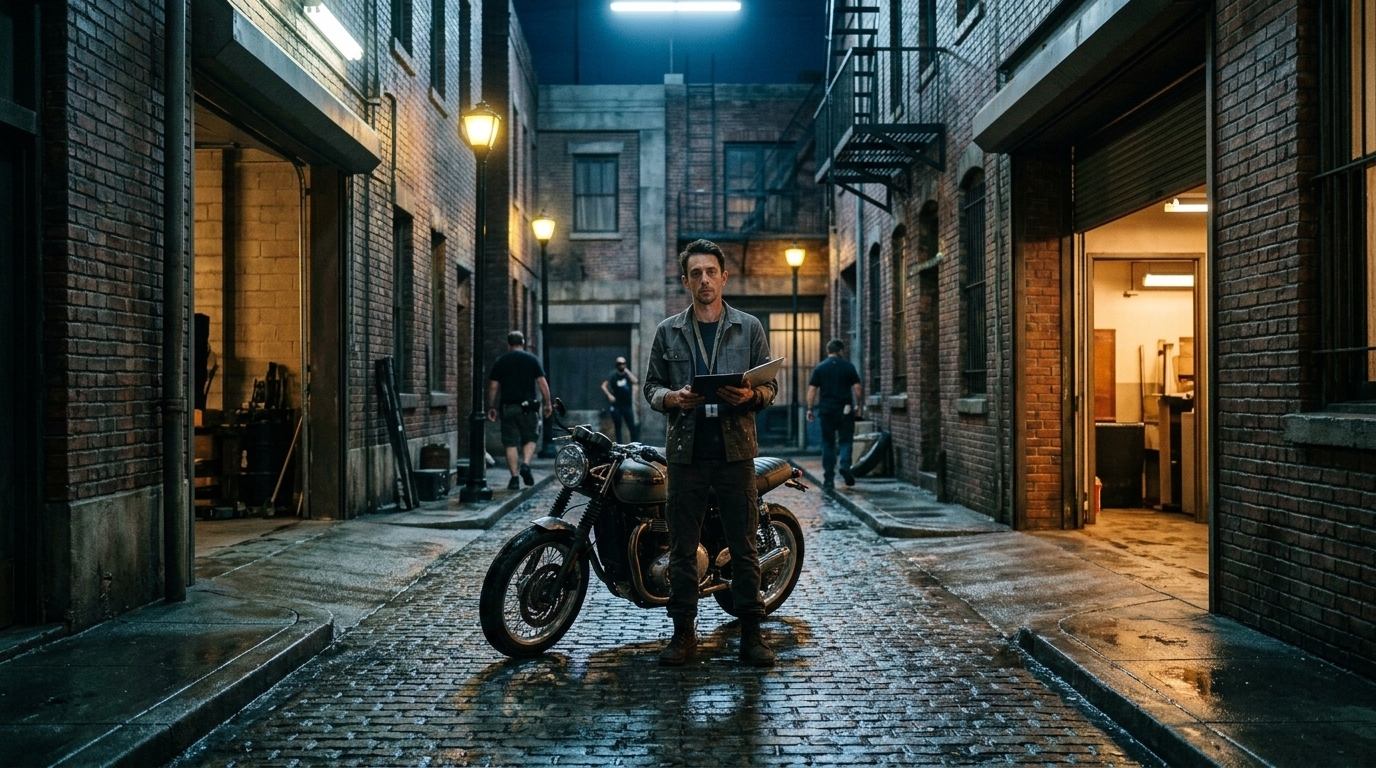
The continuity framework: lock early, vary late
One strong AI shot is easy. A coherent multi-shot scene is not.
That’s where most teams lose time and credits: the first clip looks great, then the next generation quietly changes the actor’s jacket, shifts the room layout, swaps a prop, or resets the performance so the sequence feels like a stack of unrelated prompts instead of one scene. If you’re working beyond a single image or one-off clip, you need an AI continuity checklist that treats continuity as a pre-production decision, not a cleanup task.
The practical rule is simple: lock early, vary late.
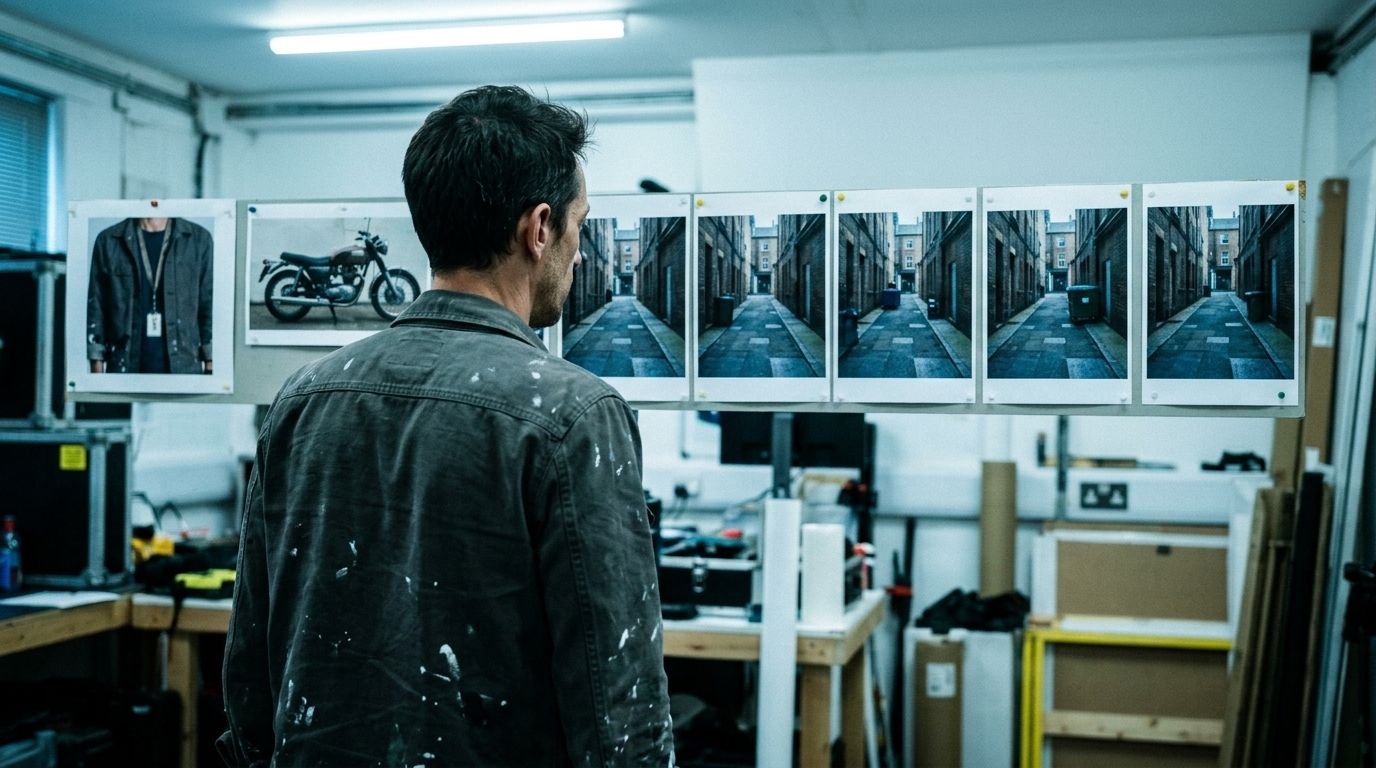
Lock the elements that define identity and scene logic before you generate anything. Allow variation only in the places where filmmaking normally benefits from it: camera placement, shot size, performance intensity, and edit rhythm. That balance is what keeps character consistency in AI video, preserves visual continuity, and prevents expensive rework when a multi-shot sequence starts drifting.
What must be locked early
These are the non-negotiables. If they are still moving, you’re not ready to generate.
1) Character identity
Build a scene-level character bible and treat it as canonical. Lock:
- Face shape, age range, skin tone, hair style, facial hair, and signature features - Body type, posture, and any defining physical traits - Core emotional baseline and recurring performance traits - Distinguishing marks that should persist across angles and revisions
If the hero is “the same person” across five shots, the model needs a stable reference, not a new interpretation every time you prompt. This is where a dedicated character bible for AI film becomes useful.
2) Wardrobe
Wardrobe drift is one of the fastest ways to break scene coherence.
Lock:
- Primary outfit and color palette - Layering order and closures - Accessories, jewelry, bags, glasses, and footwear - Any deliberate wardrobe change, and exactly which shot it occurs in
If the character removes a coat, that change should be planned in the shot list, not discovered after generation.
3) Signature props
Recurring props need the same discipline as the character.
Lock:
- Hero props that appear in multiple shots - Prop condition, orientation, and handedness - Any visible brand marks, labels, or distinctive wear - Where the prop is held, placed, or passed between shots
A mug changing color, a phone disappearing, or a document flipping sides can make the entire sequence feel unstable.
4) Set geography and location continuity
This is the part many prompt-only workflows miss.
Lock:
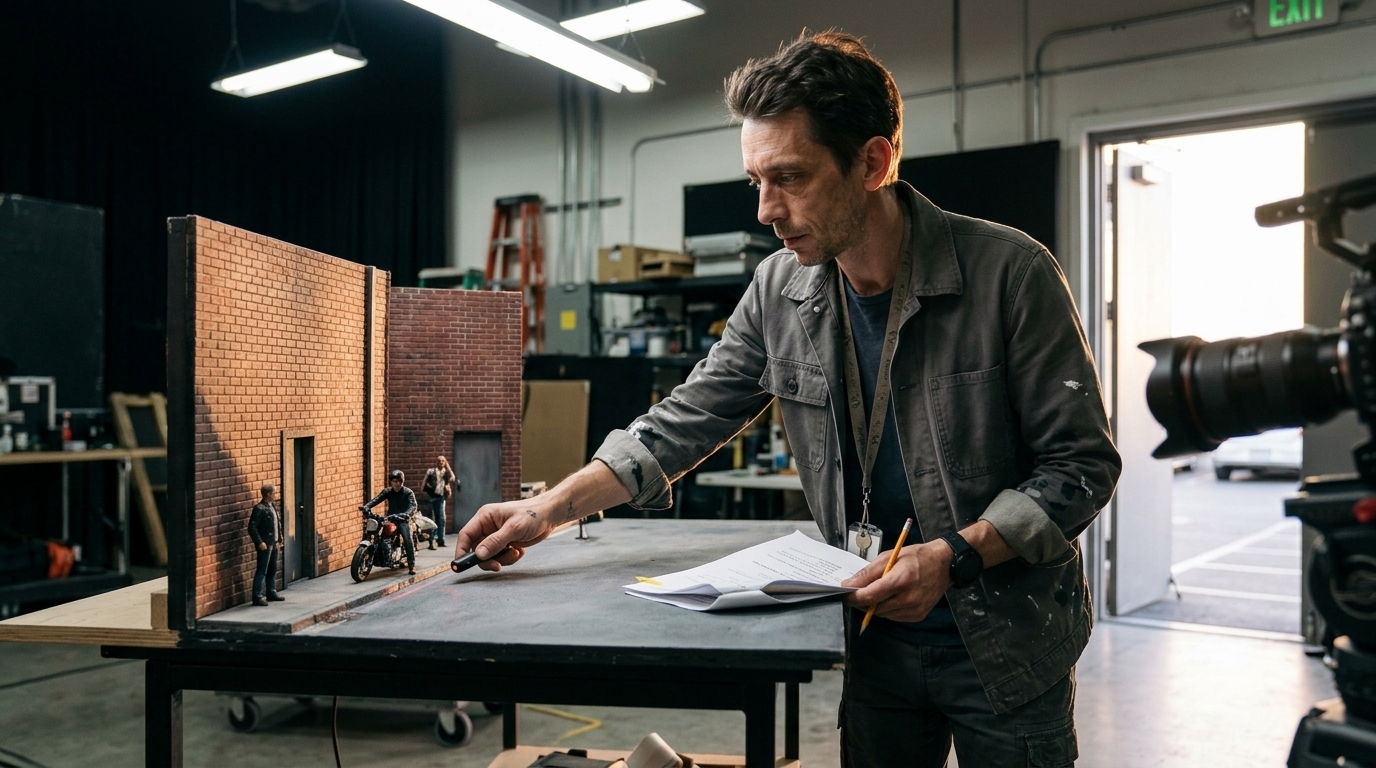
- Room layout, entrances, exits, and sightlines - Window placement, furniture positions, and background anchors - Relative distances between subject and environment - Directional logic: where the character is facing, entering, exiting, or moving
If the sofa moves between cuts, or the hallway is suddenly on the wrong side of frame, the audience notices. Location continuity is not just about the same room; it’s about spatial logic staying intact from shot to shot.
5) Visual style references
Style should be consistent, not re-invented every prompt.
Lock:
- Reference frames or style frames - Color palette and contrast range - Texture treatment, realism level, and lens language - Any established visual rules for the sequence
This is especially important when switching models, revising shots, or working across team members. Without stable references, the sequence can drift even when the prompt language looks “close enough.” If you’re centralizing those references, a connected asset management layer helps keep the approved material attached to the scene.
What can vary safely across shots
Not every change is a continuity error. Good scenes need controlled variation.
Camera angle
You can change angle as long as the scene geography remains legible.
- Front, three-quarter, profile, over-the-shoulder, top-down, low angle - Match on action or cutaway coverage - Subtle camera repositioning for emphasis
Shot size
Varying shot size is normal and often necessary.
- Wide for geography - Medium for interaction - Close-up for emotion or detail - Insert for props or actions
Performance intensity
The same character can be calmer in one shot and more intense in another.
- Micro-expression changes - Escalating emotion across a beat - Different physical energy between coverage shots
Editorial pacing
You can shape scene rhythm in the edit without breaking continuity.
- Longer holds for tension - Faster cuts for urgency - Reaction shot timing - Cutting around action for emphasis
The point is not to freeze every variable. The point is to separate what defines the scene from what supports the scene.
The workflow that prevents drift
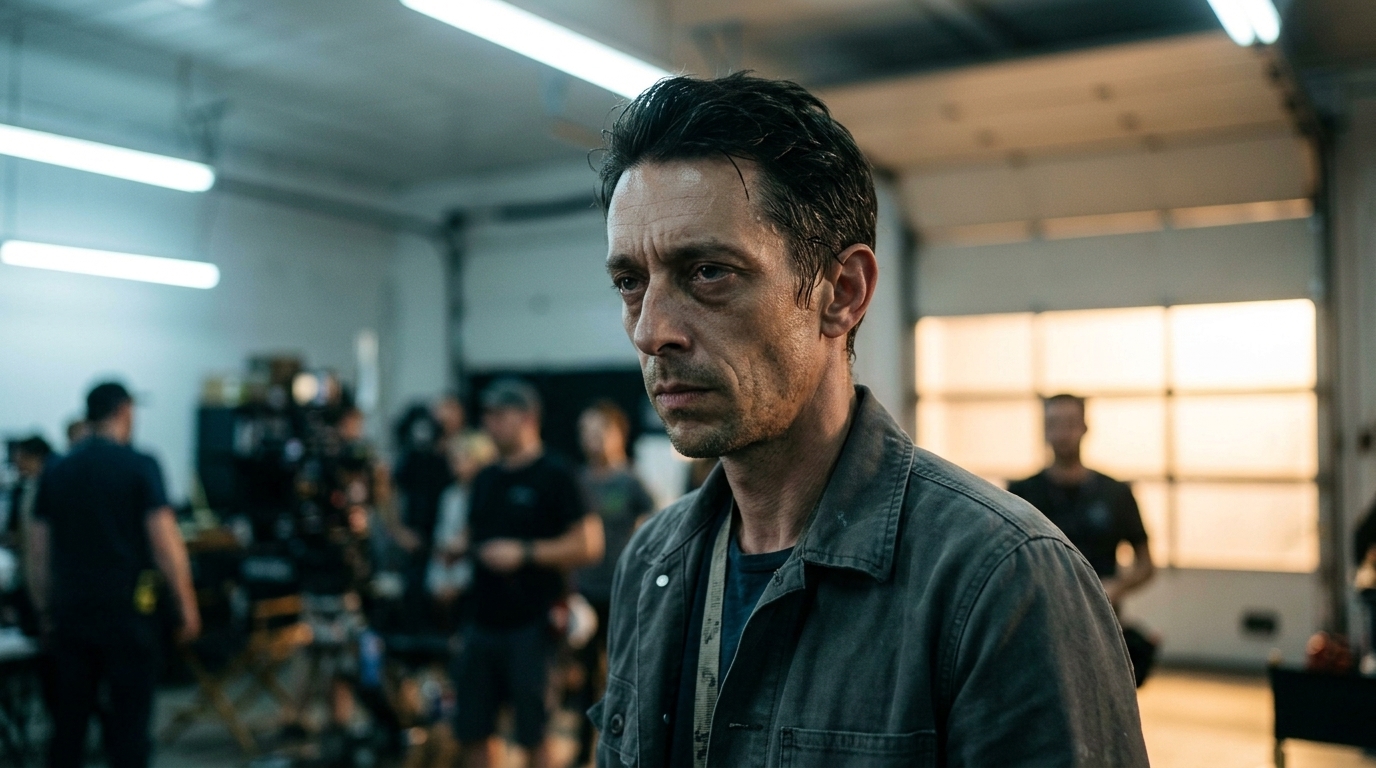
Continuity is easiest to control before the prompt ever gets written.
1) Script breakdown
Start with the screenplay and identify every continuity-sensitive element:
- Characters present - Recurring props - Location changes - Time-of-day shifts - Costume changes - Actions that must match across cuts
This is where the team decides what must remain fixed before anyone starts generating.
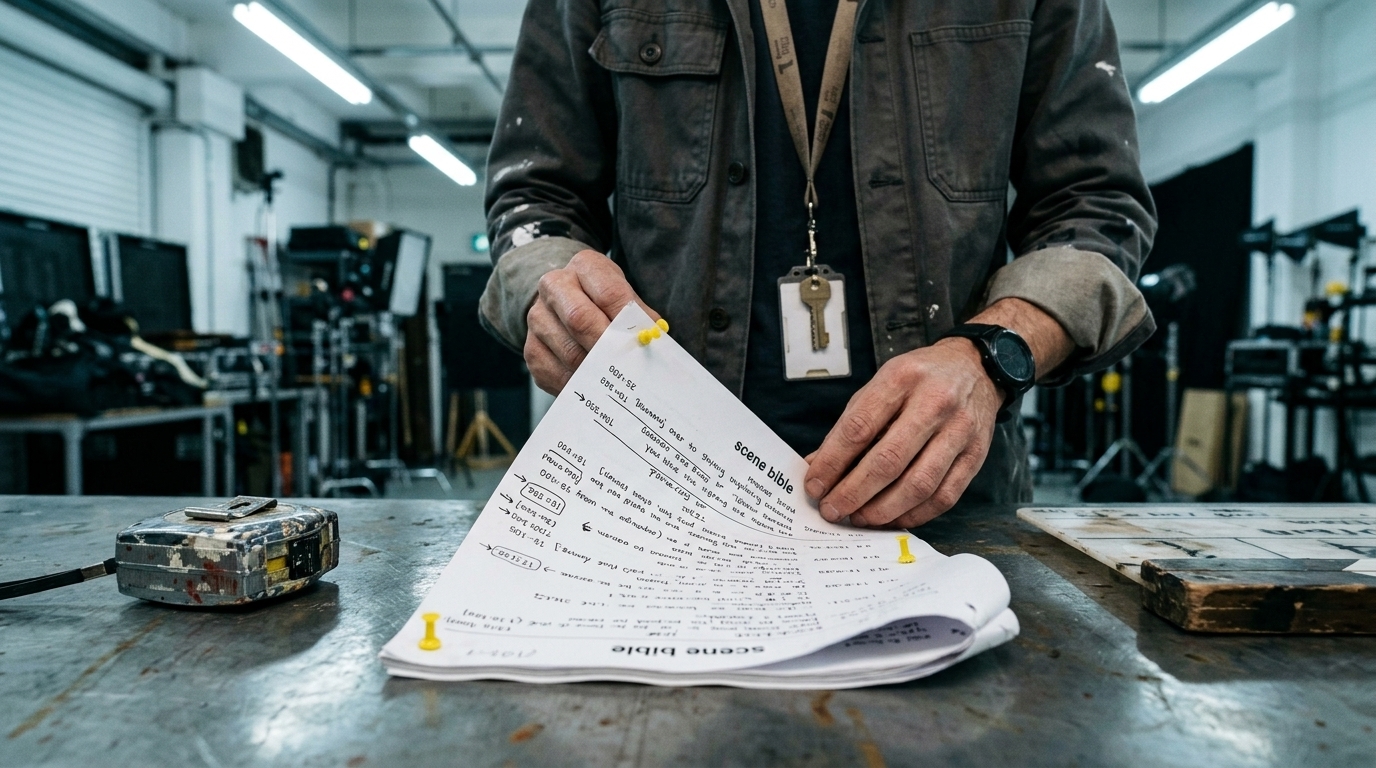
2) Shot list
Translate the scene into a shot list that names the coverage, the action, and the continuity anchors.
A good shot list tells you:
- What the shot must show - What must remain unchanged - What is allowed to vary - Where the shot sits in the sequence
3) Storyboard and animatic
Use the storyboard to test visual logic before you spend credits.
The goal is not polish; it’s clarity:
- Does the room read consistently? - Do screen direction and blocking hold together? - Are the transitions between shots understandable?
4) Reference frames and approval gates
Before generation, attach the approved reference frames, character sheets, location references, and prop references.
Then add approval gates:
- Director approves identity and style references - Creative lead approves shot intent and sequence logic - Production lead approves continuity risks before more generations are spent
That gatekeeping matters because AI video tools can produce convincing isolated clips that still fail as a scene.
5) Generation and review
Generate in sequence with continuity checks after each shot, not after the whole set is finished.
This is where teams save the most waste. If shot 2 breaks the costume or shot 3 changes the room geometry, you catch it before the rest of the sequence compounds the error.
6) Sequence assembly
Only after approval should you assemble the sequence and judge the scene as a whole.
At that point, the question is no longer “does this shot look good?” It is “does the scene cut together as one continuous piece of filmmaking?”
Where AI helps, and where humans still decide
AI is useful for exploration, speed, and variation testing. It can help you test angles, compare compositions, and generate alternative coverage quickly.
But continuity decisions still need human direction.
Humans must decide:
- What is canon in the scene bible - Which shot is the approved version - Whether a change is intentional or a drift error - When to accept a variation and when to regenerate
That’s why this process works best when the team has a connected workflow layer for scripts, scenes, shots, references, generated media, and edits. A system like Ciaro’s visual tools is useful here because it keeps shot-level image development tied to the plan instead of floating off as disconnected prompts.
The real test: does the scene survive the cut?
The easiest way to diagnose a continuity problem is to ask whether the scene would still make sense if you watched it without audio.
If the answer is no, the problem is usually one of these:
- The character resets between shots - The wardrobe changed unintentionally - A prop vanished or moved without reason - The room layout is inconsistent - The lighting or time-of-day drifted - The camera language broke spatial logic
Those are not small aesthetic issues. They are the difference between a credible sequence and a collection of separate generations.
Final takeaway
If you want better multi-shot scene planning, do not start by prompting harder. Start by locking the right continuity elements early, varying only what can safely change, and reviewing each shot against a shared reference system.
That is the practical continuity checklist for AI filmmaking:
- Lock character, wardrobe, props, geography, and style early - Allow camera, shot size, performance, and pacing to vary late - Build a scene bible and reference sheet before generation - Move from script breakdown to shot list to storyboard to animatic to generation - Use approval gates to catch drift before it burns credits - Keep assets connected so the scene stays coherent across shots
Adopt the checklist, build the continuity reference system, and reduce wasted generations before producing the sequence.
Character and wardrobe checklist
One good AI shot is easy. A coherent multi-shot scene is not.
The moment a scene moves beyond a single clip, continuity starts to matter in ways that a prompt alone will not reliably solve. A character can drift in face shape, age, hair, accessories, or posture. Wardrobe can inexplicably change between cuts. A prop can vanish, duplicate, or reappear in the wrong hand. Even when the visuals are strong, the sequence can still feel like separate generated moments instead of one film language.
That is why the ai continuity checklist should start with the character and wardrobe system. If identity is not locked before generation, every later shot becomes a guess. And every guess costs credits.
For teams doing multi shot scene planning, the goal is not to freeze all cinematic choice. It is to define the parts that must remain stable so you can vary the parts that should change. Camera angle, shot size, performance intensity, and editorial pacing can evolve. Character identity, wardrobe, signature details, and the core visual reference should not.
What to lock before you generate anything
Treat this as the minimum continuity reference for every recurring character and costume:
- Character identity: age range, facial structure, skin tone, hair style, eye color, build, posture, and any defining features - Wardrobe canon: primary outfit, color palette, fabric type, layers, fit, footwear, jewelry, and whether the wardrobe is clean, worn, or damaged - Signature details: scars, freckles, tattoos, glasses, facial hair, piercings, watch, ring, bag, or any recurring silhouette marker - Hair and grooming: parting, length, volume, facial hair continuity, tied vs loose hair, and
whether styling changes are story-driven - Performance identity: the character’s baseline energy, mannerisms, and emotional range so they do not reset between shots - Prop ownership: what items belong to the character and when they are meant to be visible
If the team cannot answer those questions in writing, the scene is not ready for generation.
Character consistency checklist
Use this section to protect character consistency in AI video across every shot in the sequence.
- [ ] Character name and role are fixed in the scene bible - [ ] Facial identity is described in a way that is repeatable across tools - [ ] Hair length, style, part, and color are locked - [ ] Facial hair, makeup, eyewear, and jewelry are documented - [ ] Body type, height impression, and posture cues are consistent - [ ] Signature features are called out explicitly - [ ] Emotional baseline and performance intensity are defined per scene - [ ] Any intentional transformation is scripted, not accidental - [ ]
Reference frames for the character are approved before generation - [ ] Alternate angles still preserve the same identity markers
A useful rule: if a viewer would say, “That looks close, but it is not the same person,” the character bible is too vague.
Wardrobe continuity checklist
Wardrobe is one of the fastest ways AI continuity breaks become visible. The model may preserve the general outfit but change details that matter on cut-to-cut comparison.
- [ ] Main wardrobe is specified in exact terms, not loose adjectives - [ ] Colors are canonical, including accent colors and contrast pieces - [ ] Layer order is fixed: jacket over shirt, coat over hoodie, etc.
- [ ] Fit and silhouette are defined so the shape stays recognizable - [ ] Footwear is documented and visible in relevant shots - [ ] Accessories are treated as part of wardrobe, not optional decoration - [ ] Wardrobe condition is consistent: pristine, wrinkled, dusty, wet, torn, bloodied - [ ] Time progression has a wardrobe logic if the scene spans multiple beats - [ ] Continuity notes specify what can change between shots and what cannot - [ ] Any costume change is storyboarded and approved before generation
Prop and location continuity checklist
Once identity and wardrobe are stable, the next failure point is the physical world around the character. That is where prop continuity and location continuity usually break first.
Props
- [ ] Hero props are named and visually described in the scene bible - [ ] Each recurring prop has a canonical color, size, and condition - [ ] Handedness, placement, and orientation are documented - [ ] Any prop handoff is scripted shot by shot - [ ] Items that should not change are excluded from prompt ambiguity
Location
- [ ] The set or exterior has a simple spatial map - [ ] Doors, windows, exits, landmarks, and furniture positions are fixed - [ ] Screen direction is defined for movement and eyelines - [ ] Reverse angles are checked against the same geography - [ ] Any location change is intentional and clearly marked in the shot list
If the audience cannot track where people and objects are relative to each other, the scene stops feeling like a scene.
Visual style and lighting checklist
A sequence can be technically consistent and still feel off if the look changes from shot to shot. That is why visual continuity includes style, lighting, and camera language.
- [ ] Color palette is approved and repeated across shots - [ ] Contrast, grain, texture, and realism level are defined - [ ] Lighting direction is stable unless the scene changes it
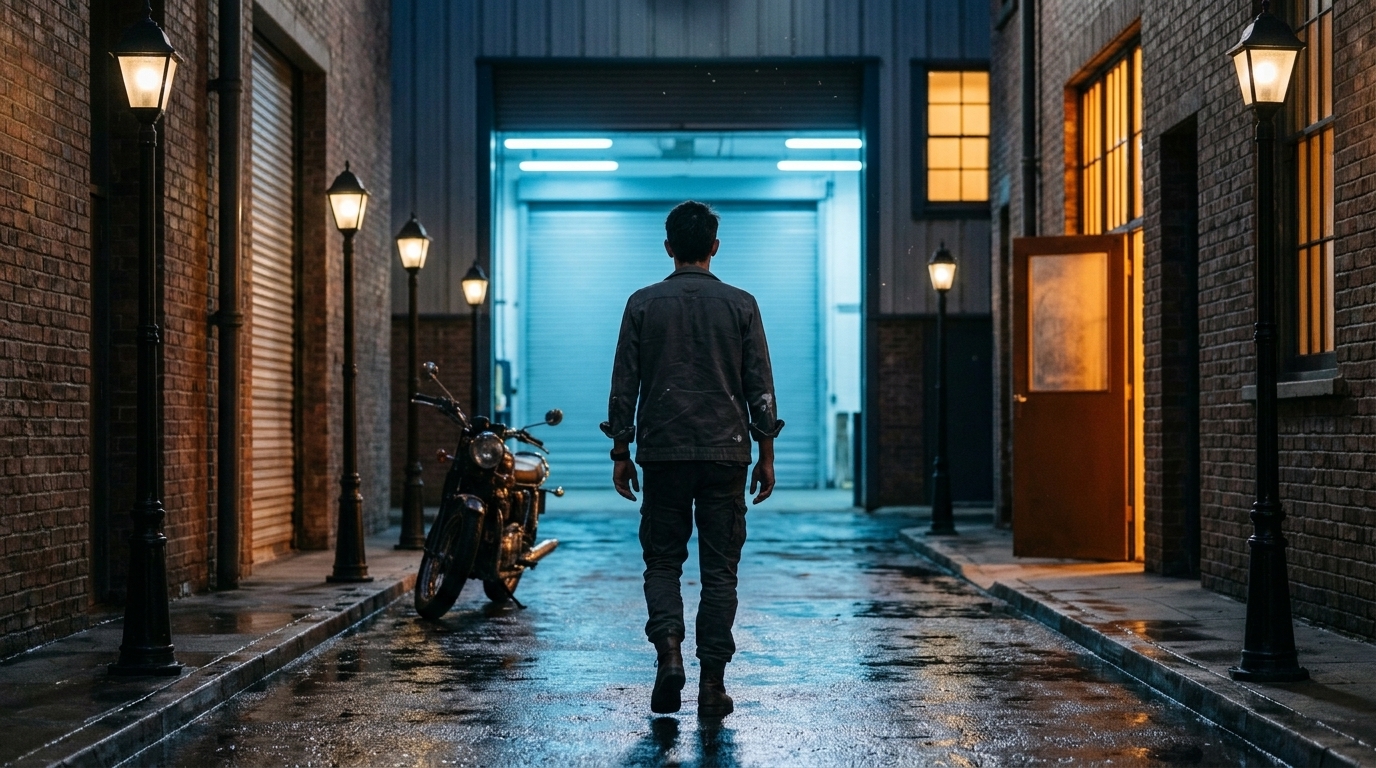
- [ ] Time-of-day cues are consistent - [ ] Lens language and framing rules are documented - [ ] Any intentional style shift is motivated by the story
One simple production test
Before you generate the next shot, ask three questions:
1. What must stay exactly the same? 2. What is allowed to change? 3. Do I have a reference that proves the answer?
If the answer to any of those is unclear, pause and fix the reference set first. That is almost always cheaper than regenerating later.
Final takeaway
The fastest way to improve AI video quality is not to write longer prompts. It is to build a stronger continuity system before generation starts.
Use the ai continuity checklist to lock the essentials, keep the sequence legible, and reduce wasted revisions. Combine character, wardrobe, prop, location, lighting, and style references into one approved system, then generate against it shot by shot.
If you want the workflow to scale across teams, Ciaro’s character builder and digital asset management for film studios can help keep the canonical references organized from concept through final edit.