Why AI Film Continuity Breaks at Scale
AI film projects usually do not fail because the generator is weak. They fail because the project loses its memory. A strong character frame, a convincing location, or a useful style image is easy to create once. The hard part is finding the right reference again, using the approved version, and keeping that look consistent across multiple shots.
That is the role of a visual reference library for AI film production. It turns scattered inspiration into a working production system: searchable, labeled, versioned, and tied to the scenes that actually need it.
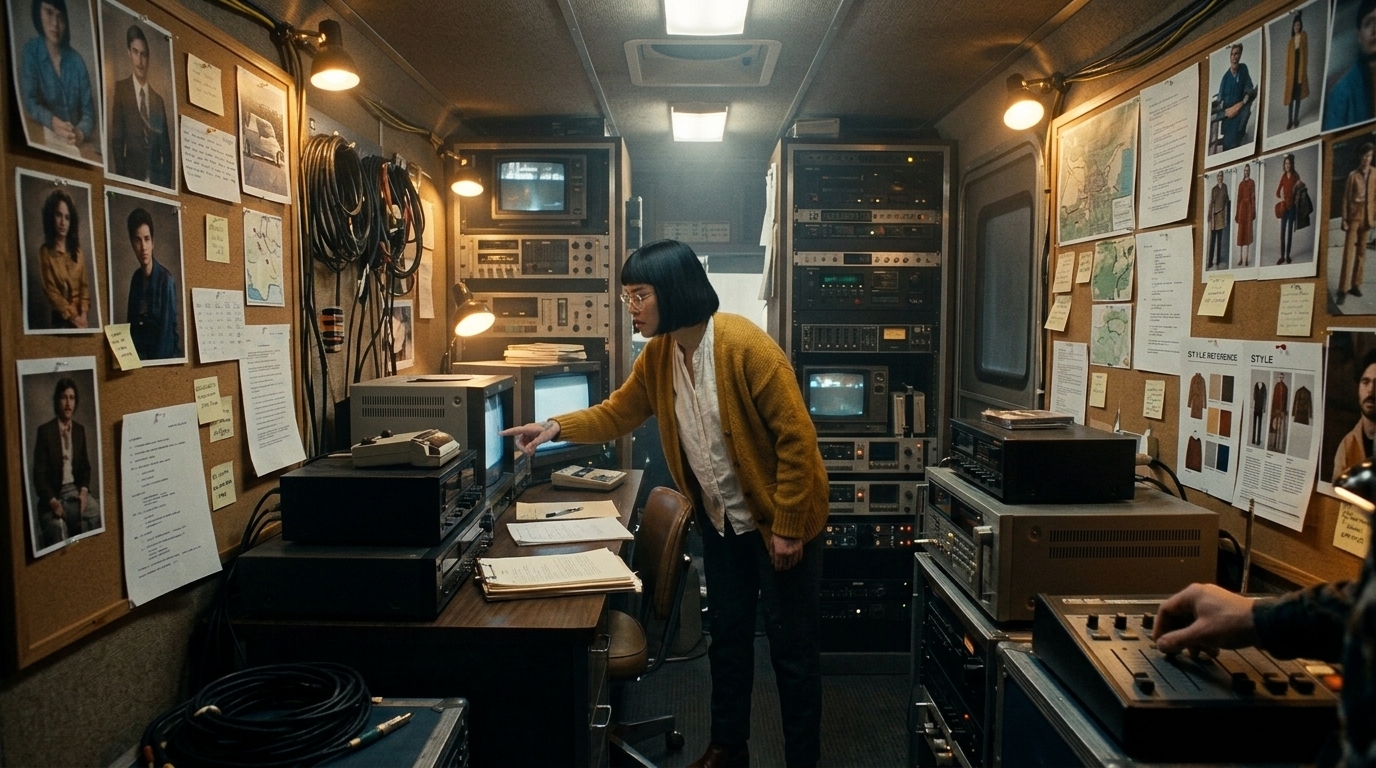
A useful way to think about it is this: AI tools can generate fragments, but they do not preserve continuity on their own. If a project grows from one image into a scene, then into a sequence, the reference system has to carry identity, world details, and creative decisions from one step to the next.
A quick example of the problem
Imagine a character who appears in three shots:
- Shot 1: she wears a dark coat in daylight.
- Shot 2: the coat is still dark, but the collar shape changes.
- Shot 3: the generator swaps the coat for a similar one with different buttons.
Each frame may look good in isolation. Together, they break continuity. A managed reference library prevents that by keeping the approved coat, collar, and styling notes attached to the character record, the scene, and the shot list.
What Belongs in the Reference Library
A reference library works best when it is built around the assets the film must keep stable. The four core categories are simple:
- Characters
- Locations
- Props
- Style or mood references
The key is to treat each category as a production asset, not as a loose collection of nice-looking images.
Characters: build a visual identity, not a single portrait
Character consistency is one of the hardest parts of character consistency in AI video. A single portrait rarely survives new angles, emotions, or lighting setups. A better approach is to store each character as a small continuity package.
For each character, keep:
- front, 3/4, side, and back views
- neutral, angry, afraid, and focused expressions
- primary and alternate wardrobe
- lighting variations
- pose references for dialogue, action, and seated beats
- continuity notes for scars, accessories, hair, and makeup
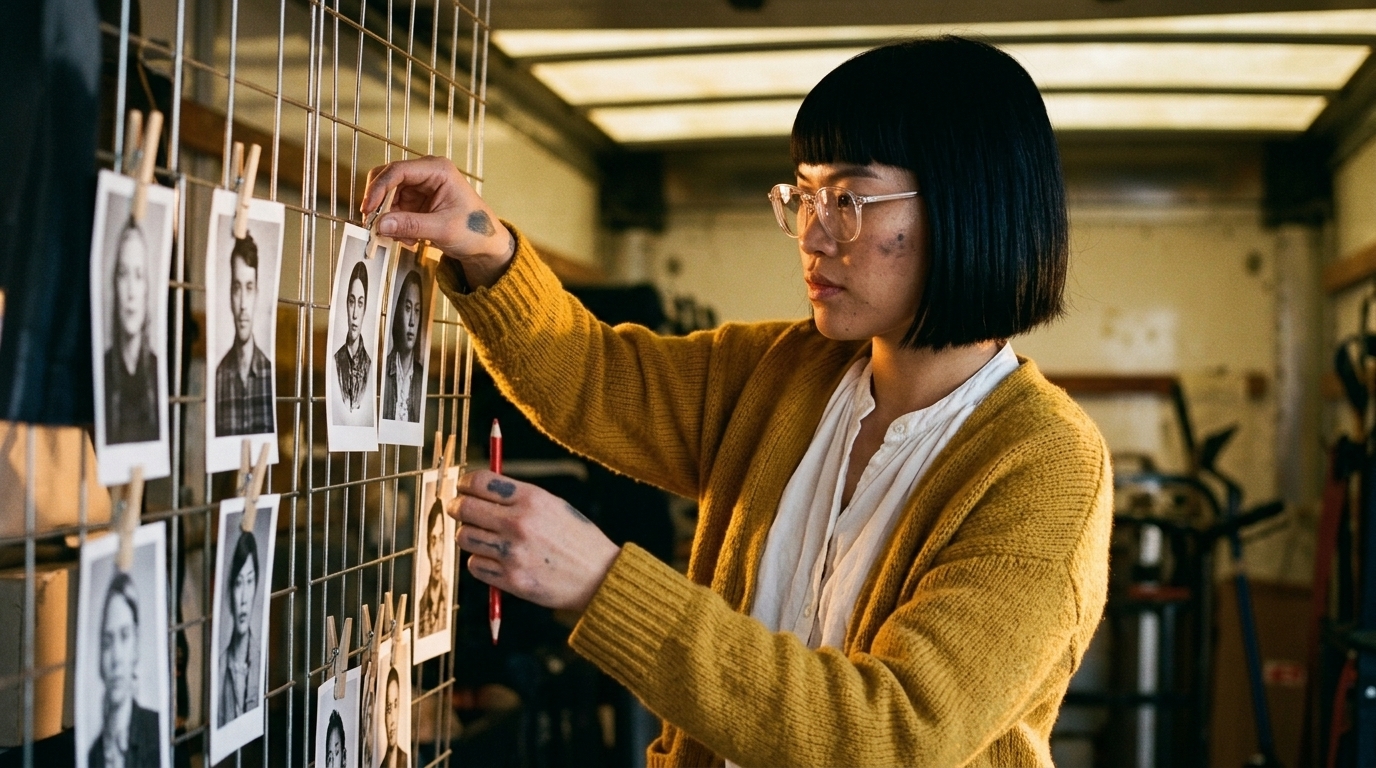
That gives the generator and the team a stable visual target. It also makes approvals easier, because everyone is reviewing the same version of the character instead of a trail of near-matches.
Locations: preserve spatial logic, not just atmosphere
A good location set should do more than show the mood of a space. It should capture the structure of the world so the space can be recreated from shot to shot.
A strong [location reference board] should include:
- architecture and structural layout
- materials and surface detail
- time of day and weather state
- color palette
- camera perspective and lens feel
- key landmarks and spatial relationships
If a hallway changes length, a window moves, or a room’s furniture arrangement shifts, viewers notice even when each individual frame looks polished. That is why location references need to support continuity as well as design.
Props: the small details that expose drift first
Props are easy to overlook and hard to forgive once they drift. Recurring objects such as phones, wrist devices, keys, bags, vehicles, and set dressing should have their own entries in the library.
For each recurring prop, store:
- clean reference images
- close-ups of distinctive details
- scale notes
- variant states, if any
- scene and shot links
- usage notes, such as “only in Scene 4–6” or “damaged after shot 12”
Prop continuity is often the first place a project shows its seams. If the keycard changes shape or the coffee mug disappears between shots, the audience may not know why the scene feels off — but they will feel it.
Style references: define the rules of the visual language
Style references should describe more than a vibe. They should define the film’s visual language: contrast, grain, palette, texture, lens language, composition, and emotional temperature.
This is especially important when multiple artists or multiple tools are involved. A clear style set keeps look development, storyboards, generated frames, and edits aligned so the project does not drift into unrelated aesthetics.
How to Organize References for Retrieval and Approval
A reference library only works if people can find the right asset quickly and trust that it is the correct version. That is where organization becomes as important as the image itself.
Separate inspiration from production references
The first rule is to separate inspiration references from production references.
- Inspiration references support taste, mood, and exploration.
- Production references support reuse, continuity, and approval.
This distinction keeps the moodboard from becoming a dumping ground. A visually interesting image might help define the tone of a scene, but it does not automatically belong in the production workflow unless it is approved and usable.
Use production-style naming conventions
File names should read like production paperwork. A clear pattern makes assets easier to retrieve under pressure.
A practical structure is:
Project / Asset Type / Scene or Character / Variant / Version / Approval Status
Examples:
PF01_CHAR_Mara_Front_03v_ApprovedPF01_LOC_Dockyard_Night_A_02v_ReviewPF01_PROP_Keycard_PropMaster_01v_ApprovedPF01_STYLE_NoirRain_Palette_04v_Exploratory
That format tells the team what the asset is, where it belongs, which version is current, and whether it is ready for production. That is the practical side of digital asset management for filmmakers: not bureaucracy, but retrieval and control.
Tag for the way filmmakers actually search
Tags should reflect real production questions, not just archival ones. People usually search for things like:
- approved version
- night setup
- coat variant
- scene 12
- same apartment as Scene 4
Useful metadata fields include:
- character name
- scene ID
- shot number
- location name
- prop name
- wardrobe state
- lighting state
- mood or style category
- approval status
- source tool or origin
- usage notes
With that structure, the library becomes something asset management filmmakers can actually use under deadline instead of a folder system that only works when the project is small.
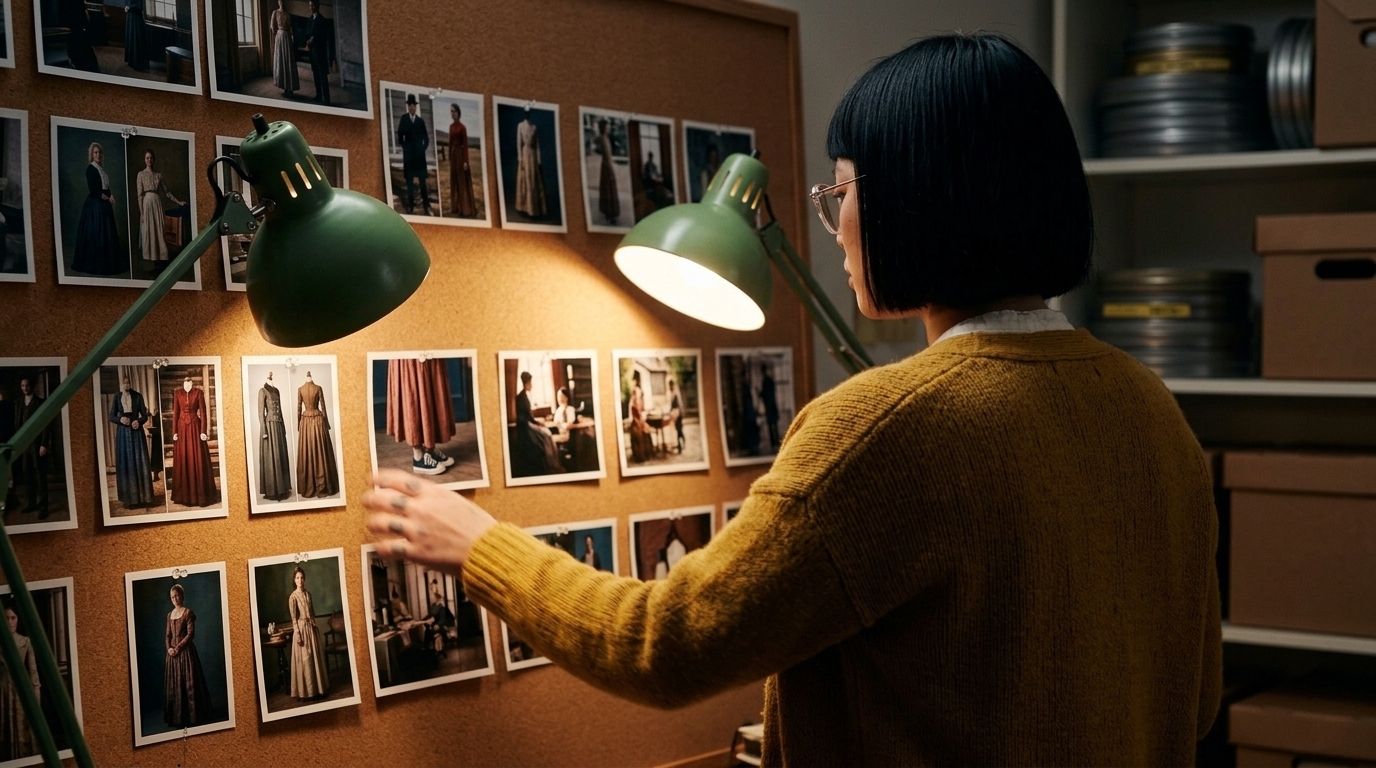
Versioning should track creative decisions
Versioning in AI film workflows should reflect real changes in the visual plan, not just file edits.
For example:
v1may be an exploratory generationv2may reflect director feedbackv3may be the approved referencev4may be a production-safe derivative for a specific shot

If a costume, hairstyle, or accessory changes, that should show up clearly in the version history. Otherwise, the team risks reusing an older look after the project has already moved on.
Approval states keep the team aligned
A library should make status obvious at a glance.
Common states include:
- Exploratory: for idea generation only
- In Review: shared for feedback
- Approved: safe to use in production
- Deprecated: replaced and no longer active
This matters because AI workflows can produce endless variations. Approval states prevent unapproved versions from slipping into later shots and help directors, producers, and artists stay aligned across the pipeline.
How the Library Fits the Production Workflow
The strongest reference systems are built from the script downward, not from random prompts upward.
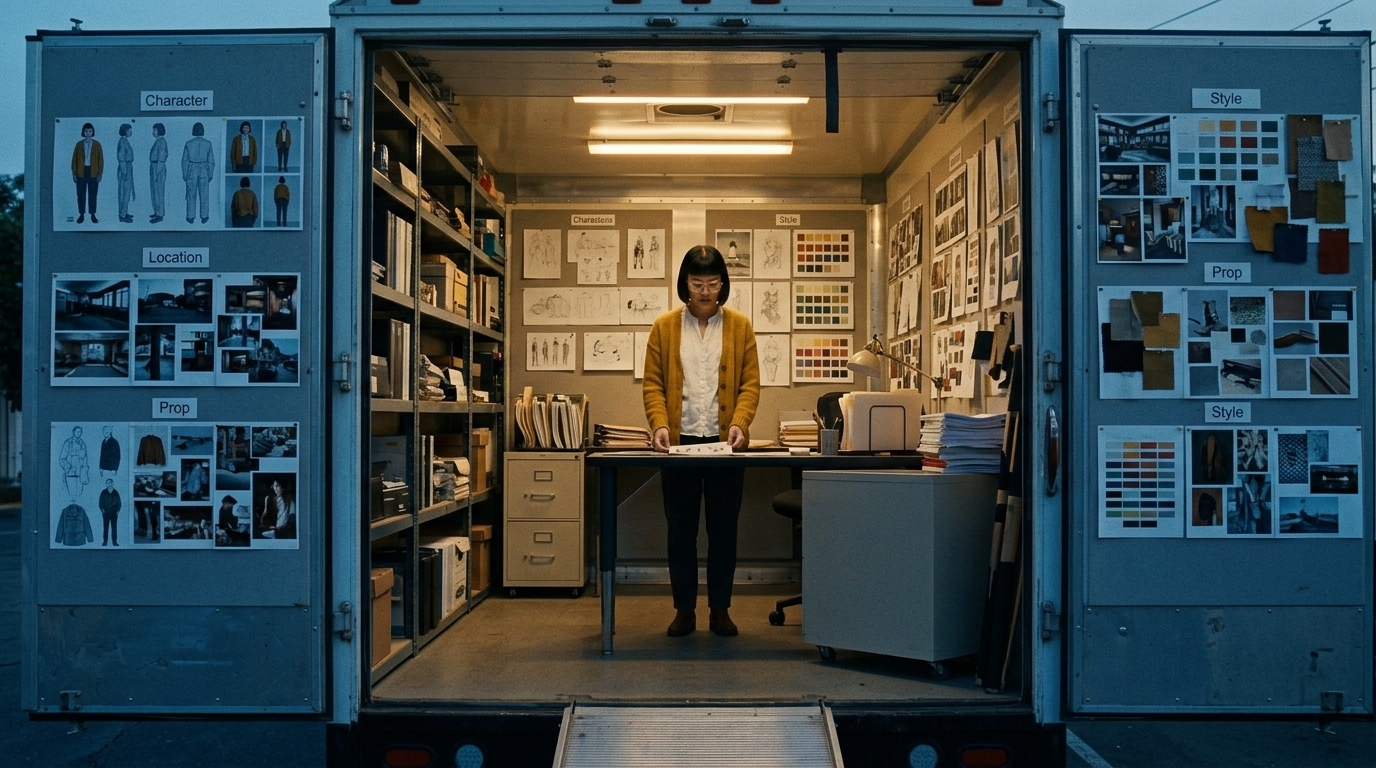
Start with script breakdown
If you begin with the script, the library reflects the actual production needs of the film. That means the team can identify:
- recurring characters
- recurring locations
- recurring props
- sequence-specific style needs
- continuity risks before generation begins
From there, the workflow usually moves through:
- Script breakdown
- Storyboards and scene references
- Generation and iteration
- Animatics and review
- Shot list refinements
- Timeline assembly
At each step, the same source of truth stays active. The storyboard points to approved references. The shot list points to the right version. The edit can pull the same asset data forward without rebuilding context from scratch.
Connect storyboards directly to references
Storyboard planning works best when it is tied to the same reference system. If the board, the shot list, and the asset library are connected, the team can answer continuity questions before they become expensive fixes.
That is why storyboard software for film and animation is most useful when it sits inside a broader production workspace rather than as a separate tool. The storyboard should not just show the scene; it should point to the approved character, location, prop, and style assets behind it.
A simple workflow test
If a team member can answer these questions in seconds, the library is working:
- Which version of this character is approved?
- What is the locked wardrobe for this scene?
- Which apartment layout is the correct one?
- Which prop version should carry into Shot 14?
If the answer requires digging through chats, old prompt threads, and random folders, the system is not yet production-ready.
Why This Matters for AI Film Teams
For solo creators, a reference library saves time. For teams, it saves alignment.
Directors, producers, animators, and editors all need the same context: what is approved, what is still exploratory, and what changed in the latest revision. When that information lives inside a connected workspace such as Ciaro Pro’s asset management workflow, references become operational instead of archival.
That is the real payoff of a visual reference library for AI film production:
- fewer continuity errors
- faster approvals
- less duplicated prompting
- fewer regenerated assets
- cleaner handoffs between team members
- more stable multi-shot storytelling
In AI film production, consistency is not a nice-to-have. It is the difference between a collection of good-looking shots and a film that feels coherent.
The core principle to remember
If a visual element is meant to stay the same across shots, it belongs in the reference library. If it changes, the change should be tracked, labeled, and approved.
That is how a project moves from scattered inspiration to controlled continuity.