Why one great AI shot is not enough
A single strong AI shot is easy to admire and surprisingly easy to make. The hard part starts when that shot has to live inside a sequence.
Once you need 12 shots to match the same character, the same wardrobe, the same location details, the same prop placement, and the same visual tone across multiple scenes or shooting days, the problem stops being generation quality and becomes production management. That is where most AI video workflows break down. The output may look good in isolation, but the surrounding shots do not hold together.
That gap is the real bottleneck in modern AI filmmaking. Teams are moving from one-off experiments toward trailers, pitches, proof-of-concepts, and longer scenes. The market is already past the “can the model make a cool frame?” phase. Now the question is whether you can keep a production coherent when the work spreads across days, collaborators, and repeated regenerations.

The real continuity problem is fragmentation
Most continuity failures do not happen because the original shot was bad. They happen because the project is fragmented.
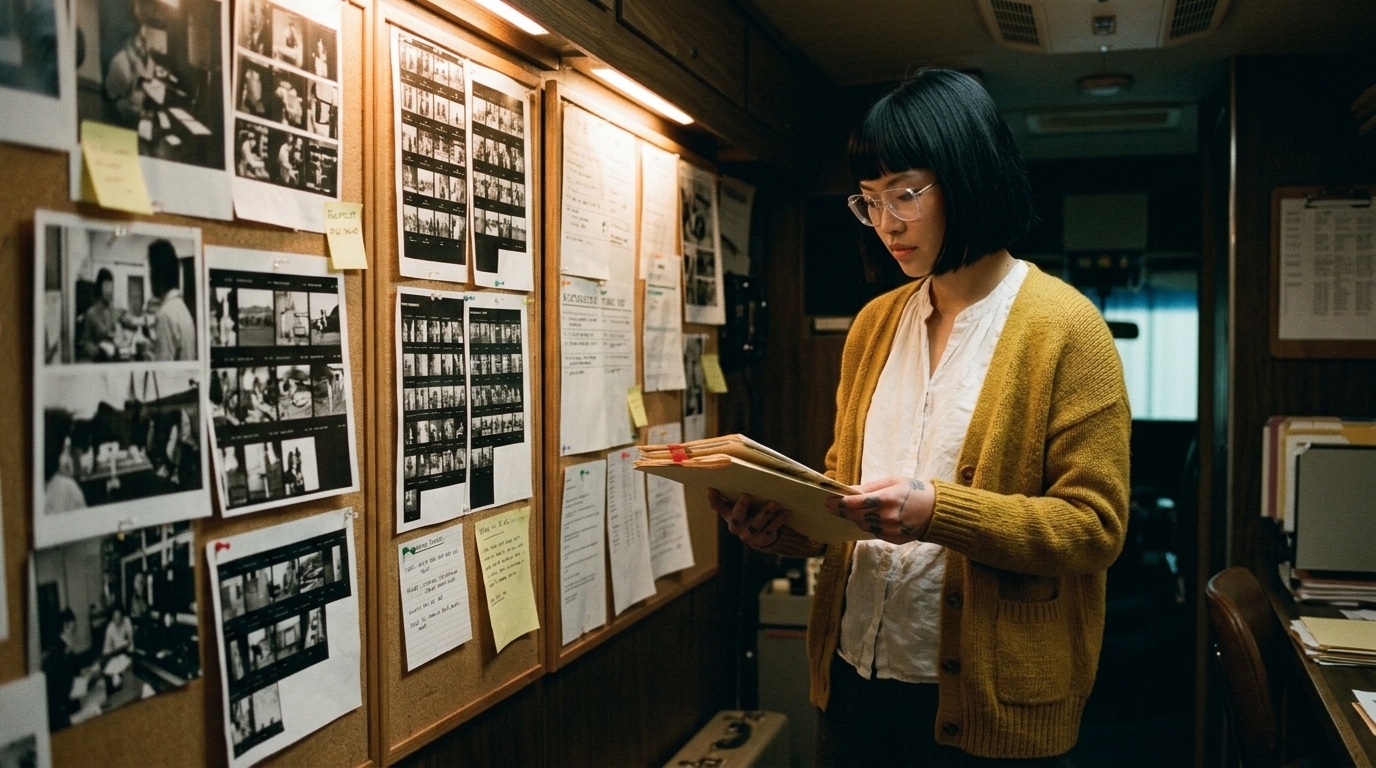
References, character designs, location notes, prompts, generated frames, and approved clips often end up in different folders or different tools. One person has the latest turnarounds. Another has the approved storyboard. Someone else is generating from an older version of the prompt. By the time review starts, nobody is fully sure which asset is the source of truth.
That is how AI productions drift.
Generative video tools are excellent at producing isolated clips, but they are not naturally structured around productions. They do not automatically remember what was approved last week, or know that a coat changed color between scenes, or understand that the hero prop must stay on the table in every wide shot. Unless the workflow controls that context centrally, continuity erodes shot by shot.
The result is familiar:
- Wasted credits on regeneration - Continuity errors that only show up in review - Team confusion over which version is current - Slower approvals because every question has to be re-litigated - Frustration from being able to make one good clip, but not a coherent sequence
This is why directors and producers need control, not just speed. AI is valuable as a production accelerator, but it still needs a production office around it.
What a production-grade asset library has to contain
A lone test shot can survive on a loose folder structure and a few saved prompts. A multi-scene project cannot.
The moment work becomes episodic, or is split across collaborators, asset sprawl compounds. One artist updates a character reference. Another reuses an older location image. A producer approves a frame in chat, but the edit team never sees it. The project keeps moving, but the underlying continuity system does not.
That is why serious creators need production asset management to function like a real production office, not a file dump. The asset library has to connect the story to the visual decisions that support it.
A working system should organize assets around:
- Project - Scene - Character - Location - Prop

- Approval status
If those six buckets are not explicit, the workflow becomes guesswork.
At minimum, a useful ai production asset management system should also hold:
- Script breakdowns - Shot lists - Storyboards - Generated frames - AI clips - Review notes - Timeline-ready selects - Approved versions
Those pieces need to stay linked. A storyboard panel should not sit alone in a design folder with no connection to the scene it belongs to. A generated frame should not be treated as a random image if it was approved as the reference for a later shot. A clip should not be cut into the timeline unless everyone knows which version it came from.
This is where a visual reference library becomes a production tool instead of an inspiration board. The point is not to collect nice images. The point is to store approved context that can be reused reliably.


Character consistency, location continuity, and prop tracking
If continuity matters, the prompt alone is not enough.
Character consistency is more than a good prompt
A character needs a stable visual record: turnarounds, approved stills, pose references, wardrobe notes, and version history. Without those, every new generation becomes a fresh interpretation. Even when the model does a good job, it may subtly shift facial structure, costume detail, hair shape, or silhouette. Those small changes add up fast across a sequence.
For teams building recurring cast or branded talent, a character bible for AI film is one of the most practical ways to reduce drift. It gives the production team a common reference for who the character is and what cannot change without approval.
Character consistency is not about freezing creativity. It is about protecting the creative choices that already made it through review.
Location continuity matters just as much
Location continuity is often overlooked until the edit exposes it.
Recurring sets, interiors, and world-building elements need the same level of discipline as characters. The wall finish, window placement, practical lights, signage, background dressing, and atmosphere all need to remain recognizable from one shot to the next. If a room changes shape between angles, or a set dressing element disappears without reason, the audience notices the break even if they cannot name it.
That is why the environment should be tracked as a first-class asset, not a background detail. In multi-shot work, the location is part of the story engine. A visual continuity system for AI films helps teams keep those environment details stable across regeneration and revision.
Prop tracking keeps the story physically believable
Props are where continuity often breaks in quiet but expensive ways.
Important objects, wardrobe items, logos, and set dressing need to be tracked with the same discipline as the characters who interact with them. A key prop may move, but it should move intentionally. If it is meant to stay in frame, it should stay in frame. If it changes condition, that change should be documented.
This matters most when different people touch the same scene across multiple days. Without prop tracking, one collaborator may regenerate a shot from an older reference and accidentally reintroduce a missing object, an outdated logo, or a costume detail that had already been approved away.
Approval gates are what keep the workflow honest
A central library only works if it has version control in practice, not just in theory.
Teams need to know which assets are approved, which are draft, and which are not to be used again. That means the system has to support clear approval gates so collaborators do not regenerate from outdated or unapproved references.
This is especially important when multiple people are touching the same project. A director may approve a character still. A producer may approve a scene composition. An editor may mark a clip as timeline-ready. Those approvals should travel with the asset so nobody has to guess what is safe to reuse.
Without that shared context, the team keeps recreating the same decisions.
How the workflow should connect from script to edit
The best continuity systems are not separate from production. They are the bridge between planning, generation, and post.
A practical workflow looks like this:
1. Break down the script by scene, character, location, and prop. 2. Build the storyboard with the approved visual direction in mind. 3. Attach references and notes to each shot. 4. Generate frames and clips using the approved context. 5. Review with version history visible. 6. Mark approved selects clearly. 7. Move only the approved versions into the timeline.
That handoff matters. If the script breakdown lives in one tool, the storyboard in another, the references in a folder, and the edit in a separate drive, the continuity chain is already broken. The team will spend more time reconstructing decisions than making them.
The goal is a connected workflow layer where script, storyboard, asset management, references, AI generation, and editing all live in one production path instead of scattered across disconnected apps.
Why better organization saves time and credits
Good organization is not bureaucratic overhead. It is what keeps the production moving.
When approved assets are easy to find and reuse, teams do not have to remake everything from scratch. That means fewer wasted generation credits, fewer duplicate experiments, and fewer approval loops. It also means the director can spend time making creative decisions instead of re-explaining what the shot is supposed to match.
In that sense, production asset management is not about being tidy. It is about protecting the work already done.
What to avoid
Some workflow mistakes show up in every AI production:
- Scattered folders with no single source of truth - Duplicate references that compete with the approved version

- Unapproved regenerations used as if they were final - Ad hoc naming that makes scenes impossible to trace later
These habits seem harmless in the early stage, but they become expensive once the project grows. Every unclear file name, every duplicate reference, and every “this version is probably fine” decision increases the chance of continuity errors later.
Build the system first, then generate inside it
The difference between one impressive AI shot and a sequence that holds together comes down to discipline.
If you are building multi-shot AI scenes, keep the operating rules simple:
- Every project needs one source of truth for approved assets. - Every scene must be tied to a script breakdown and shot list. - Every character needs current references, version history, and approval status. - Every location needs tracked visual details, not just a folder name. - Every important prop must be logged and reused intentionally. - Every regenerated asset should be checked against approved context before it is used. - Every collaborator should work from the same asset library, not private copies.
- Every edit decision should trace back to an approved shot or frame.
That is the difference between making one great AI shot and building a production that actually stays coherent.
For teams already using AI video tools, the next step is not more generation. It is a more reliable production system for keeping continuity under control.