Why continuity in AI video breaks at the location level
The easiest way to spot the weakness in AI film production is not by looking at the characters. It is by looking at the room around them.
A character can stay recognizable from shot to shot, but the apartment changes shape, the alleyway gains a new exit, the office desk moves, the signage shifts, and the hero prop disappears the moment you cut to a reverse angle. That is where continuity in AI video starts to fail in practice: not at the face, but at the location level.
That matters because AI tools usually generate isolated clips, not inherently coherent film worlds. They can produce a strong frame or a convincing shot, but they do not automatically preserve scene geography, spatial logic, recurring set dressing, hero props, signage, layout, camera orientation, or approved visual references across a sequence. In other words, AI speeds up image-making, but it does not remove the need for direction. Continuity is still a production problem, not just a model problem.
For filmmakers, animators, AI-assisted creators, independent directors and producers, and small studios, that distinction is the difference between a scene that feels like cinema and a scene that feels assembled from unrelated outputs. The pain points are familiar: wasted credits, constant micro-fixes, fragmented tools, and long-form inconsistency that gets worse the longer the scene runs. A quick test shot may look fine. A 3–5 minute sequence is where the drift becomes obvious.
The same issue shows up repeatedly in creator communities: consistency is the hardest part, not generation speed. Creators say they spend too much time fixing small glitches, and location consistency is now a real pain point alongside character continuity. Faces, voices, styles, locations, and props can all drift too easily. Multi-shot storytelling makes it worse because a scene has to survive wider shots, inserts, reverses, and cutaways without losing its identity.
That is why the workflow has to be designed around continuity from the start.
Continuity is a scene system, not a prompt
In film terms, continuity means more than “make it look similar.” It means the scene holds together across every angle and every cut.
For location and prop work, continuity includes:
- scene geography - spatial logic - recurring set dressing - hero props - signage - layout - camera orientation - approved visual references
If an office has a glass wall, the viewer should understand where that wall sits in space from shot to shot. If a cafe has a counter, a menu board, and a specific lamp, those elements should remain in the right places unless the story changes them. If a vehicle interior has a steering wheel, rear-view mirror, and dashboard layout, those details need to survive wider shots, inserts, and reverses.
That is why a good workflow starts by defining what the location actually is, not just what it should feel like.
Build the location before you generate the shot
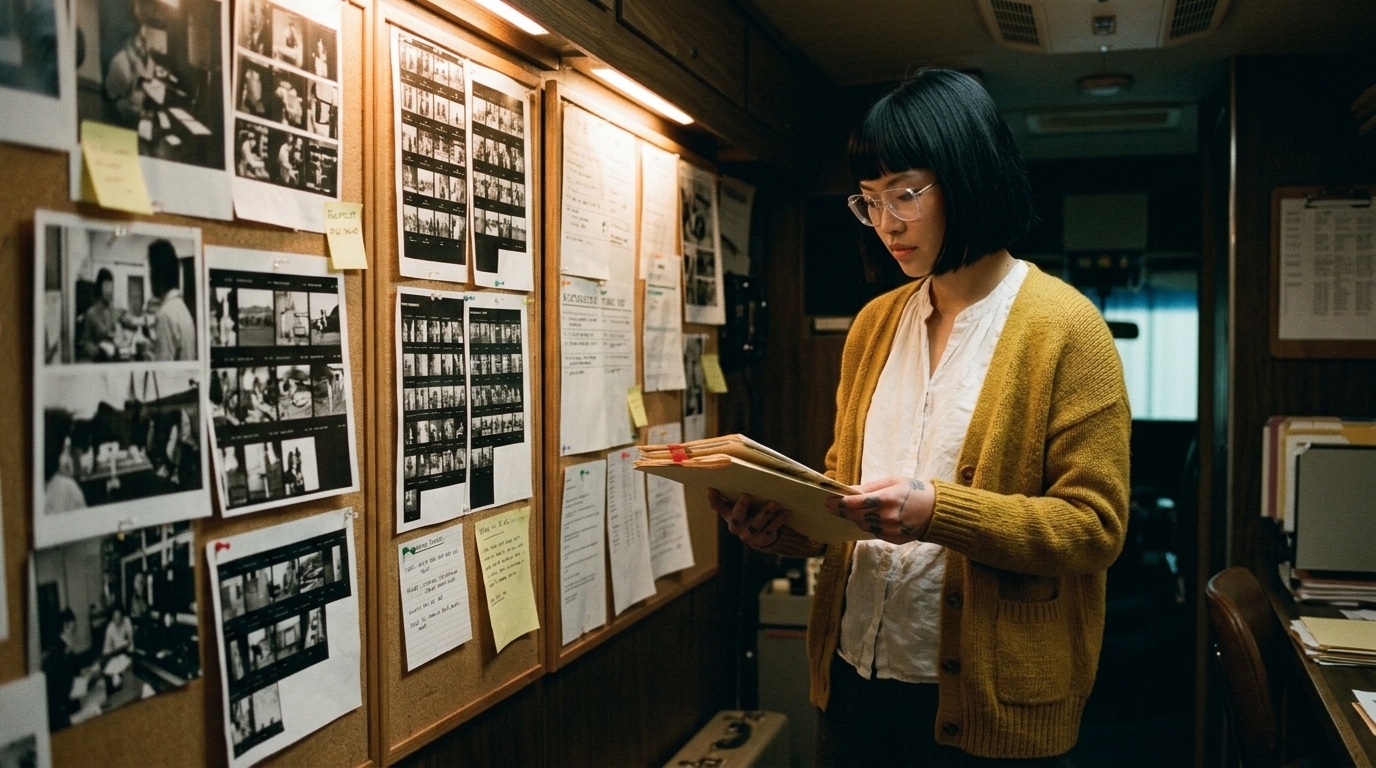
The most reliable way to keep location continuity is to create a centralized asset library or location bible before you start spending generation credits. This is where the project stops being a string of one-off prompts and becomes a manageable production system.
A useful location library should include:
- master location images - prop sheets - approved variants - notes on camera angles - lighting conditions - layout rules - recurring set dressing - references for signage, furniture, vehicles, or practical objects
For a lab, that might mean a master wide showing the bench layout, a reference sheet for key instruments, and notes about what must always appear on the left wall. For an apartment interior, it might mean the sofa position, kitchen entry, hallway direction, and dominant color palette. For an alleyway, it might mean brick texture, dumpster placement, fire escape location, and any recurring signage.
A centralized library reduces rework because you are not recreating the environment from scratch every time. You are reusing approved world details.
If you already use digital asset management for film studios, this is the same logic applied to AI film continuity: keep every approved location reference, prop, and visual decision connected to the story, scene, and shot.
Use visual anchors, not fresh worlds
One of the fastest ways to break location continuity is to treat every scene as a fresh prompt. That may produce variety, but it also produces drift.
A better approach is to establish visual anchors: approved reference points that lock down geography, set dressing, and recurring objects across shots. These anchors can be master stills, location boards, or frame references that every later shot has to respect.

The point of a visual reference board is not just inspiration. It is control. It lets the team keep the same reference hierarchy across scenes instead of constantly generating a new environment and hoping it matches the last one.
In practical terms, that means:
- using the same reference images across related shots - preserving approved layout cues - reusing set dressing and prop positions where needed - keeping the camera relation to the room consistent - avoiding unnecessary changes to the world between scenes
If the board says the desk is centered under the window, the desk should not jump to the opposite wall just because a new shot was generated.
Start with a master shot or anchor frame
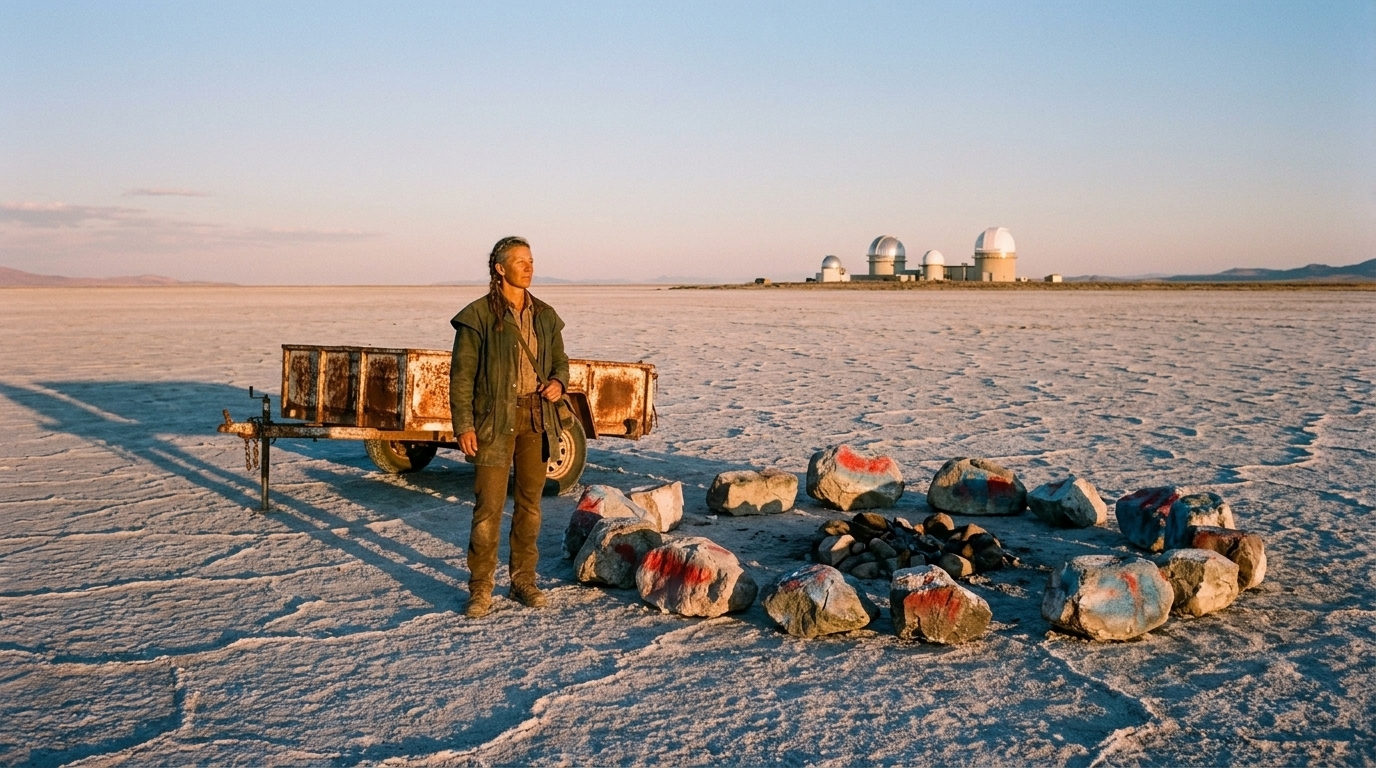
For each location, define a master shot or anchor frame before coverage begins. This is the shot that establishes the room, street, vehicle, or set and becomes the continuity reference for everything else.
A master shot helps preserve:
- geography - prop placement - sight lines - entrances and exits - scale relationships - where characters can move without breaking logic
Once that anchor exists, every wider shot, close-up, insert, reverse, and cutaway can be checked against it. If a mug is visible on the table in the master, it should still exist when the camera reverses. If a sign is on the left wall in the wide, that wall should still be the left wall in the coverage.
This is where many AI productions break down. They generate the close-up without confirming what the wider shot established, then discover the insert no longer matches the room.
Treat storyboards and shot lists as continuity controls
In traditional production, storyboards and shot lists are planning tools. In AI filmmaking, they are also continuity controls.
They decide:
- what must be visible in each shot - which part of the location is being revealed - what stays hidden - where the camera is oriented - what objects must remain in frame - how the scene will survive coverage without contradicting itself
That matters because a scene is not just one image. It is a sequence of shots that has to survive wider shots, inserts, reverses, and cutaways without losing continuity.
A good shot list can prevent expensive re-generation later. If you know the bar sign must appear in the master and the reverse, you can plan for it. If you know the hero prop must stay on the desk from scene to scene, you can protect that placement before generation starts.
This is also why storyboard software for film and animation is more than a preproduction convenience. In AI film production, it becomes a continuity map.
Separate what must stay fixed from what can flex
Not every element needs to be locked forever. The key is to separate must-keep elements from flexible elements for each location and prop set.
Must stay consistent:
- layout - key props - signage - spatial relationships - color palette - world mood - recurring set dressing - hero prop placement - camera orientation when continuity depends on it
Can flex intentionally:
- framing - lens feel - minor dressing - camera angle - time of day, if it serves the story
That distinction keeps the workflow practical. You do not need every frame to be identical. You do need the audience to understand that they are still in the same place.
For example, in a cafe scene, you can shift the angle, adjust the crop, and change the lighting from morning to late afternoon if the scene calls for it. But the espresso machine, counter location, and sign hierarchy should remain stable if they are part of the scene identity.
Make prop continuity part of location continuity
Prop continuity is not separate from location continuity. It is part of it.
A hero prop on a desk, a specific newspaper on a cafe table, a lab sample on a tray, a phone charger in a vehicle, or a branded sign in an office all function as location anchors. If they move, disappear, duplicate, or change design between shots, the scene feels broken.
Track recurring props the same way you track the location itself:
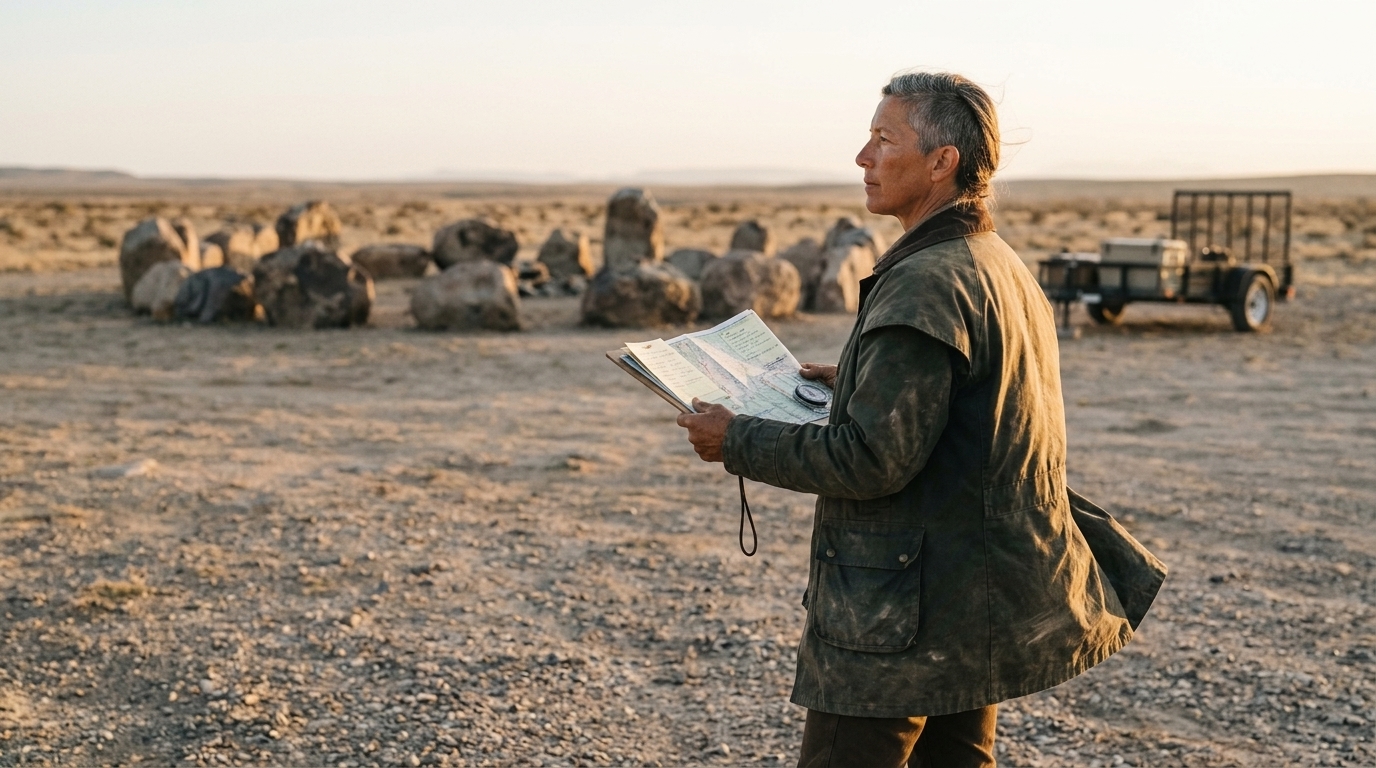
- what the prop is - where it lives in the space - whether it appears in every shot or only specific coverage - which angles must show it - whether it can be moved by story action - which shots are allowed to hide it
That is especially important in offices, apartments, alleyways, labs, cafes, and vehicles, where the set dressing often carries story meaning. A desk is not just furniture. It is a spatial reference point. A sign is not decoration. It helps define the world.
Production discipline beats one-off generation tricks
Some creators try to solve continuity with model tricks or a single clever generation method. That can help in a narrow case, but it does not solve the bigger issue.
The real problem is workflow structure and asset discipline.
Practical tutorials in the market keep circling back to the same controls: references, start frames, consistent camera settings, and controlled scene inputs. That is a strong signal that the answer is not “better prompting” alone. It is better production control.
Creators also keep running into fragmented workflows. They jump between tools, lose context, and end up spending more time fixing continuity than making the film. That is why a connected workspace matters. You want your script breakdown, storyboard, visual reference boards, asset library, and scene outputs living in the same production system.
If you are comparing this to other workflows, the lesson from why AI films still look cheap is simple: model quality helps, but production discipline is what keeps the film from falling apart.
Long-form storytelling makes every continuity weakness worse
A single shot can hide a lot. Long-form storytelling cannot.
Once you move into multi-shot scenes and 3–5 minute videos, every small inconsistency gets amplified. A desk changes position. A sign disappears. The hallway behind the character no longer matches the reverse angle. A vehicle interior loses its dashboard layout. The audience may not name the problem, but they feel it.
That is why maintaining character, location, and object consistency becomes much more difficult as the runtime grows. The more shots you have, the more opportunities there are for drift. And the more fragmented the process, the more likely the scene will feel disconnected.
This is where asset management becomes production insurance. A location bible, prop sheets, and reusable references let you move faster without losing the thread.
A connected workflow gives directors more control before credits are spent
The strongest AI film workflows follow a clear path:
1. script breakdown 2. storyboard and shot planning 3. asset and reference preparation 4. controlled generation 5. editorial review and continuity check
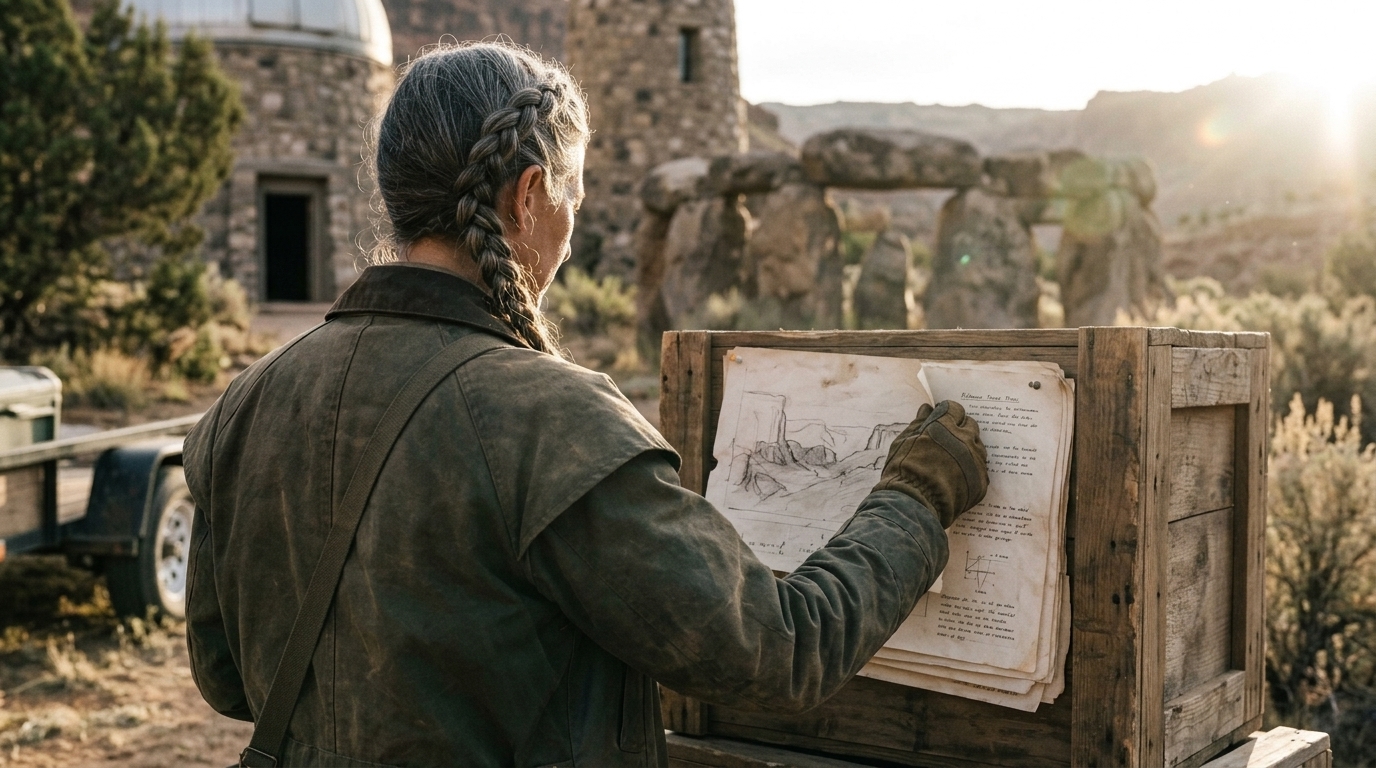
That sequence matters because it gives directors more control before they spend credits.
When you break the script first, you can identify every location, recurring prop, sign, and set dressing element that needs to stay coherent. When you storyboard next, you can define spatial logic and visibility. When you generate after that, you are not guessing. You are producing against a plan.
This is where a structured workspace like AI image generation for film shots and connected production boards can help teams keep references tied to the script and shot, not floating around in isolated folders.
Practical checklist for location and prop continuity
Before you generate your next scene, make sure you have:
- a master location image or anchor frame - a location bible with layout notes - a prop sheet for recurring objects - approved visual reference boards - a clear list of must-keep versus flexible elements - a storyboard that defines what must appear in each shot - a shot list that accounts for masters, coverage, inserts, reverses, and cutaways - camera orientation notes for every key angle - layout rules for desks, doors, signs, vehicles, and set dressing - a continuity check before editing or re-generation
If you are working across multiple scenes, keep all of that connected in one place. Teams that manage scripts, storyboard, assets, and references together are much less likely to lose continuity halfway through a project.
For many filmmakers and creative teams, that is the value of a workspace like Ciaro Pro: not replacing direction, but giving production a place to manage scripts, storyboards, assets, references, and continuity decisions in a single flow.
The goal is not to make every shot identical. The goal is to make the audience believe they are still in the same world.