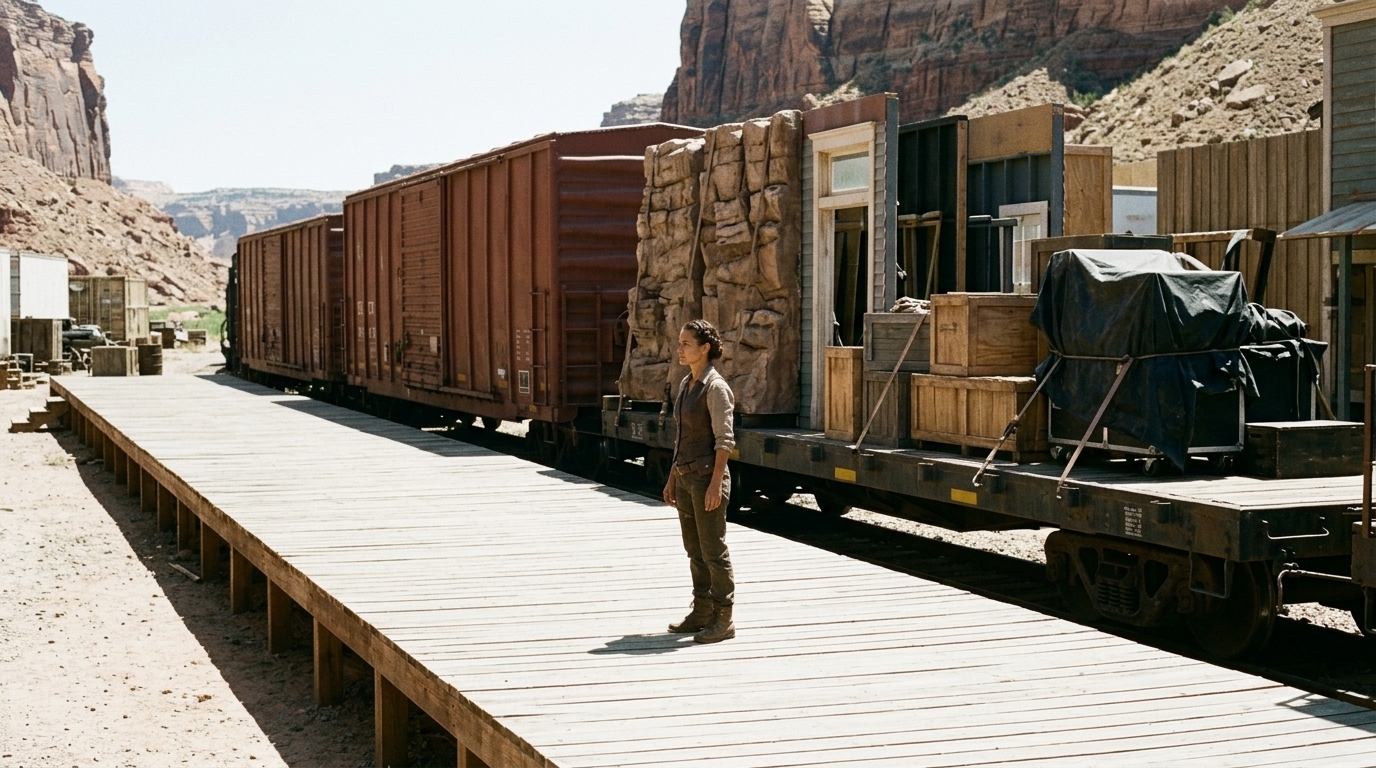
Why Good Storyboards Still Fail After Client Notes
A storyboard can look convincing on its own and still be unusable the moment the first round of feedback lands.
That is the real failure in many AI storyboard workflows: the boards are generated in isolation, but the project lives in motion. A client changes the intent of a scene. A director tightens the framing. Someone forwards a reference in Slack, another note arrives in email, and suddenly the character pose, shot sequence, and visual tone no longer match what the boards were supposed to communicate.
The images may still look polished. The story no longer holds together.
That is why late feedback is such a problem. Revision chaos breaks continuity faster than weak art does. The issue is not simply “more notes” — it is scattered notes, fragmented tools, and repeated prompting that force teams to rebuild the same idea over and over. In practice, attractive AI frames can become expensive dead ends when they are disconnected from script context, shot logic, and character continuity.
AI is useful here, but not as a replacement for filmmaking judgment. It works best as a speed layer for tedious pre-production work: rough shot options, quick visual variants, reference exploration, and faster communication for non-artists who need to explain an idea without drawing every frame by hand. Many filmmakers make the same point in practice: AI helps most when it saves time on repetitive storyboarding and previs work, not when it tries to make creative decisions for you.
The real job of a storyboard package is not to generate pretty images. It is to survive notes.
A revision-proof package has to carry the context that AI tools often drop: what the scene is trying to do, what emotion it should land, how the camera should behave, who is in frame, what has to stay continuous, and what has already been approved. Without that structure, teams end up with isolated generations, wasted credits, and no clear way to tell whether a new board is an iteration or a contradiction.
A stronger storyboard workflow starts before generation. It begins with a script breakdown, then moves into scene beats, then shot logic, then board generation, then approval packaging, then revision control, and only after that does it hand off to animatic, previz, or video generation.
That order matters because storyboards are communication systems, not just image prompts. Directors, DPs, animators, editors, and clients all need the same package to mean the same thing. If the context lives in one tool, the references in another, and the approvals in a third, the package falls apart the first time someone asks, “Which version are we actually using?”

A production-safe storyboard package should include at least:
- scene objective - emotional beat - shot or framing note - character callout - action beat - visual references - reference links - version notes - approval status
For continuity, it should also track the practical details that keep boards usable across revisions:
- character appearance - location details - prop placement - shot sequence logic - camera intent
That is where many AI storyboards fail. They may give you a usable image, but not a usable sequence. A wide shot may establish the room, then a close-up appears with the wrong prop position, then the character’s wardrobe changes across frames, then the eyeline no longer matches the previous shot. Individually, each image looks fine. Together, they fail in production.
Visual references are what reduce that ambiguity. They help directors, DPs, animators, and clients make decisions before anyone starts generating. A mood board alone is not enough. The package needs references tied to the scene and the shot, so the team can see what is meant by “darker,” “wider,” “closer,” or “more tense” instead of guessing and re-prompting until the credits run out.
That cost is real. Isolated AI clips are expensive when the plan is unclear. Every unclear prompt creates more variants, more cleanup, and more revision churn. A better storyboard package reduces wasted generation credits because it narrows the decision space before rendering starts.
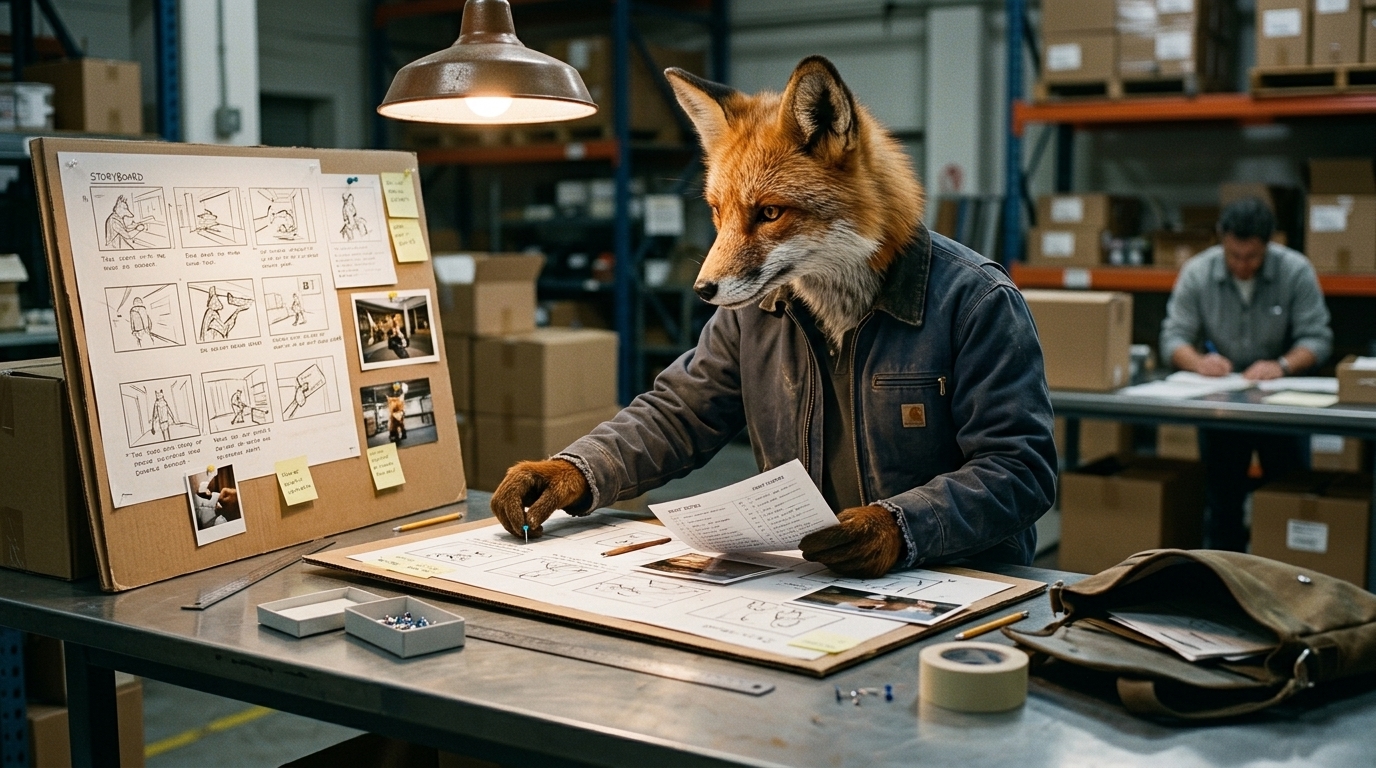
The workflow is straightforward, but only if the context stays connected:
1. Break down the script into scenes, beats, and goals. 2. Gather references for characters, locations, props, tone, and camera language. 3. Define shot logic so each frame supports the scene, not just the prompt. 4. Generate rough boards to explore options quickly. 5. Package for approval with status, notes, and version history. 6. Fold client feedback back in without overwriting the approved intent. 7. Hand off cleanly into production, animatic, or video testing.
The key is revision control. Client notes should never replace the previous idea; they should sit beside it with traceability. That means version notes, approval gates, and visible status on each scene or shot. If a director approves the composition but not the wardrobe, that distinction needs to survive the next revision. If a client likes the beat but wants a different framing, that change should be captured without losing the original reference point.
This matters especially in creative project management for film and media, where feedback arrives from multiple stakeholders at different times. Late notes are normal. Losing context is not.
It also helps explain why directors usually need more control before generating video. Storyboard generators are useful for speed, but they still have limits around consistency, spatial precision, and camera movement. If you want to test shot composition, decide between two framings, or prepare a pitch approval, you need enough control to keep the visual logic intact. Otherwise the tool can generate something that looks good while quietly breaking the scene.
That is the difference between a storyboard and a proof of concept. The first is about alignment. The second is about testing motion, timing, and shot behavior. Both can be powered by AI, but neither works well without production structure.
For teams building pitch decks, animatics, commercials, explainers, or animated scenes, the package has to do more than output frames. It has to support shot coverage analysis, client approvals, and handoff into edit or previz without forcing everyone to start over. That means keeping the script, scenes, characters, boards, and references linked through the entire revision cycle.
A connected workspace like Ciaro Pro’s character and asset system can help here by keeping visual identity, references, and generated assets tied to the same project context. Used well, that kind of layer does not replace the storyboard process — it keeps the storyboard package intact while it moves through notes, approvals, and production handoff.
The goal is not one-click movie generation. It is repeatable structure, creative control, and a package that survives the moment a client starts asking questions.
That is what makes a storyboard package production-ready: not how polished the first board looks, but whether the story still makes sense after the third round of changes.
What AI Should Actually Do in Pre-Production
AI is useful in storyboarding when it removes friction, not when it pretends to be the director.
That distinction matters because the first version of a board often looks convincing right up until the real work starts: client notes arrive late, references are scattered across drives and chat threads, and one “small change” breaks continuity across the whole sequence. At that point, the issue is no longer image generation. It is the workflow.
A strong storyboard workflow does not begin with prompts. It begins with context.
AI should help a team move faster through the tedious parts of pre-production: turning a script into rough visual options, generating draft shot ideas, producing look-dev references, and helping non-artists communicate intent before a director, DP, or storyboard artist locks anything. It should not replace the human judgment that decides which shot is right for the scene, which note actually matters, or whether the camera logic holds from one beat to the next.

Build the package before you build the frames
The fix is to treat the storyboard as a package, not a set of isolated images.
A production-safe storyboard package should be built around connected context:
- Script or scene reference - Scene objective - Emotional beat - Script breakdown and scene beats - Shot list and shot sequence logic - Lens or framing notes - Character callouts - Visual references - Approval status - Version notes - Client notes and revision history
That package is what keeps the board usable when the conversation moves from inspiration to approval to handoff.

A practical workflow from script to approval-ready boards
A revision-proof process usually follows six steps.
1) Script and scene breakdown
Start by breaking the script into scenes, beats, and purpose. What is the scene doing? What must the audience understand? What emotional turn has to land?
This is where directors and producers define the point of the scene before anyone worries about aesthetics. If the scene objective is unclear, AI will happily generate pretty but useless frames.
2) Reference gathering
Collect visual references before generating boards.
This is one of the biggest advantages of an ai storyboard workflow: it helps teams reduce ambiguity for directors, DPs, animators, and clients. Reference links, style frames, location photos, wardrobe notes, prop images, and camera inspiration all narrow the gap between what someone meant and what the tool renders.
Visual references matter because they save time later. They also prevent the endless prompt loop where everyone keeps trying to describe the same chair, room, costume, or mood in slightly different language.
3) Shot logic and board generation
Now AI can do what it is best at: generating rough shot options fast.
Use it to explore composition, framing, and alternative visual reads. Let it help with look development, proof-of-concept frames, and draft shot coverage. But keep the human in charge of deciding which shot serves the story.
This is also where camera language matters. A note like “wide, low angle, character isolated in foreground, tense negative space behind her” gives the model and the team a real production direction. A vague prompt like “cinematic and dramatic” does not.
4) Approval packaging
Before sending anything to a client, package the boards with context.
Each frame should carry enough information to survive review:
- Scene objective - Emotional beat - Lens or framing note - Character callout - Action beat - Reference links - Approval status - Version note
That turns the board into a communication system for directors, DPs, animators, clients, and editors — not just an image set.
5) Revision control
This is where most teams break.
Client notes should never overwrite earlier intent without a trace. Every change needs to be captured, versioned, and linked back to the frame or scene it affects. If a client wants “the same shot, but wider, with the hero facing camera and the lamp moved left,” that note needs to live alongside the original board, not disappear into a fresh export.
The goal is to preserve approval history so the team can see what changed, why it changed, and whether the new version still matches the script.
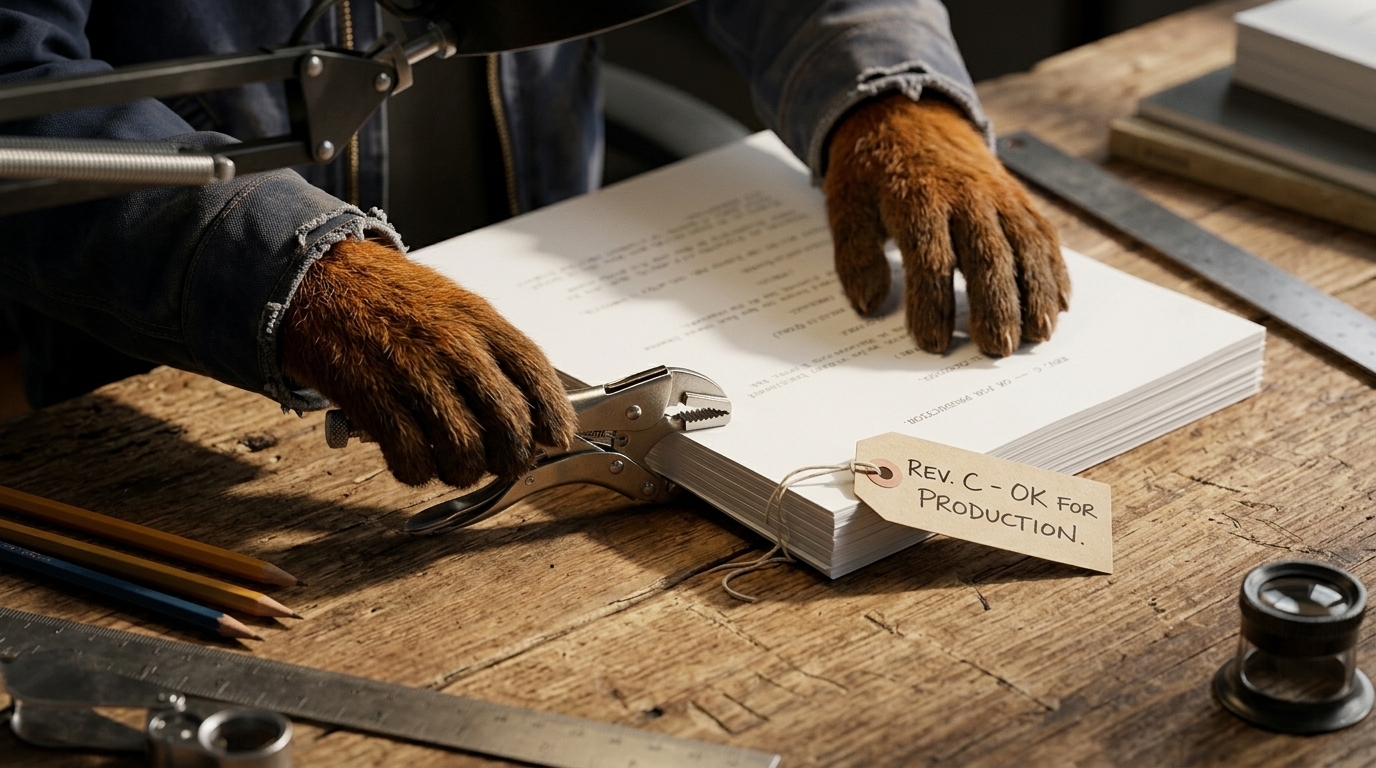
This matters even more in character-heavy scenes. Character consistency is one of the biggest pain points in AI filmmaking: outfit details drift, hair changes, prop placement shifts, and a revision in one shot can quietly break three others. When revisions span multiple scenes, continuity needs to be tracked like production data, not treated as a loose creative suggestion.
6) Handoff into production, animatic, or video generation
Once the package is approved, it can move cleanly into animatic, previz, pitch video, or production planning.
That handoff should be structured. The storyboard package becomes the bridge between planning and execution: it informs shot coverage, helps editors understand timing, gives animators a visual target, and gives directors a safer foundation if they later generate video for shot testing or pitch approvals.
This is also where directors need more control before going from stills to motion. Is the composition right? Does the camera move support the beat? Does the sequence read correctly before spending credits on isolated clips? If the answer is unclear, the workflow is still too early for video generation.
Why isolated clips are expensive when the plan is unclear
AI video workflows get costly when teams jump straight to generation without a clean storyboard package.
Every unclear shot can become a loop of re-prompts, wasted credits, and continuity fixes. If the scene objective is vague, the references are scattered, and the approvals are not versioned, the system is effectively asking the model to solve pre-production for you. It cannot.
A better package reduces that waste by making the decisions upstream. It gives the team a shared plan before they spend credits on frames, clips, or animatics.
What human judgment still owns
AI can speed up the work, but humans still decide the shot.
That means the director, creative lead, or storyboard artist still owns:
- Which shot best communicates the scene beat - Which feedback is useful and which is noise - Whether continuity is actually preserved - When the visual direction is locked - Whether a frame is good enough for approval or only useful as a draft
That is the right division of labor. AI becomes a support layer for pre-production, not the creative authority.
The workflow gap is the real product opportunity
The market has plenty of image generators. What it still lacks is a clean bridge between generation and production-safe continuity.
Teams are looking for an all-in-one storyboard tool, but what they really need is a connected workspace that keeps scripts, scenes, characters, boards, references, generated visuals, and edits linked across revisions. That is the difference between a pretty frame and a package a team can actually approve.
A system like Ciaro Pro’s collaboration workspace fits here as the workflow layer: not as a replacement for creative judgment, but as the structure that keeps it intact. If boards, characters, reference assets, and revision history stay connected, teams spend less time repeating prompts and more time making decisions.
For teams that also need to manage character appearance and visual identity across scenes, linking to character definitions and references and asset management for shot references and production files can prevent the exact continuity breaks that make AI boards fall apart after notes.
Final takeaway
A storyboard package survives client notes when it is built as a living production document: script context, scene goals, shot logic, visual references, approval gates, and revision history all tied together.
That is what AI should do in pre-production. It should make the tedious parts faster, help mixed teams communicate clearly, and reduce the cost of exploration. But the creative authority still belongs to the human team deciding the shot, protecting continuity, and choosing what gets approved.
When the workflow is connected, AI storyboard tools become genuinely useful for pitch decks, animatics, proof-of-concept scenes, and production packages. When the workflow is fragmented, even good frames collapse under revision chaos. The real win is not one-click movie generation. It is repeatable, production-minded structure.