Why AI Filmmaking Needs a Script-to-Storyboard Workflow
AI filmmaking often fails in the same place traditional pre-production does: too many people jump from script to generation too early. The result is familiar, even if the tools are new. You get isolated clips that look promising on their own, but don’t cut together into a coherent scene. The shot order is fuzzy, continuity slips, characters drift between outputs, and the team burns credits testing ideas that should have been solved on paper first.
That is why a script-to-storyboard workflow workflow matters. Not because AI can replace planning, but because AI makes bad planning more expensive. If you generate before you’ve established scenes, coverage, blocking, and edit order, you end up paying for throwaway shots and revision churn. If you plan first, you move faster with fewer surprises, stronger approvals, and a sequence that is actually ready to generate.
The core shift is simple: don’t think clip-by-clip. Think scene-by-scene, then shot-by-shot, then board-by-board. A structured pre-production workflow turns the screenplay into something the whole team can review, refine, and approve before a single frame is generated.
Start with the script, not the prompt
The first step is a real script breakdown, not a loose prompt dump. Line the script, identify the scene units, and pull out the production information that will shape every later decision. For each scene, capture:
- Location - Characters present - Action beats - Emotional beats - Visual must-haves - Props and wardrobe notes - Continuity risks
If the script lives in a proper screenwriting workspace, you can keep the story logic intact while preparing it for breakdown, rather than copying text between disconnected tools.
The point of the breakdown is not to make the script look technical. It is to define what has to happen on screen so the rest of the workflow can stay grounded in actual production needs.
Turn scene breakdowns into a shot list
Once the scene is broken down, convert it into a shot list from script. This is where the film starts becoming filmable. The shot list defines how each scene will be covered: what establishes the space, what carries the action, what reveals the emotion, and what transitions the sequence forward.
A useful shot list usually includes:
- Shot numbering - Scene label - Shot size and framing intent - Blocking notes
- Coverage type - Camera intent - Movement or transition notes - Edit order
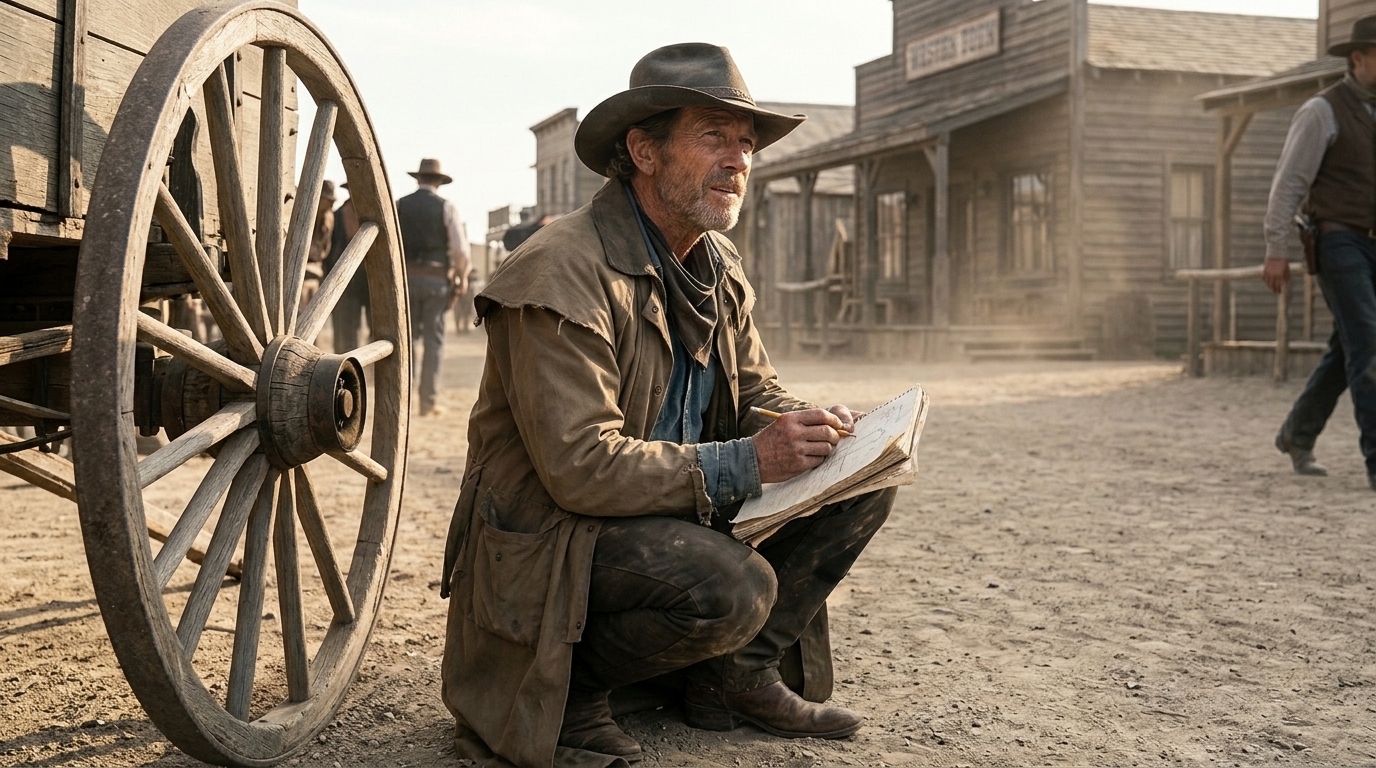
Think in practical coverage terms: establishing shot, insert, over-the-shoulder, close-up, reaction, and transition. Not every beat needs a full board immediately. Some shots only need a key frame or reference frame. Others, especially action beats, reveals, and emotional turns, need more detailed planning.
If you want a deeper method for this step, a dedicated shot-list building guide is useful because the value is in deciding which shots matter most before anything gets generated.
Use storyboards as the visual planning layer
The storyboard is not just a prettier version of the shot list. It is the visual planning layer that converts the list into communication-ready frames. A good storyboard workflow helps the team see composition, pacing, eyelines, staging, and shot relationships before they become expensive to generate.
This is where AI can help, but only as an accelerator. AI storyboard tools are useful for rapid visual exploration, key frames, and reference drafting. They are also good for react-and-refine workflows when a director wants to test a framing idea quickly. But they are not reliable enough to replace human judgment on blocking, spatial precision, or complex scene logic.
So the workflow should stay disciplined:
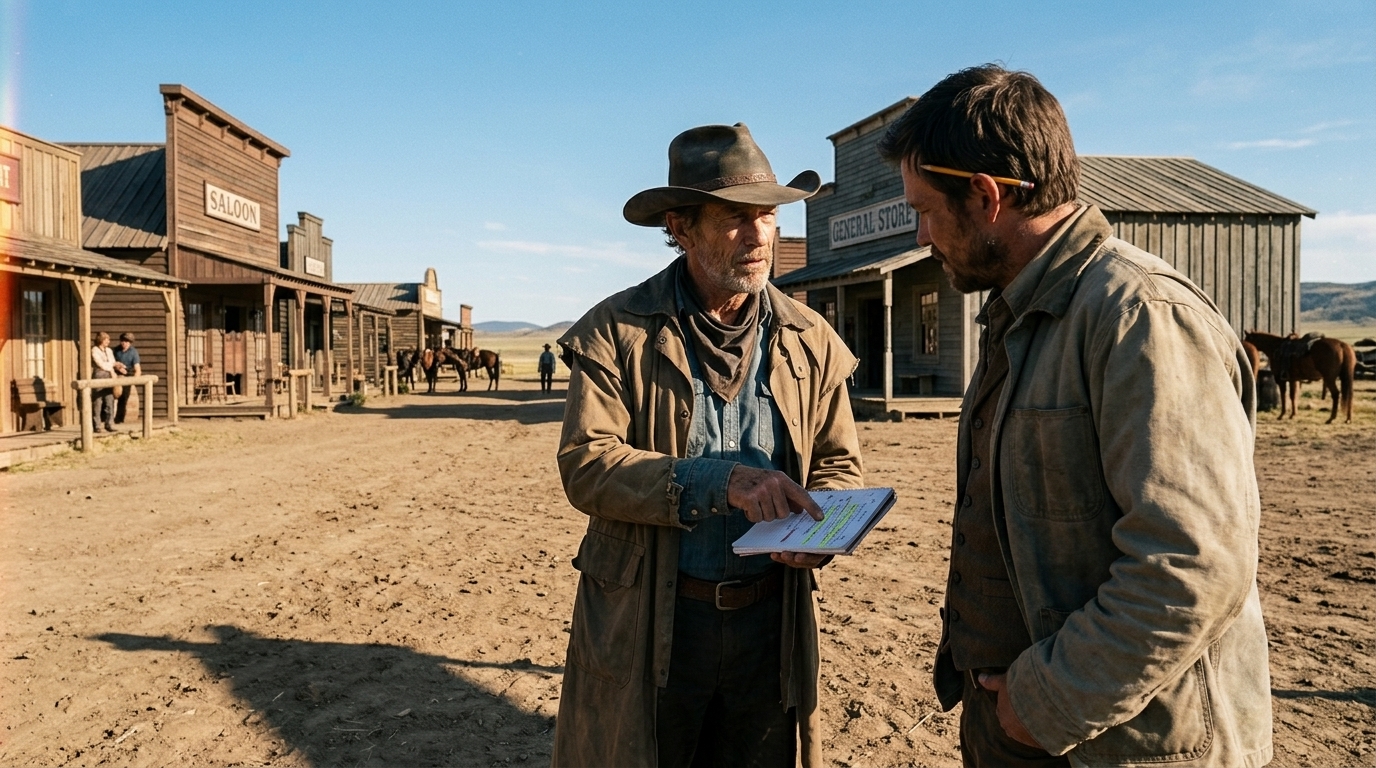
1. Script breakdown defines what must happen. 2. Shot list defines how the scene will be covered. 3. Storyboard defines what the coverage looks like frame by frame.
If you keep those layers separate, the team can move faster without losing context.
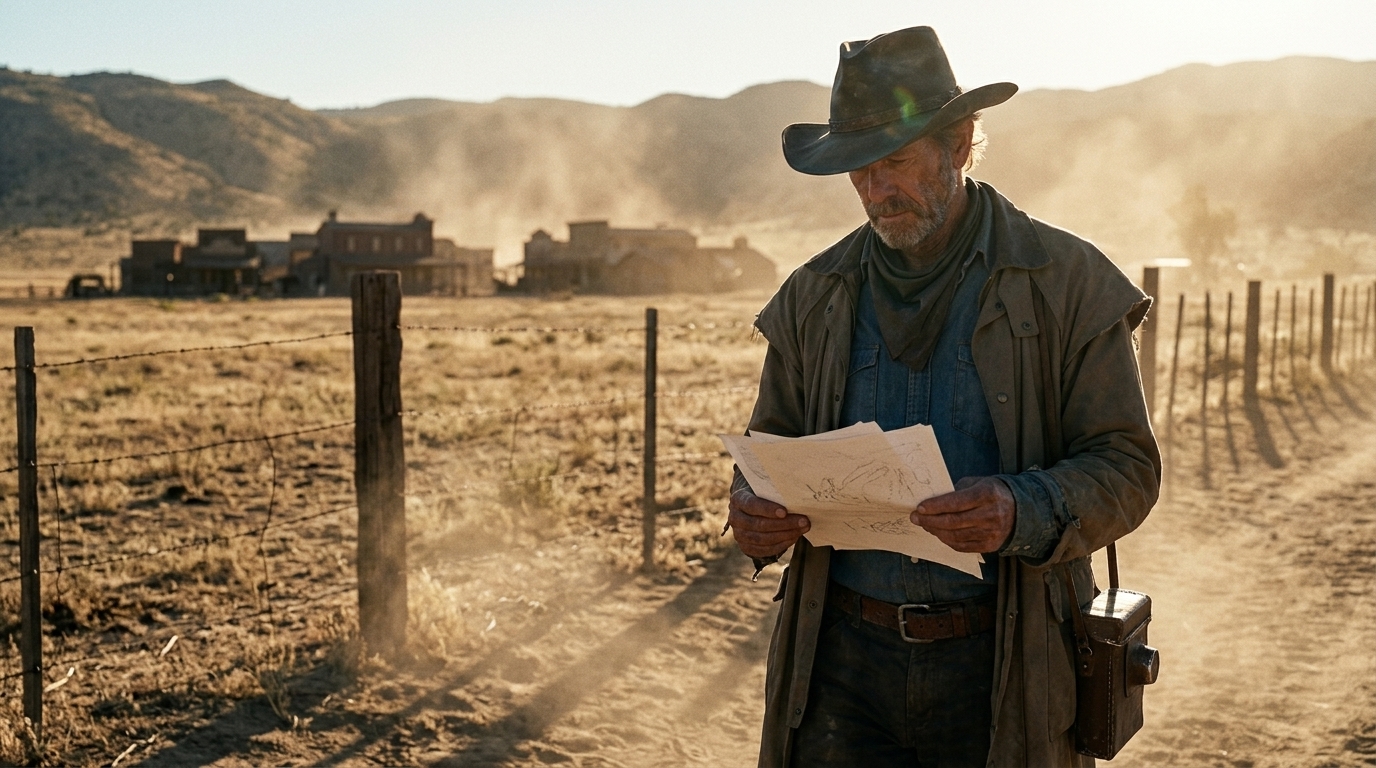
A connected storyboard environment, like a production board workspace, helps keep each shot tied to its scene, script reference, status, and revision history. That matters when directors, producers, animators, and clients all need to review the same sequence without re-explaining the context every time.
Protect continuity with references and asset management
In AI filmmaking, continuity is one of the first things to break. Characters drift. Wardrobe changes slightly. A location looks right in one shot and wrong in the next. Style is consistent until it isn’t. This usually happens because references, generated frames, and production notes are scattered across different tools.
A connected workflow solves that by keeping visual context attached to the project itself. Treat references as production assets, not loose inspiration images. Track:
- Character sheets - Wardrobe references - Location references - Props and set pieces - Visual style tags - Continuity notes by scene and shot
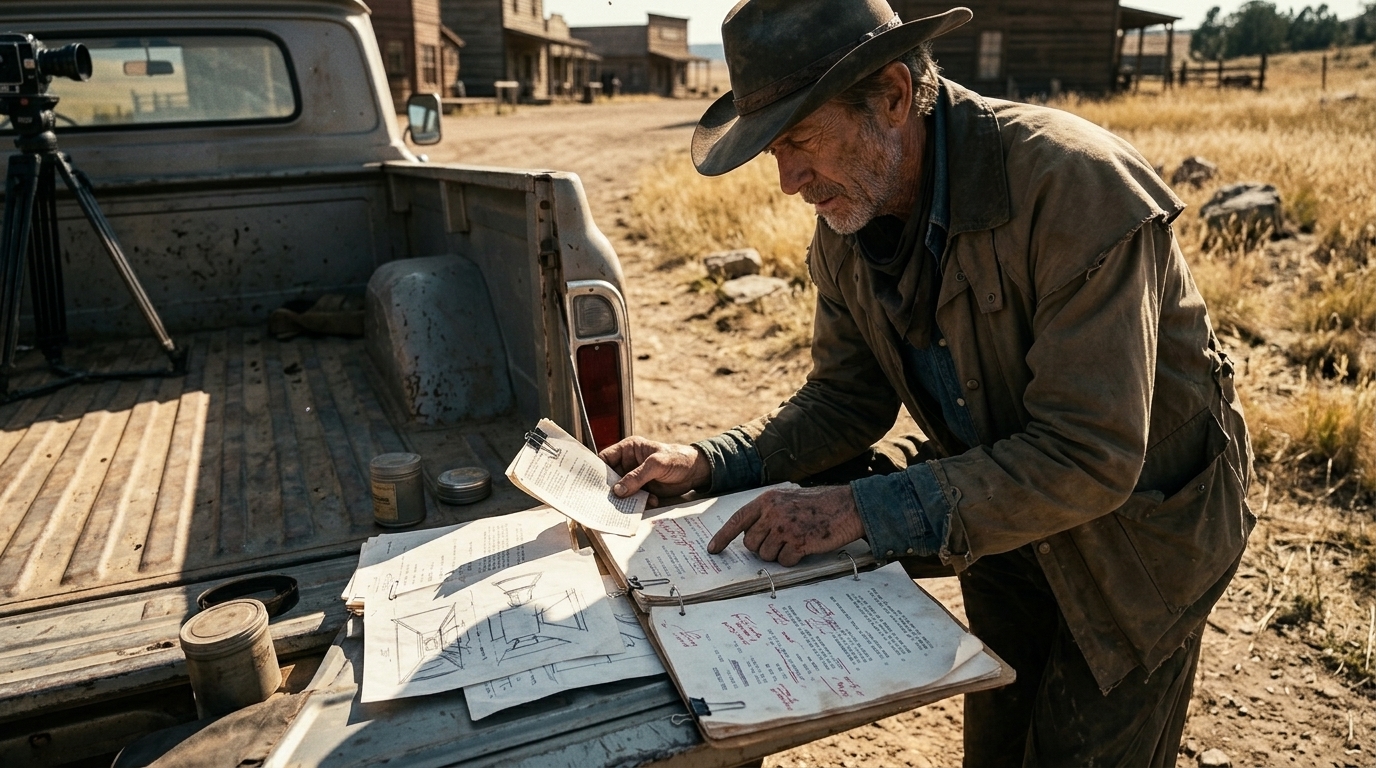
This is where asset management for film production becomes more than a library. It becomes the continuity layer that keeps generated media tied to the story, the scene, and the shot.
That connection is essential if you want character consistency across a sequence. It is also the easiest way to prevent the messy handoff problem where one tool holds the script, another holds the boards, and a third holds the generated clips.
Build an animatic before final generation
The bridge between boards and final footage is the animatic. This is where the sequence becomes testable. You assemble the boards, apply rough timing, and evaluate pacing, sound, voice, and edit rhythm early. That matters because a scene can look fine as separate shots and still fail as a sequence.
Animatic planning lets the team answer the questions that matter before production gets expensive:
- Does the scene play at the right pace? - Do we need more coverage? - Is the emotional beat landing too early or too late?
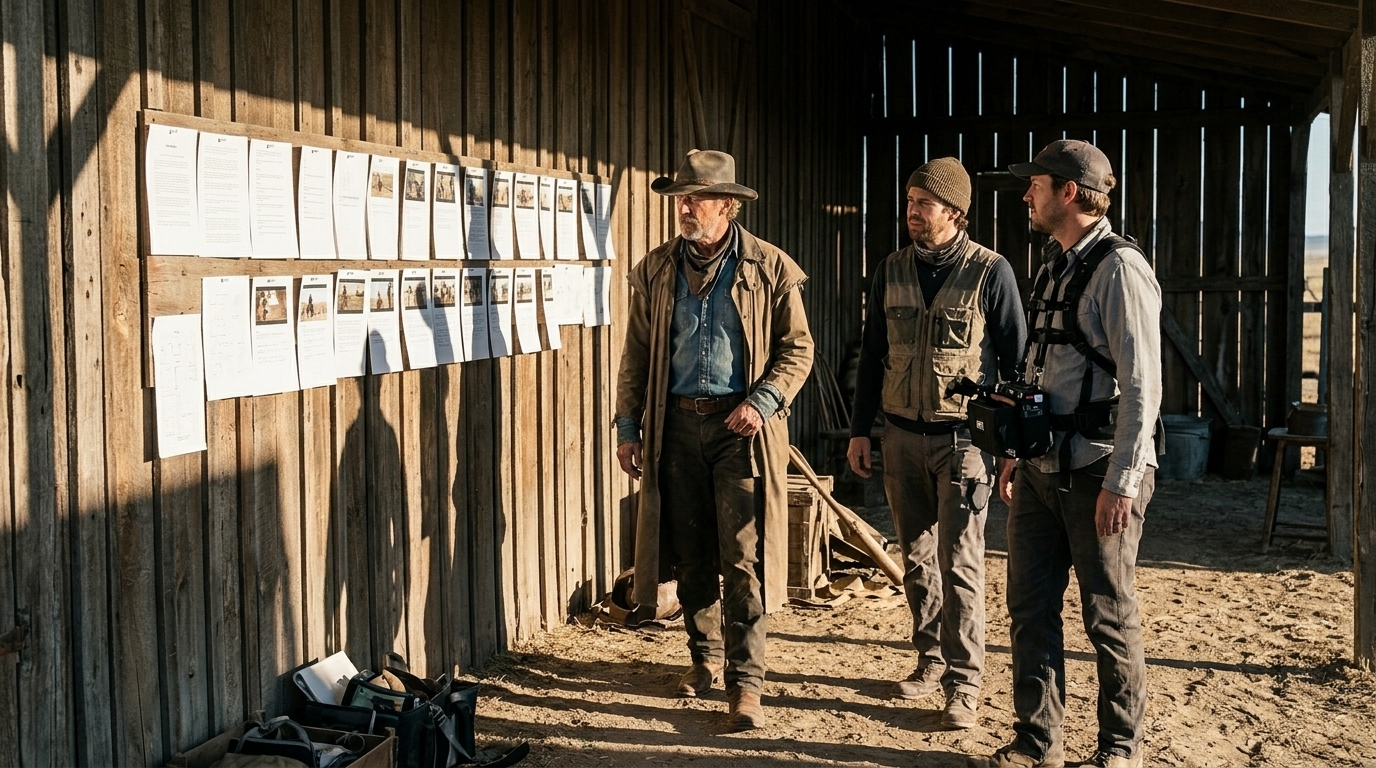
- Do the transitions support the edit? - Does sound or voice need to lead or follow the visual?
This is also where production and NLE tools help most, because sequence assembly and timing should happen before final AI generation locks the team into a bad structure.
Use approval gates to keep iteration fast, not chaotic
A connected workflow is not only about speed. It is about review. Directors, producers, and clients need approval gates so the team can iterate with shared context instead of making one-way decisions that have to be reworked later.
A good approval loop usually looks like this:
- Review the breakdown - Approve the shot list - Review storyboard frames - Check the animatic - Confirm continuity and reference set - Approve final generation targets
That shared context is what keeps teams moving quickly without chaos. Everyone sees the same scene labels, shot numbering, visual tags, and continuity notes. Nobody has to guess what changed or why.
Where AI helps, and where humans still lead
AI is best used as a planning and acceleration layer. It can generate visual options fast, draft reference boards, produce key frames, and help test early sequence structure. That makes it valuable in pre-production, especially when teams want to reduce manual storyboard labor and get to an animatic faster.
But humans still control the decisions that define the film:
- Blocking - Pacing - Shot selection - Continuity - Final creative judgment
That division of labor matters. AI can accelerate exploration, but it cannot yet reliably solve every spatial or staging problem on its own. The workflow works best when AI supports direction instead of replacing it.
A connected workflow prevents waste
The real reason to connect script, shot list, storyboard, references, animatic, and generation is not convenience. It is cost control. Every unclear decision made too late becomes a burned credit, a throwaway clip, or a revision loop that could have been avoided.
That is why the strongest AI filmmaking workflows are production-native, not prompt-native. They start with the screenplay, move through scene breakdown and shot list, build the storyboard, assemble the animatic, review with approvals, and only then generate final footage.
Softly, that is the kind of connected environment tools like Ciaro Pro are designed to support: script, storyboard, assets, references, generation, and editing in one production context instead of across scattered apps.
Reusable checklist for your next project
Before you generate anything, make sure you have:
- A scene-by-scene script breakdown - Location, character, action, emotional, and continuity notes
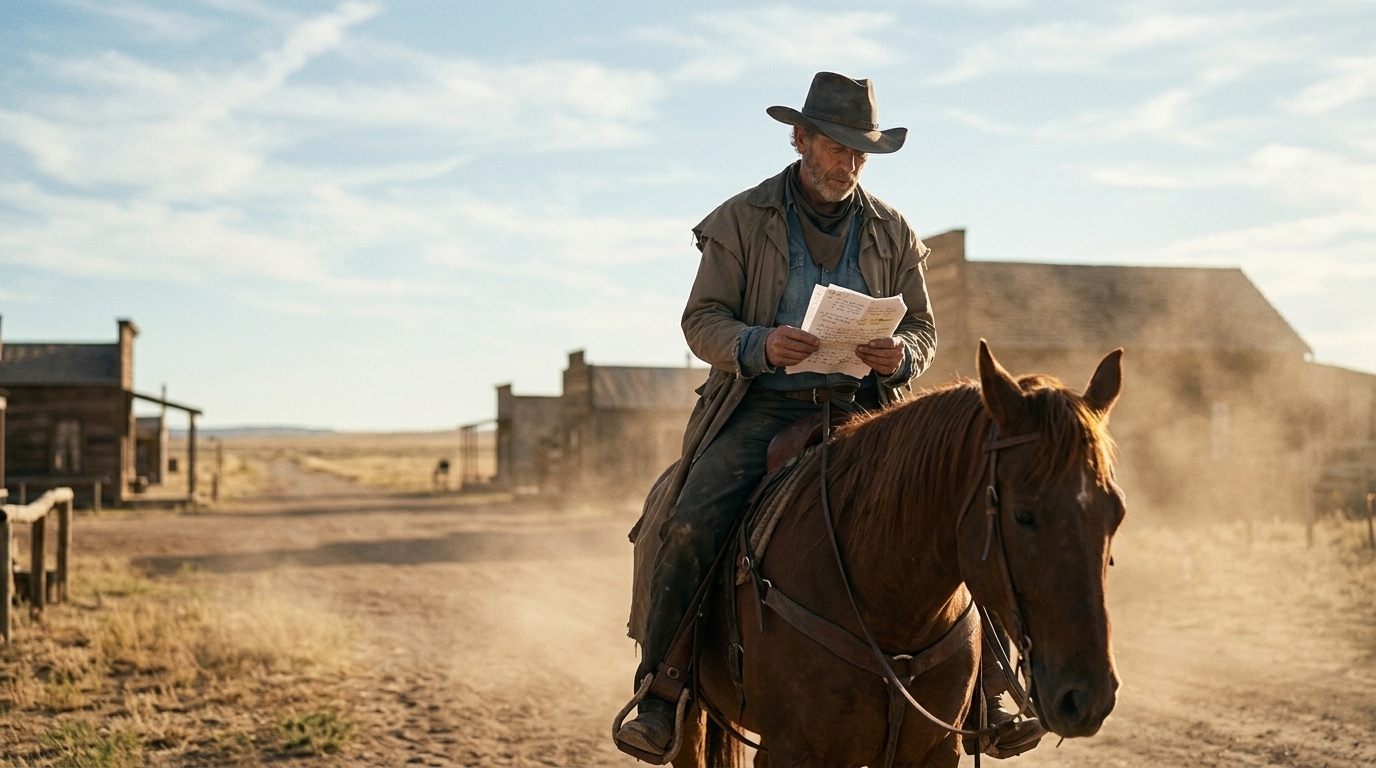
- A numbered shot list with coverage intent - Storyboard frames or keyframes for priority shots - Reference assets tied to characters, locations, and props - An animatic with timing, sound, and edit order - Approval gates for review and revision - A clear path from sequence assembly to final generation
If you follow that structure, your AI footage is much more likely to stay consistent, cut together cleanly, and survive review with fewer revisions. The goal is not just to make clips. It is to build a filmable sequence with a workflow that protects credits, continuity, and creative intent from the start.