The approval problem is a workflow problem, not an AI problem
The fastest way to break an AI film workflow is not a bad prompt. It is scattered approval. One note lives in comments, another in email, a reference folder gets updated without context, and a third version sits inside a disconnected AI tool. By the time anyone is ready to generate clips, nobody is fully sure what was approved, what changed, or which shot version is actually moving forward.
That is why the approval problem is really a workflow problem, not an AI problem.
AI video generation can produce ideas quickly, but speed makes disorganization more expensive. If the team has not locked the script intent, visual references, storyboard revisions, and shot notes, the generation step becomes a guessing game. You do not just waste time — you waste credits, create continuity drift, and make client review harder than it needs to be.
In practice, the pain shows up in familiar ways:
- Feedback is scattered across comments, reference folders, email threads, and tools that do not talk to each other. - Characters change from shot to shot because the revision context is missing. - Location, prop, and style decisions drift because no one can see the approved version at a glance. - Teams move from screenplay to storyboard to generation without a clear approval gate, so they approve the wrong thing late. - Producers and directors end up cleaning up handoffs instead of advancing the work.
The fix is not more AI output. The fix is a clearer approval structure that starts before generation and keeps every decision attached to the shot.
A connected workspace like Ciaro Pro’s collaboration environment can help by keeping script, storyboard, assets, references, generation, and review in the same place. That matters because approvals only work when the team can see the same version history, the same notes, and the same creative intent.
Build the approval framework before you generate anything
A strong ai film approvals workflow does not start with generation. It starts with agreement on what is being approved, why it matters, and which decisions must stay fixed long enough to support production.
If the script intent is unclear, if the storyboard is still moving, or if references are not attached to the shot, the model will not save you. It will just generate the wrong thing faster. For directors, producers, and client-facing teams, the goal is not to “generate first and figure it out later.” The goal is to lock story decisions before generation: what the shot is doing, why it exists, and which version is approved.
Approve in stages, not all at once
A clean film approvals workflow should move in a sequence that protects the creative decisions before anyone spends credits on clips:
1. Script or scene intent approval Confirm the purpose of the scene: what emotion it carries, what beat it advances, and what must be true in the frame.
2. Visual references approval Lock the visual direction: character looks, location tone, props, wardrobe, lighting, camera language, and style references.
3. Storyboard review Check composition, pacing, blocking, and whether the shots actually communicate the scene.
4. Shot approval Sign off on the exact shot description, framing, action, and any continuity constraints.
5. Generation gate Only now should the team spend credits on AI video.
6. Edit review Review the generated clips in the timeline, where pacing, transitions, and story logic can be judged in sequence.
This order matters because isolated clips are not enough. The real challenge is turning approved intent into a coherent sequence with story logic and continuity intact. A shot can look good on its own and still fail the film if it no longer matches the scene, the character beat, or the edit rhythm.
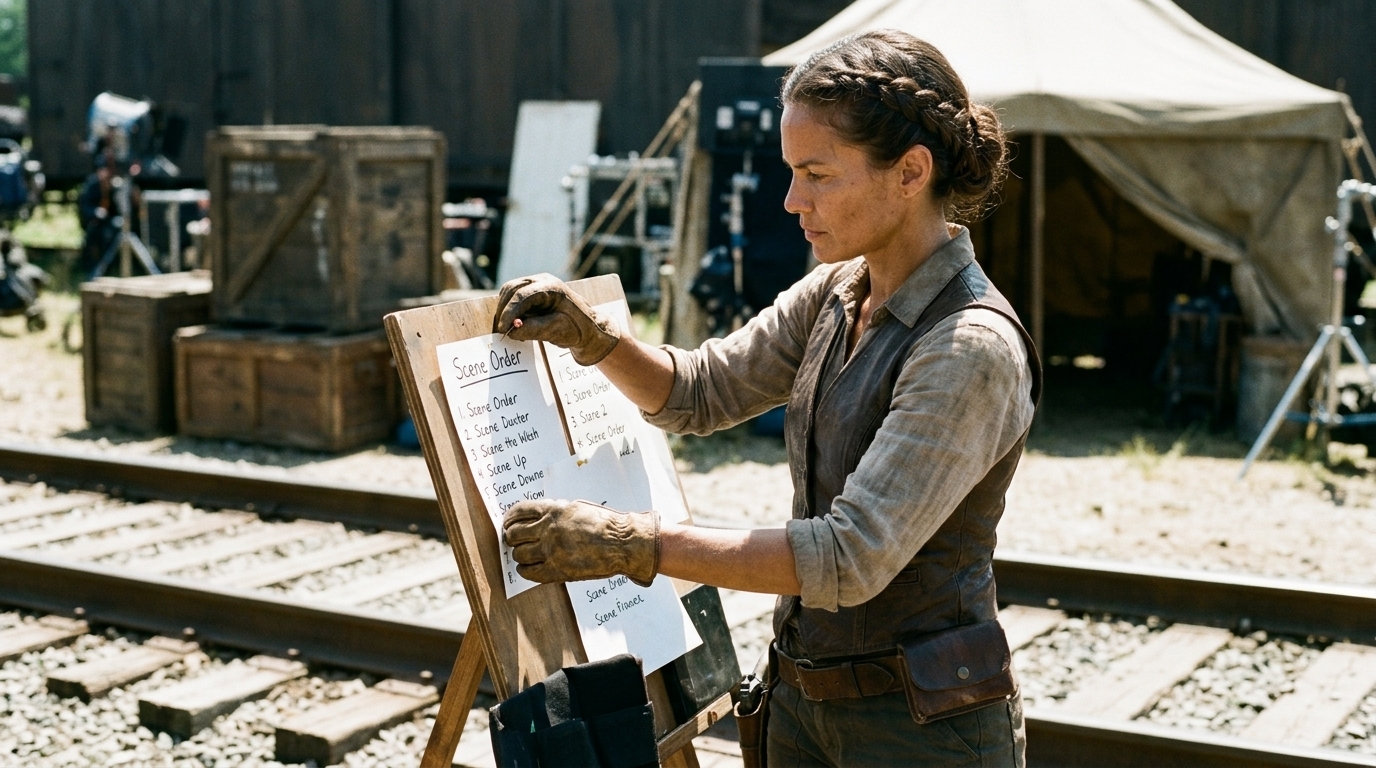
What belongs in each stage
The most common failure in ai pre-production is mixing the wrong decision into the wrong stage. A scene note is not a storyboard approval. A storyboard comment is not a shot lock. And a generated clip is not a substitute for creative alignment.
Keep each stage focused on the decision it is meant to settle:
- Script/scene intent: scene goal, story beat, tone, audience takeaway, must-have action, must-not-change elements - Visual references: reference stills, mood boards, character sheets, palette notes, location images, prop callouts, style frames - Storyboard review: shot order, framing, camera movement, composition, action beats, transitions between frames - Shot approval: exact shot description, duration, intended motion, continuity constraints, approval status - Generation gate: version
number, approved reference set, shot notes, exclusions - Edit review: timeline assembly, timing adjustments, replacements, performance notes, final sign-off
If the team uses a shared visual planning environment like Ciaro Pro’s pre-production concepting workflow, the benefit is not just convenience. It is continuity. Script-linked boards and attached references make it easier to see whether a creative decision is still serving the scene.
Keep continuity attached to every shot
Every shot should carry its own creative record:
- the scene it belongs to - the approved references used - the current shot note or prompt direction - the revision history - the client or director comments tied to that version - the approval status
When that context stays attached, the team can see why a shot changed and what version was approved. When it gets scattered, people start re-explaining the same decision in different places, and no one is sure which note wins. That is how teams burn time, generate the wrong variants, and end up with inconsistent characters or mismatched environments.
A simple rule helps: if a decision changes the shot, log it with the shot.
Human direction still owns the decision
AI can help with first drafts and variations, but humans own intent, taste, and approvals. That does not mean every decision needs a meeting. It means the important creative judgment stays with the director, producer, or creative lead.
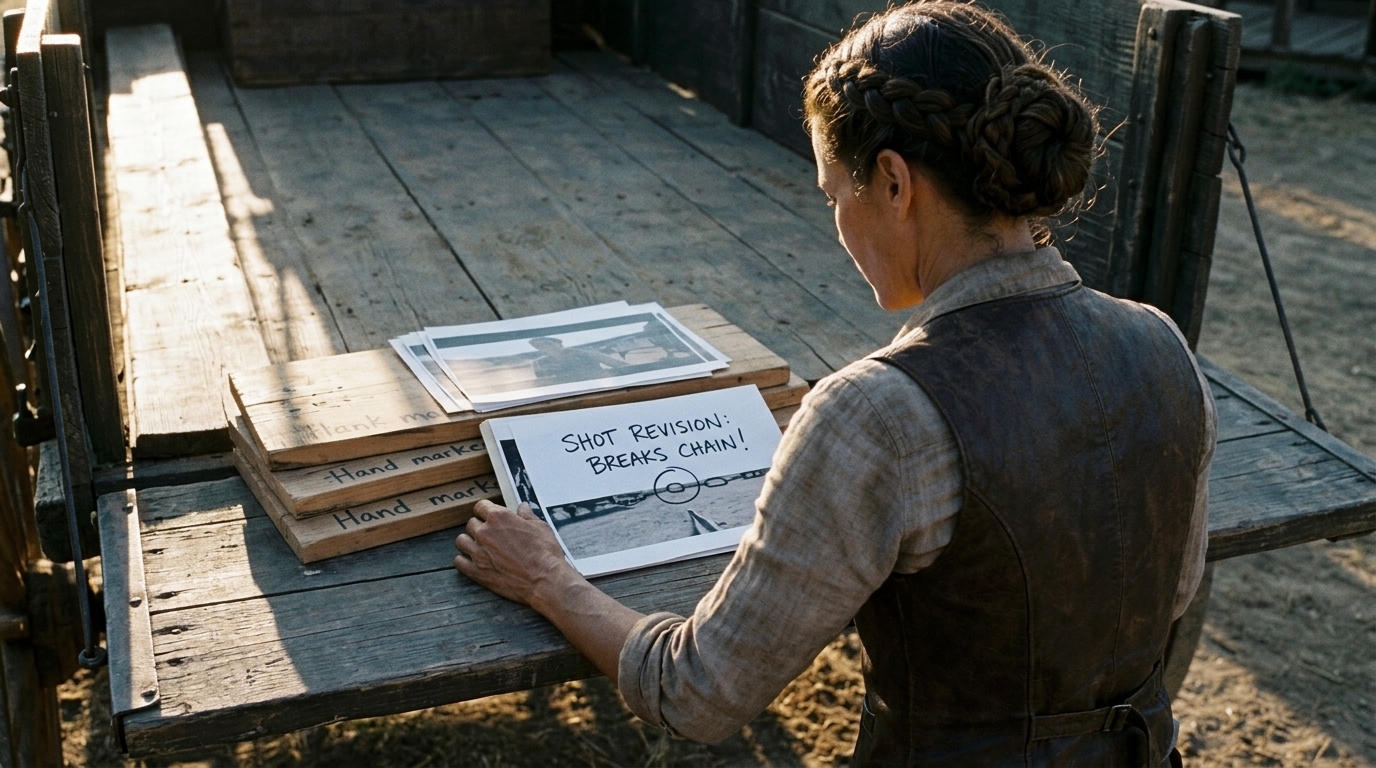
AI is useful when you need to explore options quickly in pre production, test framing, or move from screenplay to storyboard more efficiently. But human review is still required for:
- performance and emotional read - visual taste - shot selection - story clarity - client-facing approval calls - deciding when a shot is good enough to move forward
That distinction matters because the workflow should support judgment, not replace it. The best approval systems make it easier for teams to compare versions, respond to notes, and move forward without losing control.
Avoid the continuity traps that slow teams down
Most approval problems do not come from one big failure. They come from small handoff breaks that compound over time.
A note lives in email, but the shot lives in another app. A reference image is saved in one folder, but the approved storyboard is elsewhere. A client change is written in a comment thread no one checks during generation. A regenerated clip overwrites the earlier version without preserving the reason it changed.
That is where continuity breaks. And in AI production, continuity is not cosmetic — it is what keeps the work usable.

Where teams usually lose the thread
Common failure points include:
- Feedback split across comments, email, and disconnected tools - References stored separately from the approved shot - Revised character designs not carried into later boards - Client notes not translated into production language - Regenerated clips replacing earlier versions without a clear reason - Edit teams receiving assets without the approval context that made them valid
These problems create drift in characters, locations, props, and style. The result is not a coherent sequence, but a stack of almost-right fragments.
A useful example
Imagine a director approves a moody over-the-shoulder shot of a character entering a warehouse. The storyboard is approved, the references are attached, and the shot is greenlit. Later, a note about “more energy” appears in email, so someone regenerates the clip with a wider lens and faster camera move.
On its own, the new clip may look better. But if the change is not logged against the shot, the edit team loses the reason for the move, the lighting no longer matches the next angle, and the character’s screen direction shifts. A small untracked revision creates a larger continuity problem downstream.
That is why approvals need to stay attached to the shot itself, not the inbox.
Keep the generation gate strict
The generation gate is the point where the team decides whether it is worth spending credits. Before generation starts, ask:
- Is the scene intent approved? - Are the visual references locked? - Is the storyboard version approved? - Is this exact shot approved for generation? - Are the continuity constraints clear? - Does everyone know what version is being spent on?
If the answer to any of those is no, revise first. That discipline protects budget, shortens review cycles, and keeps the team from treating generation as a substitute for decision-making.
Edit review is where the sequence becomes the film
Even after the shots are approved individually, the edit still needs its own review. This is where the team checks whether the generated clips work together as a sequence: timing, transitions, match cuts, pacing, and story flow.
A clip can look fine on its own and still fail in the timeline. That is why edit review is the final approval layer, not an afterthought. It is also where human judgment matters most, because the sequence has to feel coherent, not just technically correct.
Use one connected workspace for pre-production, generation, and edits
The approval workflow breaks down fastest when the work is spread across too many places. That is why teams need a connected environment for script breakdowns, storyboard revisions, asset management, references, generation, and timeline review.

A workspace such as Ciaro Pro’s production and editing environment can help by keeping the handoff chain in one system, so teams can assemble shots, generate motion, refine timing, and manage replacements without breaking context.
What a connected workflow should do
At minimum, it should let the team:
- keep script breakdowns tied to scenes and shots - attach visual references to the approved version - preserve storyboard revisions and comments - store reusable assets in one controlled library - track generation settings and version history - review clips inside the edit timeline - mark approval status at each stage
If the editor can see the notes that informed the shot, and the director can see the reference set that shaped it, approvals become faster and clearer. The team stops re-explaining the work and starts advancing it.
Why a shared asset library helps
A shared asset library matters because consistency is hard to maintain shot by shot. Characters, worlds, products, props, and environments should be reusable and easy to govern. Otherwise the team keeps rebuilding the same visual language in different tools.
When reusable assets live in the same workflow as approvals, teams can control drift more effectively and keep the same creative decisions consistent from concept to final edit.
The practical rule for production teams
If a note changes the shot, it should live with the shot. If a reference changes the style, it should be attached to the scene. If a clip is regenerated, the reason should be preserved in the version history.
That is the simplest way to keep an ai film approvals workflow usable for real directors and clients.
A practical approval checklist
Use this checklist to keep the workflow disciplined:
- Approve script or scene intent before visual work starts - Attach references to the scene and shot, not just a separate folder - Review storyboard revisions before moving to generation - Lock shot framing and purpose before spending credits - Keep revision history with every version - Review generated clips in context, not as isolated files - Make edit-level approval the final gate before delivery
The broader takeaway is simple: organize references, revisions, and approvals before generating clips. If you do that, you reduce wasted output, preserve continuity, and give directors and clients a review process that actually supports production instead of slowing it down.
For teams building that kind of workflow, storyboard notes and client review discipline are often the next step in making approvals more consistent across the pipeline.
Final takeaway
AI can speed up production, but it cannot compensate for a loose approval process. The teams that move fastest are not the ones that generate first. They are the ones that lock intent early, keep references attached, preserve revision history, and approve work in stages.
That is what makes an ai film approvals workflow effective: not more output, but a clearer path from script to storyboard to generation to edit.