Great Shots, Broken Scenes: Why Generated Film Needs a Visual Rulebook
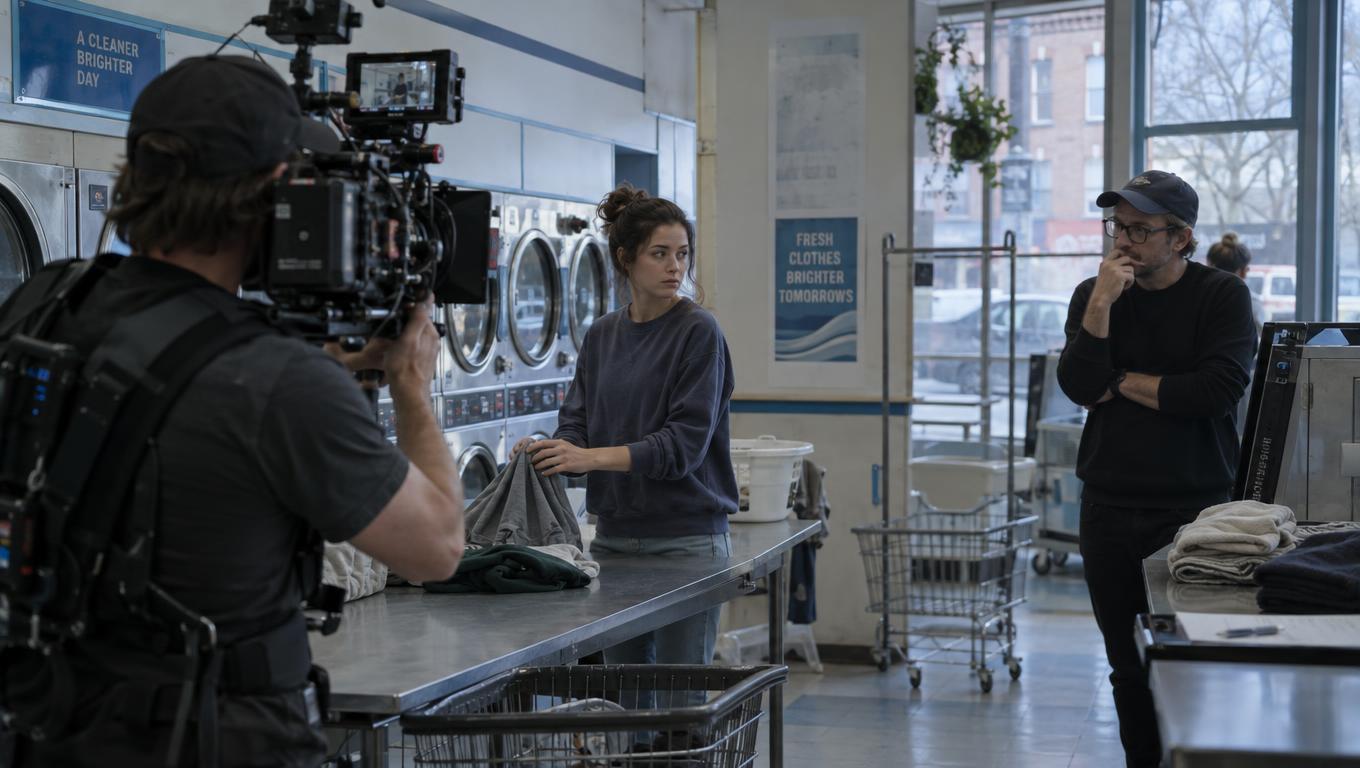
AI filmmaking has a familiar failure mode: one generated shot looks exceptional, but the next clip changes the hero’s face, wardrobe, blocking, or the geometry of the location. The images are strong individually. Together, they no longer feel like the same scene.
That is the core problem behind continuity in generated video right now: great shots, broken scenes. And it is exactly why teams need a visual rulebook for generated film scenes instead of relying on a growing prompt bank.
A prompt bank can help steer mood, camera energy, or style. It cannot, by itself, protect scene continuity. A visual rulebook is different: it defines the recurring visual decisions that make a film feel coherent from shot to shot, revision to revision.
Build continuity before generation, not after
The smartest workflow starts in pre-production. Before any image-to-video generation begins, the team should move through script breakdown, shot list, storyboard, look development, and a visual reference plan. If continuity is only addressed after clips are already generated, the production is working against itself.
A rulebook should lock the elements that must remain canon:
- character identity
- wardrobe
- props
- camera language
- lighting logic
- color palette
- location geography
- recurring framing rules
It should also define where variation is allowed. Intentional change is part of storytelling; accidental drift is what breaks the scene.
The visual canon is the production’s memory
A visual rulebook is not a mood board and not a prompt bank. It is the production system that preserves recurring visual decisions across the filmmaking pipeline.
At minimum, the canon should include:
- character identity: face, age, proportions, hair, expression range, defining marks
- wardrobe rules: what stays fixed, what can change, and when
- prop rules: hero objects, carry items, set dressing, do-not-alter details
- location references: entrances and exits, room layout, spatial orientation, surface details
- camera language: shot size, angle family, lens feel, movement style
- lighting notes: time of day, source logic, contrast, color temperature
- color palette and art direction
- scene-specific exceptions
This is the difference between a shot that looks good and a scene that holds together.
Where generated-video continuity usually breaks
Generated-video projects tend to fail in the same places, which means the rulebook can be built around the known weak points.
Character consistency
Character consistency is usually the first thing viewers notice when it breaks. A face changes slightly, body shape shifts, hair moves into a different style, or the emotional read no longer matches the previous shot.
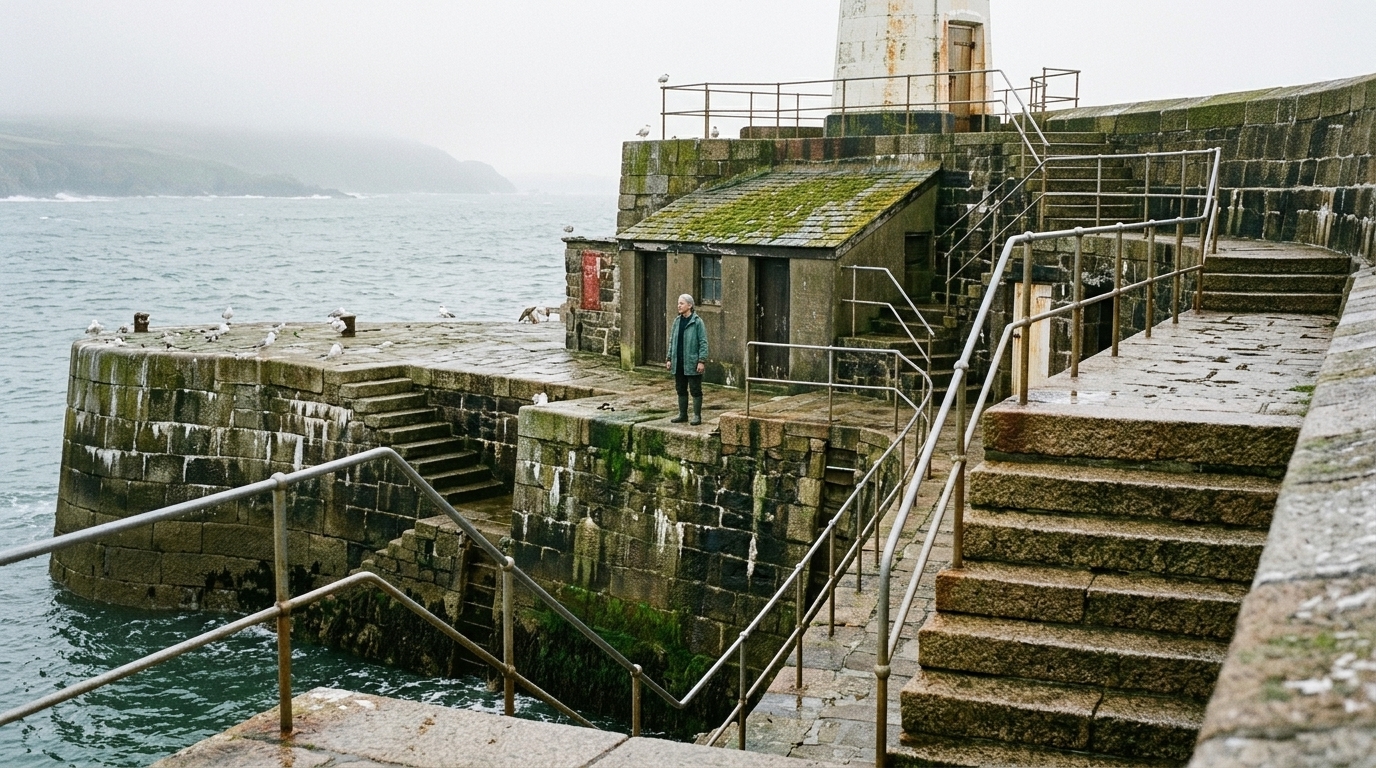
A character bible should include approved frames, reference images, and explicit do-not-change notes for every recurring character. That becomes the anchor for all later generations.
Wardrobe drift
Wardrobe drift is easy to miss until scenes are cut together. One shot shows a dark jacket, the next changes texture, collar shape, or layering. Individually, the frames may still look polished. In sequence, they feel disconnected.
Lock recurring wardrobe early. If clothing changes for story reasons, the rulebook should specify when, why, and how the change occurs.
Prop changes
Props are another common source of errors. A cup changes hands. A bag disappears. A signature object changes shape or placement.
In generative production, these small changes can slip through quickly, so approved prop assets should be treated as canon rather than casual dressing.
Lighting shifts
Lighting drift can make a scene feel like it belongs to a different film. A soft daytime look becomes harsh contrast. Warm practicals become cool overcast tones. The location stays the same, but the scene’s logic no longer does.
The rulebook should define the default lighting setup and the conditions under which variation is allowed.
Camera inconsistency
Camera language is part of continuity too. If one shot feels handheld, the next locked-off, and the next like a drifting crane move, the scene can lose its rhythm.
Define the camera grammar: framing pattern, angle family, lens feel, and movement style. Even a simple recurring setup can give the sequence a stable visual spine.
Location-level continuity
This is the failure point teams often overlook.
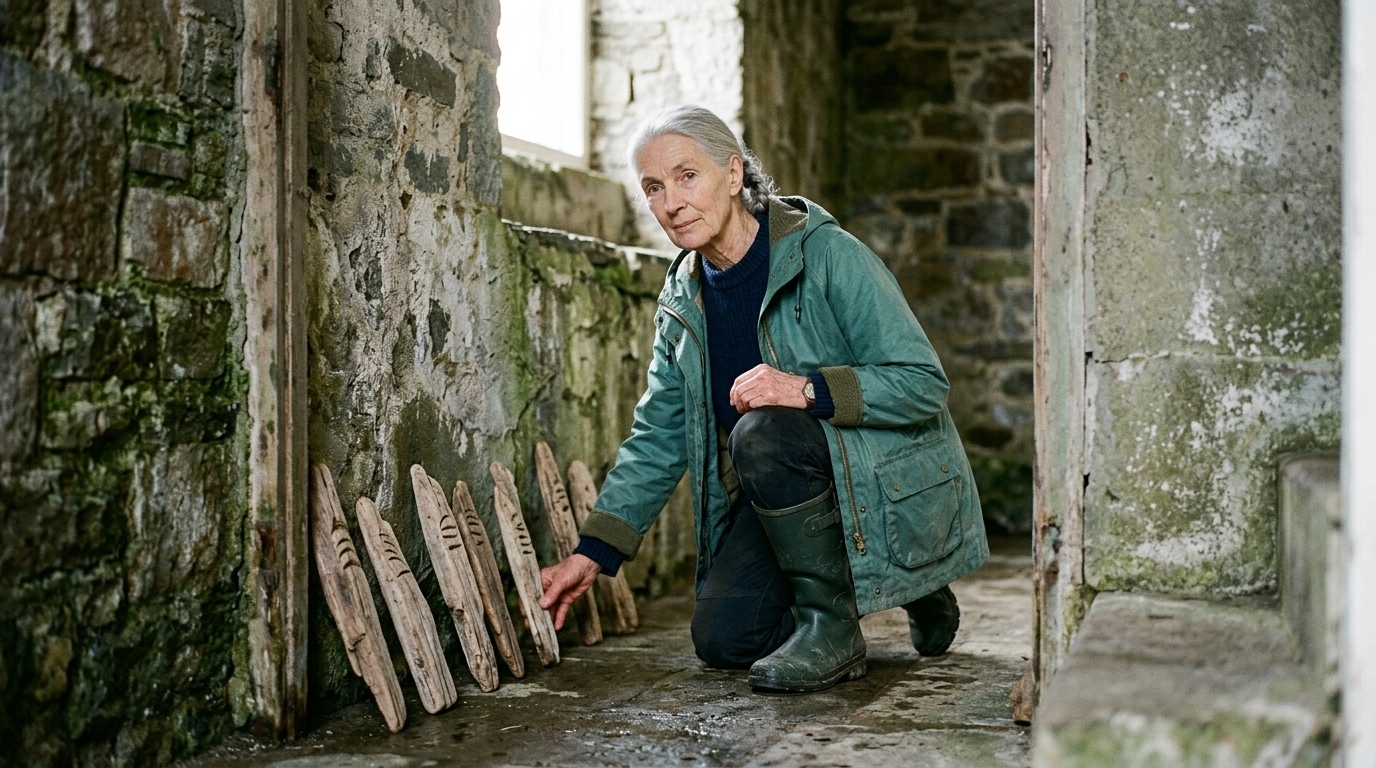
A character can remain recognizable while the location quietly falls apart. Doors shift positions. Window placement changes. A hallway grows longer. A street corner gets a different block layout. The viewer may not be able to name the issue, but they feel it immediately.
If you want a deeper look at this problem, why continuity in generated video breaks at the location level is worth reading.
Location continuity includes geography, entrances and exits, spatial orientation, blocking, and the relationship between objects in space. If a scene returns to the same room or street more than once, that environment needs the same level of protection as the character face.
What Belongs in an AI Visual Rulebook
The first job of a visual rulebook for generated film scenes is to decide what cannot change.
That means the production needs a visual canon: the approved character, location, and prop assets the film will protect across every shot, revision, and edit. Once those elements are locked, everything else becomes controlled variation.
The canon should cover every recurring decision
A complete canon usually includes:
- character identity
- wardrobe rules
- prop rules
- location references and geography
- camera language
- lighting notes
- color palette
- framing rules
- scene-specific exceptions
The goal is not sameness. The goal is to separate intentional change from accidental drift.
Character, wardrobe, prop, and location rules
Character
Character consistency includes face, body shape, hairstyle, skin tone, posture, and the emotional read across scenes. If a lead character appears more than once, the production should have approved frames and do-not-change notes for that person.
A dedicated character builder for film and animation can help teams establish that identity early and keep it stable from concept to final frames.
Wardrobe
Wardrobe should be locked early for recurring characters. If the costume changes, the rulebook should say when the change happens and what story purpose it serves.
Props
Props should be treated as part of the canon, especially when they carry story meaning. If a hero object matters to the narrative, it should not morph between clips.
Locations
Location continuity often breaks before the audience notices a character issue. Geography, entrances, exits, and the spatial relationship between objects need to stay fixed. A room is not just an interior; it is a map.
A structured visual reference library for film production helps preserve those details across scene generation and revision.
Camera and lighting rules give the film its grammar
Camera language is part of the film’s continuity system. Define the shot-size logic, the angle family, the movement style, and the lens feel. Without that grammar, scenes can feel assembled from unrelated clips.
Lighting should also be documented clearly. Set the default look, the time-of-day logic, and the permitted range of variation. That way, a lighting change reads as a story beat instead of a mistake.
The rulebook should include approved exceptions
A useful rulebook does not freeze every frame. It also records the moments where variation is intentional.
For example:
- the hero’s wardrobe stays fixed, but lighting evolves from dusk to night
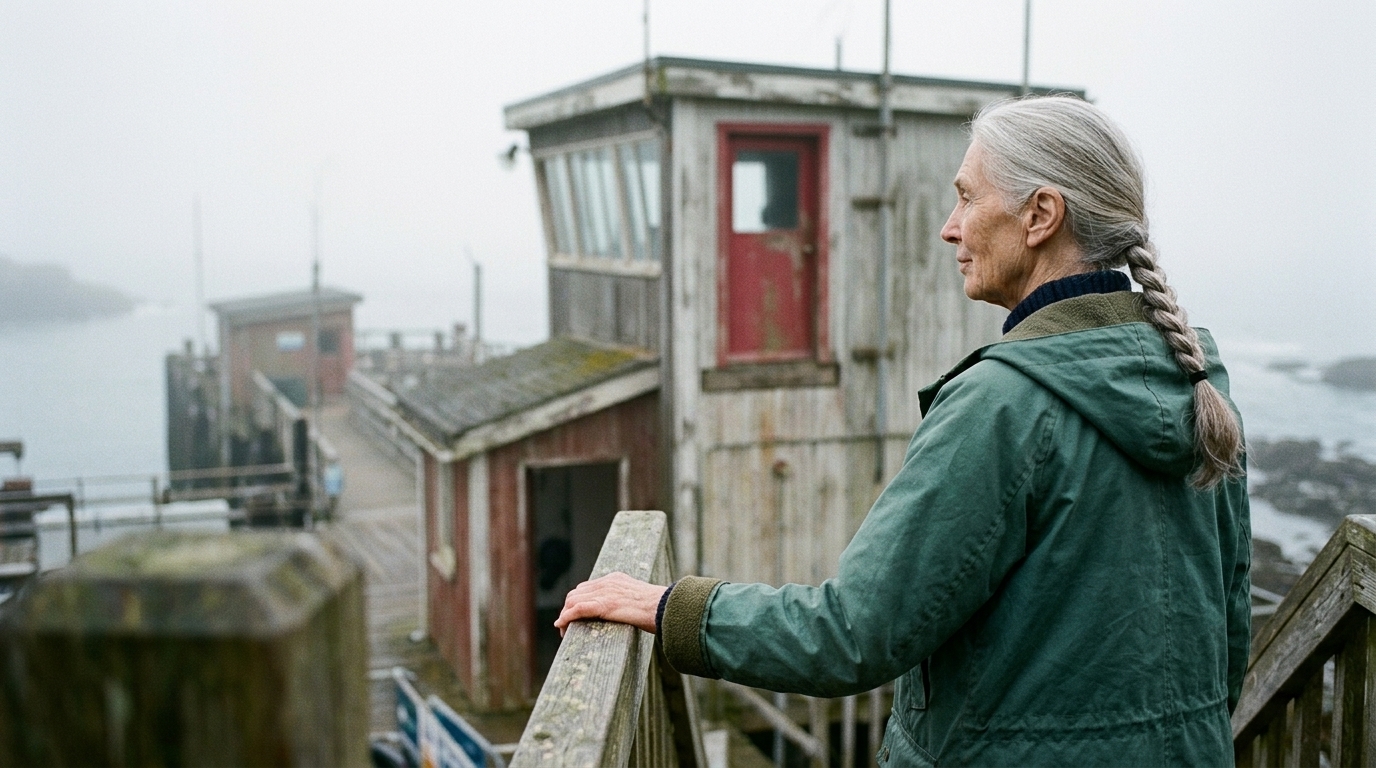
- the camera angle changes for tension, but the lens feel remains consistent
- the location is the same, but the framing shifts to reveal new information
These exceptions matter because they stop deliberate creative choices from being mistaken for continuity errors.
Use a checklist, not scattered memory
A rulebook only works if the team can find it and apply it during production.
Useful rulebook components include:
- a character bible with approved faces and do-not-change notes
- location references that define geography and blocking
- prop rules for recurring objects
- camera language notes for angle, movement, and framing
- lighting and color notes
- a visual reference library of approved frames and storyboard stills
- approval gates for recurring assets and regenerated shots
If your workflow needs a connected system for production asset management, that structure helps keep the canon visible during generation and revision.
How to Build the Rulebook Before You Generate Anything
The fastest path to broken scenes is generating clip by clip without a plan. One shot works, the next drifts, and the edit becomes a repair job.
The better approach is to build the rulebook before generation begins.
1. Start with the script breakdown
The script breakdown is where continuity gets designed. Even if an AI chatbot for writing helped develop the screenplay, the team still needs to break it into scenes and then into shot-level decisions:
- who appears
- where they are
- what must be visible
- what changes
- what must never change
From there, identify recurring characters, locations, props, wardrobe needs, and any special camera or lighting requirements.
2. Translate the script into shot planning
The shot list should reflect the visual canon, not just the dramatic beats. A strong shot plan makes it easier to preserve framing, geography, and recurring visual patterns across the sequence.
3. Storyboard and build an animatic
Storyboard frames and animatic planning help the team see continuity issues before generation starts. This is where the project begins to become a sequence rather than a collection of ideas.
4. Create a reference library
Build a visual reference library organized by:
- character
- location
- prop
- shot type
- approved frame
- scene-specific exception
A well-structured reference library keeps the team from hunting across tools for the same visual decisions.
5. Approve and lock recurring assets
Once the canon is defined, recurring assets should be approved and versioned. If a character, location, or prop appears more than once, it needs a clear current version and a named owner.
6. Generate scene by scene
Use generation for exploration inside the approved boundaries. An AI generator is strongest when it is used to test options quickly, not when it is asked to rediscover the film’s visual identity from scratch each time.
7. Protect revision control
Revision control is essential because continuity problems often get worse during regeneration. A later version can accidentally replace an approved face, wardrobe, prop, or background detail if the production loses track of the canon.
8. Assemble the timeline with continuity in mind
The edit should preserve the film’s visual logic, not just pick the prettiest clips. If the timeline is assembled without the rulebook nearby, continuity errors that seemed minor in isolation become obvious in sequence.
Why connected workflow matters
This is where many generative projects fall apart: scripts, boards, prompts, references, generated media, and edits get scattered across tools. The team loses context, shot decisions drift, and revisions overwrite earlier choices.
A connected workflow helps preserve production memory. In practice, that means keeping the visual canon visible wherever the team is working — from planning through generation and edit assembly. A production layer built around asset management and character tools makes it much easier to keep approved visuals tied to the story instead of scattered across disconnected files.
The point is not that software replaces creative judgment. It doesn’t. The point is that the system should make approved decisions easy to find, reuse, and protect.

AI explores; humans decide what becomes canon
Generative tools are best used for variation, exploration, and fast scene drafting. Teams can ask AI to test camera options, mood options, and alternate versions of a moment.
But the creative lead still decides what stays in the canon. Continuity is not just a technical problem; it is directorial judgment. The team has to question AI output, decide which differences are purposeful, identify which are mistakes, and determine which versions belong in the final film.
That is why the bottleneck is no longer simply generating a usable shot. It is orchestrating a coherent sequence.
A practical approval rule
If a character, location, or prop appears more than once, it should have:
- an approved reference
- a named owner
- a version history
- a clear approval state
If it is recurring, it gets locked. If it is locked, it gets versioned. If it gets versioned, it stays visible in the workflow.
Concise production checklist
- Break down the script into scenes, shots, characters, locations, and recurring props.
- Define the visual canon: character bible, wardrobe rules, location references, camera language, lighting notes, and prop rules.
- Build a visual reference library with approved frames, storyboard stills, and do-not-change notes.
- Lock recurring assets before generation and set approval gates for revisions.
- Generate scene by scene, checking continuity after every clip.
- Use versioning so regenerated shots do not drift from earlier approvals.
- Assemble the edit with the rulebook in hand so timeline decisions preserve the film’s visual logic.
That is the difference between a pile of impressive shots and a scene that actually holds together.