Start with the real production problem: one great frame is easy, a coherent film is hard
AI can generate striking visuals quickly, but the real challenge is not producing isolated frames or clips. It is keeping a project coherent when visual development is spread across prompts, references, notes, storyboards, and separate tools. In practice, the hardest part of a visual development workflow for ai films is continuity: making sure characters, locations, props, lighting, and style stay consistent from concept to final cut.
That is why the core question is not “How do I write a better prompt?” It is “How do I build a system that keeps decisions sticky across the whole production pipeline?”
The failure modes are easy to spot. A protagonist looks right in scene one, then drifts by scene three. A location board keeps changing, so the same room no longer feels like the same place. A prop loses identity from shot to shot. Lighting shifts without explanation. Style consistency slips, and the film starts to feel like it was made by several different projects instead of one. Add scattered scripts, generated stills, clips, edits, and approval notes, and version chaos becomes the default.
That is why the solution is not better prompting alone. A real visual workflow has to cover script breakdown, shot planning, storyboarding, visual references, asset reuse, and approval gates. Used well, AI becomes a tool for exploration and rapid testing, while humans decide what is canon and what must remain stable. That matters whether you are making shorts, proof-of-concepts, trailers, pilots, episodic animation, or production packages.
A practical workflow starts by treating pre-production like a control system. Break the script into scenes and beats. Define scene intent before generating anything. Build character sheets, location boards, prop sheets, and style frames that act as the project’s visual reference library for ai film production. Then establish shot rules for scenes that need continuity: locked camera, locked lighting, fixed framing, and a clear coverage plan.
Those rules matter because AI video generation is expensive when the plan is unclear, so pre-production should reduce wasted iterations before credits are spent.
This is also where production asset management becomes essential. Scripts, boards, prompts, references, generated media, and edits are commonly scattered across tools, which makes handoffs and revisions messy. A connected production workspace helps by centralizing reusable characters, locations, props, and style assets so they can be reused consistently. That is the difference between a folder full of nice images and an actual production system.
For example, imagine a character bible that locks a protagonist’s silhouette, face proportions, wardrobe palette, and age markers. If that character starts drifting by scene three, you do not have a generation problem—you have a canon problem. Or imagine a location board for a lab, alley, or apartment that keeps changing texture, architecture, and color temperature every time you revisit it. That means the location is not actually locked.
The same goes for a prop like a pendant, device, or weapon that loses identity from shot to shot. In AI filmmaking, these failures are visible because the system is not enforcing character consistency in AI video.
Approval gates help prevent that. A practical system usually needs decision points after reference creation, after shot generation, and before final assembly. Those gates give directors, animators, and AI creators shared context so they can review and lock decisions before production moves forward.
This is where a workflow layer that unifies script, storyboard, assets, references, generation, and editing becomes useful; tools like Ciaro Pro’s asset management and character creation workflows are relevant here because they keep the production logic tied to the assets instead of scattered across disconnected files.
Existing storyboard tools are often too static or disconnected from AI video generation, which creates friction between planning and production. Teams end up exporting, re-importing, and manually reconciling versions instead of working in one connected pipeline. A better approach is to keep storyboards, references, generation outputs, and timeline assembly in the same development environment so the board, the clip, and the edit all point back to the same canon.
That is especially useful for pitch videos, animatics, proof-of-concept scenes, and episodic animation where consistency matters as much as speed.
The core lesson is simple: AI tools often create isolated clips, not coherent films, so the workflow must be designed around continuity rather than one-off generation. AI should accelerate production, not replace the filmmaker’s judgment. The human job is to decide what is locked, what can vary, and what must remain stable across scenes. When that system exists, you stop losing the best visual decisions in version sprawl and start building a repeatable path for script-to-screen development.
Define the workflow before you define the tools
The biggest mistake in AI filmmaking is treating visual development like a mood board exercise. A mood board can help you find a direction, but it cannot carry a long-form project. Single frames are easy; keeping a film coherent across scenes, revisions, and tools is hard. That is why the real challenge in a visual development workflow for AI films is not generation — it is continuity.
If you are building a short, proof of concept, trailer, pilot, episodic sequence, or production package, the workflow has to do more than make attractive images. It has to turn creative intent into locked reference material that can be reused, approved, and tracked from script to screen.
Without that system, drift shows up fast: a protagonist looks right in scene one and changes by scene three, a location board keeps mutating, a prop loses its identity, lighting shifts for no reason, and the style starts to fracture across clips.
That fragmentation also creates development paralysis. When scripts, boards, prompts, references, generated media, and edits live in separate places, every decision becomes harder to revisit, and every revision risks breaking something else. AI video generation is expensive when the plan is unclear, so pre-production has to reduce wasted iterations before credits are spent.
A practical workflow for AI films and animation should cover the full chain:
- Script breakdown
- Scene intent
- Storyboard and shot list
- Visual references
- Look development
- Asset management
- Approval gates
- Generation and review
- Continuity verification
That is the difference between making isolated clips and building a coherent production.
What the workflow actually does
A real visual development system is a production layer, not a collection of pretty images. Its job is to define what can change, what cannot change, and what must stay stable across the project. In practice, that means building a source of truth for:
- Characters
- Locations
- Props
- Wardrobe
- Materials and textures
- Lighting language
- Color palette
- Camera and framing rules
- Scene-specific exceptions
This is where visual development, production asset management, and continuity work become one process. You are not just collecting references; you are creating approved assets that the rest of the workflow can depend on.
Start with script breakdown and scene intent
The first step is to break the script into production units. Read the script with a visual mindset and define the scene intent for each beat:
- Who is on screen?
- Where are they?
- What changes emotionally?
- What must the audience understand visually?
- Does this scene need continuity with a previous shot or a future reveal?
- Is this a locked continuity scene or an exploratory one?
This breakdown should produce a clear map of what each scene needs before anyone starts generating images. If a scene is about a character making a decision, the visuals should support that decision. If a scene is a reveal, the shot coverage should protect that moment. If a sequence depends on continuity, then the camera, lighting, and framing rules need to be established early.
Move from scene intent to storyboard and shot list
Once the scene intent is clear, create the storyboard and shot list. This is where you define the pipeline structure from concept to scene:
Script breakdown → scene intent → references → shot rules → generation → review → continuity verification
A storyboard tool alone is not enough if it stops at static panels. Static boards are useful for planning, but they can become disconnected from AI video generation and editing. In a long-form workflow, that disconnection creates friction: the storyboard says one thing, the generated clip does another, and the edit has no stable reference point.
Connected workspaces reduce that friction by linking the script, boards, assets, references, generation, and timeline assembly. That matters because the storyboard is not the destination. It is a decision layer that feeds production.
Build visual references that can be reused
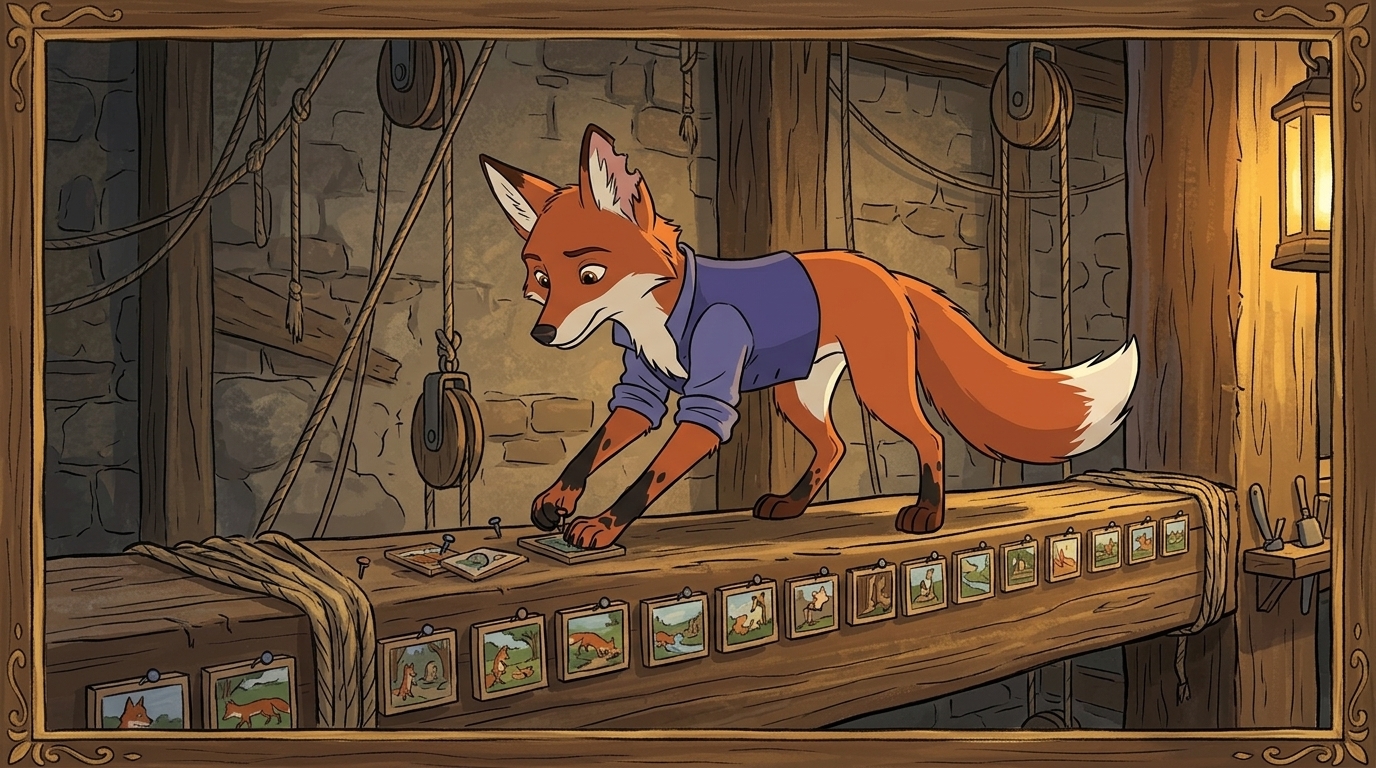
After the storyboard comes reference creation. This is where many teams underestimate the work. A strong visual reference is not just inspirational; it is operational. It tells the team what the character, location, prop, or style is supposed to be, and it stays available for reuse. An AI mood board can help bring these references together by organizing visual styles, color directions, lighting ideas, and creative references into a shared guide before production begins.
Create references for:
- Character sheets and turnaround views
- Location boards
- Prop sheets
- Style frames
- Lighting references
- Costume or material references
- Expression and pose references
This is also where look development matters as much as character design. A project can have a good protagonist and still fail visually if the world around that protagonist is not defined. Locations, props, color language, materials, lighting, and framing style all need shared rules. A location board that keeps changing is a signal that the world is not locked. A prop that loses identity across shots is usually a sign that the asset library is too loose.
If you want a more durable reference structure, a visual reference library for AI film production can help centralize approved materials so the team is not rebuilding the same decisions repeatedly.
Lock shot rules before generation
This is the point where AI workflows often go off the rails. Teams jump straight into generation without defining the shot rules. For scenes that need continuity, you need locked rules for:
- Camera position
- Lens or framing intent
- Lighting setup
- Scene coverage
- Blocking
- Movement constraints
- Temporal continuity between shots
If a scene depends on matching a previous shot, the camera and lighting should not be treated as flexible suggestions. A locked camera and lighting rule can be the difference between a usable sequence and a clip that looks good in isolation but breaks the edit.
This is especially important for character consistency in AI video. AI tools can generate beautiful variations, but they do not automatically preserve the exact same face, hair, wardrobe, age, or proportions from shot to shot. A protagonist can look perfect in scene one and drift by scene three unless the shot rules and references are tightly controlled.
Use AI for exploration, not canon-locking
AI is extremely useful for exploration, variant generation, and rapid testing. It is less reliable as the final judge of continuity. That means the workflow should assign roles clearly:
- AI explores options quickly
- Humans decide what becomes canon
- Humans approve what gets locked
- Humans verify whether the final output still matches the story and the references
This split is important. If AI is used as a replacement for decision-making, the project can drift into inconsistency very quickly. If AI is used as a production accelerator inside a controlled workflow, it becomes much more valuable.
Create a locked asset library
A coherent AI film needs a reusable asset library. That library should centralize:
- Approved characters
- Approved locations
- Approved props
- Style frames
- Scene references
- Prompt templates tied to versions
- Approved generated images or clips
- Notes on what is locked versus flexible
This is where version control matters. Keep prompts, refs, boards, clips, and approvals tied to clear versions so you do not lose the best decision in version sprawl. A practical system should make it obvious which assets are canon, which are in testing, and which are retired.
Add approval gates
Approval gates keep the workflow from moving too fast in the wrong direction. At minimum, use three gates:
- After reference creation – approve the character, location, prop, and style decisions before generation starts.
- After shot generation – review whether the clip matches the shot rules and the approved references.
- Before final assembly – verify continuity across the assembled sequence before the edit is locked.
These gates are useful for solo creators and even more important for teams. Directors, animators, editors, and AI-assisted creators need shared context so decisions do not get reopened later without reason.
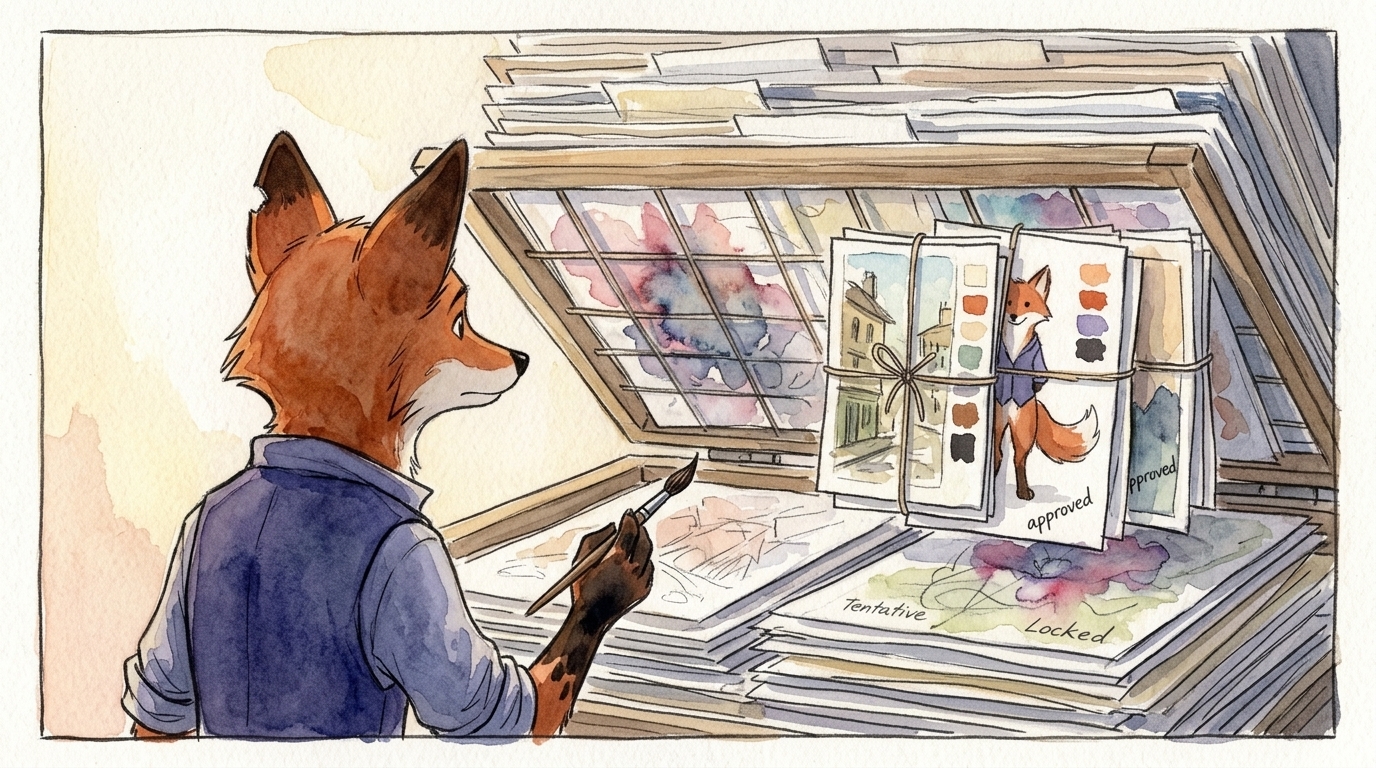
Review clips against the board, not just against taste
A generated clip should be reviewed against the storyboard, shot list, and reference library. It is not enough to ask whether a clip looks good. Ask whether it matches the planned shot, whether the character is still the same person, whether the location still matches the board, and whether the lighting and framing support the scene intent.
This is where many boards fail: the board may look strong, but the final clip does not match it. That mismatch is a workflow problem, not just a generation problem. If the board does not map cleanly to production, the team has to keep re-deciding the same scene.
Verify continuity before assembly
Continuity verification is the final check before the edit moves forward. Review the sequence for:
- Character identity drift
- Wardrobe drift
- Prop drift
- Location drift
- Lighting drift
- Camera drift
- Style drift
- Coverage gaps
This step protects the long-form project from silent errors that only become obvious after editing. A single inconsistent shot can disrupt the credibility of the whole sequence. The goal is not perfection in every frame; the goal is coherence across the project.
Why connected workspaces matter
Traditional storyboard tools are often too static. They help you plan, but they do not always connect smoothly to asset management, generation, and editing. That separation adds friction at exactly the moment when teams need speed and control.
A connected production workspace reduces that friction by linking the things that should stay linked: script, storyboard, reference library, generated media, and timeline assembly. In practice, that makes it easier to reuse approved characters, locations, props, and style assets instead of rebuilding them every time a scene changes.
For AI film and animation teams, that connection is the difference between scattered experiments and a repeatable visual workflow.
A repeatable checklist you can adopt now
If you want a practical system, use this sequence every time:
- Break the script into scenes and define scene intent
- Build the storyboard and shot list from that breakdown
- Create character, location, prop, and style references
- Lock shot rules for scenes that need continuity
- Store approved assets in a centralized library
- Generate variants for exploration, not canon
- Review clips against the board, script, and references
- Apply approval gates before moving forward
- Verify continuity before final assembly
- Track versions so prompts, refs, boards, and clips stay tied to the same decisions
That is the core of a production-ready visual development workflow for AI films. AI can move quickly, but long-form projects only work when creative intent is translated into a system that preserves continuity, supports approvals, and keeps reusable assets organized. In other words: use AI to generate possibilities, and use workflow to make the right ones stick.
Build the canon: lock characters, locations, props, and style into reusable assets
The asset library is the center of a coherent AI film workflow. If a decision matters to continuity, it belongs in the canon. That means your reusable characters, locations, props, style frames, and approved references should live in one system that the whole team trusts. A visual development workflow for ai films only becomes reliable when the project has a single source of truth.
Without that source of truth, the same problems keep returning. A protagonist looks right in scene one, then drifts by scene three. A location board mutates with every revisit. A prop loses identity from angle to angle. These are not just cosmetic issues; they break character consistency in AI video and force teams into endless regeneration cycles.
A real asset library solves that by centralizing the visual reference library for ai film production. Instead of chasing scattered files, duplicate exports, and mismatched notes, directors, animators, and AI creators work from approved assets that are clearly labeled, versioned, and tied to the scenes they belong to.
That is the practical value of production asset management for film studios: fewer lost references, fewer mismatches, and fewer “which version is final?” moments.
A useful asset library should include:
- Character sheets with locked facial structure, age range, hair, wardrobe, accessories, materials, and emotional range
- Location boards with canonical architecture, palette, lighting behavior, time-of-day rules, and camera-friendly coverage cues
- Prop sheets that define shape, scale, texture, wear, and how the object should appear in different shots
- Style frames that lock the color language, contrast, lens feel, grain, animation treatment, and overall visual tone
- Approved references that are explicitly accepted by the team, not just collected as inspiration
That structure matters because AI tools are excellent at exploration, variant generation, and rapid testing, but they do not automatically know what is canon and what is only a possible direction. Humans still need to do the canon-locking and continuity judgment. AI can help you discover a face, location, or prop design faster; the asset library makes sure the best version survives and gets reused consistently.
If you are building characters first, it is worth pairing this asset system with a clear continuity process like a character bible for AI film. The bible defines what cannot drift, while the asset library stores the approved reference materials the team will use every time the character appears.
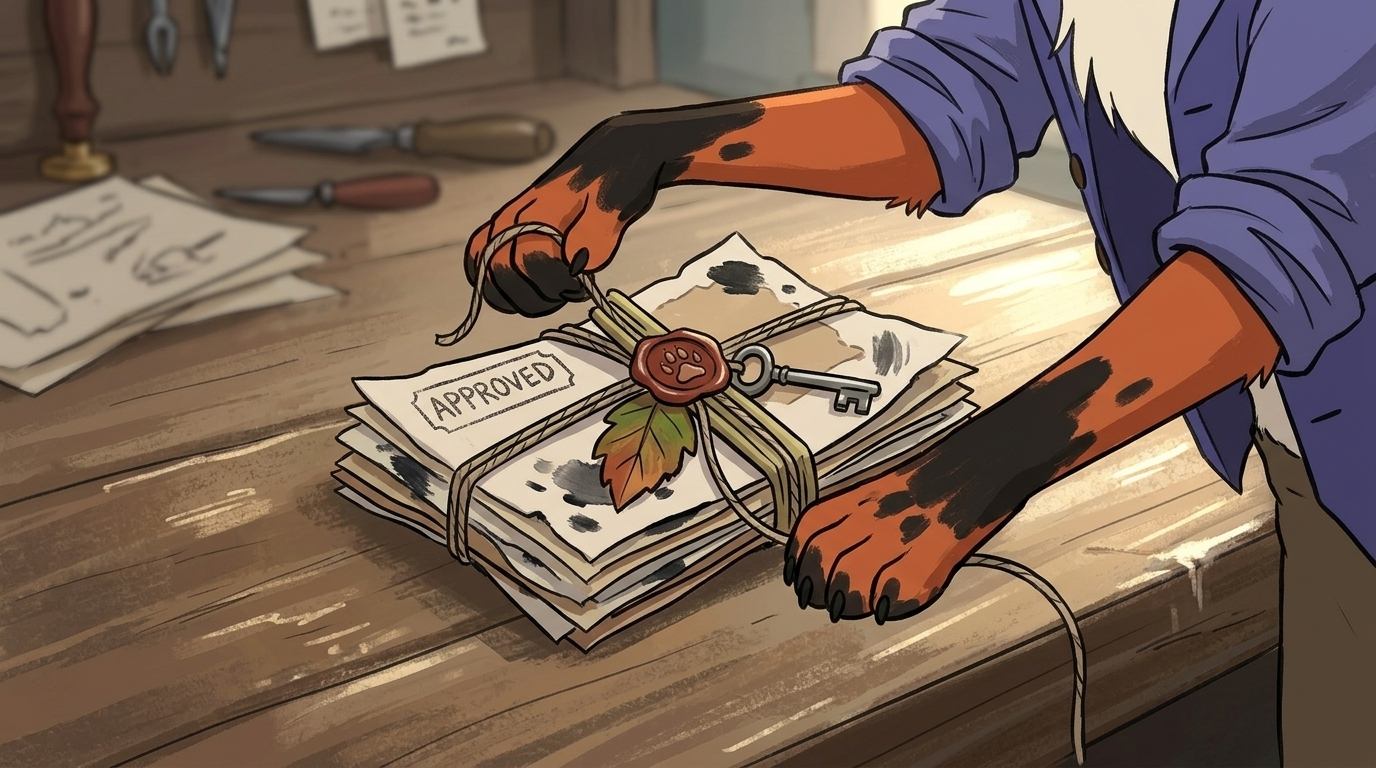
The other reason the library has to be central is workflow efficiency. Scripts, storyboards, prompts, references, generated media, and edits are commonly scattered across tools, which makes handoffs and revisions messy. When the source materials live in separate places, teams waste time re-locating the latest board, comparing duplicate exports, or wondering whether a shot is using the current wardrobe design or an older draft.
Production asset management prevents that version chaos by keeping everything tied to clear versions and canon lock.
That is especially important for long-form projects such as shorts, proof-of-concepts, trailers, pilots, episodic animation, and production packages. These projects do not fail because one frame is weak. They fail because the entire visual language keeps slipping. A connected production workspace helps reduce that friction by linking script, storyboard, assets, references, generation, and editing in one place rather than forcing the team to stitch the process together manually.
In practical terms, the workflow should move like this:
- Break down the script into scenes and visual needs
- Define scene intent, including what must remain stable
- Create character, location, prop, and style references
- Lock the approved assets in one library
- Build the storyboard and shot list around those locked decisions
- Generate variants for exploration
- Review outputs against the canon
- Apply approval gates before moving to the edit
- Verify continuity before final assembly
This sequence keeps the production focused on decisions that actually last. It also makes the role of AI clearer: use it to explore possibilities, then use the asset library and approval process to keep only the versions that support the story. If the team needs a deeper framework for building reusable visual canon, the broader visual continuity system for AI films provides a helpful companion model for locking decisions across the pipeline.
The takeaway is straightforward. A finished AI film is not just a collection of strong images; it is a managed system of references, approvals, and reusable assets. When characters, locations, props, and style live inside a disciplined canon, continuity stops being an accident and becomes part of the workflow.
Close the loop: review, verify, and lock before final assembly
Once the generation work is done, the real test begins. Clips need to be reviewed against the storyboard, shot list, and reference library, not just against personal taste. A shot can look beautiful and still fail the project if the character drifts, the location changes, or the framing no longer supports the scene intent.
That is why review should be operational, not subjective. Ask whether the clip matches the board, whether it preserves continuity, and whether it belongs in the canon. If not, send it back through the workflow rather than hoping the edit will hide the problem.
A final continuity pass should check:
- Character identity
- Wardrobe and accessories
- Props and objects
- Location details
- Lighting continuity
- Camera and framing consistency
- Style and texture consistency
- Coverage completeness
This final lock is what separates a stack of strong shots from a coherent film. AI should accelerate production, but the workflow has to protect the story.
Final takeaway
The most effective visual development workflow for ai films is not built around prompts alone. It is built around a repeatable system: script breakdown, scene intent, references, shot rules, asset management, approval gates, generation, review, and continuity verification.
If you lock the canon early and keep your reusable assets organized, AI becomes much more powerful. It can explore faster, iterate faster, and help you test more ideas without breaking the film’s identity. That is the practical difference between impressive fragments and a finished work that actually holds together.