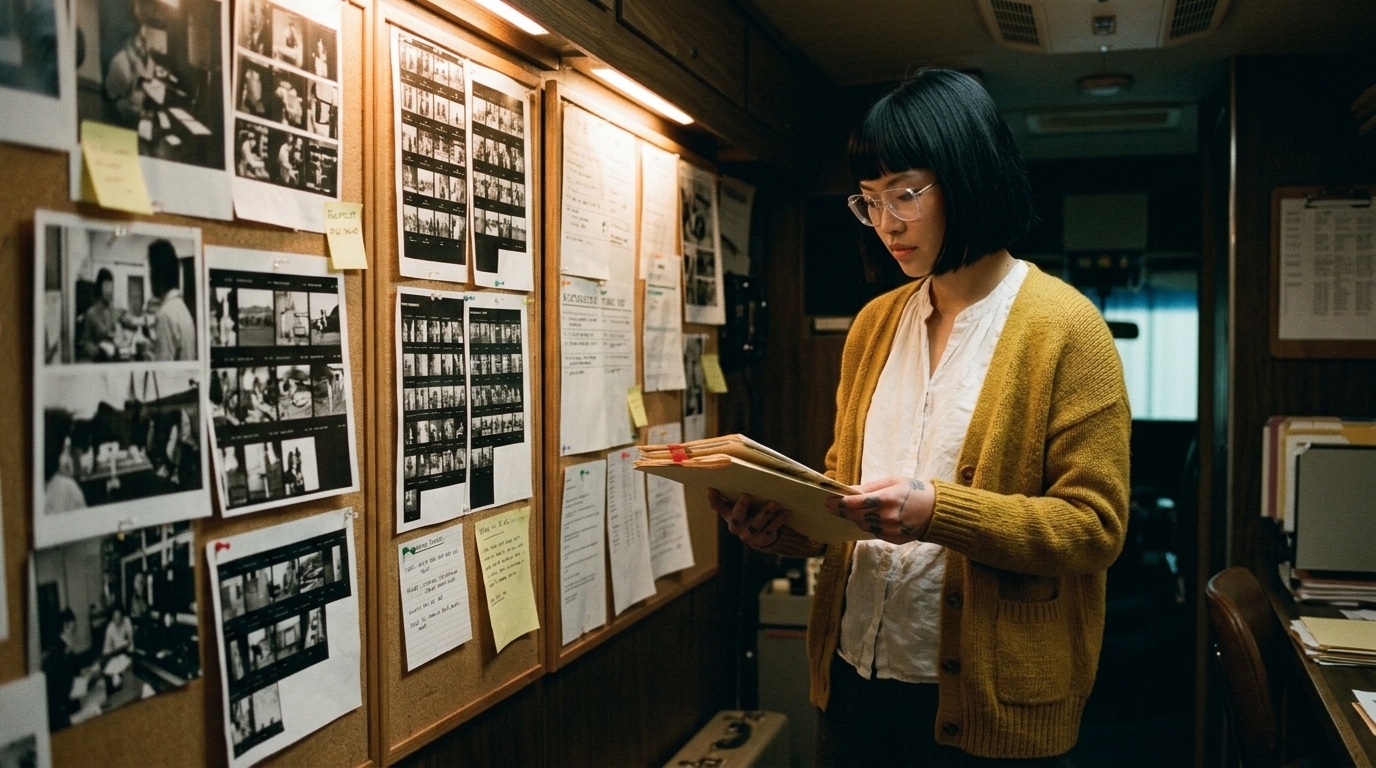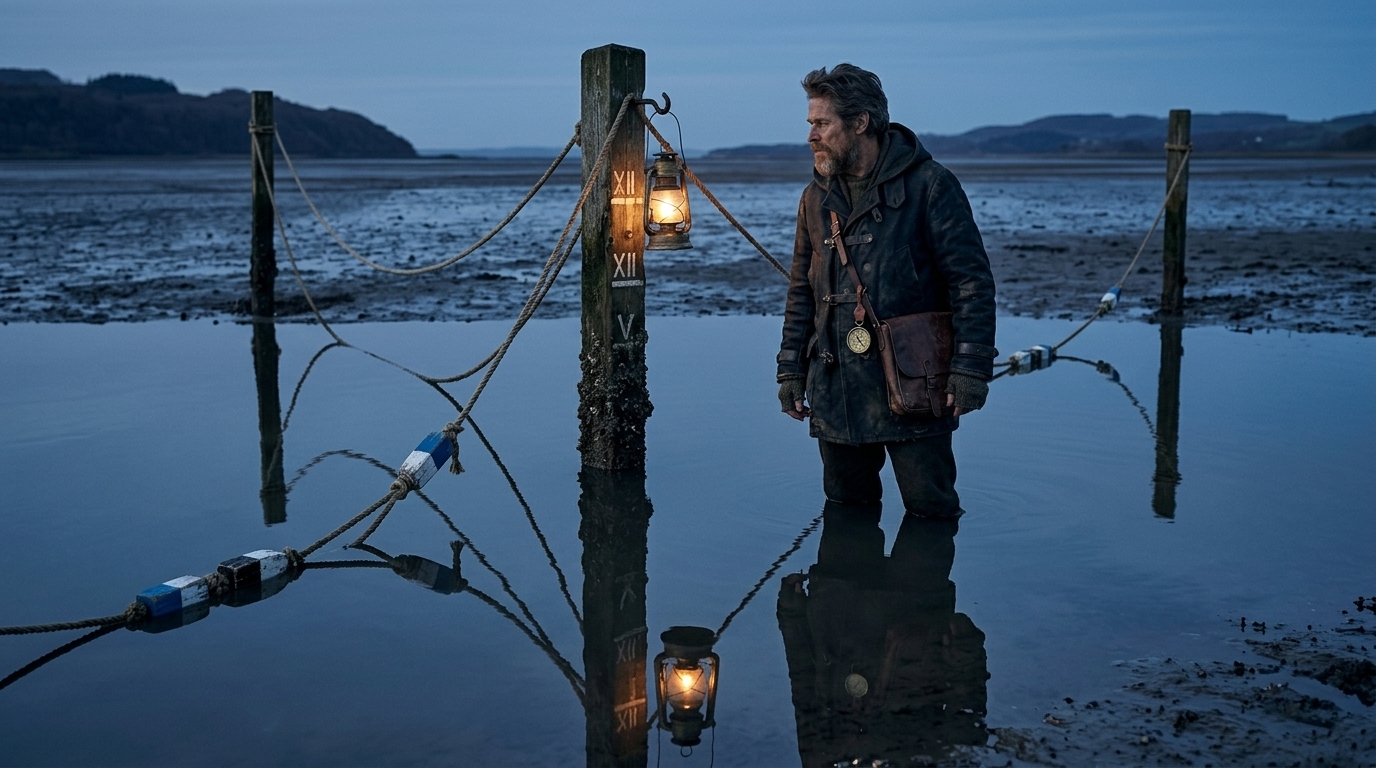
A convincing AI video demo proves that a model can create an attractive clip. It does not prove that the clip can become part of a film.
The difference appears as soon as you ask production questions: Which scene is this? What story beat does it cover? What must match the shot before it? Can the performance be revised? Is the clip approved, or is it merely the best generation so far?
This guide turns that distinction into a practical test. Use it before committing a promising AI clip to a longer production.
The demo-to-scene test
Take the strongest clip from your project and evaluate it in five dimensions.
| Test | What you need to prove | Common failure |
|---|---|---|
| Narrative | The shot changes what the audience knows, feels, or expects | The clip is atmospheric but dramatically interchangeable |
| Coverage | The editor has the angles and inserts needed to build the scene | One hero shot exists, but no matching coverage does |
| Continuity | Identity, wardrobe, props, geography, light, and action persist | Each generation looks like a different production |
| Revision | One requested change can be made without rebuilding everything | A small note changes the face, set, timing, and camera |
| Editorial | The clip can be trimmed, replaced, and tracked in context | Files arrive as unrelated exports with no shot identity |
A project that passes only the first visual impression is still a demo. A project that passes all five tests has the beginnings of a production system.
1. Give the shot a dramatic job
A useful shot should have a reason to exist beyond looking good. Write one sentence completing this formula:
By the end of this shot, the audience should understand or feel ______ because ______ changes.
“Create atmosphere” is usually too vague. “The audience realizes that Mara recognizes the intruder because she stops hiding and steps into the light” gives the director, generator, and editor something testable.
Record four fields before generating more versions:
- scene and shot ID
- story beat
- required action or information
- intended duration in the cut
If you cannot define those fields, additional generations will create options without creating progress.
2. Test a three-shot sequence, not a single clip
The smallest useful continuity test is often three shots:
- an establishing or orientation shot
- an action or interaction shot
- a reaction, insert, or consequence shot
Imagine a character enters a workshop, finds a broken watch, and realizes someone has been there. The wide shot establishes the room and screen direction. The insert proves what the character sees. The close-up carries the realization.
Now check whether the three shots agree about:
- character identity and wardrobe
- the watch’s design and condition
- where the table sits in the room
- the direction of the light
- the character’s eyeline
- the emotional progression
A model can make three beautiful clips that fail this test. That is exactly why sequence testing is more informative than judging a showreel.
3. Build the missing coverage deliberately
Do not ask for “more shots.” Build a coverage plan.
| Shot | Purpose | Must preserve | Allowed to vary |
|---|---|---|---|
| 12A wide | Establish character and room geography | Wardrobe, table position, time of day | Exact walk timing |
| 12B insert | Reveal the broken watch | Watch design, hand, light direction | Lens and micro-movement |
| 12C close-up | Show recognition | Face, eyeline, emotional beat | Background detail |
This table separates constraints from creative freedom. Without that distinction, every prompt becomes overloaded: it tries to preserve everything while also inventing the shot.
Generate only enough candidates to answer a production question. If 12B cannot preserve the watch, solve that problem before generating 12C.
4. Run a controlled revision
A production-ready workflow must survive notes. Choose an approved-looking candidate and request one specific change—for example:
- hold the reaction eight frames longer
- keep the camera locked
- make the character look toward frame left
- preserve the product label
- reduce the speed of the push-in
Then compare the new version against the original. Did the requested attribute change? What else changed unintentionally? Record both.
This creates a revision-risk profile for the model and shot type. Some shots are economical to regenerate. Others are better solved with editing, compositing, retiming, or a different model. The relevant measure is not whether regeneration is possible; it is whether the change can be achieved without destroying already approved decisions.
5. Package the result for editorial
Every candidate that reaches the editor should carry a stable identity. A practical minimum is:
- project, sequence, scene, and shot ID
- take or version number
- shot description and story purpose
- storyboard or reference frame
- source model and important settings
- intended duration
- continuity requirements
- status: candidate, editorial select, approved, superseded, or locked
- review notes and replacement relationship
A filename such as final_new_v7.mp4 does not tell the editor whether the shot is current, approved, or used in the cut. A stable shot record does.
Ciaro Pro’s production workflow is designed to keep scripts, boards, references, generated media, versions, and editorial context connected. The principle remains useful regardless of which generation and editing tools you use: the shot should never lose the reason it exists.
A 30-minute production-readiness exercise
You can run this test with an existing project:
- Select one impressive clip.
- Define its scene, beat, and intended cut duration.
- Design the shot before and after it.
- List five details that must persist across all three.
- Generate the adjacent coverage.
- request one controlled revision.
- Assemble the sequence with temporary sound.
- Mark every clip as candidate, selected, approved, or superseded.
- Note where the workflow broke.
The failure point is useful information. If the sequence lacks meaning, return to the script. If geography fails, strengthen the storyboard. If identity drifts, improve references. If nobody knows which version is current, repair the approval and handoff process.
What success looks like
A production-ready AI scene does not require perfect generations. It requires controlled decisions.
You should be able to explain why each shot exists, what it must match, which version is approved, what changed during revision, and how it fits into the edit. When those answers remain attached to the media, an impressive clip can become a reliable building block.
The useful question is therefore not “Does this look like a movie?”
It is “Can this shot survive the work required to become one?”