A client note is not an instruction to regenerate the shot
A director likes the expression in a close-up but wants to reconsider its background. Later, a client asks, “Could this scene feel warmer?” If both comments reach an artist as “redo close-up,” the artist may replace the accepted performance, work from an older location reference, or spend generation time on a look nobody has approved.
The missing information is not a better prompt. It is a decision record: which version each person saw, what they meant to change, who can authorize that change, and what must stay untouched. AI assistant for film production can help assemble the record from review materials. It cannot turn a question into an approval.

Give notes a status at the gate where they were made
Keep the commenter, decision-maker, and person doing the work as separate fields. A director may accept a performance for internal review without approving the entire shot for delivery; a client may ask to see an option without approving it for the cut.
Four statuses cover most handoffs:
- Approved as-is: An authorized reviewer has identified an element to preserve on a specified version.
- Approved change: An authorized reviewer has named the revision and the version it applies to. State the gate: internal approval is not client approval.
- Proposed change awaiting approval: The revision is specific enough to assess, but nobody with the relevant authority has authorized it.
- Open question or request for exploration: A reviewer is asking for an answer or options. Exploration becomes assigned work only when its scope, owner, and review gate are confirmed; it does not authorize replacing the current shot.
If the source does not establish a status, write unconfirmed. “Discussed” is not an approval state. For productions with separate internal and client decisions, define those gates before notes begin moving between teams; the related film approvals workflow offers a fuller way to structure them.
Ask the assistant to preserve evidence, then check its interpretation
Give the assistant the script, storyboard, and production materials—not just the latest comment thread. Add meeting notes and messages that explain what reviewers saw, dated comments with authors and source links, approved character and location references, and the decision-maker at each gate. Mark missing versions or authority as unknown rather than supplying them from memory. A workable instruction is: “Group comments by scene and shot.
For each note, retain its author, date, source, reviewed asset and version, and exact requested action. Flag conflicts and missing context. Propose a status only when the source supports it. Do not infer approval or merge different reviewers’ comments into one instruction. List what the producer must verify before assigning work.”
The producer then compares the draft with the source comments and assets. This check matters most where the assistant has written a plausible instruction that no one actually gave.
Follow one close-up from comments to authorized work
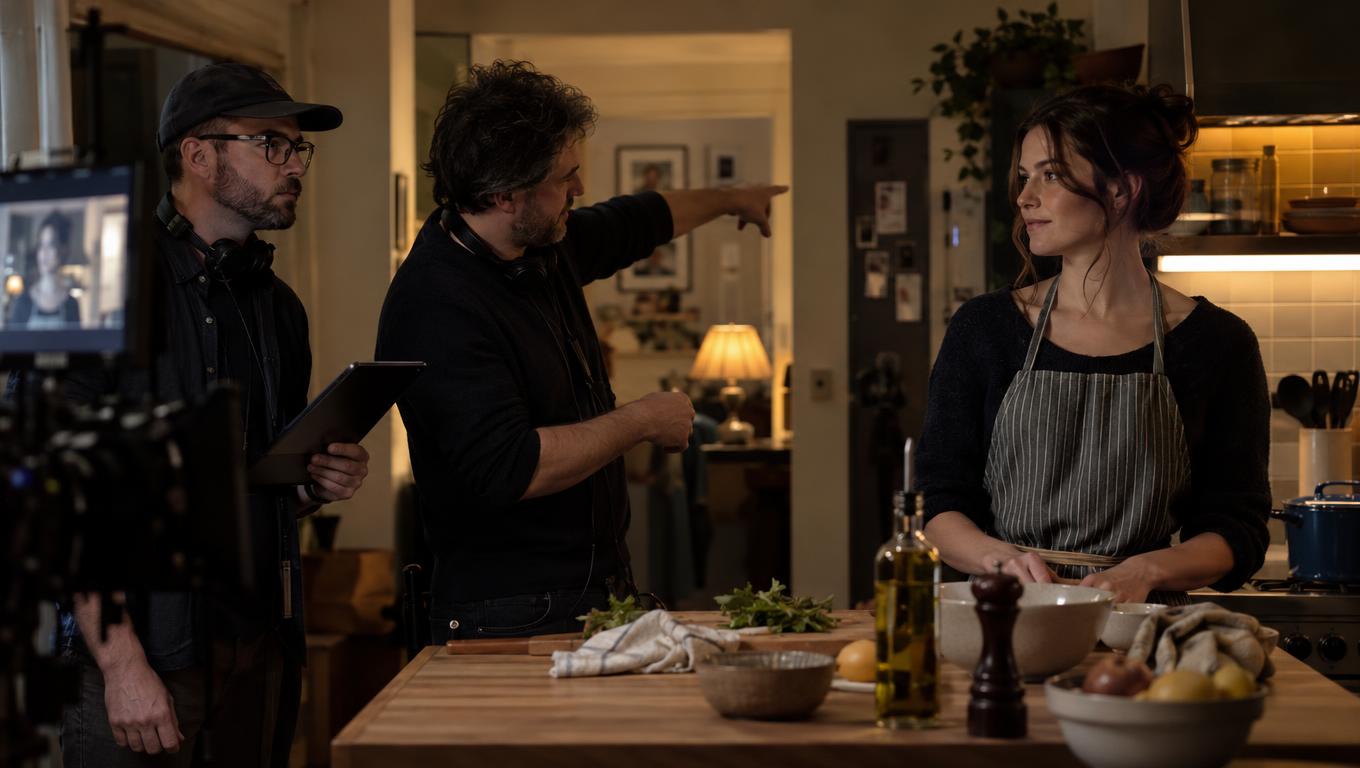
Illustrative production example; the comments and record below are not from a reported project. Scene K04, shot S12 is a kitchen close-up. Its current materials are storyboard B6/P12, generated test T2, and edit C3. The approved kitchen location and character references apply to all three.
On 19 October 2026, three source comments are logged:
- M1, director on T2: “The expression works for our internal pass. Keep it.”
- M2, director on B6/P12: “The background needs another look. Show me a board option before we regenerate.”
- M3, client reviewer on C3: “Could this scene feel warmer?”
An assistant-prepared entry might say, “Director approved a new background; client requested a warmer regenerated close-up.” The producer should correct it source by source. M1 protects the expression in T2, not every element of the board or cut. M2 asks to see a board option; it does not approve a replacement background. M3 is a question about C3, not an instruction to alter T2 or adjacent kitchen shots.
The producer asks the director to settle the immediate internal scope. The director’s subsequent M4 decision, also logged on 19 October, is: “Keep T2’s expression and C3’s current take. Prepare one alternative background panel from B6/P12 for internal comparison, using the current kitchen reference. No new generation until I review the panel.” The producer records M4 as an internal decision, not a client decision.
| Field | Producer-checked S12 record |
|---|---|
| Project and reviewed versions | Illustrative project; scene K04, shot S12. Board B6/P12, test T2, edit C3. Attach direct asset and comment links before dispatch; links are not supplied in this example. |
| Notes and status | M1, director, 19 Oct, T2: expression approved as-is for internal pass. M2, director, 19 Oct, B6/P12: alternative background proposed for comparison. M3, client, 19 Oct, C3: warmth open question. M4, director, 19 Oct: one board comparison approved as internal exploration. |
| Owner and next action | Storyboard artist prepares alternative panel B6/P12-alt against the current kitchen reference; producer attaches its link here when ready. Named artist and delivery date: unconfirmed. |
| Gate and locked elements | Director compares B6/P12 with B6/P12-alt at the next internal review; meeting date unconfirmed. Preserve T2’s expression and C3’s take. Neither the new background nor a warmer look is client approved. |
| Blocking dependencies | Confirm the named artist, review date, source links, and whether the alternative changes the shared kitchen reference before dispatch. No generation, edit replacement, or adjacent-shot revision is authorized by this record. |
The resulting handoff is bounded: prepare a board comparison, not a new take. If the director selects the alternative for presentation, mark it ready for client review—not client approved.
Route a shared change before it spreads across shots
The alternative background may be a different arrangement within the approved kitchen, or it may imply a different location. Those choices have different costs. If it changes an established window, prop, palette, or spatial relationship visible in other shots, the producer must take the proposal to the location or asset owner and resolve the shared reference before multiple artists revise against it. The approved reference remains the baseline until that decision is recorded.
A board comparison is the lower-cost next step here because it can test the background without replacing the performance. If boards cannot answer a lighting or warmth question, the producer can seek authorization for a bounded look test: specify the versions and references, how many tests to make, who will judge them, and which shot remains approved in the meantime. Rendering an option does not promote it into the cut.
Keep the record with the version people will open
Store the checked decision beside the shot’s board, test, cut, references, and comments so the next artist or editor can see both the instruction and its limits. Ciaro Pro’s production collaboration workspace is one example of keeping those materials and approvals close to the work; the producer still has to verify the decision against its source.
Before sending a handoff, confirm what may change, which version it applies to, what stays locked, who owns the pass, which dependency blocks further work, and who reviews the result. An unattributed note on an unidentified version is not a production instruction.