Why Consistency Breaks in AI Film Scenes
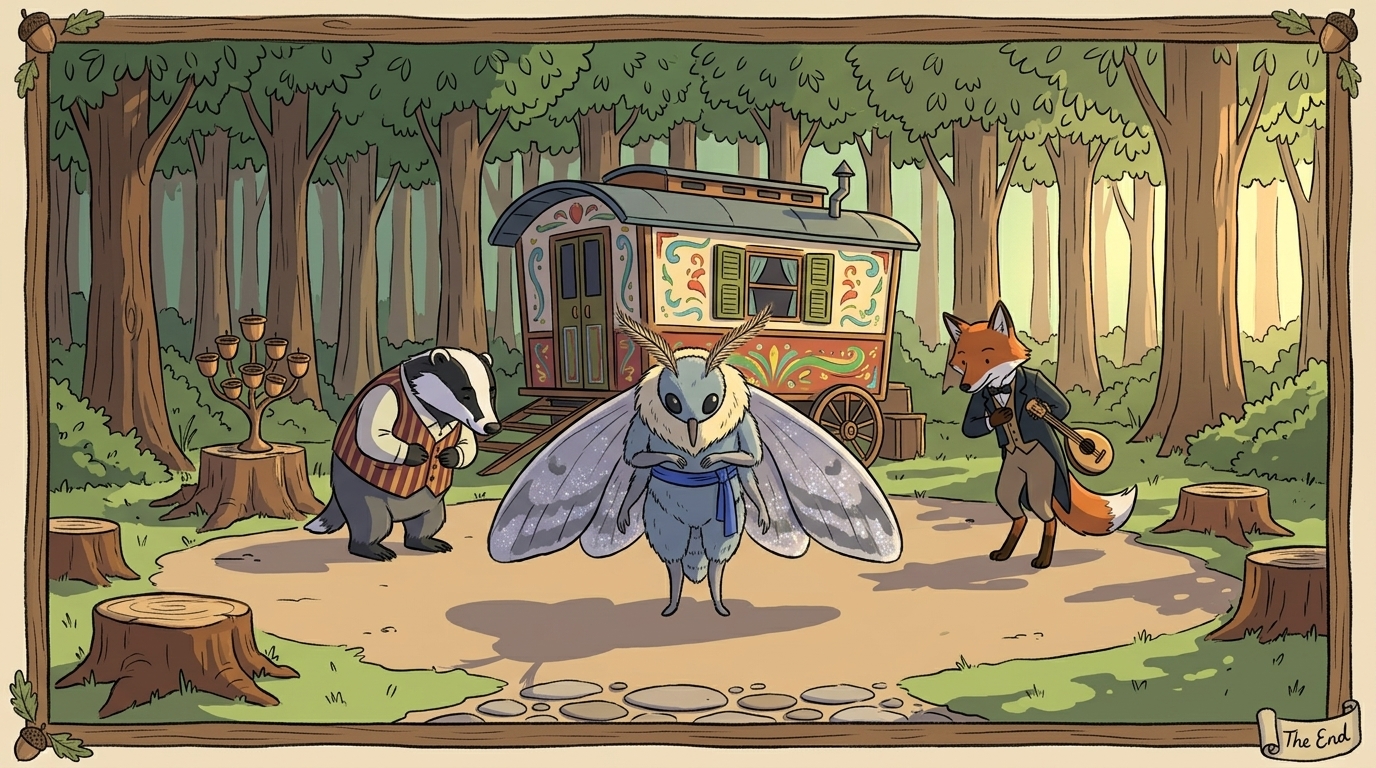
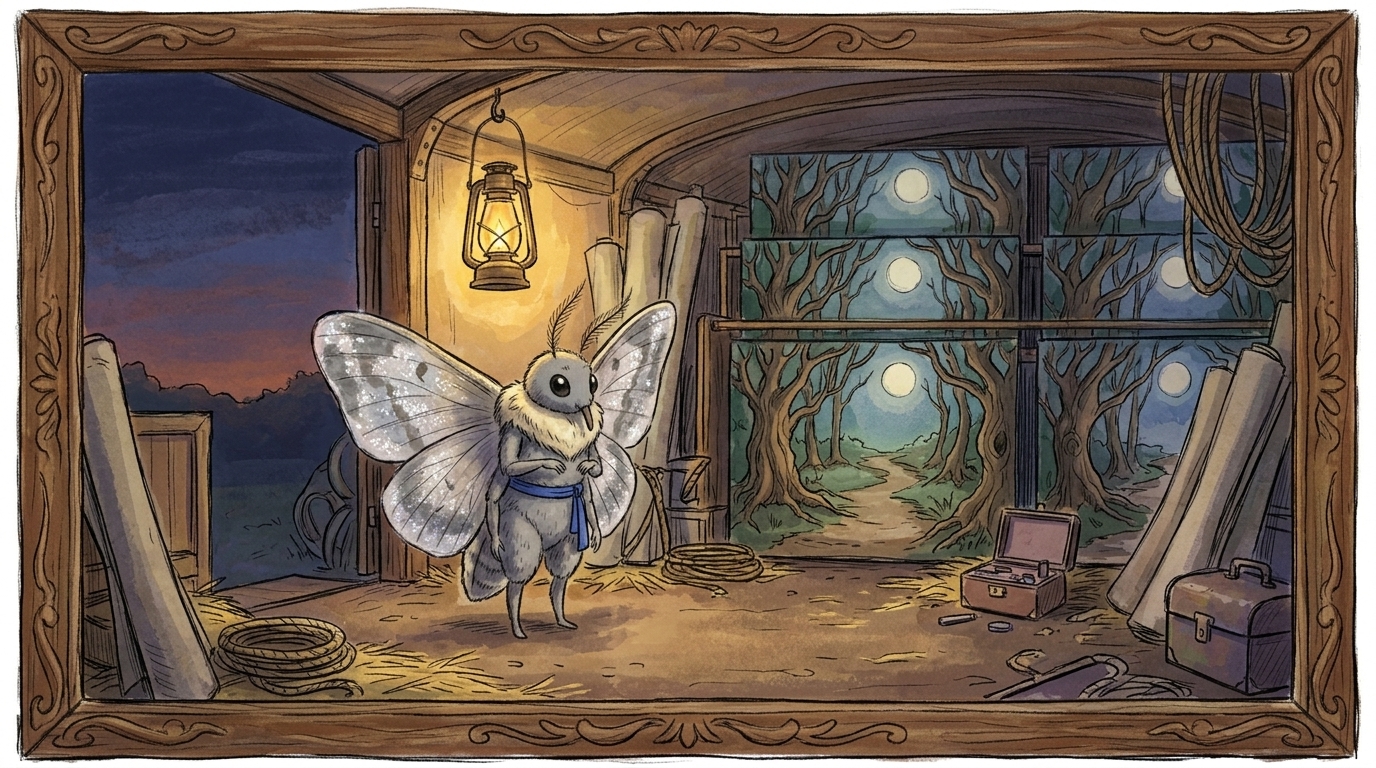
The hardest part of character consistency in AI video is not getting one shot to look good. It is making sure the same character, prop, or location survives the next shot, the next scene, and the next edit without quietly changing shape.
That is where most AI film workflows break down. A clip can look convincing in isolation, then fail the moment it has to return later in the sequence. The lead character’s face shifts, the jacket changes color, the mug on the table becomes a different mug, or the room suddenly has a different layout and lighting. The shot is not necessarily “bad” — it is simply disconnected from everything around it.
That is why continuity is usually a pipeline problem, not a single prompt problem. Prompt engineering helps, but it cannot carry a multi-shot sequence by itself.
The core continuity risks creators keep running into
There are three problems that show up fastest in AI video production:
- Character drift: the same person changes between shots. Facial structure shifts, hair becomes different, wardrobe changes, body shape varies, or accessories disappear. Even performance can drift, with posture or expression no longer matching the original intent.
- Prop mismatch: an object changes design, scale, color, texture, or placement. A key prop might go from black to silver, move from one hand to the other, or gain details that were never in the original design.
- Location shifts: the environment stops behaving like the same place. Architecture changes, room layout moves, light direction flips, geography disappears, or the mood of the setting no longer matches the scene.
These are not minor details. In a story-driven sequence, they are the difference between a believable scene and a string of unrelated AI clips.
Why a single strong shot is not enough
AI video tools are already useful for isolated shots, look development, image-to-video tests, and even structured multi-shot production. But a lot of creators discover the same painful reality: the first clip looks great, then every repeated use of the same character or environment becomes a regeneration loop.
That loop costs time, credits, and momentum.
A better way to think about the process is this: AI is fast at generating material, but the production team still has to define intent, lock references, and manage continuity rules. In other words, the technology helps most when it is placed inside a real filmmaking workflow.
Start with a script breakdown, not a prompt
If you want consistent scenes, start before generation.
A good script breakdown identifies:
- who appears in each scene
- which props matter and must repeat
- what location or set is being used
- what changes from shot to shot
- which visual details must remain stable
From there, move to a scene and shot list, then storyboard or animatic planning. That planning step is where you decide what must stay fixed and what can vary. Spending generation credits after that is far cheaper than discovering continuity problems after you have already built half the sequence.
This is also where a connected production layer matters. Tools like Ciaro Pro’s asset management workflow are useful because scripts, references, generated frames, and edits stay connected instead of being scattered across folders and apps.
Build a character bible or master character sheet
For character continuity, you need a stable visual anchor. The strongest practical advice is still the simplest: create a character bible or master character sheet before you start generating scenes.
That sheet should include:
- front, side, and three-quarter views
- facial structure and age range
- hair shape, length, and color
- wardrobe and accessories
- body type and posture
- key identifying details such as scars, jewelry, glasses, or makeup
- tone of performance, if it matters to the scene language
The goal is not just to describe the character in words. It is to define the character visually enough that each new shot can be checked against a reference.
Many experienced creators recommend starting from a clean set of reference images from multiple angles, then reusing those images across the project. That approach works better than trying to recreate identity from scratch every time.
A tool like Ciaro Pro’s character workflow fits naturally here because it helps keep the character definition connected to the rest of the production package.
Keep a reference library for props and locations
Character references are only one part of the problem. Important props need the same treatment.
If a prop matters to the story, give it a dedicated reference. Treat it like a mini asset with its own continuity rules:
- shape and silhouette
- color and finish
- material and texture
- scale relative to the character
- where it is held, placed, or stored
- any wear, damage, or special markings
That matters because prop continuity fails in subtle ways. The item may still be “there,” but it no longer matches the earlier shot.
Location consistency needs similar discipline. Do not just say “same room” and assume the model will preserve it. Define the architecture, layout, lighting rules, and repeated establishing cues. If the scene is set in an apartment, specify which wall the window is on, where the door sits, how the light enters, and what geography or surrounding features should remain visible.
That is the difference between a repeated environment and a drifting one.
Generate hero references first, then derive variants
One of the most reliable workflows is to create a small set of hero references first.
Think of these as your approved anchors:
- a master character frame
- a key prop image
- a location establishing frame
- a style reference or look-development frame
Once those are approved, derive shot variants from them instead of starting from scratch every time. That makes it much easier to preserve identity across a sequence because each new clip is tied back to a known visual baseline.
This is also where visual reference management becomes a production task, not an afterthought. If references are scattered across tools, it becomes hard to tell which image is the source of truth. A connected workspace helps keep the whole chain intact, from reference to shot to edit.
Reduce variation before generation
A lot of drift comes from unnecessary freedom in the prompt layer.
To improve consistency:
- keep style language stable across the project
- avoid changing the model or workflow mid-sequence unless you have to
- reuse the same naming conventions for characters, props, and locations
- keep camera language consistent where possible
- avoid introducing new details that were never established
This does not mean every shot should be identical. It means variation should be controlled. A sequence can evolve while the underlying identity remains stable.
Review in batches, not after the whole scene is finished
Batch review is one of the most practical ways to catch drift early.
Instead of generating an entire sequence and reviewing it at the end, check a group of shots together:
- Does the character still match the master reference?
- Has the wardrobe stayed the same?
- Is the prop still the same prop?
- Does the location still feel like the same place?
- Do the camera angles support continuity, or do they accidentally reset it?
The earlier you catch the problem, the less expensive it is to fix. Waiting until the edit stage means you may have already built a sequence on top of inconsistent assets.
Assemble continuity in the timeline, not just in generation
Editorial control is part of the consistency workflow too. Sometimes the best fix is not another generation pass, but a smarter edit.
You may be able to preserve continuity by:
- trimming around a problematic frame
- replacing only the drifting insert
- using a matching cut from a different take
- keeping the strongest approved hero frame in view longer
- reducing camera movement that exposes inconsistencies
This is why AI should be treated as part of pre-production and editing, not as a one-click film generator. The model can create material, but the director and editor still decide what stays.
A practical sequence for consistent AI scenes
If you want a repeatable workflow, use this order:
- Break down the script into scenes, shots, characters, props, and locations.
- Create a character bible and master reference sheets.
- Build prop and location references with clear continuity notes.
- Plan the storyboard or animatic before generating anything expensive.
- Generate hero frames first and approve them.
- Create shot variants from those references instead of restarting each time.
- Review in batches to catch drift early.
- Assemble and correct in the timeline before moving on.
That is the workflow layer that turns AI from a collection of isolated tools into something usable for real scene production.
The bigger production lesson
The real bottleneck in AI video is not raw image generation anymore. It is memory: keeping assets, notes, references, and edits connected long enough to carry a story across multiple shots.
When scripts, boards, prompts, generated media, and continuity notes live in separate places, consistency gets lost fast. When they live in one structured workspace, it becomes much easier to protect character consistency, prop continuity, and location consistency across an entire sequence.
That is where a connected workflow like Ciaro Pro can help without getting in the way: keeping the production materials together so the team spends less time searching, re-prompting, and regenerating.
Before you generate, check this
- Have you broken the script into shots?
- Is the character defined in a master sheet or bible?
- Do you have reference images for key props and locations?
- Are the style and camera rules stable?
- Are you generating hero frames first?
- Is there a plan for batch review and correction?
- Are all assets, notes, and outputs stored in one connected place?
If the answer to any of those is no, the next generation pass is probably too early.
The strongest AI film workflows are not built on prompt luck. They are built on production discipline.
Build a Continuity Foundation Before Generation
The most common failure in AI film production is not that a clip looks bad. It is that one clip looks right, then the next one quietly breaks the story’s memory.
A character’s face shifts. A jacket changes color. A mug appears on the wrong side of the table. The room grows a new window, the lighting changes direction, or the geography of a location no longer makes sense. In isolation, each shot may still look impressive. Across a sequence, the inconsistency becomes expensive, distracting, and hard to fix.
That is why character consistency in AI video is usually a pipeline problem, not a prompt problem. Prompt engineering helps, but it cannot replace production discipline. If the script is not broken down, the references are scattered, and the visual rules are not locked before generation starts, the model is being asked to invent continuity on the fly.
For independent filmmakers, animators, and small teams, the answer is not “more prompting.” It is a continuity foundation: a repeatable workflow that starts with the script, defines the character and world, and keeps every asset tied to a single source of truth.
Why continuity breaks so easily
AI video tools can generate strong isolated shots, but multi-shot production asks for something stricter: persistent identity.
That is where drift appears:
- Character drift: facial features soften or change, hair shifts shape, wardrobe details disappear, age reads differently, body shape changes, accessories vanish, or the performance feels like a different person.
- Prop continuity issues: an object changes design, scale, material, color, position, or detail level from scene to scene.
- Location consistency problems: architecture shifts, room layout changes, lighting direction flips, geography becomes unclear, or the mood of the environment no longer matches the earlier shot.
The more scenes you generate, the more these small changes compound. What looked manageable in one test clip becomes a production problem when a character needs to return three scenes later, or when a prop must survive a close-up, a wide shot, and a cutaway without changing shape.
That is why creators who succeed with AI video tend to follow the same principle: define the character or environment first, create master references, then reuse those references across shots. Reference pinning, start frames, and image anchoring can help, but they work best as part of a larger system, not as isolated tricks.
Start with a script breakdown, not a generation prompt
Before anyone generates a shot, break the script down into scenes and beats. This is the point where continuity starts to become manageable.
A good script breakdown identifies:
- who appears in each scene
- which props matter
- what locations repeat
- what wardrobe or styling must remain consistent
- which shots are establishing, which are coverage, and which are inserts
- where the sequence depends on visual continuity rather than one-off imagery
From there, build a scene list and shot list. If the scene is going to require a character in three camera angles, that character needs to be locked before those shots are generated. If a prop is story-critical, it needs its own reference. If a location appears multiple times, it needs a structural and lighting definition, not just a text label like “same room.”
This is where AI production stops being a random generation loop and starts looking like filmmaking.
Build a character bible before you generate
A reliable character starts with a character bible or master character sheet. This is your source of truth for identity across every scene.
At minimum, define:
- facial structure and key facial landmarks
- hair style, color, and texture
- age range and body type
- wardrobe and signature layers
- accessories, scars, tattoos, glasses, jewelry, or other identifiers
- posture, mannerisms, and general performance language
- the visual style the character belongs to
A strong character bible usually includes multiple views: front, side, three-quarter, and expression or pose variations. Creators often underestimate how much consistency improves when the character is first clarified in a clean reference set rather than improvised shot by shot.
If you are working in a connected workspace like Ciaro Pro’s character tools, the point is not flashy design; it is keeping the character definition attached to the production process so the same identity can be reused in storyboard, generation, and edit.
Create a visual reference library for props and locations
Characters are only one part of continuity. Important props and locations need the same treatment.
A dedicated visual reference for props helps prevent objects from mutating between scenes. For example, if a key is supposed to be brass with a rounded bow and a worn engraving, that object should have a reference image and a continuity note. Otherwise, the key may become silver, smaller, cleaner, or more ornate in later shots.
The same logic applies to locations. A reference library for a house, alley, lab, office, or vehicle interior should define:
- architecture and layout
- repeated visual cues
- lighting rules
- time-of-day behavior
- geography and camera orientation
- mood and color language
This is especially important because location consistency is not just “same place” in text. The room can drift in subtle ways even while the generator still produces something plausible. A doorway moves, the window count changes, or the camera sees a wall that should not exist. A location reference library reduces those errors before they become expensive.
A structured asset layer such as Ciaro Pro’s visual reference workflow helps keep those references connected to the scene rather than scattered across folders.
Plan the sequence before you spend credits
One of the biggest production mistakes is generating too early. If the plan is unclear, every failed iteration costs time and credits.
Before generation, move through this order:
- script breakdown
- scene list and shot list
- storyboard or animatic
- look development
- character bible and reference library
- continuity notes
- generation
That sequence matters because it preserves intent. If the sequence is already mapped in storyboard form, you can decide which shots need hero treatment, which shots can be simpler, and where the continuity risk is highest. You are not asking the model to discover the scene for you; you are asking it to execute a plan.
For sequences with recurring characters, props, or locations, do not start from scratch on every shot. Generate a few strong hero references first.
These hero frames become the anchor for the rest of the sequence. From there, derive variants for different angles, camera distances, and emotional beats.
This workflow is much more stable than trying to create every shot independently. It also makes review easier: you can compare each new shot against the master reference and spot drift before it spreads through the sequence.
In practice, teams often combine a reference image, start frame, and consistent prompt language to keep the output aligned. The key is to treat those controls as part of the production system, not as a one-off prompt hack.
Keep prompt language, style, and model choices consistent
Prompt consistency matters, but only as one layer of the workflow.
Across a project, keep the following stable whenever possible:
- core character description
- prop descriptors
- location descriptors
- style terms
- camera language
- model choice or generation mode
Too much variation in wording can introduce drift, especially if different team members are prompting independently. This is one reason creators run into problems when scripts, prompts, boards, and reference images live in separate tools. The continuity rules are there, but they are not connected.
A connected production layer like Ciaro Pro’s AI filmmaking workspace helps keep the script, storyboard, references, and generated media tied together so the project has memory.
Review in batches, not after the full sequence is done
Continuity should be checked as you go.
Batch review means comparing a group of related shots before moving on. That could be a character walk-and-talk, a location sequence, or a prop-driven beat. The goal is to catch inconsistency early, while the fix is still small.
If you wait until the end of the sequence, you may discover that:
- the character has drifted across six clips
- the prop changed design halfway through
- the location lighting no longer matches the establishing shot
- the editorial flow is built on inconsistent assets
At that point, regeneration is more expensive because the sequence is already assembled around the wrong version.
Manage assets like a production team, not a prompt notebook
Many AI film projects fail because everything is scattered: scripts in one app, prompts in another, references in a folder, generated frames in a chat thread, and edits somewhere else.
That fragmentation makes continuity harder than it needs to be. A useful production layer keeps assets connected to scenes, shots, and characters so everyone is working from the same source of truth. That includes scripts, boards, reference images, generated frames, continuity notes, and editorial decisions.
This is where a structured asset management system matters, especially for small teams that need to move fast without losing control. A tool like Ciaro Pro’s asset management workflow is useful here because it keeps the project memory organized instead of forcing the team to reconstruct it every time they open a new tool.
Where AI helps, and where humans still lead
AI is genuinely useful for isolated shots, pre-visualization, proof-of-concept scenes, and iterative visual development. It can accelerate the move from script to storyboard to early motion tests.
But directors, animators, and creative leads still have to lock the intent:
- what the character must look like
- what cannot change
- how the location should feel and behave
- which props matter
- what the sequence is supposed to communicate
- when a shot is good enough to move forward
AI can generate options quickly. It cannot decide continuity for you.
That is why the most dependable workflows treat AI as part of pre-production and editing, not as a one-click film generator. The technology is strongest when it supports a disciplined pipeline.
Practical pre-generation checklist
Before you generate a sequence, make sure you have:
- a script breakdown completed
- a scene list and shot list
- a storyboard or animatic
- a master character sheet or character bible
- reference images for important props
- reference images for recurring locations
- continuity notes for wardrobe, lighting, and camera direction
- consistent prompt language and style rules
- a plan for hero frames and shot variants
- a review pass scheduled in batches
- an organized workspace for scripts, references, generations, and edits
If that foundation is in place, AI becomes much more useful. You spend fewer credits on guesses, waste less time redoing drifted shots, and keep the sequence coherent from the first frame to the last.
The real advantage is not simply generating more media. It is giving your film a memory.
Manage Character Consistency Across Shots
The hardest part of character consistency in AI video is not getting one great frame. It is getting the same person to survive the next shot, the next angle, and the next scene without quietly changing face shape, wardrobe, age, hair, or performance. A clip can look right in isolation and still fail the moment the character has to return later in the sequence.
That is why consistency is usually a pipeline problem, not a single-prompt problem. Prompting helps, but prompt luck is not a production strategy. If you want repeatable results across a sequence, you need a workflow that locks the character before generation and keeps that identity connected to every shot that follows.
What actually drifts
When creators talk about character drift, they usually mean more than “the face changed.” In practice, the drift shows up in several places at once:
- Facial features: jawline, nose, eye spacing, expression style, age
- Wardrobe: missing layers, swapped colors, altered fabrics, changed logos or accessories
- Body shape and pose: height, build, posture, handedness, movement style
- Hair and makeup: length, parting, texture, facial hair, grooming level
- Performance details: the character feels like a different person emotionally from one shot to the next
The same problem applies to props and locations. A visual reference that is strong enough for one shot can still be too vague to survive a second angle, a reshoot, or a cutaway. When the project scales, small inconsistencies become continuity failures.
How to keep the character stable
The most reliable approach is to define the character once, then reuse that definition everywhere. A practical guide to consistent AI characters
Start with a character bible that includes:
- multiple views of the character
- fixed wardrobe and accessory notes
- facial landmarks and distinguishing features
- body language and performance cues
- any attributes that must not change across shots
Then use that sheet as the reference point for every generation pass. If a shot deviates, it should be corrected against the bible rather than accepted because it “looks good enough.”
A connected workflow through Ciaro Pro’s character tools can help keep those references tied to the same production record as the scene itself.
A simple example workflow
Imagine a three-shot scene:
- Establishing shot: the character enters an apartment carrying a brass key.
- Medium shot: the character places the key on a table and speaks.
- Close-up: the key sits beside a note that changes the scene’s meaning.
To keep this sequence consistent:
- lock the character in a master frame before generating the scene
- create a dedicated key reference so the prop does not mutate
- define the apartment layout so the window, door, and table placement remain stable
- review all three shots together before moving to edit
That is the practical difference between a sequence that feels directed and one that feels generated.
Check continuity at the shot level
Character consistency is not only about the hero frame. It is also about how the character behaves in motion.
Check for:
- repeated facial proportions
- stable wardrobe and accessories
- consistent color temperature on clothing and skin
- matching lighting across adjacent shots
- movement that fits the same body and performance style
If you notice drift early, it is usually easier to regenerate a single shot than to correct an entire sequence later.
Keep the rest of the scene aligned
Even a well-locked character can feel inconsistent if the surrounding scene drifts.
That is why prop continuity and location consistency matter too. A hero character can still appear “wrong” if the table changes height, the room layout shifts, or the lighting no longer matches the previous shot. The best results come when the character bible, visual reference library, and shot list all work together.
The practical takeaway
If you want reliable results, do not ask the model to remember the character for you.
Instead, give it a clear production memory:
- a script breakdown
- a character bible
- prop references
- location references
- approved hero frames
- batch review before edit
That is how character consistency becomes repeatable across shots, scenes, and sequences.