A convincing still is only the starting point
An AI image editor can create an expanded view of a film location. But does that expanded view still work when the camera moves?
Consider a hypothetical shot: a camera travels sideways past a photographed courtyard, and the filmmaker wants to add architecture beyond the edge of the original frame. One option is AI image outpainting—generating image content beyond the borders of a source frame. Another is a conventionally painted matte. Both would use the same plate, the original footage to which the extension is added, and aim for the same expanded courtyard.
Compare the two treatments first on the same reference frame. Do added rooflines and wall openings follow the perspective of the photographed architecture? Do the direction and softness of shadows fit the plate’s light? Where will the boundary between the photographed courtyard and the added image fall, and is it visible? This comparison can establish that a treatment has visual promise, but not that it is ready for the shot.
That distinction matters when reading image-editor descriptions. Kling describes preserving lighting, texture and style; BeFunky describes generating content beyond image borders to change composition or aspect ratio; and Picsart offers an expansion workflow and realism tips. These sources describe still-image tasks.
They do not establish how an extended image performs in a tracked shot or how it compares with a painted matte.
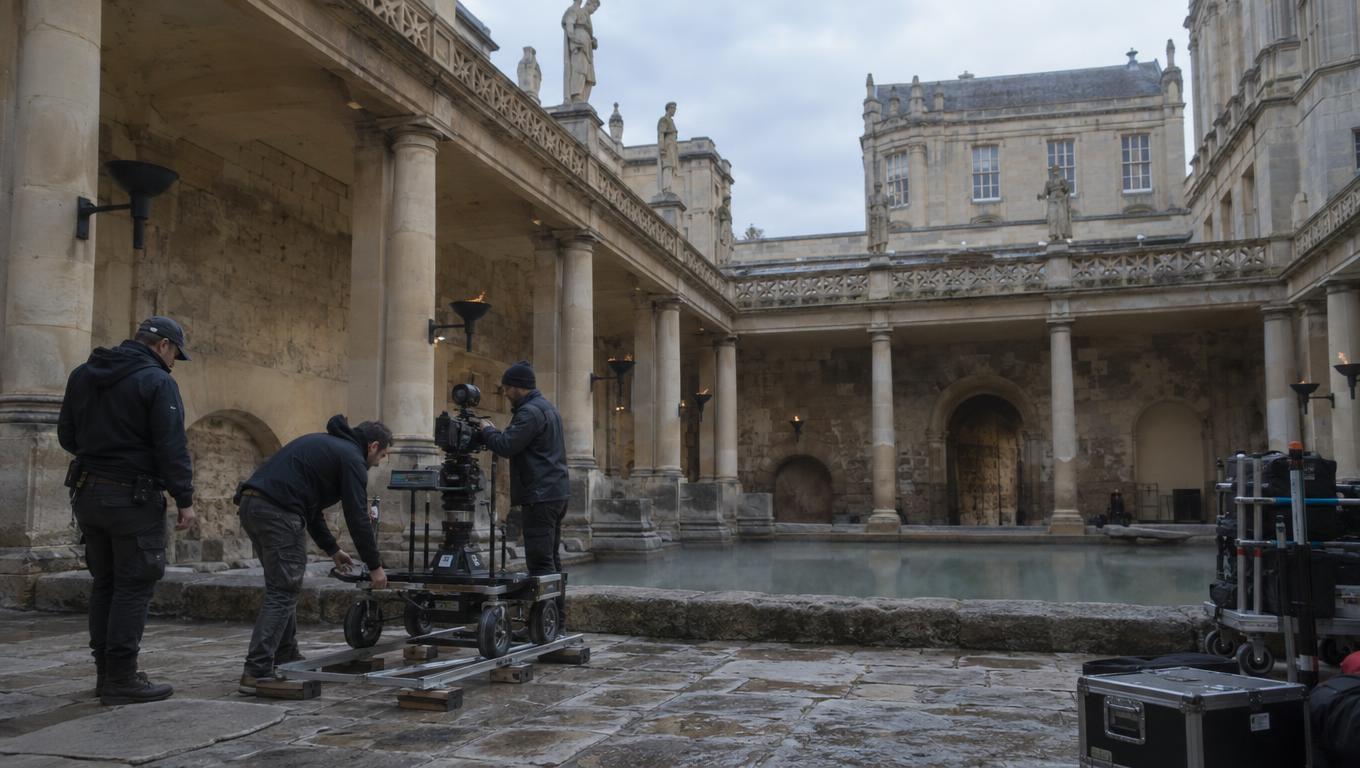
A photographed pillar can reveal the limits of an extension
In the courtyard shot, imagine a photographed pillar near the camera and an added wall behind it. As the camera moves sideways, the pillar and wall should appear to move at different rates because they are different distances from the camera. This difference in apparent movement is parallax.
The pillar also blocks part of the added wall. This blocking is called occlusion. As the camera moves, the pillar may uncover an area of wall that was hidden in the reference frame. The extension needs to contain a plausible surface for that reveal, even though the surface was not visible in the frame used to judge the initial image.
The crossing creates two separate checks. First, does the added wall stay consistent with the photographed location as the viewpoint changes? Second, does the mask separating the photographed pillar from the extension follow the pillar’s edge without exposing a gap or cutting into it? A treatment can look convincing around the pillar in a still and still fail when the pillar moves across it.
The same issue applies to the painted matte and the AI-generated extension. Neither is exempt from accounting for the camera move simply because its reference frame looks right.
Find out what the plate demands
Inspect the beginning and end of the plate, then identify the moments that reveal the most new space or bring photographed foreground across the proposed addition. In the courtyard, that includes the pillar crossing as well as the widest view. These frames help define how much of the added wall must be available and where the composite boundary needs close attention.
The footage also determines what kind of integration is worth testing. Can the addition be treated as a single flat element while remaining aligned with the photographed architecture? If the extension includes features at visibly different depths, do they need different apparent movement? Does the shot call for a tracked image, separate layers, projection onto geometry, or a more fully modeled environment?
Those are questions for the shot rather than automatic steps in a pipeline. A track might align one part of an image while another part drifts. Separate layers can allow elements to move differently, but they still need enough image material to cover anything revealed between them. Projection or modeled geometry may provide surfaces that change perspective, but the footage has to be checked to determine what geometry and detail are actually needed.
A pan and a sideways track can place different demands on an extension: rotation changes the view differently from translating the camera through space. Lens distortion and the distance of visible objects also matter. Rather than assuming a flat treatment will work—or that geometry is necessary—use the plate to test those choices.
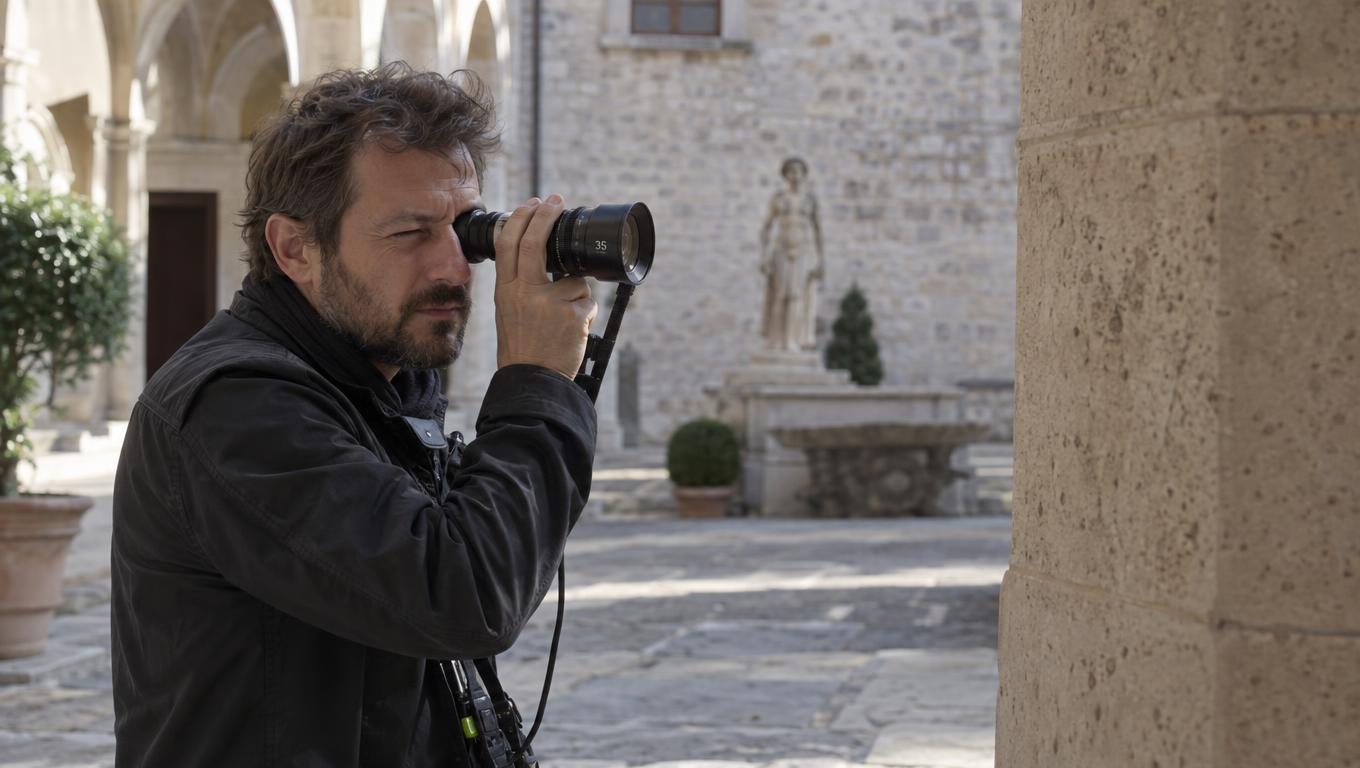
Test the hardest reveal, then the whole shot
For a useful comparison, keep the plate, intended courtyard design and review criteria consistent across the AI-generated edit and the painted matte. Prepare a moving test that covers the difficult reveal. It need not be a finished composite; its purpose is to expose the integration work each treatment would require. Play the test at the intended speed and delivery size.
Check whether added architecture drifts against the photographed location and whether near and distant features appear to move plausibly. At the pillar crossing, look for missing wall, halos, gaps and a mask that intrudes into the extension. Compare lighting, shadows, grain and sharpness across the join. A surface can track convincingly and still look detached from the plate.
Pause to locate defects, but judge their impact in continuous playback. A flaw that is obvious on a held frame may read differently in motion; a join that looks acceptable when paused may become distracting as it moves.
A successful test of the hardest reveal is a reason to continue, not proof that the full shot works. Review the treatment across the entire shot before treating it as a finished-shot candidate. Other moments may expose a different boundary, an uncovered surface or a lighting mismatch that the short test did not include.
Read the result as a production decision
The comparison can produce several useful outcomes. A reference frame may communicate the desired courtyard but provide no usable material for the move; studio asset management can help organize shot references and generated frames. An extension may contain elements worth adapting, while still requiring additional wall detail, masking or a different integration method.
Or a treatment may survive both the difficult-reveal test and a full-shot review at the intended delivery size. If neither treatment can be made to work within the available time, budget or skills, revising the framing or camera move—or capturing more location material—may be more useful than refining the reference image. The test does not establish that AI outpainting or a painted matte is inherently faster, cheaper or better.
It shows what each supplied image can contribute to this particular shot, and what remains to be solved.