
Budget AI film production by workflow, not model price
The wrong question is: how much does an AI model cost? The right question is: what workflow are you paying to control?
If you want to know how to budget for an ai film, start with the production process from idea to final sequence—not with the price of a single generation. The biggest mistake in AI film budgeting is treating video generation as the main cost, even though it is only the most visible one.
In practice, the ai film budget is shaped far more by the film production workflow: how decisions are made, how shots are planned, how continuity is protected, and how much human labour is needed to get from scattered outputs to a finished piece.
A loose workflow turns the project into a fishing expedition. Uncertainty gets paid for through more prompts, more generations, more fixes, more editing time, and more human review. A planned workflow reduces that waste by controlling the path from script to storyboard to approved shots to final edit.

The practical budget drivers you should look at first
Before you think about model pricing, look at the variables that actually drive the ai filmmaking costs:
- Runtime - Number of shots - Visual complexity - Character consistency requirements - Dialogue and lip sync requirements - Number of locations - Style control - Revision expectations - Human labour - Delivery quality
Runtime matters, but it is not enough. A quiet one-minute monologue may cost more than a 30-second action sequence if it needs strict continuity, lip sync, performance control, and repeated approvals. So the question is not just how long the film is; it is how hard that runtime is to control.
Where the real cost sits: development, pre-production, and labour
Creative development is a real cost center. Concept, script, scene structure, visual treatment, tone, dialogue, core references, and proof-of-concept scope all shape the final spend. A weak script does not get cheaper because AI is involved; it becomes more expensive because unclear scenes create unclear shots and unclear shots create waste.
That is why pre-production is not administrative overhead in AI filmmaking. Pre-production is cost control. Scene breakdown, shot list, shot intent, camera direction, location references, character references, mood references, style rules, production board, and naming/versioning logic all reduce the number of bad generations you pay for later.
Character and asset continuity should also be treated as workflow discipline, not as a magic model feature. If characters and references are not locked before generation, the team ends up repairing identity drift shot by shot. A useful setup usually includes a character bible, wardrobe references, expression sheets, location references, prop references, a world bible, continuity notes, and approved frames.
Image generation and storyboard frames act as the control layer. Keyframes, storyboard panels, concept frames, scene stills, and approved starting images give the video stage something stable to follow. It is cheaper to fix composition, design, character identity, and visual tone at the still-image or storyboard stage than after generating video clips.
Video generation is execution, not the whole budget
The cost of video generation depends on more than model price. It changes with:

- Number of shots - Number of takes per shot - Shot duration - Resolution - Model choice - Motion complexity - Dialogue or lip sync needs - Regeneration rate - Whether the shot was planned properly
The budget question is not only how much one generation costs. It is how many unnecessary generations the workflow will create.
Don’t ignore editing, sound, and finishing
A clip is not a film. A meaningful share of video production cost sits in selection, assembly, pacing, continuity checks, replacement shots, sound, music, revision management, and exports. If the workflow does not preserve shot context, the edit becomes detective work: the editor has to figure out which clip belongs to which shot, why it was generated, what version is current, and whether it still matches the script.
Sound and finishing matter too: dialogue recording or AI voice, lip sync, sound design, music, mix, subtitles, color polish, export formats, and client review files. Even AI-heavy films need finishing, and a visually impressive sequence can still feel unfinished if sound, pacing, and delivery are neglected.
Three practical budget models
Rather than pretending there is one universal price for every AI video production cost, it is more useful to think in three budget models:
1) Lean proof-of-concept
Early tests, mood pieces, internal experiments, learning a workflow, or a single-scene test. This can look cheap at first, but it becomes expensive fast if the project turns into a real delivery without being reorganized.
2) Standard short film or controlled proof-of-concept
Pitch scenes, trailers, investor materials, branded proof pieces, pilot scenes, or agency concepts. This usually works best with a locked script, approved references, storyboards before generation, limited revision rounds, targeted video generation, and editorial finish.
3) Polished client-ready production

Longer films, episodes, series work, commercial campaigns, and repeatable workflows. This demands stronger project management, more labour, more reviews, asset management, continuity tracking, edit discipline, and delivery standards.
Bad workflow versus good workflow
Bad workflow: the team generates first and decides later. Prompts are written shot by shot with no master plan. Characters keep changing. References are scattered. There is no clear shot list, no locked visual rules, no versioning discipline, no approved storyboard frames, and no edit plan. Every clip is judged as a standalone image.
That workflow burns money through uncertainty: every missing decision becomes a generation, every generation creates more material to evaluate, every failed take creates a new attempt, and every disconnected asset creates more human labour.
Good workflow: the script is the source of truth. Scenes are broken into shots. Camera intent and action notes are written down. Characters and references are locked. Storyboard frames are approved before video. Video generation is selective. Editing starts from planned material. Revision rounds are limited and structured.
A sound workflow does not remove the cost of AI filmmaking; it moves the cost into the right places: planning, direction, review, and execution.
Human labour is often the biggest cost
In many projects, labour is the real budget driver. That includes writer, director, AI operator, storyboard artist, editor, sound designer, producer, creative director, production coordinator, and reviewer or client-side decision maker. Even if one person performs several roles, the labour still exists—it is just concentrated in one person.
This is why it is hard to give a universal number for ai film production workflow costs or film budget. Labour varies too much by country, experience, seniority, production standard, and scope. AI reduces some production constraints, but it does not remove decision-making. Someone still has to direct the film.
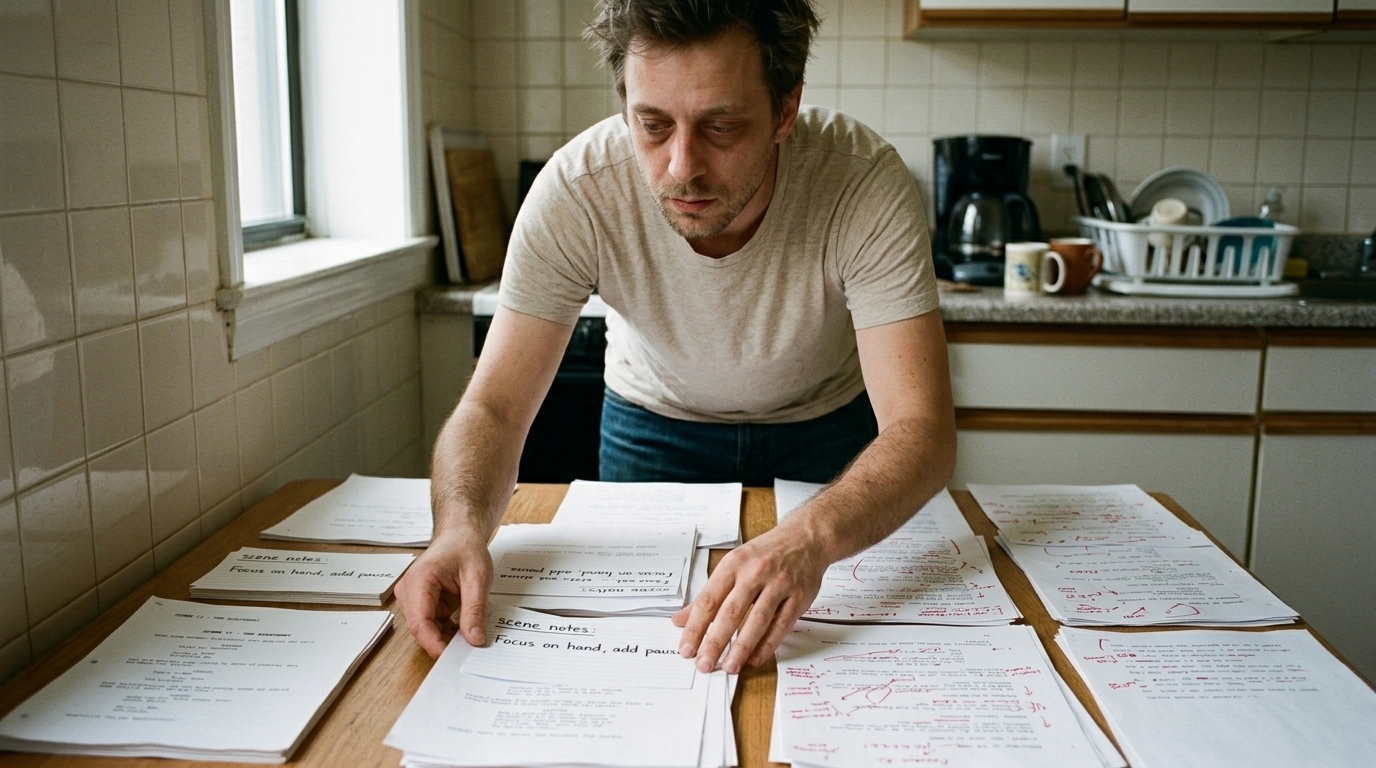
A simple budgeting method you can actually use
If you are estimating how to budget for an ai film, use this framework:
1. Define the deliverable — test, proof-of-concept, trailer, short, episode, commercial, or finished film; final runtime; quality level; internal review, investor, client, public release, or festival submission. 2. Count scenes and shots — number of scenes, shots per scene, hero shots, simple shots, shots with complex motion, and shots that require dialogue or lip sync. 3.
Identify continuity risk — recurring characters, locations, wardrobe continuity, action sequences, dialogue, and precise geography in the edit. 4. Decide the workflow stop point — treatment only, storyboard, animatic, proof-of-concept scene, trailer, full film, or episode. Do not generate full video when a storyboard or animatic would answer the creative question. 5. Estimate generation volume — finished shots, expected takes per shot, rejected shots, revision rounds, and final exports. 6.
Estimate labour — creative development, pre-production, asset setup, generation operation, review and selection, editing, sound and finishing, project management. 7. Add a revision buffer — especially if the project is visually ambitious, the client has not approved references, characters are not locked, dialogue matters, the workflow is new, or multiple stakeholders must approve.
The buffer can be lower when the brief is clear, references are approved, the style is controlled, the shot list is stable, one decision maker is responsible, and the workflow has already been tested.
What to spend less on, and what not to underfund
Spend less on unnecessary generation experiments. But do not underfund pre-production, shot planning, references, version control, and review. Those are not extras; they are what keep the ai film production workflow from collapsing into rework.

A realistic example: a one-minute branded proof piece with locked characters, approved storyboard frames, and a limited number of camera setups may cost less overall than a shorter but chaotic sequence that keeps changing style, performance, and continuity. That is not a universal quote—just a reminder that structure often saves more money than runtime.
For teams building from idea to final sequence, workflow-connected tools can help keep script, boards, assets, and revisions tied together. If that is your situation, it is worth exploring an AI film production workflow built around storyboards and shot planning rather than treating generation as a standalone step.
Final takeaway
If you are serious about how to budget for an ai film, do not begin with model price. Begin with the workflow you need to control. Budget for the decisions, the approvals, the continuity, the edit, and the finishing—not just the generation step you can see.
That is the difference between buying random outputs and producing a film.
If you want the cleanest path, budget the workflow first, then map the production stages from idea to finished sequence.\n\nFor a client-facing version of this framework, see Ciaro Studio’s AI video production cost guide, which turns shot count, continuity, sound, versions, and approval requirements into a quote-ready brief.\n