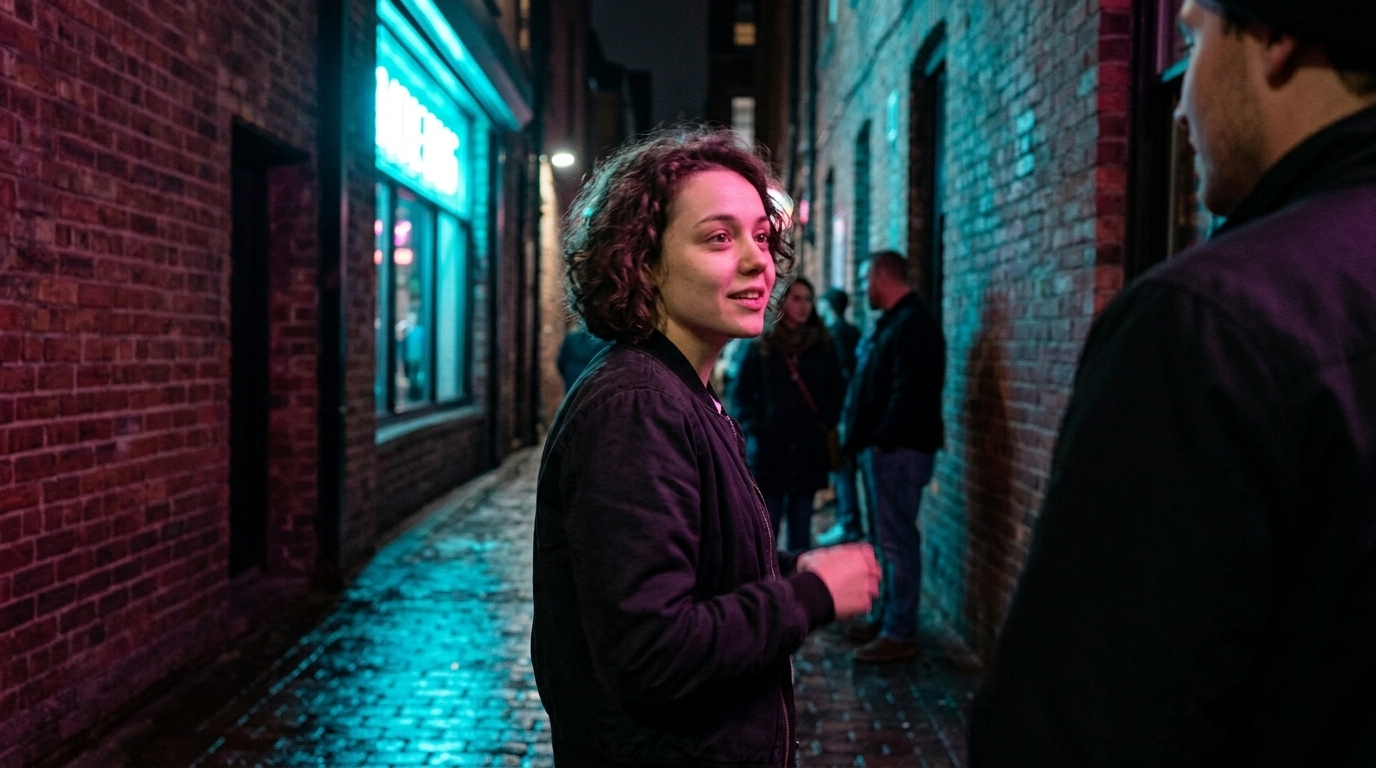
The Real Failure Is the Workflow, Not the Model
The uncanny valley has moved. In 2026, most viewers are no longer reacting first to face quality; they’re reacting to performance timing — the pause that lands too early, the line that accelerates under emotion, the mouth that says one thing while the body sells another. That’s why so many AI dialogue scenes feel off even when the image is technically strong.
The problem usually isn’t that the model can’t generate a face. It’s that the workflow can’t hold a believable performance.
That distinction matters. A dialogue scene is not a single render problem. It’s a sequence problem. If the script is unstable, the audio timing is vague, the plate is wrong, the sync pass is rushed, and the editor has no continuity rules, the scene will fail no matter how good the model is. Good models do not rescue bad process.
Why one-shot dialogue generation breaks
One-shot dialogue generation tends to collapse for a few predictable reasons:
- Emotion drift across the line: a character begins calm, then over-commits halfway through, then lands emotionally somewhere else entirely. - Wrong jaw physics: the mouth shape may be close enough in isolation, but the jaw motion doesn’t match speech energy or consonant timing. - No reshoot control: if one line is wrong, you often have to regenerate the whole scene, which destroys everything that was already working.
- Performance inconsistency: posture, gaze, and micro-timing don’t stay aligned from beat to beat.
That is why a scene can look “generated” even when the render is high quality. The audience is reading performance logic, not just pixels.
The fix is not to chase a more magical model. The fix is to structure the production so the scene can be directed.
Build the dialogue scene in sequence
A credible AI dialogue video workflow is much closer to conventional production than people expect. The order matters:
1. Script 2. Cast / voice selection 3. Audio with timing 4. Performance plates 5. Lip-sync pass 6. Editorial review 7. Continuity check across the sequence

That is the workflow thesis in plain language: AI dialogue scenes fail mainly because the workflow is broken, not because the model is weak. If you want believable spoken performance, you need a pipeline that preserves intent from page to timeline.
For teams using a broader script-to-scene system, this is also where platform thinking matters. Lip sync should sit inside a larger script-to-character-to-scene-to-timeline workflow, not as an afterthought bolted onto the end of generation.
Start with audio, not video
The strongest rule in spoken performance is still the simplest one: write or record the dialogue before video. Audio is the sync source. It guides both the performance capture or generation and the later lip-sync pass.
If you have timing data, phoneme guidance, or even a rough performance read, use it early. The point is not to lock the scene too soon; the point is to give the model and the editor something stable to follow. Timing is not decoration. It is the skeleton of the scene.
That’s why audio-first production has become the default for serious ai lip sync video work. It gives you:
- a fixed line reading to cut against - a rhythm reference for the face and body - a clear place to judge emphasis, pauses, and overlap - a source of truth when the scene needs refinement later
If you’re casting voices or working with synthetic voices, keep consent in the loop where relevant, but don’t let that topic swallow the craft discussion. The important point here is simply that the performance must exist before the mouth does.
For teams building dialogue-heavy assets, the screenwriting stage and the character design stage should already be producing decisions that support the voice and the beat structure, not just the look of the character.
Performance plates: don’t force sync from the wrong source
Not every plate is a good sync plate. If you try to lip-sync a wide master, or a shot where the face is too small to read, you’re asking the workflow to do something it was never framed to do.
Use neutral or open-mouth plates with controlled framing. Frame tightly enough to capture the mouth region, but wide enough to preserve the acting and the eyeline. In other words: the shot should support both mouth readability and performance readability.
A useful rule of thumb:
- Too wide: you lose lip readability and the sync pass becomes guesswork. - Too tight: you lose body tension, gaze, and scene context. - Neutral/open-mouth plates: you give the sync pass a clean starting point and preserve the option for performance refinement.
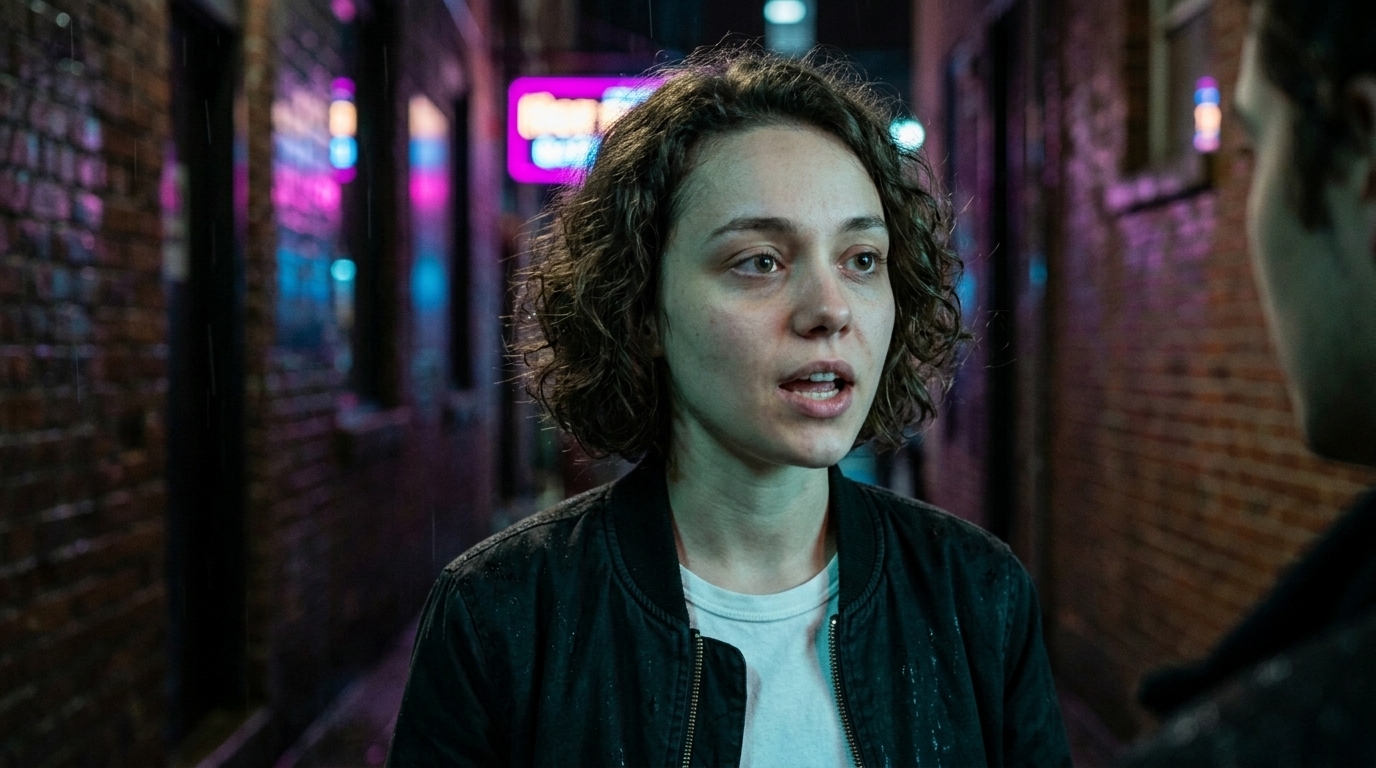
This is where a lot of lip sync filmmaking goes wrong. Teams treat the mouth as the only problem, when the scene is really a coordination problem between face, body, and shot design.
Rough alignment first, refinement second
Think of sync as a two-stage process:
- Rough alignment: get the mouth motion and line timing into the right neighborhood. - Refinement pass: tighten the mouth shapes, consonant transitions, and facial emphasis where the line still feels late, early, or flat.
This is not a ComfyUI tutorial, and it’s not about any one node graph or vendor trick. It’s about production discipline. The goal is to avoid the common mistake of treating sync as a single magical click instead of a controlled editorial pass.
If one beat fails, fix that beat. If one line feels off, iterate at the line level. Do not regenerate the entire scene because one mouth shape is wrong. That one habit alone saves time, preserves continuity, and keeps your best moments intact.
Motion-first vs dialogue-native: pick the right route
Not every scene should be built the same way. In 2026, the better choice often depends on what you’re optimizing for.
- Motion-first / post-sync works best when the physical performance is stronger separately from the dialogue. Maybe the body acting is excellent, or the scene wants a cinematic camera move and you’d rather sync later. - Dialogue-native generation is better when the spoken performance itself is the primary creative goal, and the scene benefits from generating the character already committed to speech.
Use the route that protects the best part of the performance. If the body is the asset, go motion-first and sync afterward. If the spoken performance is the asset, use dialogue-native generation and build around that.
Either way, the pipeline still needs the same discipline: stable timing, clear plate choice, and editorial review.
For teams comparing model options, that decision belongs alongside model selection rather than replacing it. The model library can inform the route, but the workflow decides whether the scene actually holds.
Continuity is where dialogue scenes really fail
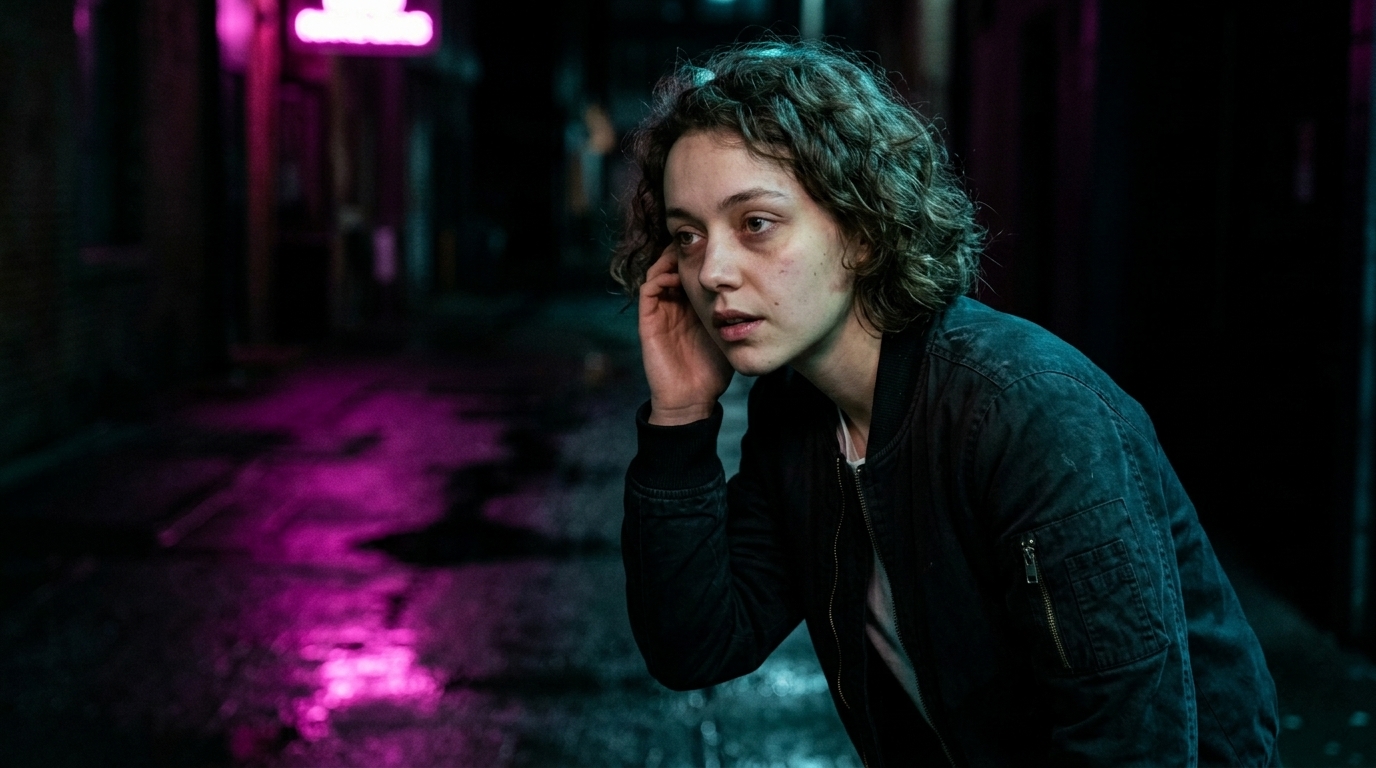
A lot of scenes don’t fail on sync alone. They fail on continuity.
If your character changes wardrobe, eyeline, spatial position, or emotional temperature shot to shot, the audience feels it immediately. The scene may technically sync, but it won’t cut together as a believable exchange.
Continuity checks should cover:
- same character identity - same wardrobe and grooming - consistent eyeline - stable spatial geography - consistent screen direction - consistent emotional arc across the sequence
This matters even more in two-character dialogue, where the viewer is constantly tracking who is speaking, where they are in space, and whether the scene obeys basic screen logic.
That is also why dialogue is such a strong test case for broader AI filmmaking software for directors. The scene either holds together or it doesn’t. There’s nowhere to hide.
Sync is not the final mix
After lip-sync is working, the scene is still not finished.
Room tone, foley, and music ducking come afterward.
That order matters because sound design should support the performance, not distract from the sync pass. If you try to solve ambience, movement, and score balance before the mouth is locked, you’re mixing around a moving target.
Once sync is stable:
- add room tone to make the cut feel continuous - add foley to reinforce movement and contact - duck music around key dialogue beats so the line stays intelligible
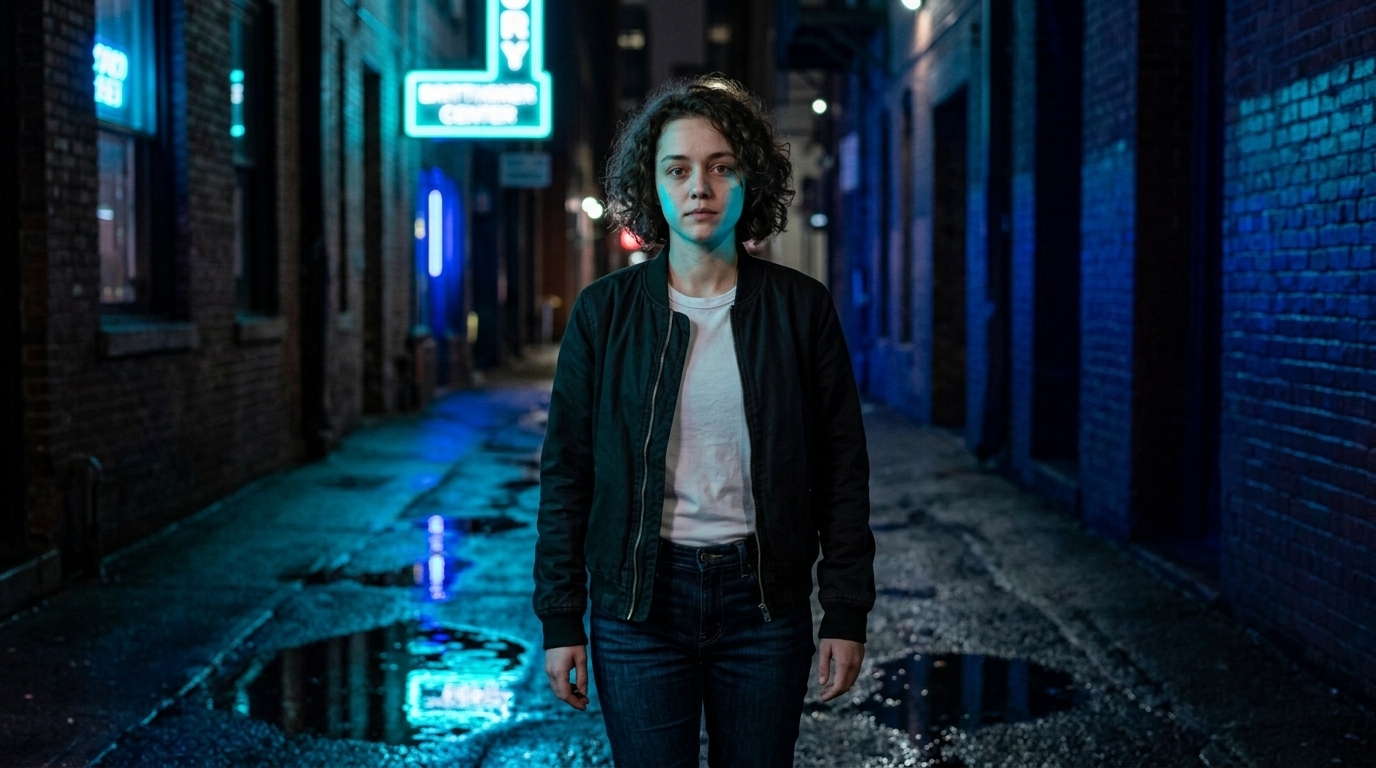
A clean AI-powered production timeline makes this much easier, because the edit, sync, and sound layers can be reviewed as separate passes instead of one messy bundle.
Why dialogue matters for proof-of-concept pieces
A 30–90 second performed scene is valuable because it proves execution, timing, and scene logic — not just image quality. That’s why it’s so useful for proof-of-concept films, branded shorts, and investor pitches.
A short dialogue scene can demonstrate:
- whether the character feels consistent - whether the performance lands emotionally - whether the timing is believable - whether the scene cuts together as drama, not just as output
That’s a much stronger signal than a montage of isolated shots. For stakeholders, a performed scene says, “This team can finish dialogue.”
If you’re building that kind of project, it helps to keep the workflow connected from script to final export with tools designed for the whole chain — from character development to AI image and video models to AI video production software.
What not to do
If you remember nothing else, avoid these failures:
1. Do not regenerate the whole scene because one line is wrong. Fix the beat, not the universe. 2. Do not chase lip sync on wide masters. If the mouth isn’t readable, the sync pass is fighting the shot. 3. Do not ignore eyeline and spatial continuity. A synced mouth with broken geography still feels fake. 4. Do not treat sync as the final mix. Add room tone, foley, and music ducking afterward. 5. Do not assume the model is the problem first. Most failures are workflow failures.
These are workflow errors, not model limitations.

The practical role of Ciaro in this workflow
The reason this matters for tools is simple: dialogue should be treated as a production stage, not a bolt-on feature. That means the software should support the whole route — writing, casting, performance setup, sync, editorial review, and continuity control — rather than only producing a standalone clip.
That’s the subtle value of a system like Ciaro: the lip-sync feature is strongest when it lives inside a broader production stack, alongside screenwriting, characters, production, models, and the larger AI video production software workflow.
In other words, the tool should help you direct the scene, not just generate a face.
10-point dialogue readiness checklist
Before you show the scene outside the team, check these ten items:
1. Is the script locked for this beat? 2. Is the voice/cast choice intentional and consistent? 3. Is the audio track final enough to guide sync? 4. Does the performance plate preserve the mouth region clearly? 5. Is the framing tight enough for sync, but wide enough for acting? 6. Did you use a neutral/open-mouth plate where needed? 7. Did you do rough alignment before refinement? 8. Did you review eyeline, posture, and spatial continuity? 9. Did you add room tone, foley, and music ducking after sync? 10.
Did you judge the sequence as a scene, not just as a render?
Closing
AI dialogue scenes don’t usually fail because the model is incapable. They fail because the team tries to solve performance with a broken pipeline. If you want believable lip sync video, build the scene like a scene: script first, audio first, performance plates second, sync pass third, editorial review fourth, continuity validation last.
The practical takeaway is simple: start small. Pick one dialogue beat, produce the audio, do one performance pass, then one sync pass. Judge the result as a scene, not as an output.
If you want to compare this approach to a broader production breakdown, the same core lesson holds across AI filmmaking workflows: the workflow is the product.