What Is Storyboard to Video AI?
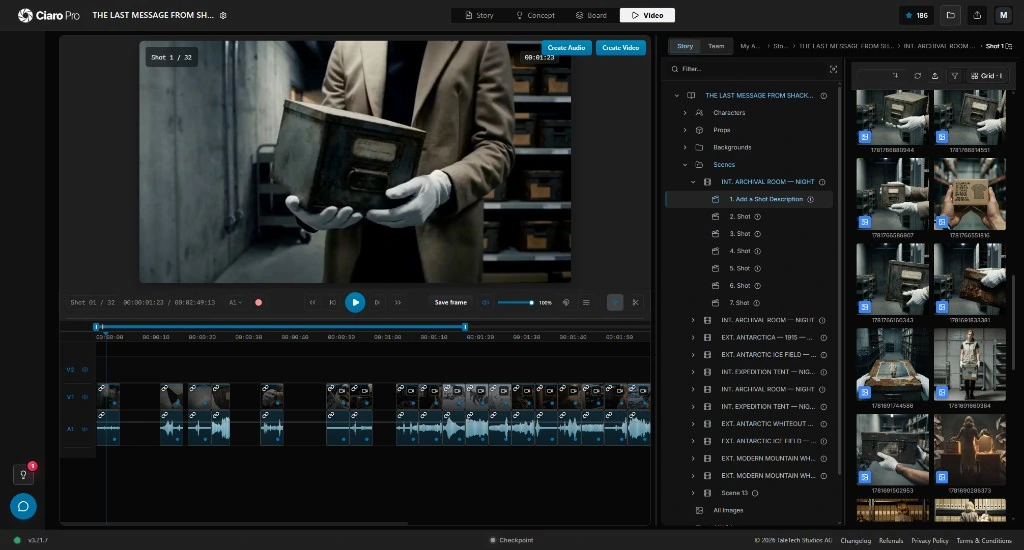
Storyboard to video AI is the workflow of turning planned storyboard frames into moving clips with image-to-video or shot-aware generation. The useful version keeps the script, camera intent, character references, approvals, and sequence order attached to each frame. Ciaro Pro treats each board as the source for a shot, then places generated takes on a production timeline so teams can build scenes instead of collecting disconnected clips.
Definition
Storyboard to video AI, defined
A simple converter may upload a panel and return a short pan or zoom. A production workflow keeps shot metadata with the panel: who is in frame, what the beat is, how the camera should move, and which version the director approved.
The best results come from boards created with generation in mind: references attached, motion notes written, and sequence order decided before any clip is rendered. That is the difference between a storyboard video generator and a board-to-motion production workflow for film teams.
For the commercial software page, use storyboard to video AI software on Ciaro Pro.
Definition
Storyboard to video AI is the use of artificial intelligence to animate or regenerate storyboard panels into video clips, preserving framing intent and—when done professionally—character, location, and sequence continuity through to editorial assembly.
How it works
How does storyboard to video AI work?
A professional flow moves from approved stills to generated takes to an editable sequence.
Approve storyboard frames
Each shot has a signed-off panel with composition, cast references, and action notes.
Set motion intent
Camera move, character action, and duration guide the image-to-video request.
Generate per shot
AI renders clips from the board frame plus shot context—not a generic style prompt.
Review takes
Supervisors pick best takes, request revisions, and track status per shot.
Assemble on the timeline
Clips land in sequence order for pacing, audio, and final export.
Benefits
Why teams use storyboard-to-video workflows
Plan before pixels
Boards settle composition before expensive generation or render time.
Shot-level control
Each clip inherits the approved frame instead of guessing from text alone.
Character continuity
Cast references from the board carry into motion.
Faster previs
Directors see motion early without a full animatic crew.
Editorial finish
Sequences live on a timeline—not as loose downloads.
Clearer client sign-off
Stakeholders approve plans and motion in structured review steps.
Workflow example
Board frame to timeline clip
A single shot moves through approval, generation, and assembly without leaving the project.
- 1
Shot card approved
Wide lab establishing; references attached.
- 2
Image-to-video run
Slow push-in; 4-second take generated from the board.
- 3
Take selected
Director picks v2; notes saved on the shot.
- 4
Placed in sequence
Clip sits between dialogue scenes on the timeline.
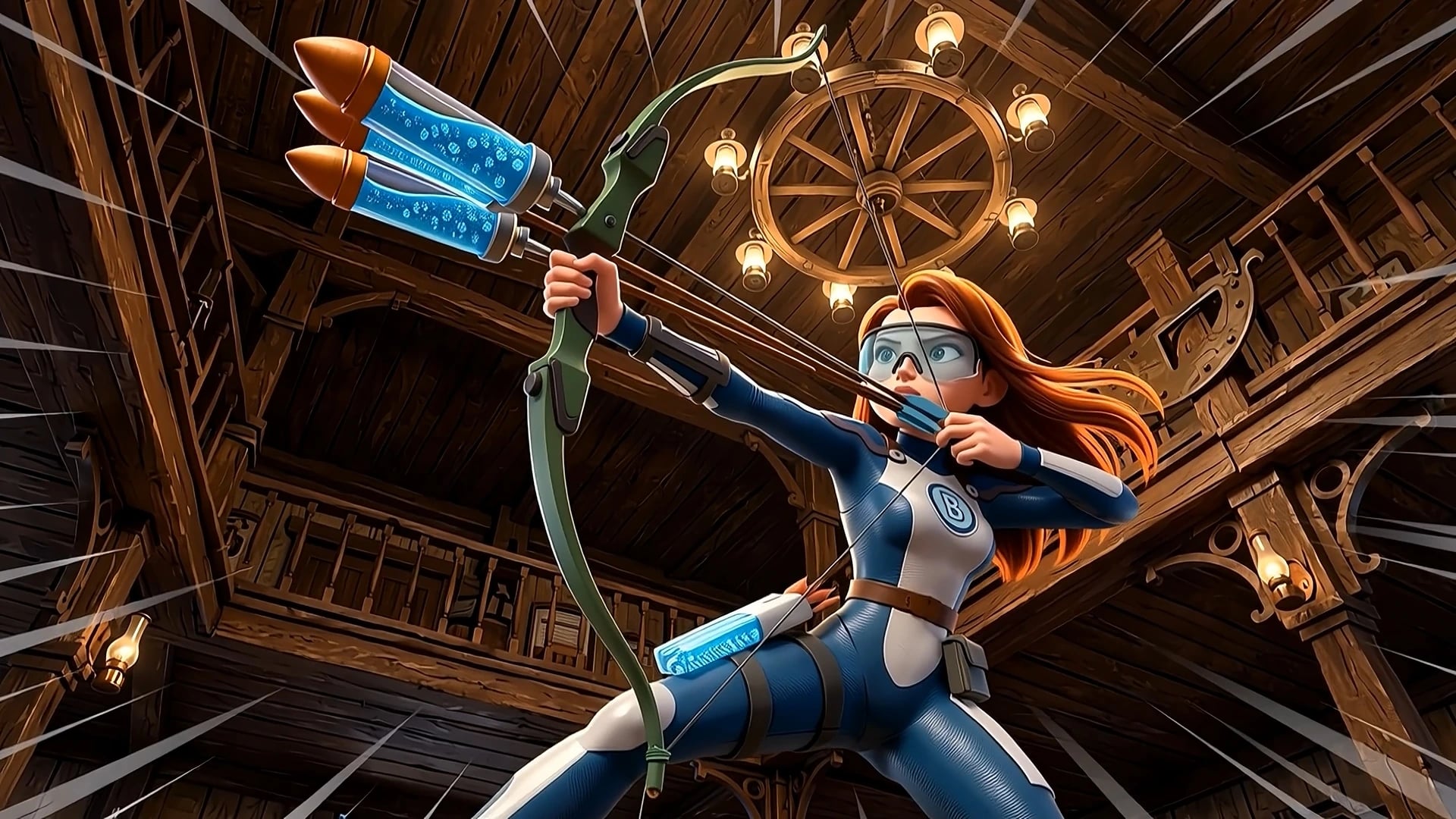
Boards usually start in AI storyboarding software before motion.
Comparison
Connected storyboard-to-video vs upload converters
Upload tools can animate panels quickly. Production platforms animate shots in a sequence and preserve the context behind each frame.
Capability
Ciaro Pro
Panel upload tools
Input
Script-linked shot cards
Loose image files
Context
Cast, scene, and notes
Limited to prompt or filename
Output
Timeline sequences
Single clip download
Continuity
Library references
Varies per upload
Next step
Edit, mix, and export
Import elsewhere
Who uses it
Who uses storyboard to video AI?
Teams that plan shots on paper or in software before committing to full animation or live action.
Previs and pitch
Show motion from boards for funding or client buy-in.
Animatic replacement
Faster moving story reels from approved designs.
Concept films
Turn boards into spec spots without a shoot.
Full sequences
Finish episodic or short-form work shot by shot.

Proof
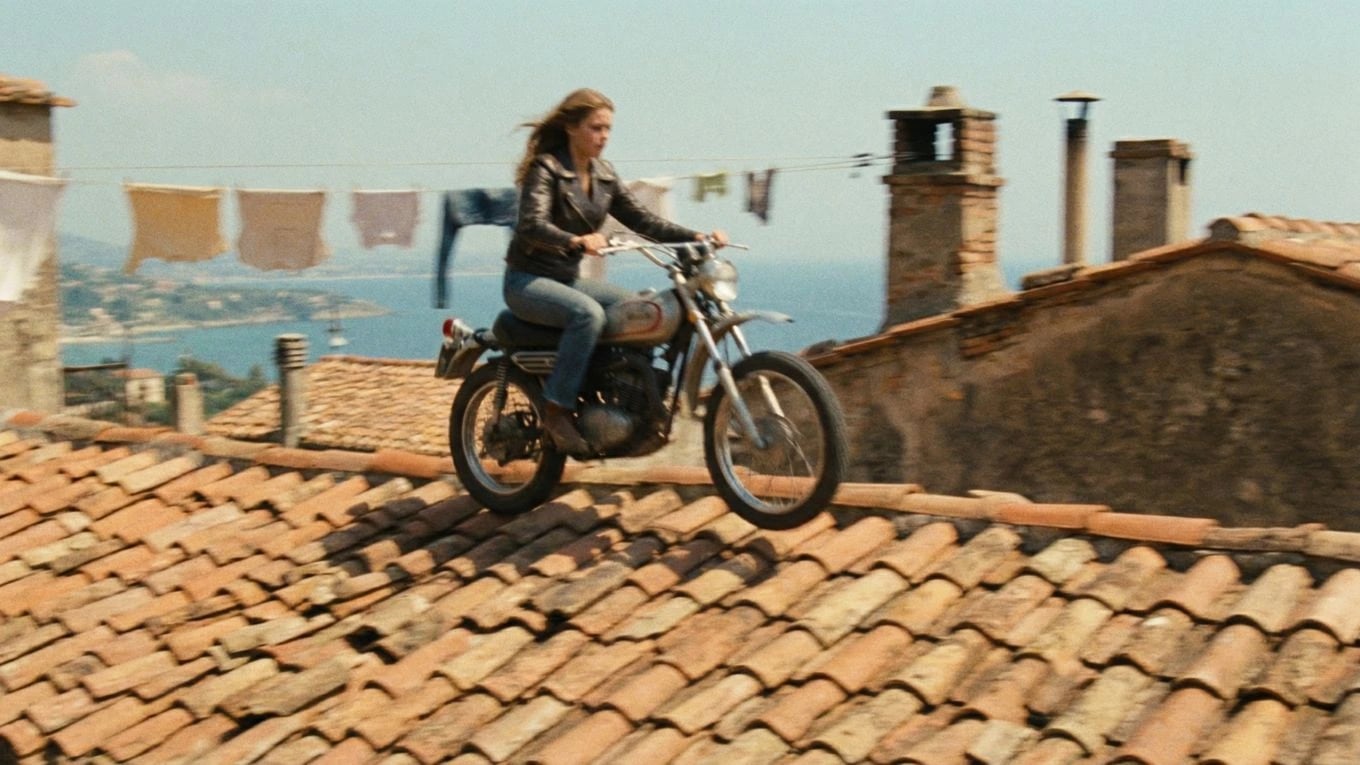
Boards that became the final cut
Ciaro Pro productions move approved frames into generated clips and editorial without rebuilding shot context at every step. Biome Brigade is the public example.
Shot-linked
Each clip generated from an approved board frame
Timeline
Sequences assembled in the production NLE
1 workflow
Boards, generation, and edit in one project
4 min
Finished episode runtime (Biome Brigade)
FAQ
Frequently asked questions
Can AI turn a storyboard into a video automatically?
Yes. Storyboard-to-video AI reads each panel—or shot card—and generates motion clips, often via image-to-video models. Quality improves when the tool knows scene context, cast references, and sequence order rather than treating uploads as unrelated files.
Is there free storyboard to video AI?
Several tools offer free tiers with limits on length, resolution, watermarking, or exports. They are useful for experimentation. Professional work usually also needs shot management, review, version history, and timeline export so generated clips can become a finished sequence.
What is the best storyboard to video AI?
The best tool depends on your deliverable. Quick social clips may only need an upload converter. Films, pitch videos, and campaigns benefit from software that links boards to scripts, characters, references, and editing so motion matches the approved plan.
How do you keep characters consistent in storyboard to video?
Use boards created with shared character references, then generate from those boards—not from fresh text prompts. Production software stores cast libraries and passes them into each image-to-video run automatically.
How do you turn a storyboard into video with AI?
Start with approved storyboard frames, attach shot notes and references, choose the motion intent, then generate each clip from the board frame. Review every take against the original board before placing selects on a timeline so the sequence stays coherent.
Do I still need an editor after AI storyboard to video?
Most projects still need pacing, audio, color, and finishing. Platforms with built-in timelines let you trim takes and order sequences; larger shows may export to DaVinci Resolve or Premiere for final polish.
Explore next
Related answers and features
Storyboard to video connects pre-production planning to the edit bay.
Animate the approved plan
Turn approved storyboard shots into clips on a timeline—with script and character context intact.