Storyboard-to-video AI para sa film production workflows
Gawing AI video clips ang storyboard frames nang hindi nawawala ang script, shot intent, characters, o sequence structure. Ikinokonekta ng Ciaro Pro ang script, storyboard, at video para ang bawat generation ay magsimula sa planned visual direction.
Connected production workflow
Script, shots, boards, generated clips, and edit timeline
Script
Shot
Storyboard
Video
Timeline
Isang storyboard-to-video production view: scenes, shot notes, board frames, image-to-video generations, selected takes, at timeline assembly sa iisang workspace.
Tulayin ang gap
Mas gumagana ang AI video kapag nangunguna ang storyboard
Ang pinakamahusay na storyboard-to-video AI workflow ay hindi nagsisimula sa blank prompt. Nagsisimula ito sa coverage, composition, timing, characters, locations, at dahilan para sa bawat shot.
Ang generic video generators ay puwedeng gumawa ng motion mula sa image, pero bihira nilang maintindihan kung saan nakaupo ang shot sa kwento. Kaya madalas na lumalayong multi-shot AI productions mula sa script, storyboard, o visual plan.
Pinapanatiling konektado ng Ciaro Pro ang storyboard frames sa scenes, shot notes, references, AI video generation, at editing para makalipat ang production mula board patungo sa motion nang may continuity.
When boards feed a full pipeline instead of one-off clips, teams stay closer to the film they planned. See how AI movie making software for structured productions keeps script, storyboard, generation, and edit in one workflow.
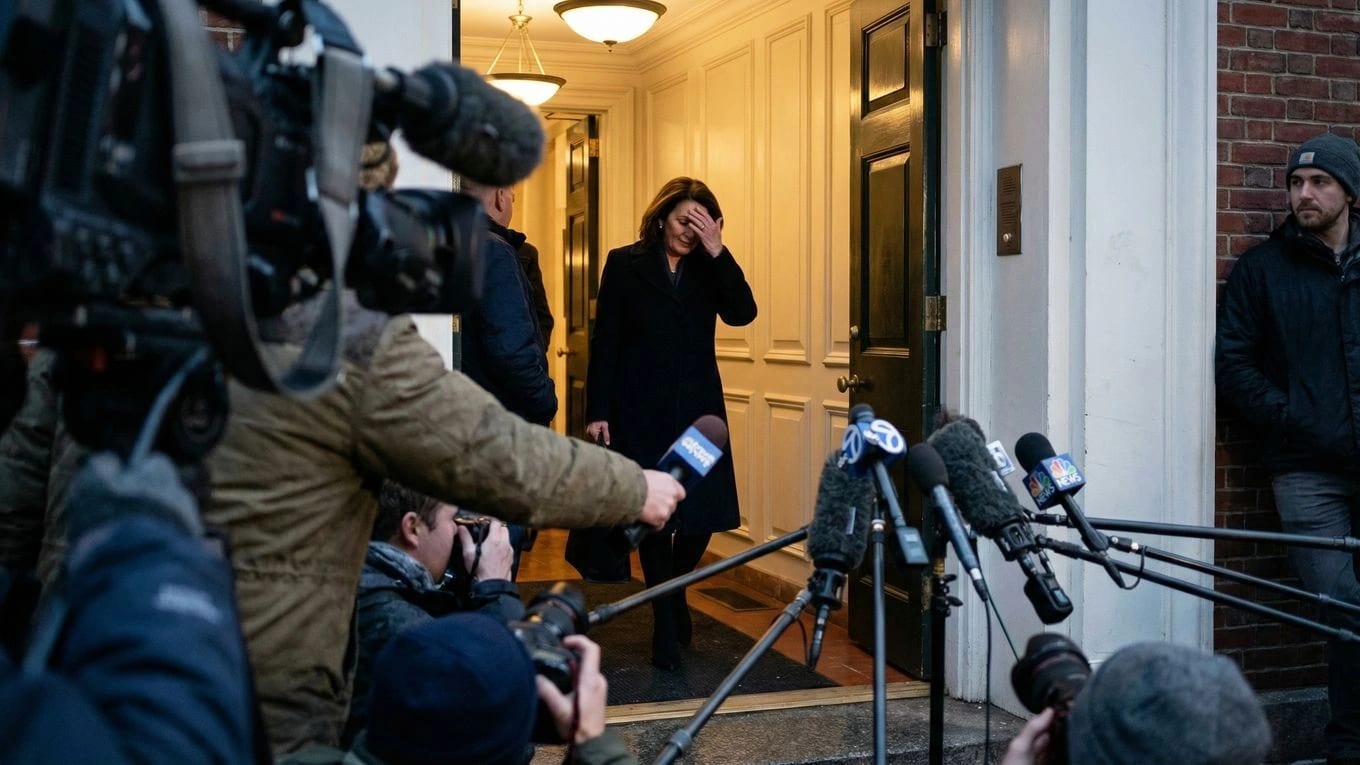

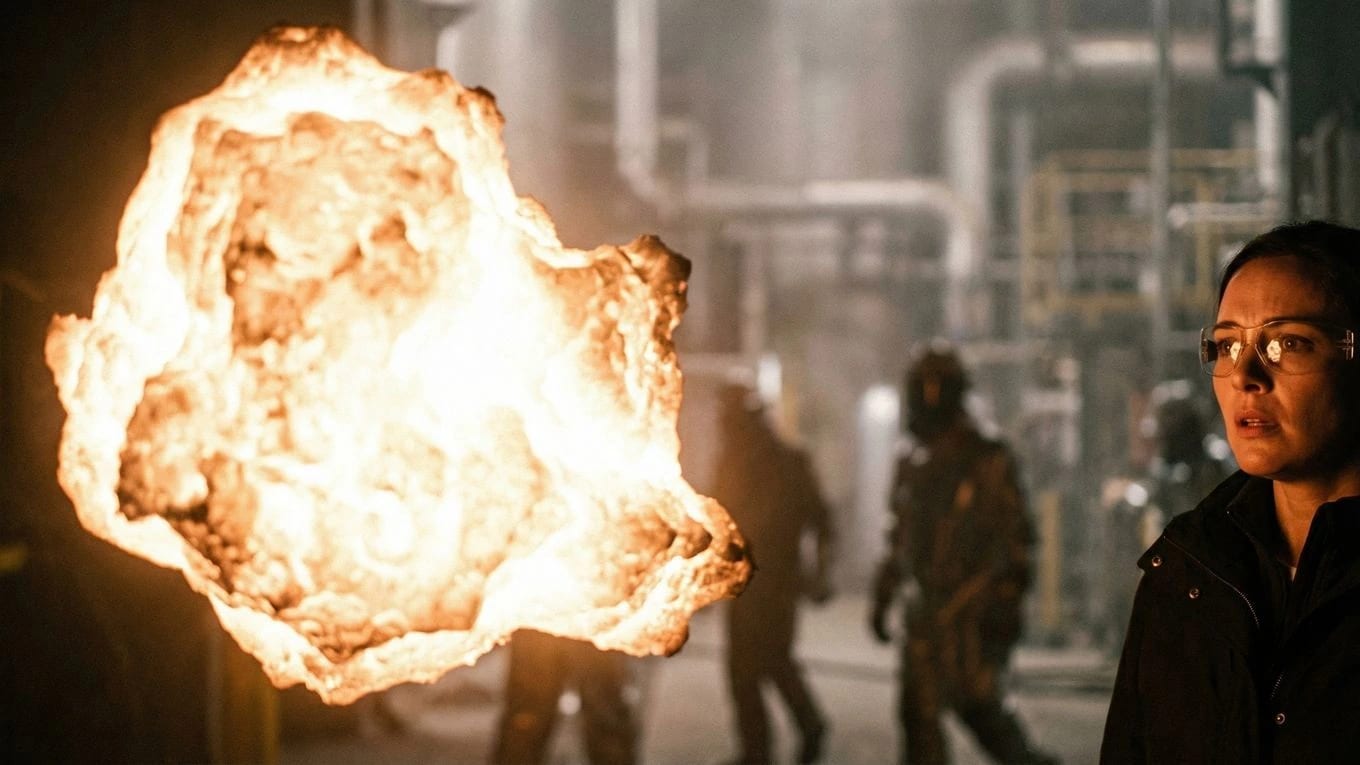

Magsimula sa script-linked boards
Bumuo ng storyboard frames mula sa scenes at shot plans para ang bawat image-to-video generation ay may story context, camera intent, at production notes.
Mag-generate ng clips mula sa approved frames
Gamitin ang storyboard frames bilang visual anchors para sa AI video generation sa halip na hilingin sa model na imbentuhin ang buong shot mula sa wala.
I-assemble agad ang sequence
I-review ang generated takes sa context, ilagay ang mga ito sa timeline, at ayusin ang pacing habang nakikita pa rin ang storyboard at script.
Workflow
Mula script patungong storyboard at AI video
Ginagawang production pipeline ng Ciaro Pro ang storyboard-to-video AI — hindi isang one-off conversion. Planuhin ang shot, buuin ang frame, i-animate, suriin ang take, at i-edit ang sequence sa iisang lugar.
Storyboard-to-video only works when the board stays script-linked from the start. Explore storyboard software for film teams before you generate motion from planned frames.
I-import o isulat ang scene
Magsimula sa screenplay pages, scene outline, o production beat sheet bago mag-generate ng visuals.
Hatiin ang scene sa shots
Tukuyin ang coverage, camera angle, action, character presence, at visual references para sa bawat sandali.
Lumikha ng storyboard frames
Mag-generate o mag-refine ng boards para maging reviewable ang composition at continuity bago gumastos sa video.
Gawing video ang storyboard frames
Gumamit ng AI video generation mula sa planned frames, references, at shot notes para lumikha ng motion na sumusunod sa board.
Ikumpara ang takes sa board
Suriin kung pinapanatili ng generated clip ang action, framing, character continuity, at story intent.
I-edit ang sequence
Ilagay ang napiling takes sa timeline at ayusin ang pacing habang may access pa rin sa orihinal na storyboard.
Mag-iterate nang hindi nawawala ang context
Mag-regenerate ng frames o clips mula sa parehong production context sa halip na muling buuin ang prompts mula sa memorya.
Production bridge
Binuo para sa storyboard video generator workflows
Script to storyboard to video
Scene-linked shot planning
Storyboard frames na nakatali sa screenplay context
Board-to-motion workflow para sa multi-shot sequences
AI storyboard to animation
Image-to-video generation mula sa board frames
Motion iterations nang hindi nawawala ang visual intent
Continuity checks bago ang final assembly
Gawing video AI ang storyboard
Mag-generate ng clips mula sa approved frames
Panatilihing naka-attach ang characters, locations, at references
I-review ang takes katabi ng shot plan
Sequence editing
Timeline assembly para sa generated shots
Clip review at selection
Export-ready structure para sa short films at pilots
Best SEO wedge
Para sa filmmakers na lumilipat mula pre-production patungong AI video
Ang storyboard-to-video AI ang natural na tulay sa pagitan ng pre-production at generation. Ang Ciaro Pro ay binuo para sa mga creator na gustong AI motion pero kailangan pa rin ng disiplina ng boards, scenes, shots, at editorial review.
Gamitin ito para sa pitch sequences, animated pilots, previs, music videos, commercial concepts, short films, at AI-assisted scenes kung saan dapat gabayan ng storyboard ang video sa halip na mawala kapag nagsimula na ang generation.
Continuity
Panatilihing buhay ang storyboard pagkatapos magsimula ang generation
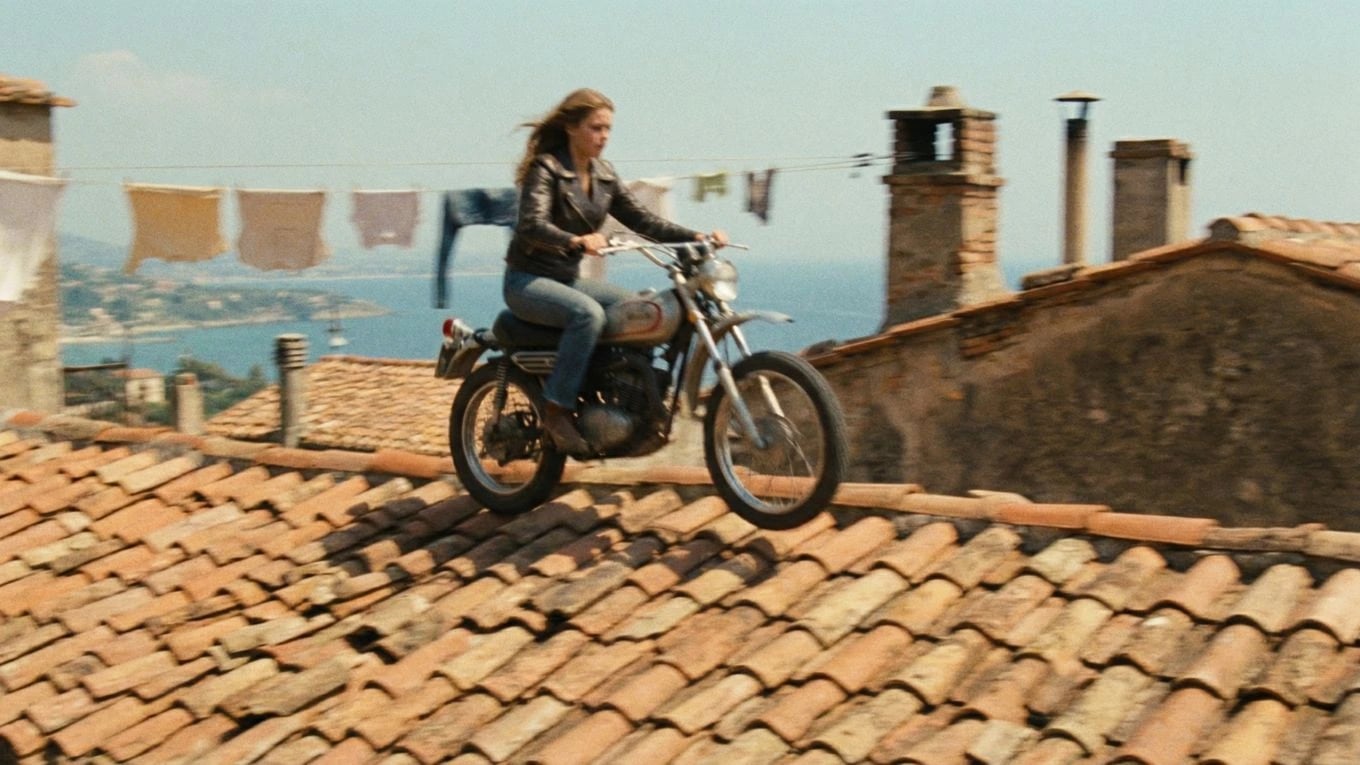
Ang storyboard ay dapat manatiling reference point para sa framing, action, pacing, at continuity. Ikinokonekta ng Ciaro Pro ang bawat generated video sa board frame at shot context para mahusgahan ng team kung pinaglilingkuran ng clip ang planned sequence.
Connected production workflow
Script, shots, boards, generated clips, and edit timeline
Script
Shot
Storyboard
Video
Timeline
Isang continuity review board na nagkukumpara ng storyboard frames, generated video stills, notes, at timeline placement para sa multi-shot sequence.
Ciaro Pro vs converters
Higit pa sa isang storyboard video generator
Ang simpleng storyboard video generator ay puwedeng i-animate ang isang frame. Kailangan ng production workflow na manatiling konektado ang script, shot list, board, generated media, at edit.
Ang Ciaro Pro ay dinisenyo para sa buong tulay mula storyboard at pre-production patungong AI video generation, na handa ang timeline para sa agarang review at assembly.
Capability
Ciaro Pro
Typical generator
Script context
Konektado sa scenes at shots
Madalas na wala
Storyboard frames
Ginagamit bilang generation anchors
Karaniwang isa-isa ang upload
Shot notes
Naka-attach sa bawat board at clip
Mano-mano ulit isinusulat
Continuity review
Board, take, at timeline sa context
Hiwalay sa editing
Multi-shot sequences
Binuo para sa scenes at episodes
Optimized para sa isolated clips
Internal workflow
Nagli-link sa script, storyboard, production, at showcase pages
Walang production system

Case study
Boards, AI shots, at final edit sa iisang pipeline
Ipinapakita ng Biome Brigade Episode 1 ang parehong storyboard-to-video logic: planuhin ang kwento, lumikha ng boards, mag-generate ng AI-assisted shots, at i-assemble ang final sequence sa loob ng structured production workflow.
Internal links
Galugarin ang konektadong production workflow
Nasa pagitan ng storyboard, production, filmmaking, at full AI video production software pages ang storyboard-to-video AI.
FAQ
Mga karaniwang tanong tungkol sa storyboard-to-video AI
Puwede bang gawing video ng Ciaro Pro ang storyboard gamit ang AI?
Oo. Sinusuportahan ng Ciaro Pro ang storyboard-to-video workflow kung saan gumagabay ang planned frames, shot notes, characters, at scene context sa AI video generation at timeline assembly.
Pareho ba ito ng image-to-video AI?
Ang image-to-video ay isang capability. Dinadagdag ng Ciaro Pro ang production structure sa palibot nito: script context, shot planning, storyboard review, generated takes, at editing.
Puwede ba akong mag-mula script hanggang storyboard hanggang video?
Oo. Magsimula sa script o scene outline, planuhin ang shots, lumikha ng storyboard frames, mag-generate ng video clips mula sa mga frame na iyon, at i-assemble ang resulta sa timeline.
Para kanino pinakamainam ang storyboard-to-video AI?
Pinakamalakas ito para sa filmmakers, animators, agencies, at creators na gumagawa ng multi-shot sequences kung saan mas mahalaga ang story continuity kaysa sa isang isolated clip.
Pinapalitan ba ng Ciaro Pro ang traditional storyboarding?
Hindi. Pinapalapit nito ang storyboarding sa AI production sa pamamagitan ng pagpapanatiling naka-link ang boards sa generation at editing sa halip na ituring silang disposable references.
Lumipat mula storyboard patungong AI video nang may structure
Lumikha ng boards, mag-generate ng motion, at i-edit ang sequence nang hindi nawawala ang script o shot plan. Gamitin ang Ciaro Pro bilang tulay sa pagitan ng pre-production at AI video.
Ang iyong pangitain. Bawat frame.
Simulan ang paggawa ng story mo ngayon. Libre sa umpisa, pero sapat na malakas para sa production.