AI Movie Making Software para sa Structured Film Production
Magplano ng scenes, mag-generate ng shots, panatilihin ang character consistency, gumawa ng AI video clips, at mag-edit ng productions sa isang structured filmmaking workflow. Ang Ciaro Pro ay hindi lang isa pang prompt-to-video generator — filmmaking infrastructure ito para sa story-driven work.
Connected production workflow
Script, scenes, shots, boards, clips, and timeline
Script
Scene
Shot
Storyboard
Timeline
Isang konektadong production view: screenplay structure, scene planning, shot design, storyboard frames, generated clips, at timeline assembly sa isang filmmaking workspace.
Hindi lang prompting
Kailangan ng Structure ang AI Movie Making
Karamihan sa AI movie generators ay gumagawa ng hiwalay na clips. Kapaki-pakinabang iyon para mag-eksperimento, pero hindi sapat kapag gumagawa ka ng pelikula, episode, trailer, pitch sequence, o multi-shot story.
Ang tunay na filmmaking ay umaasa sa continuity, shot planning, scene structure, references, iteration, editing, at timeline control. Kung walang structure na iyon, bawat generation ay bagong hula.
Binibigyang-bagong kahulugan ng Ciaro Pro ang AI movie making bilang production workflow: script, scene, shot, storyboard, generation, at edit ay nananatiling konektado para manatili ang creative intent sa buong project.
Movie-scale work needs the same control as director-led productions. Compare AI filmmaking software for directors when you need script-to-screen authority pages.
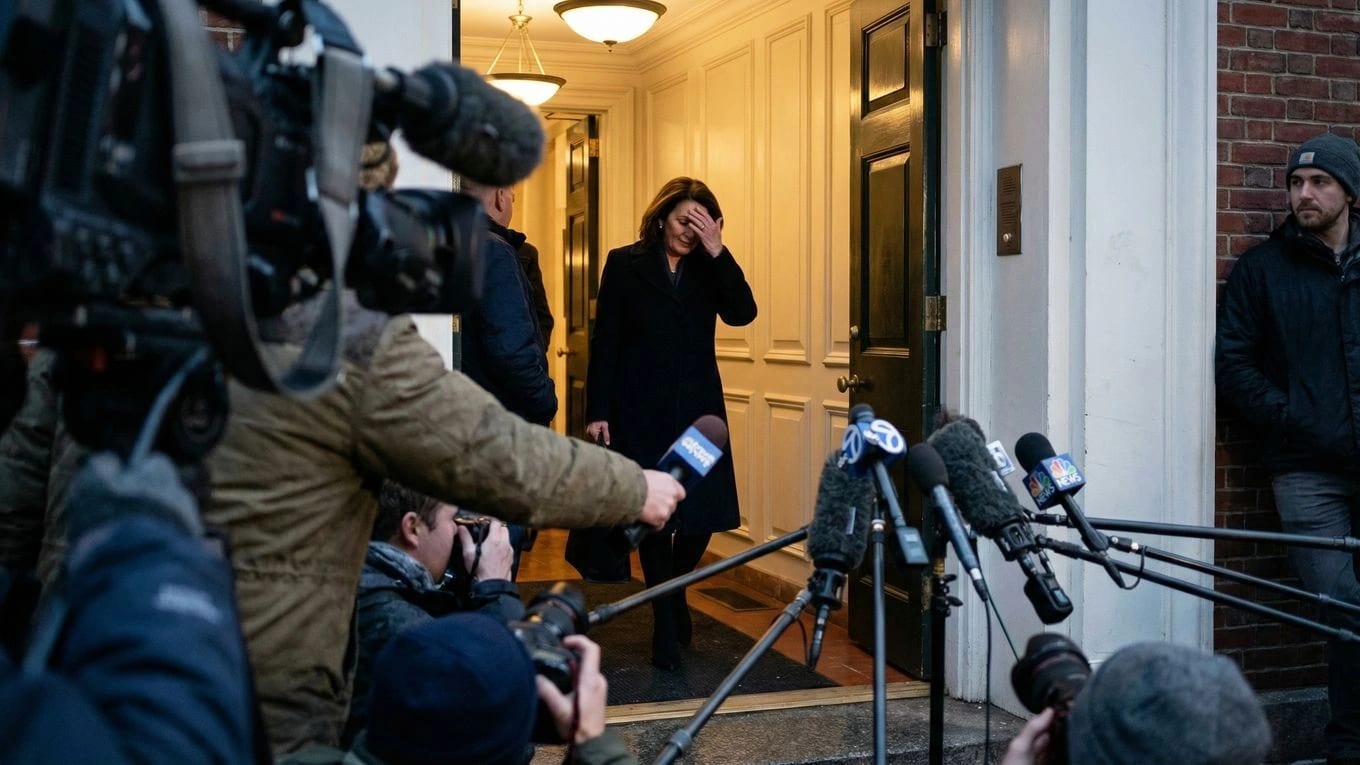
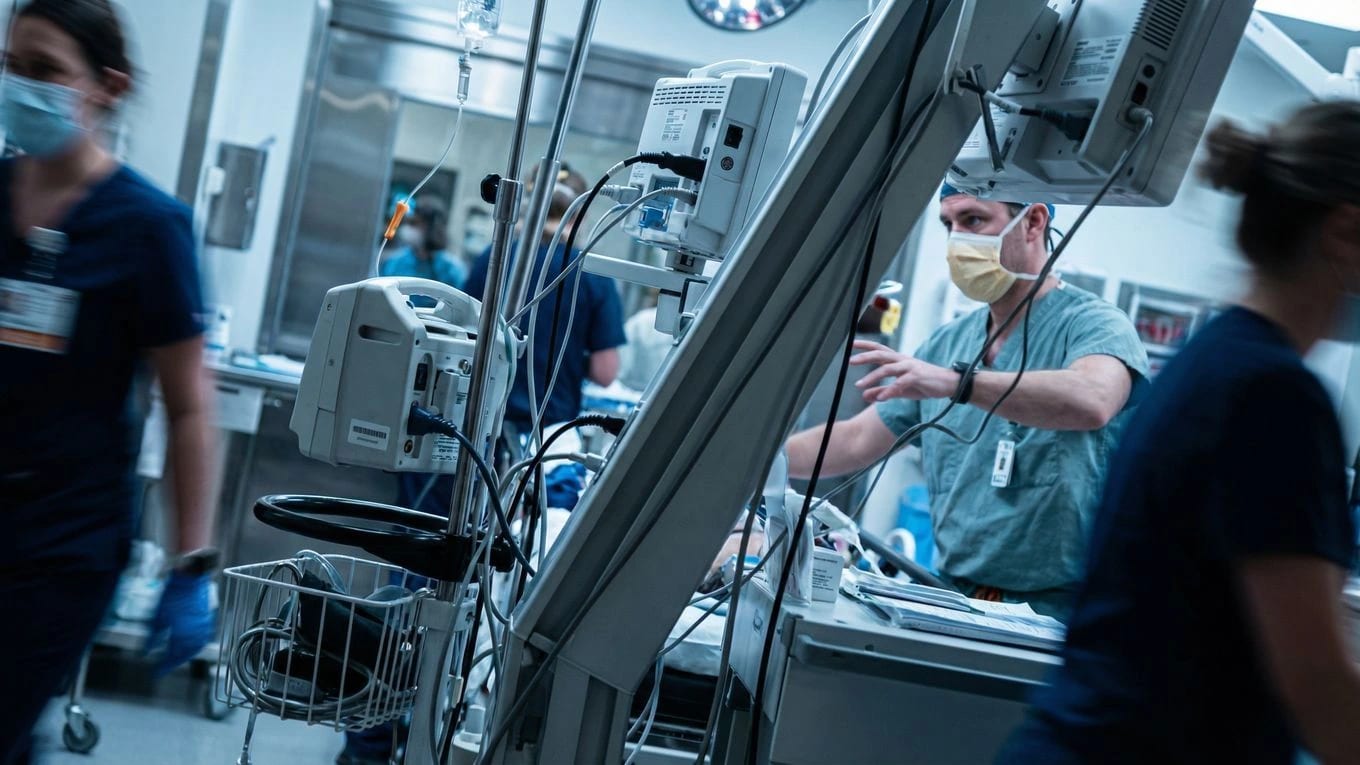
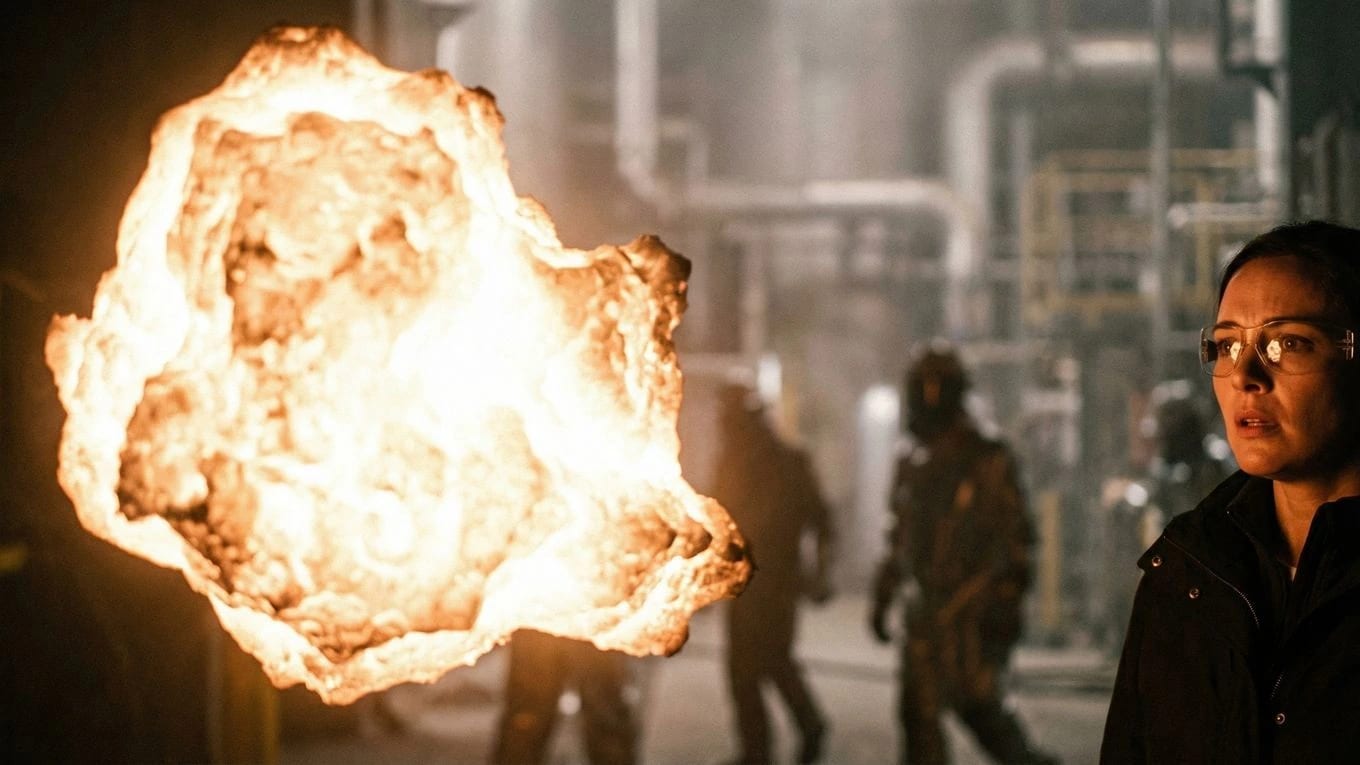

Isulat at istraktura ang pelikula
Mag-develop ng screenplays at scenes sa writing workspace na naka-link sa shots, characters, at production planning — hindi hiwalay na doc export.
Magplano at mag-storyboard bago mag-generate
Gawing shots at boards ang mga scene para malinaw ang coverage, pacing, at visual intent bago gumastos ng credits sa AI video generation.
Mag-generate, mag-review, at mag-edit sa iisang lugar
Gumawa ng AI video mula sa approved frames, mag-assemble ng sequences sa timeline, at i-refine ang timing nang hindi nawawala ang script at storyboard context.
Workflow
Ang AI Filmmaking Workflow
Ang video generation ay isang yugto lang. Ikinokonekta ng Ciaro Pro ang production pipeline sa paligid nito — mula script at shot planning hanggang storyboards, consistent clips, timeline assembly, at export.
After shots are planned, motion should follow the board. See the storyboard to video AI workflow that keeps frames tied to generation.
Isulat o i-import ang script
Magsimula sa screenplay pages, scene outline, o existing story material sa halip na isang prompt.
I-detect ang scenes at magplano ng shots
Hatiin ang kwento sa scene units, shot ideas, coverage, camera intent, at production notes.
Mag-generate ng storyboard frames
Gumawa ng visual boards para ma-review ang pacing, composition, at continuity bago ang video generation.
Panatilihin ang character at world continuity
Dalhin ang approved characters, locations, references, at visual intent sa mga scene sa halip na magsimulang muli tuwing beses.
Mag-generate ng cinematic video clips
Gumamit ng AI video generation mula sa planned frames at references, na ang bawat clip ay nakatali sa mas malaking production.
Mag-assemble sa timeline
I-review ang takes, ayusin ang shots, i-refine ang timing, at bumuo ng sequences sa editing workspace na konektado sa project context.
I-export ang tapos na production
Mula concept hanggang reviewable film, animated episode, pitch sequence, o proof-of-concept nang hindi nawawala ang pipeline.
Mula script hanggang screen
Mga core feature na nakagrupo sa filmmaking
Script hanggang scene planning
Screenplay import at writing workflow
Scene structure at shot breakdowns
AI assistance para sa production planning
Storyboarding
Storyboard frame generation
Shot continuity at visual references
Camera planning bago ang video spend
AI video production
Image-to-video generation mula sa planned frames
Multi-model production options
Style at reference continuity sa mga shot
Timeline at editing
Production timeline para sa multi-shot projects
Clip management at review
Iterative cinematic assembly
Binuo para sa filmmakers
Idinisenyo para sa directors, indie studios, animators, at previsualization
Idinisenyo ang Ciaro Pro para sa filmmakers na kailangan ng structure, consistency, at production control — hindi lang hiwalay na AI generations.
Gamitin ito para sa independent films, animated pilots, pitch sequences, concept trailers, music-driven visuals, previs, branded stories, at maagang production experiments kung saan mahalaga ang continuity.
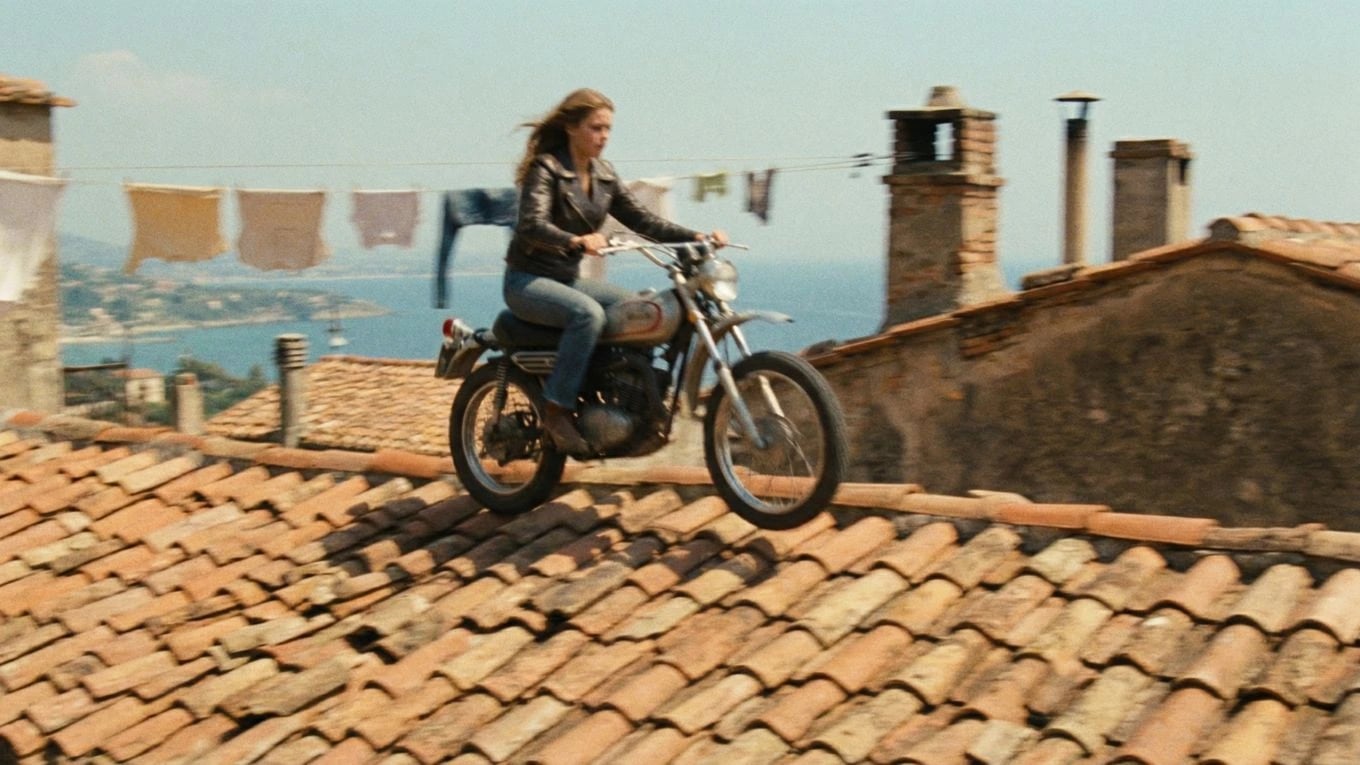
Continuity
Gumawa ng consistent na multi-shot stories
Ang pinakamahirap na bahagi ng AI filmmaking ay bihirang isang impressive shot. Ang pagpapanatili ng characters, worlds, visual language, at editorial intent na magkakaugnay sa maraming shot. Pinapanatili ng Ciaro Pro ang production decisions sa project para magsimula ang bawat generation may context.
Connected production workflow
Script, scenes, shots, boards, clips, and timeline
Script
Scene
Shot
Storyboard
Timeline
Isang continuity board view para i-align ang parehong character, location, visual references, at shot intent sa storyboard frames at generated video stills.
Ciaro Pro vs clip generators
Ciaro Pro vs traditional AI video tools
Kayang gumawa ng impressive clips ang Runway, Kling, Sora-style demos, at random generators. Pero kailangan ng film production ang planning, continuity, references, versioning, at editorial control sa paligid ng mga clip na iyon.
Pinapanatili ng Ciaro Pro ang scripts, storyboards, characters, locations, generated media, at edits sa isang workspace. Ang continuity na iyon ang nagiging tunay na filmmaking infrastructure.
Capability
Ciaro Pro
Typical generator
Scene at shot planning
Built into the production workflow
Karaniwang nasa labas ng tool
Storyboard workflow
Konektado sa script, shots, at video generation
Madalas wala o disconnected
Character at world continuity
Pinapanatili sa references at production context
Mahirap panatilihin sa mga clip
Timeline editing
Bahagi ng workflow
Karaniwang kailangan ng external editing software
Multi-shot projects
Idinisenyo para sa sequences, episodes, at films
Optimized para sa one-off clips
Creative control
Workflow-led at reviewable
Prompt-led at madalas unpredictable

Case study
Isang 4-minutong animated episode na ginawa ng isang operator
Ang Biome Brigade Episode 1 ay ginawa sa wala pang apat na linggo gamit ang AI-native workflow: script, storyboards, AI-assisted shots, at final edit sa isang production pipeline. Trabahong tradisyonal na kailangan ng mas malaking team ay naging posible para sa isang operator gamit ang structured software.
Explore the workflow
Supporting pages for AI movie production
This overview connects to the feature and proof pages that explain each stage of the pipeline in more detail.
FAQ
Karaniwang tanong tungkol sa AI movie making software
AI movie making software ba ang Ciaro Pro o AI video generator lang?
May parehong kakayahan, pero naka-organize ang produkto sa movie production: writing, planning, storyboards, generation, at editing ay konektado. Ino-optimize ng clip generators ang isang prompt; ino-optimize ng Ciaro Pro ang pelikulang umuunlad sa mga scene.
Puwede ba akong magsimula nang libre?
Oo. May buwanang credits ang libreng plan para magpatakbo ng tunay na project, mag-generate ng storyboard images, at gumawa ng maiikling clips bago mag-upgrade sa Pro para sa mas malaking buwanang capacity at unlimited solo projects.
Kailangan ba ng malaking team o studio?
Hindi. Ginagamit ng independent filmmakers, creators, at maliliit na team ang Ciaro Pro para mag-develop ng pitch material, proof-of-concept sequences, at animated o AI-assisted films nang walang tradisyonal na crew scale.
Paano ito naiiba sa generic AI video tools?
Nakatuon ang generic AI video tools sa pag-generate ng individual clips. Ikinokonekta ng Ciaro Pro ang writing, scene planning, storyboards, references, video generation, at editing para umunlad ang project bilang pelikula sa halip na koleksyon ng hindi kaugnay na outputs.
Maaari bang gawing AI movie ng Ciaro Pro ang isang script?
Sinusuportahan ng Ciaro Pro ang script-to-video workflow sa AI filmmaking: magsimula mula sa screenplay o scene outline, magplano ng shots, gumawa ng boards, mag-generate ng video clips, at i-assemble ang resulta sa timeline.
Magsimulang gumawa ng AI films na may structure
Magsulat, magplano, mag-storyboard, mag-generate, at mag-edit nang hindi nawawala ang kwento sa pagitan ng tools. Buksan ang Ciaro Pro at tingnan kung akma ang workflow sa susunod mong pelikula, animated pilot, o proof-of-concept.
Ang iyong pangitain. Bawat frame.
Simulan ang paggawa ng story mo ngayon. Libre sa umpisa, pero sapat na malakas para sa production.