AI lip sync software for film, animation, and character performance
Plenty of AI tools can make a character speak. Fewer help directors, animators, and editors get to the performance they actually want to keep. Voice work lives in timing, restraint, emphasis, and tone, which is why pure prompting usually feels unreliable once the scene matters.
Ciaro Pro keeps you in the director's seat. Design the voice, record directly on the timeline or import the take you want, then place it with frame accuracy and generate lip-synced video that follows the performance instead of fighting it.
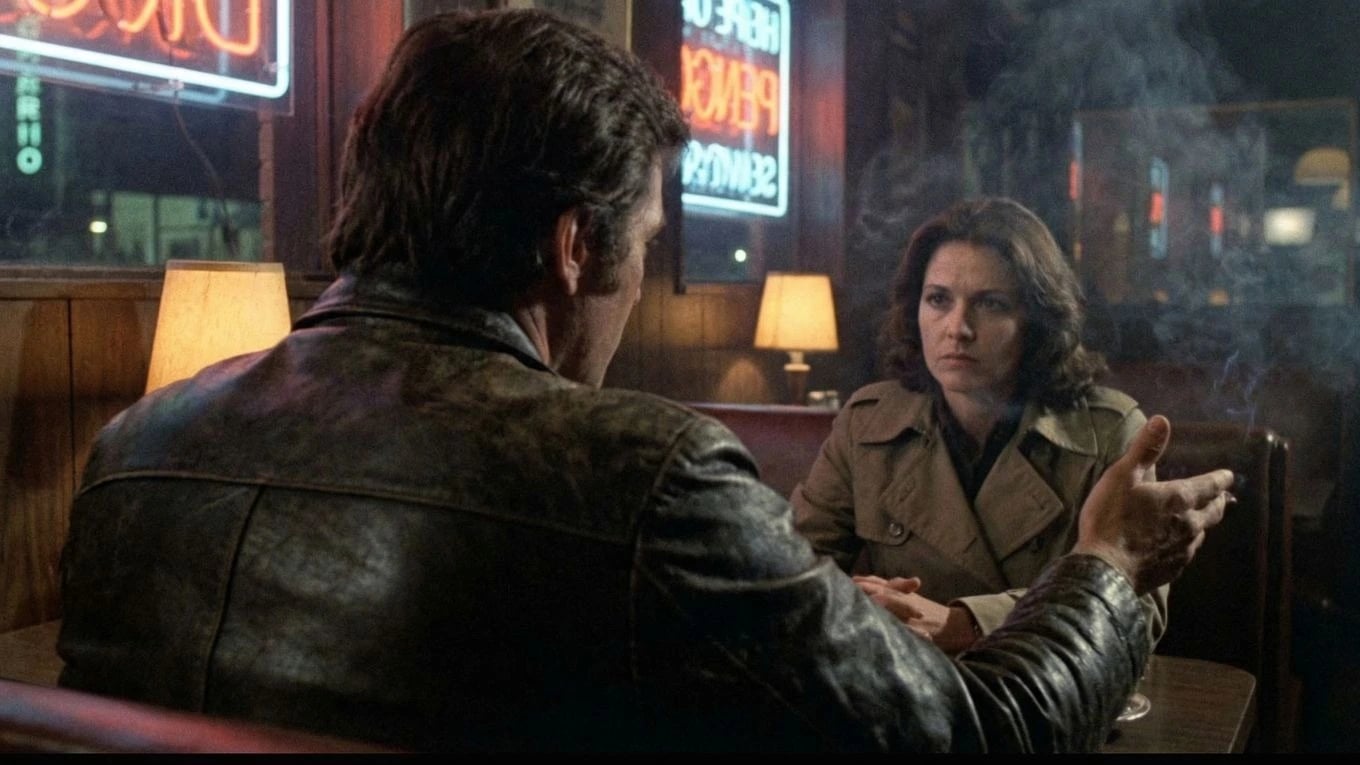
Voice design
Build the character voice before the scene
Start by shaping how the character sounds. Give them warmth, tension, awkwardness, authority, or edge before a single line is spoken, so the performance already has an identity when you move into the shot.
Dialogue performance matters most inside a connected production. See storyboard to video AI for script-linked scenes, boards, and edit.
Performance input
Use the exact vocal performance you want
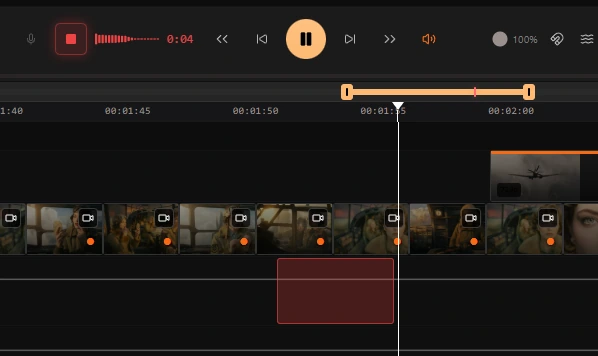
Record voice-over directly on the timeline or bring your own audio with the performance already captured. Keep the phrasing, breath, timing, and emotional nuance that generic text-driven speech generation usually washes out.
Voice Transfer
Your performance, your character's voice
Voice Transfer takes your recorded take and maps it onto the character's voice - preserving every nuance of the acting. The phrasing, breath, emphasis, and timing you put into the recording stays intact. Only the voice changes.
Lip Synch
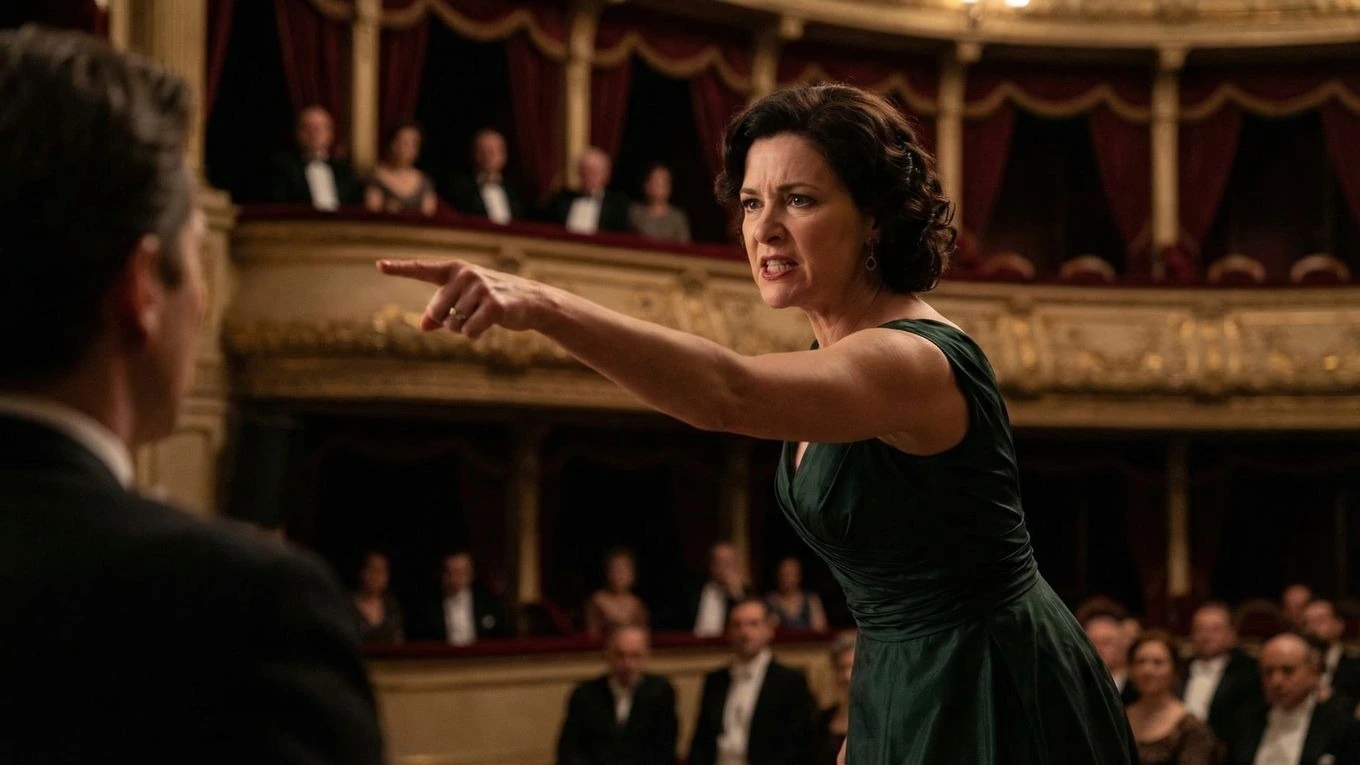
One click to a frame-accurate lip-synced shot
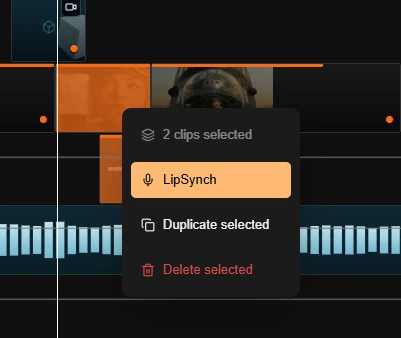
Once the audio is locked, generate a lip-synced video with a single click. The result follows the character's actual vocal performance frame by frame - no manual animation, no drift, no guesswork.
Voice-driven animation
Better speaking scenes start with performance control
Ciaro Pro is built for voice-driven character animation where the acting choice matters as much as the visuals. You design the character's voice and look together, preserve the phrasing you want, and turn the take into a speaking shot that feels directed rather than loosely generated.
That makes the feature much more useful for dialogue scenes, monologues, and character moments where timing and emphasis carry the story forward — shots that drop straight into the AI-powered NLE without leaving the platform.
Performance first
Keep the acting choice intact instead of accepting the flattened timing that generic speech generation often creates.
Frame-accurate speaking shots
Move from voice design to generated performance with much tighter control over the final result.
Workflow
A director-first lip sync pipeline for speaking performances
Design the voice first
Dial in the character's voice before you animate the scene, from broad tone and texture down to the smaller details that make a performance believable.
Use the take you actually want
Record voice-over directly on the timeline or bring your own finished audio file. Keep the nuance, timing, and acting choices that make the scene work.
Frame-accurate performance control
Turn that take into the character's voice, place it exactly where it belongs, and generate a lip-synced speaking shot with editorial precision.
Next
Keep going from here
More on storyboards, generation, and finishing—chosen for the page you are on.