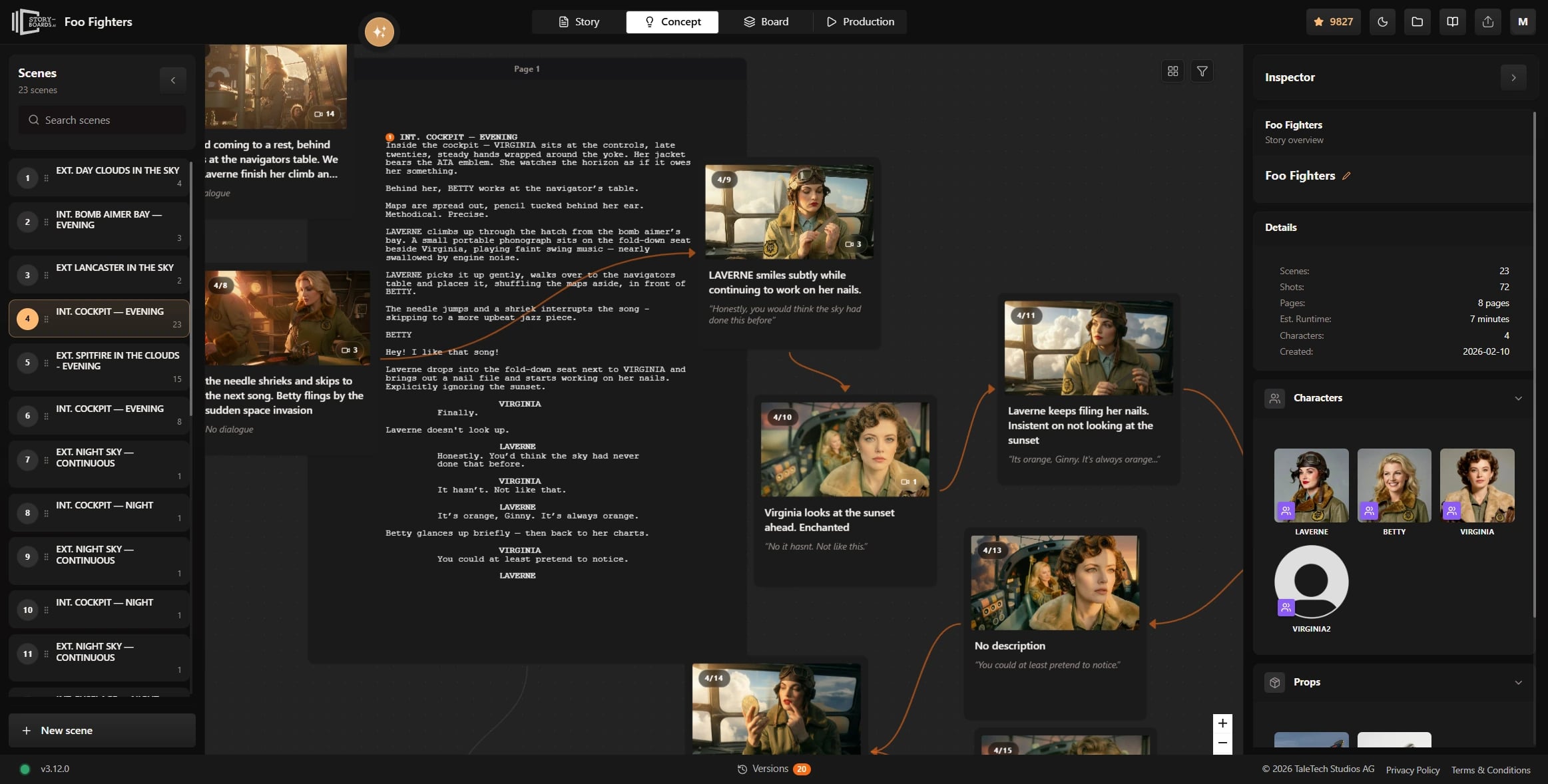
脚本关联镜头
每个镜头都绑定到你的剧本
点击任意镜头卡片即可看到对应剧本片段。即使改稿,概念图仍保持对齐。
Shot planning should happen while the story is still flexible. See how to plan an AI movie before generation starts with script-linked scenes and assets.
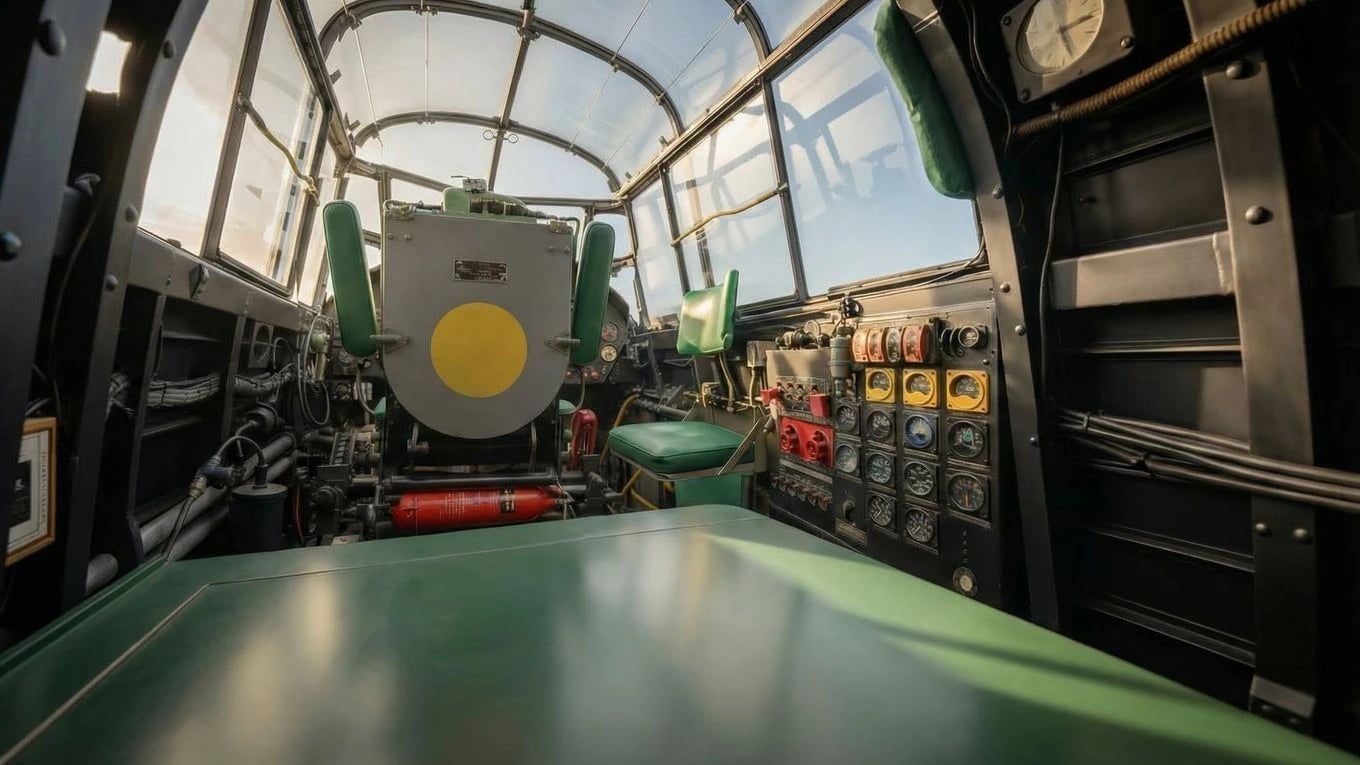
资产分配
角色、道具、背景——都在上下文中
Assign characters, props, and backgrounds directly to each shot so concept work flows straight into generation. No double entry, no disconnected references, no rebuilding the same decisions in three different places.
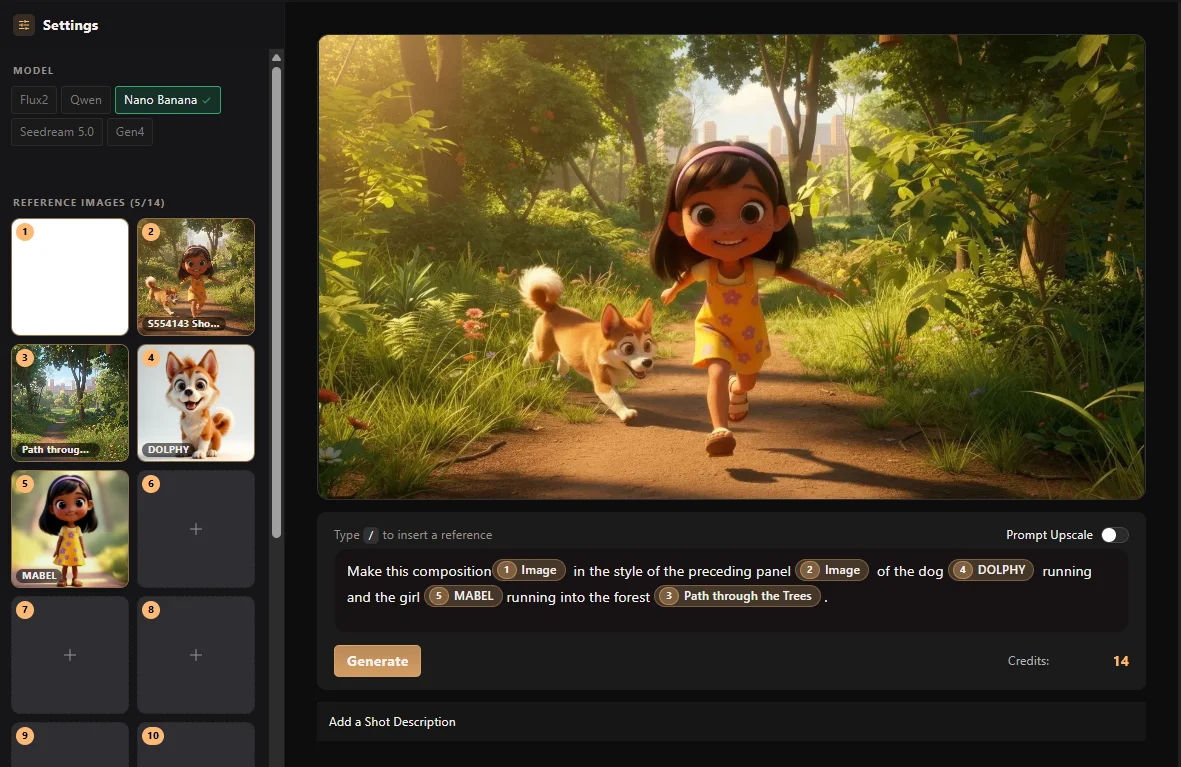
实时演示
探索概念图
通过平移和缩放查看概念图,理解场景、镜头和制作资产如何持续关联。
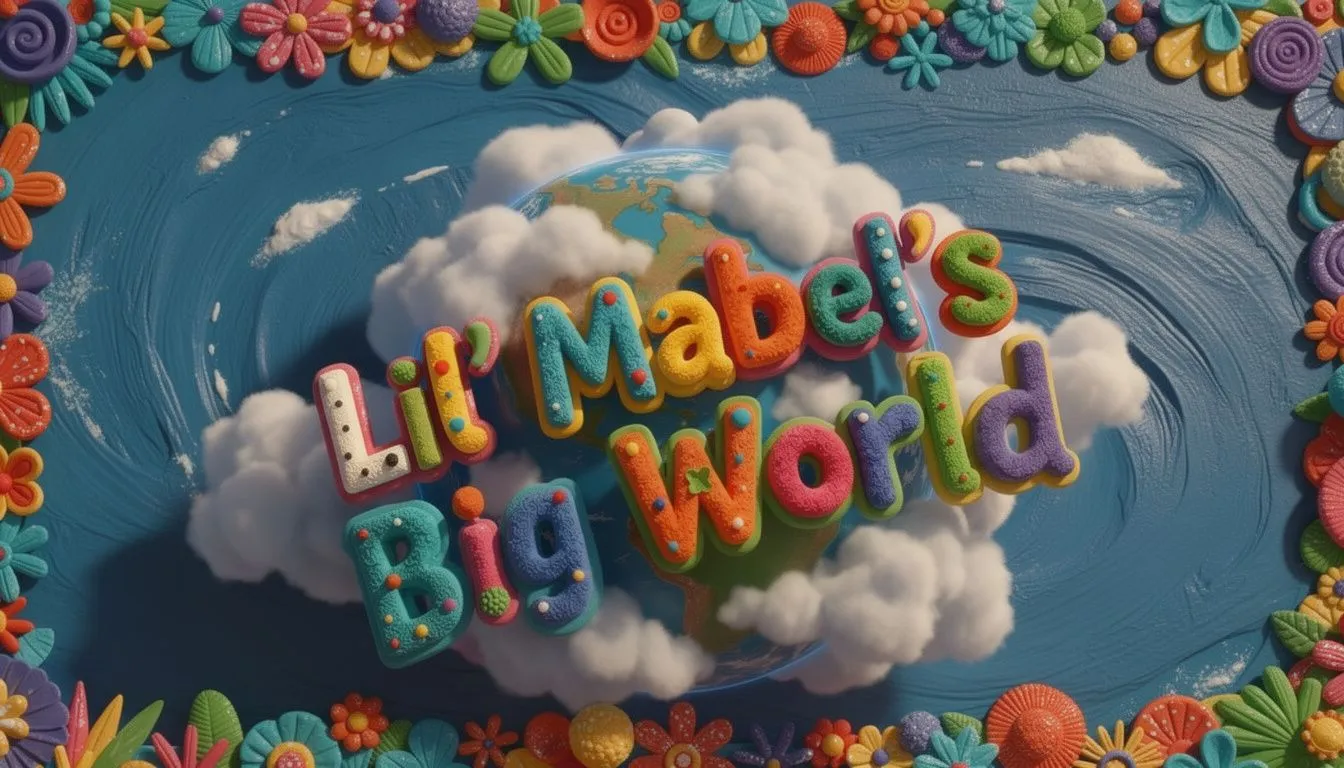
Title card. 'Little Mabel's Big World' logo animates over a spinning globe.
Diving through clouds. Camera descends toward a sunlit park below.

Wide Shot. The city sprawls below, quiet before dawn.
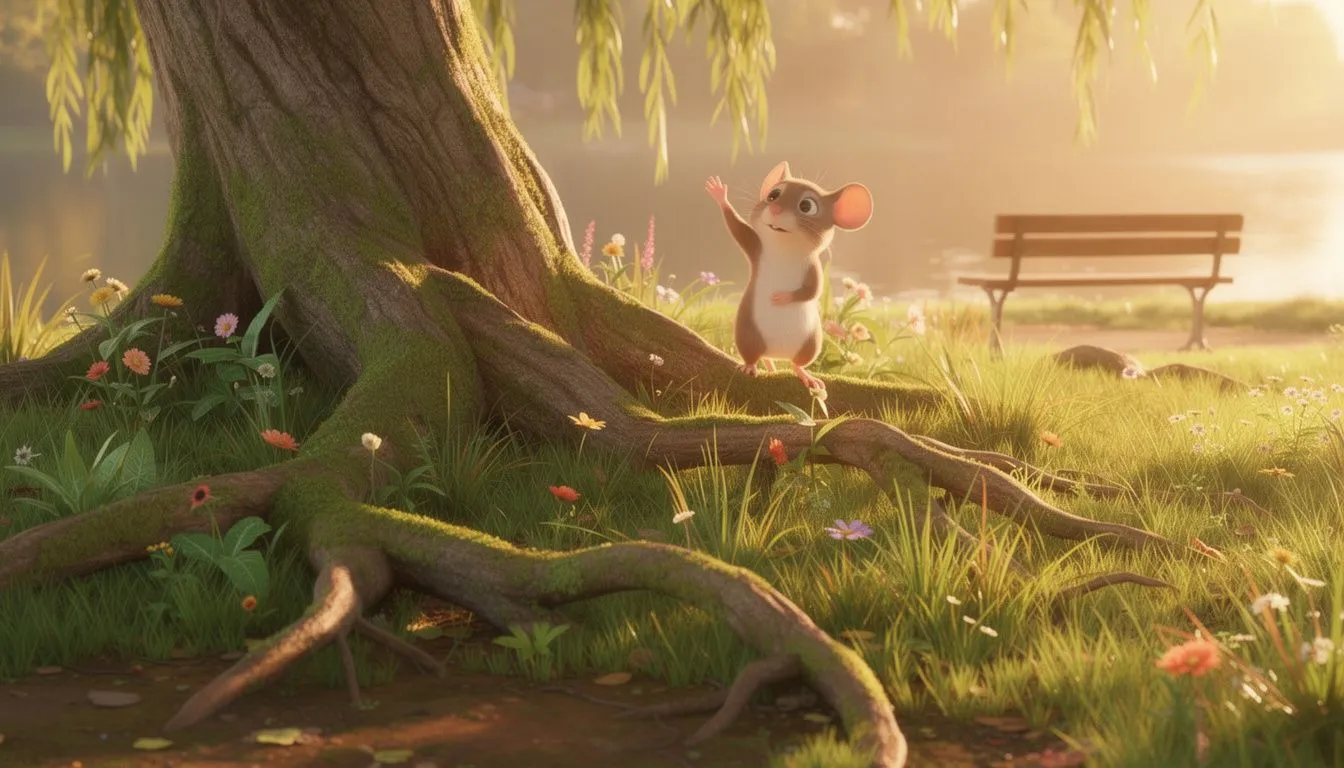
Close on a tree trunk. A tiny mouse peeks out from behind the bark.Wide shot.
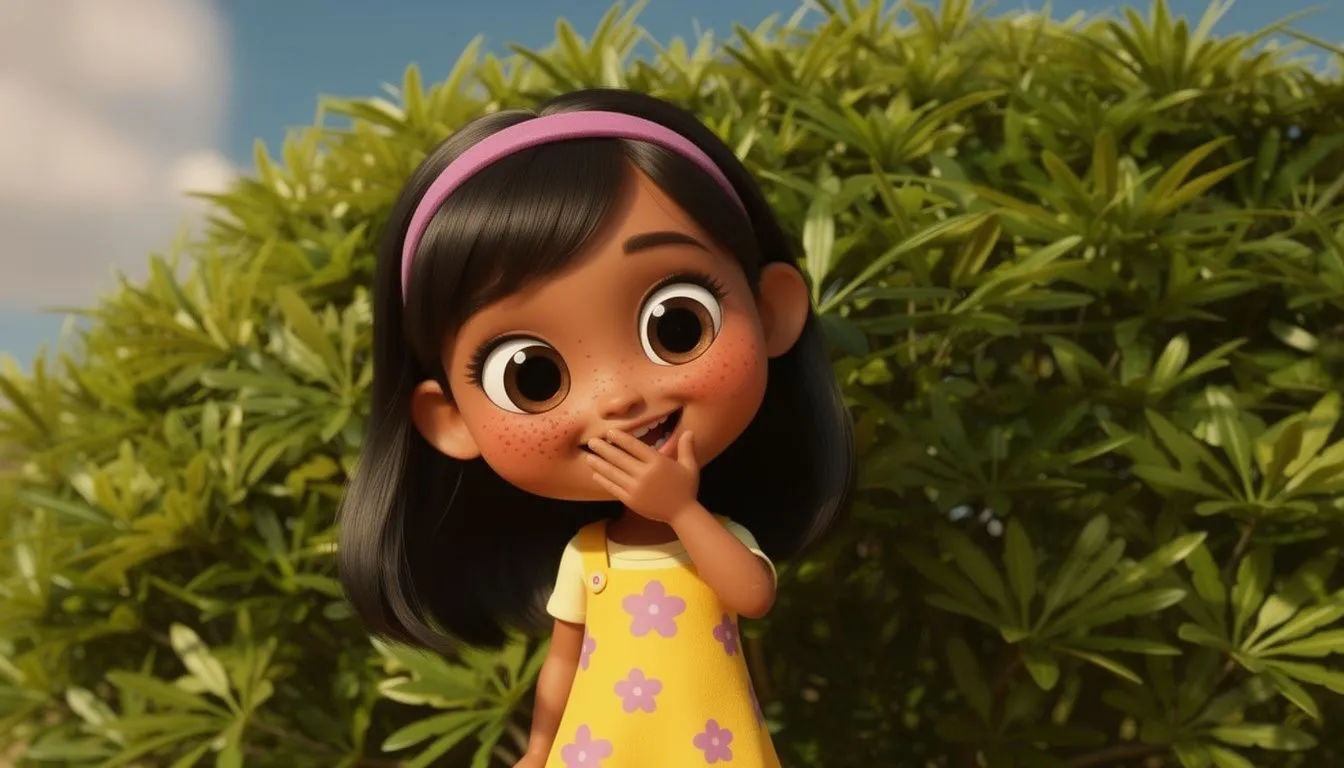
Close-up of Little Mabel laughing, eyes bright with wonder.
下一步
从这里继续
更多关于分镜、生成与成片的内容——按你当前所在的页面挑选。