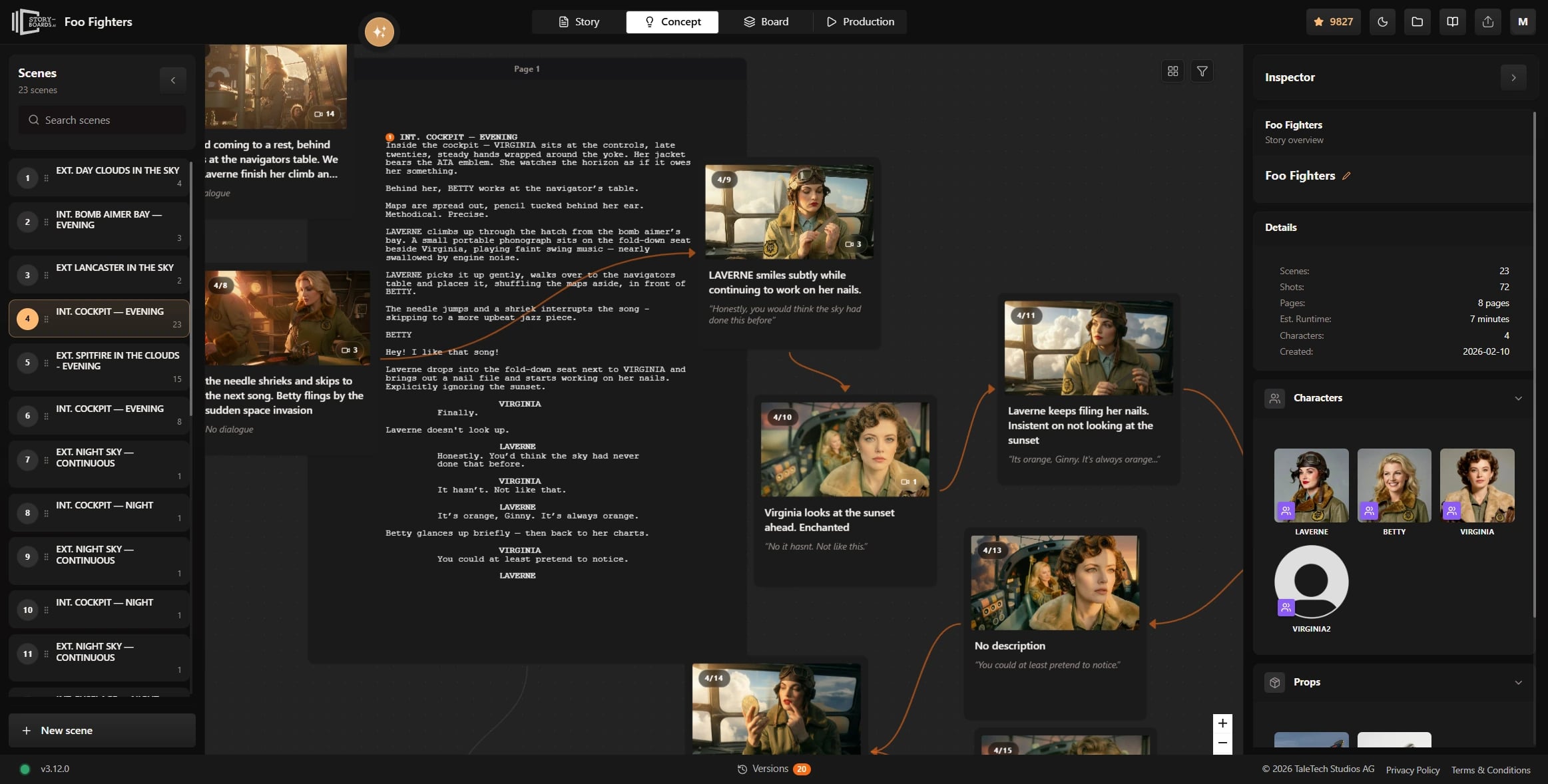
脚本連動ショット
すべてのショットを脚本に紐づける
Click any shot card and see the exact script moment behind it. Change the draft and the concept map stays aligned — so your shot planning never drifts away from the screenplay you are actually writing.
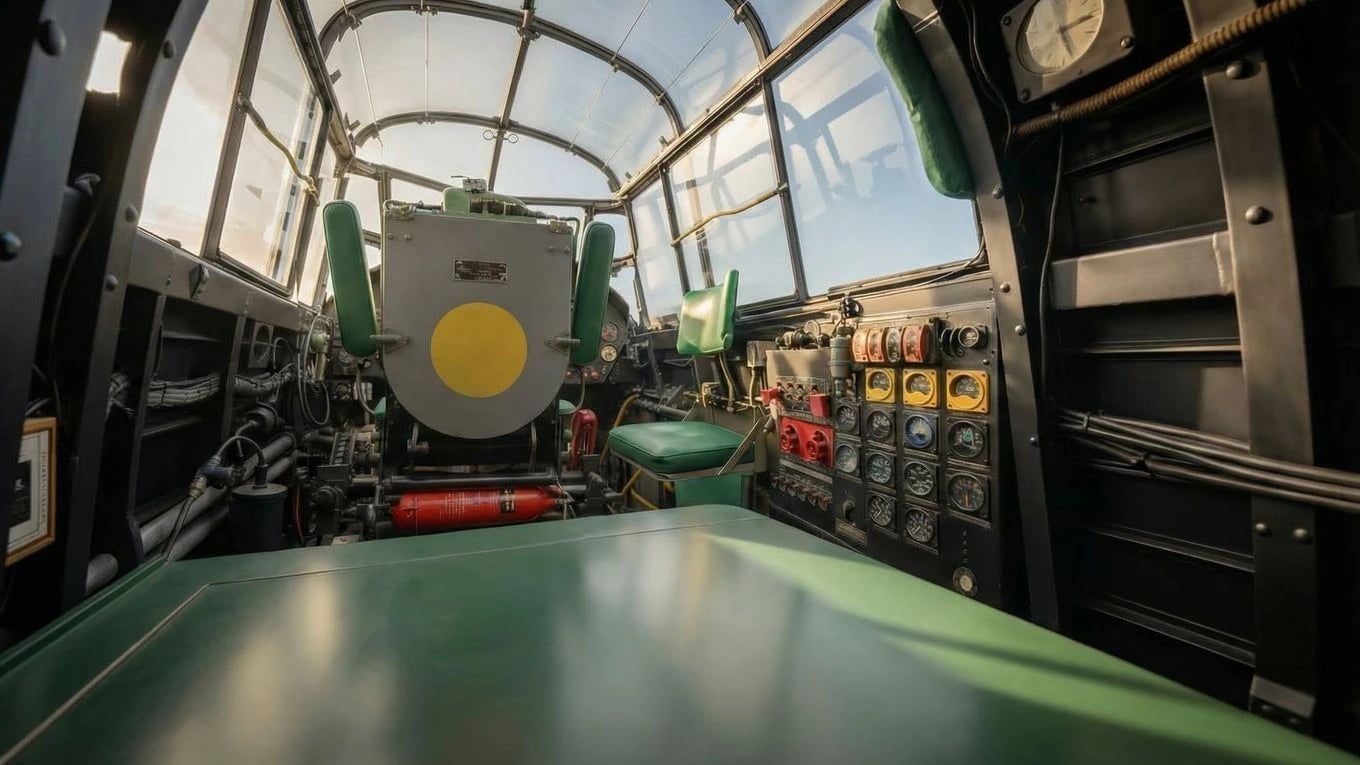
アセット割り当て
キャラクター・プロップ・背景を文脈で管理
Assign characters, props, and backgrounds directly to each shot so concept work flows straight into generation. No double entry, no disconnected references, no rebuilding the same decisions in three different places.
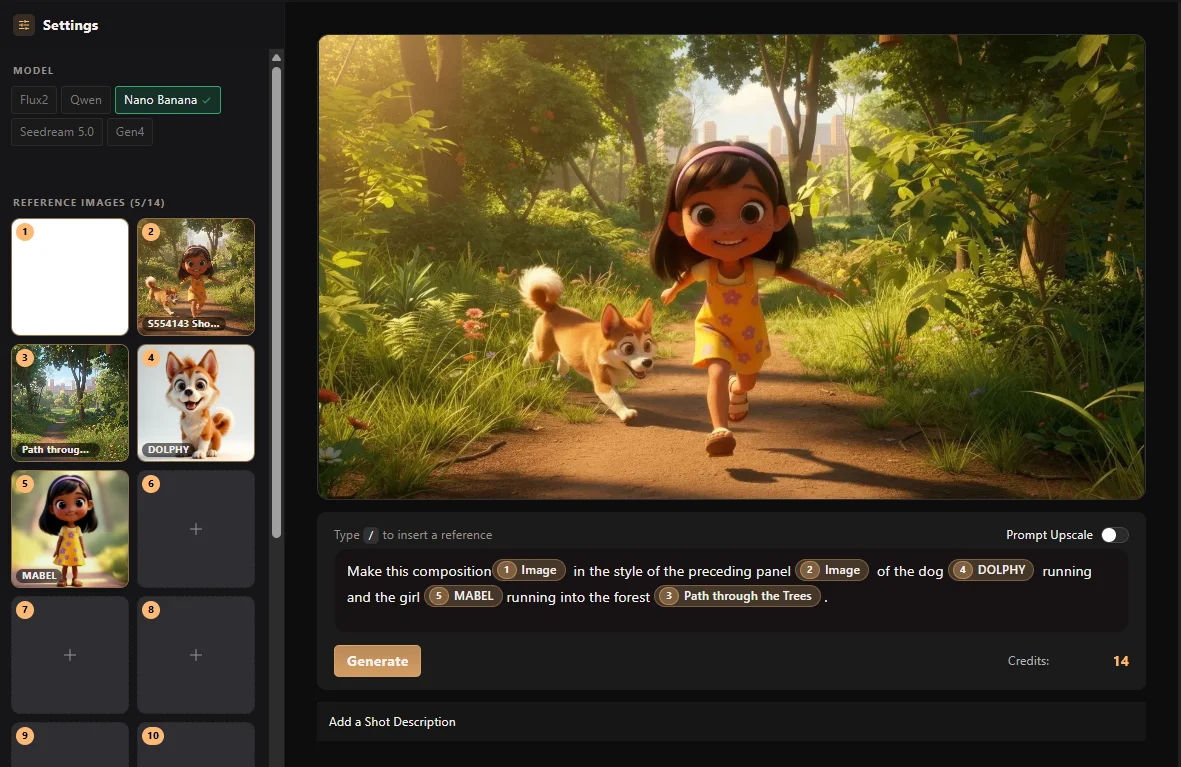
ライブデモ
コンセプトグラフを探索
コンセプトマップをパン・ズームして、シーン、ショット、制作アセットがワークフロー内でどう接続されるかを確認できます。

Title card. 'Little Mabel's Big World' logo animates over a spinning globe.

Diving through clouds. Camera descends toward a sunlit park below.

Wide Shot. The city sprawls below, quiet before dawn.
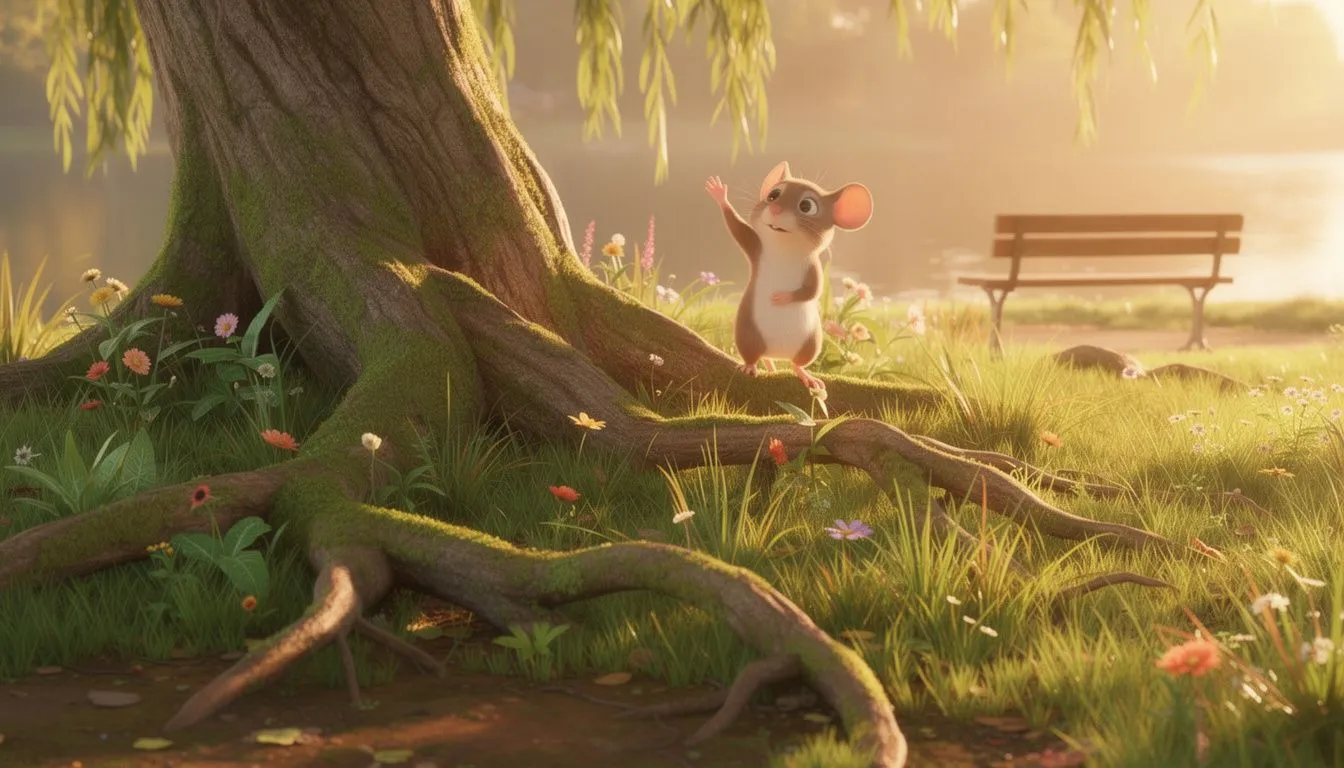
Close on a tree trunk. A tiny mouse peeks out from behind the bark.Wide shot.

Close-up of Little Mabel laughing, eyes bright with wonder.
Next to explore
Related workflows to continue with
Open connected Ciaro pages to compare capabilities and shape your production pipeline.