演出されたパフォーマンスのための AI リップシンク
キャラクターを喋らせる AI ツールは多くありますが、残したい演技へ到達できるものは多くありません。音声演技はタイミング、抑制、強調、トーンで成立するため、純粋なプロンプト依存は重要シーンほど不安定です。
Ciaro Pro は演出主導を維持します。声を設計し、タイムライン録音または take 取り込みを行い、フレーム精度で配置して、演技に追従する lip-sync 映像を生成できます。
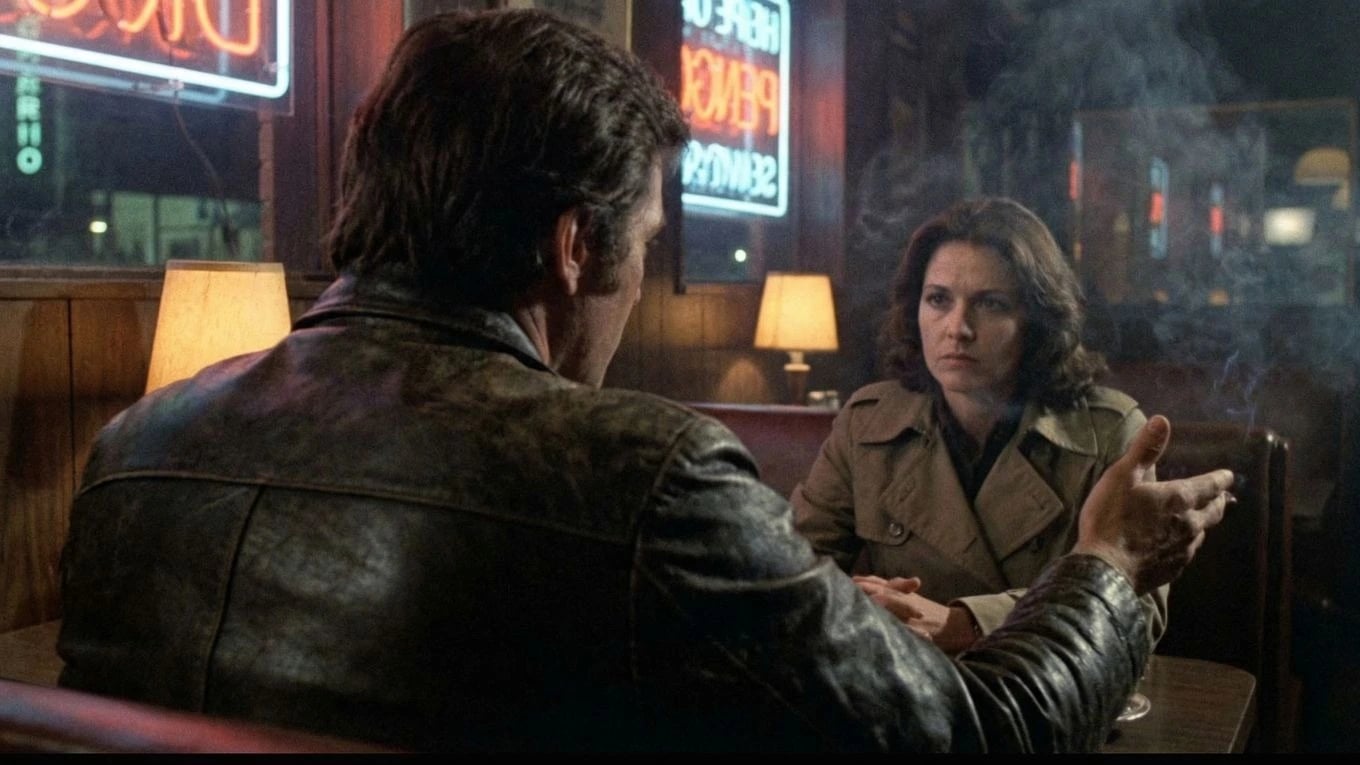
声の設計
シーン前に声を作る
まず人物の声質を設計します。温かさ、緊張、ぎこちなさ、権威、エッジを台詞前に定義し、ショット段階で既に演技の核を持たせます。
パフォーマンス入力
必要な演技選択をそのまま使う
タイムラインで直接ボイスオーバー録音、または完成音声を取り込み。汎用生成で失われがちな言い回し、呼吸、タイミング、感情ニュアンスを保持します。
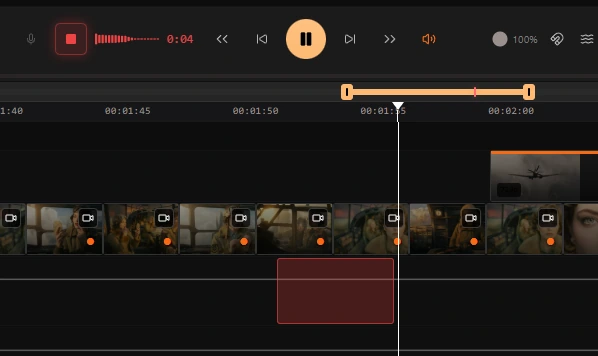
Voice Transfer
あなたの演技を、キャラクターの声で
録音した take をキャラクターの声へマッピングし、演技ニュアンスを維持します。言い回し、呼吸、強調、タイミングは保持され、変わるのは声質のみです。
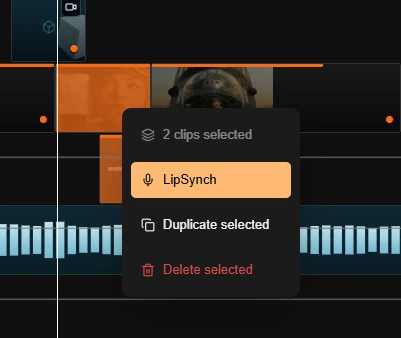
Lip Synch
ワンクリックでフレーム精度の話者ショット
音声が確定したら、ワンクリックで lip-sync 動画を生成。実際のボーカル演技にフレーム単位で追従し、手作業アニメーションやドリフトを不要にします。
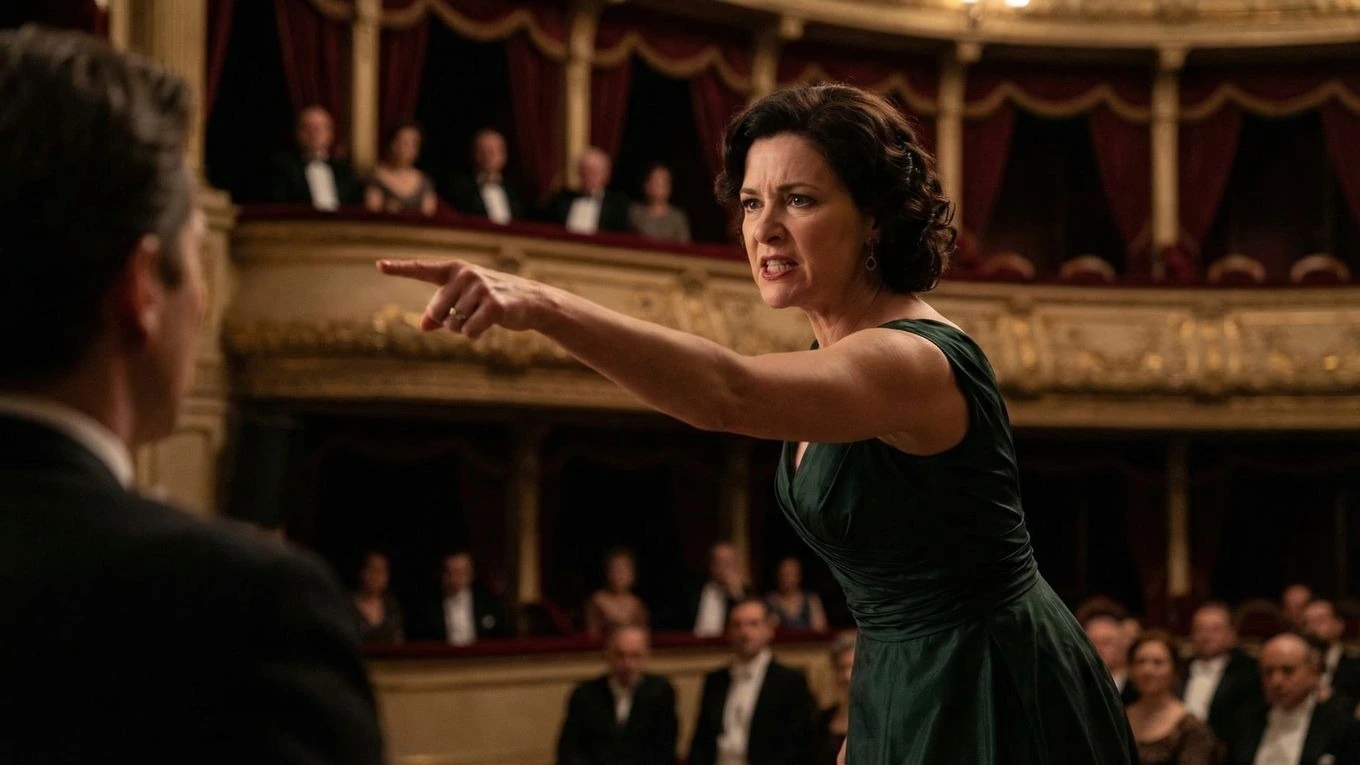
音声主導アニメーション
台詞シーンの質は、演技制御で決まる
Ciaro Pro is built for voice-driven character animation where the acting choice matters as much as the visuals. You design the character's voice and look together, preserve the phrasing you want, and turn the take into a speaking shot that feels directed rather than loosely generated.
That makes the feature much more useful for dialogue scenes, monologues, and character moments where timing and emphasis carry the story forward — shots that drop straight into the AI-powered NLE without leaving the platform.
演技を先に
汎用音声生成で起きがちな平板化を避け、演技選択を維持します。
フレーム精度の話者ショット
音声設計から生成パフォーマンスまで、最終結果の制御精度を高めます。
ワークフロー
話者演技のためのディレクター主導パイプライン
最初に声を設計
シーンを動かす前に、人物の声を設計。トーンや質感から説得力を作る細部まで調整します。
必要な take を使う
タイムライン録音または完成音声取り込みで、シーンを成立させるニュアンスとタイミングを保持します。
フレーム精度の演技制御
take を人物音声へ変換し、必要位置へ正確配置して、編集精度で lip-sync 話者ショットを生成します。
Next to explore
Related workflows to continue with
Open connected Ciaro pages to compare capabilities and shape your production pipeline.