荒いアイデアを仕上がったシネマティックなショットへ
シーンの意図から最終レンダーまで、ステップごとに一貫したビジュアル参照で進めます。毎回ゼロからプロンプトし直すのではなく、段階的なビジュアル指示で勢いをつけ、制作に耐える結果へ素早く届けます。
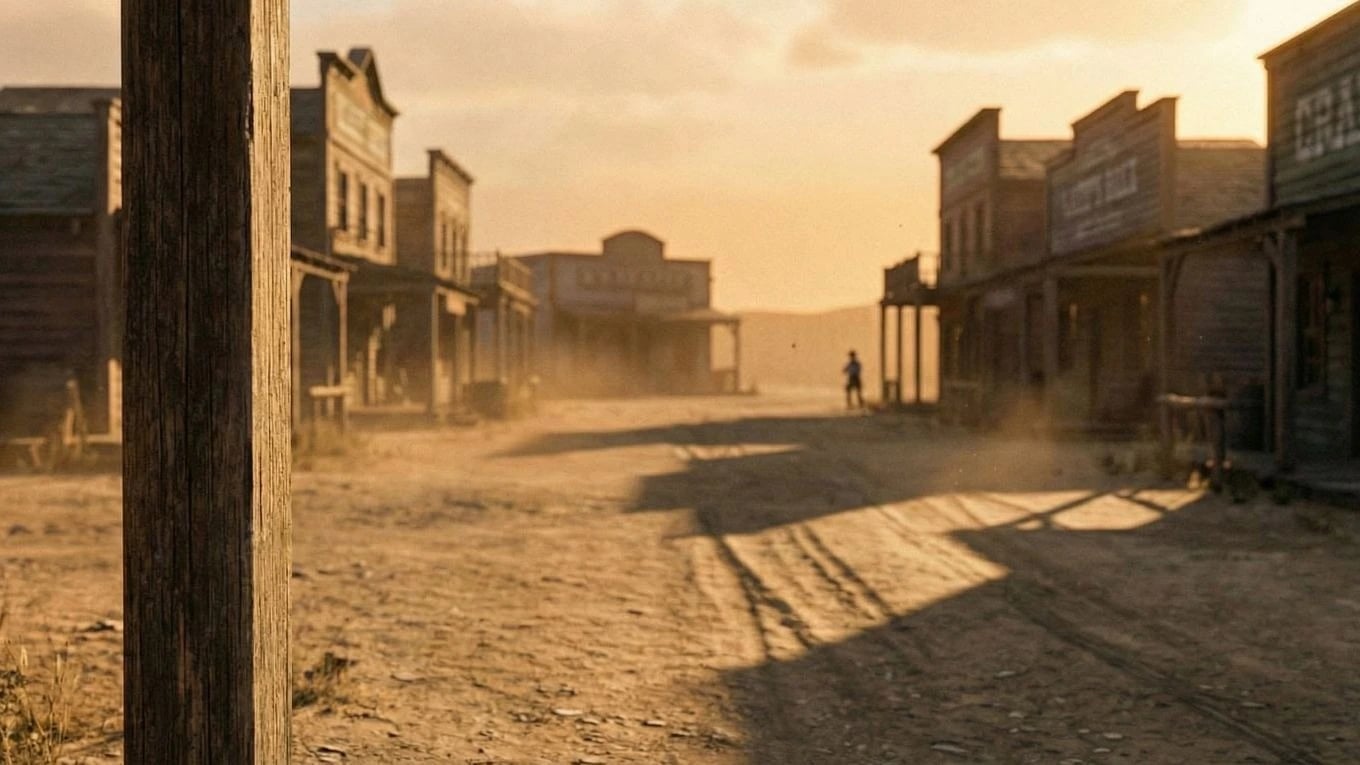
Scene Evolution
From base frame to character-driven final shot
Start with the environment, add intent with a simple character sketch, then resolve to a polished shot. This keeps composition and tone grounded while still letting you explore creative direction quickly — frames that feed directly into your storyboard.
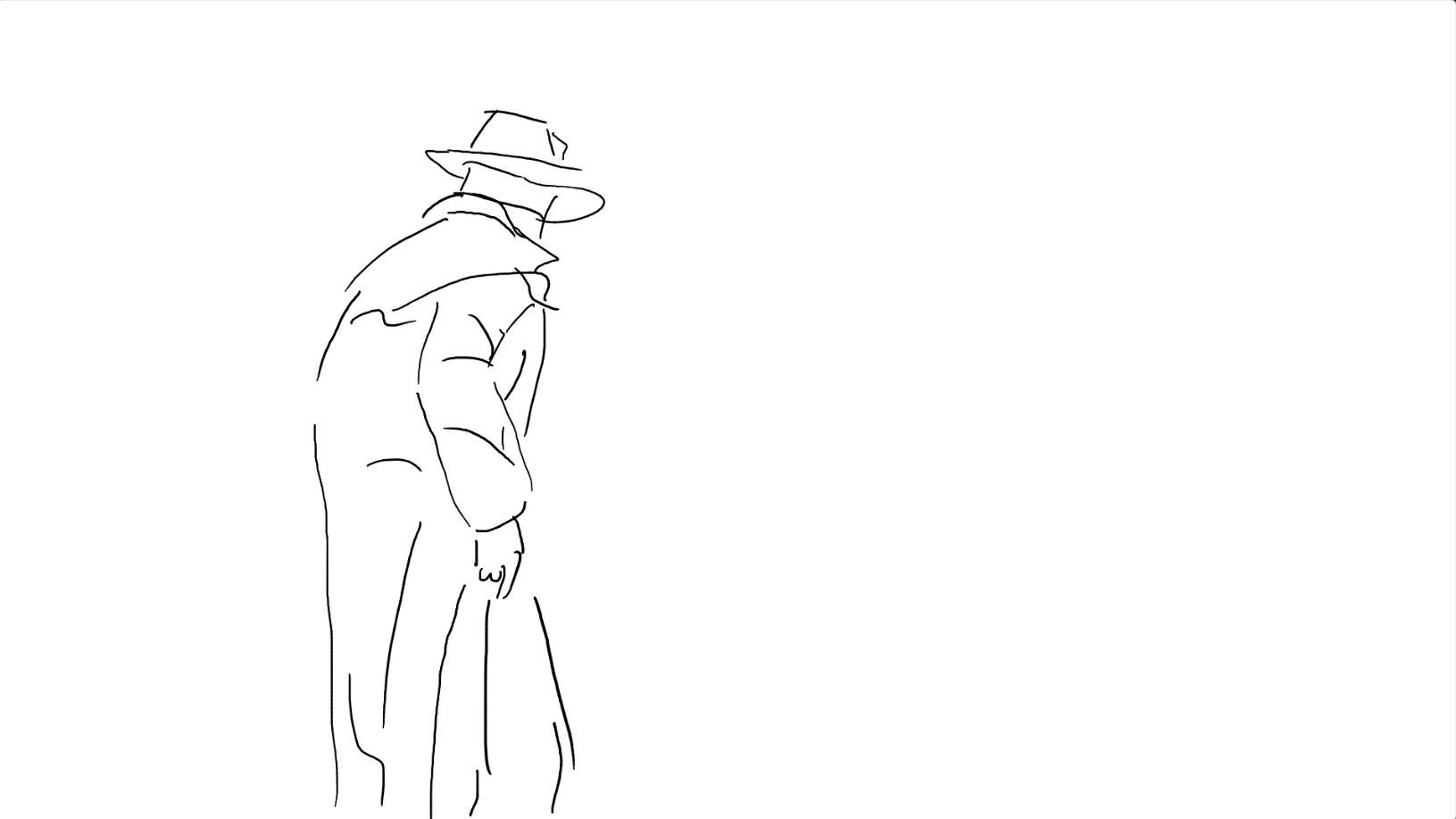
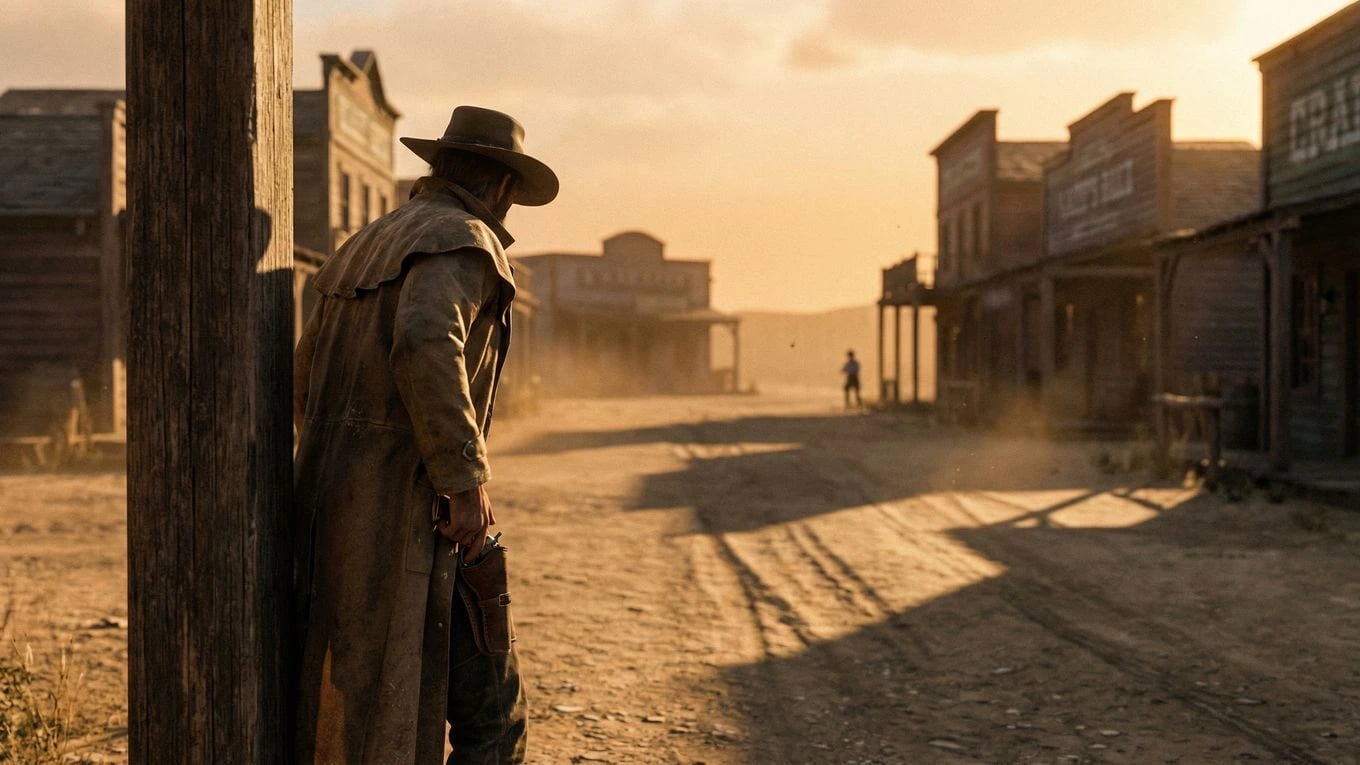
Final Motion
Convert the shot progression into a playable scene
Once the still direction works, generate motion from the same visual arc. You get a faster path to teaser-quality clips that are consistent with the frames your team already approved.
Creative Throughput
Keep quality high while moving faster
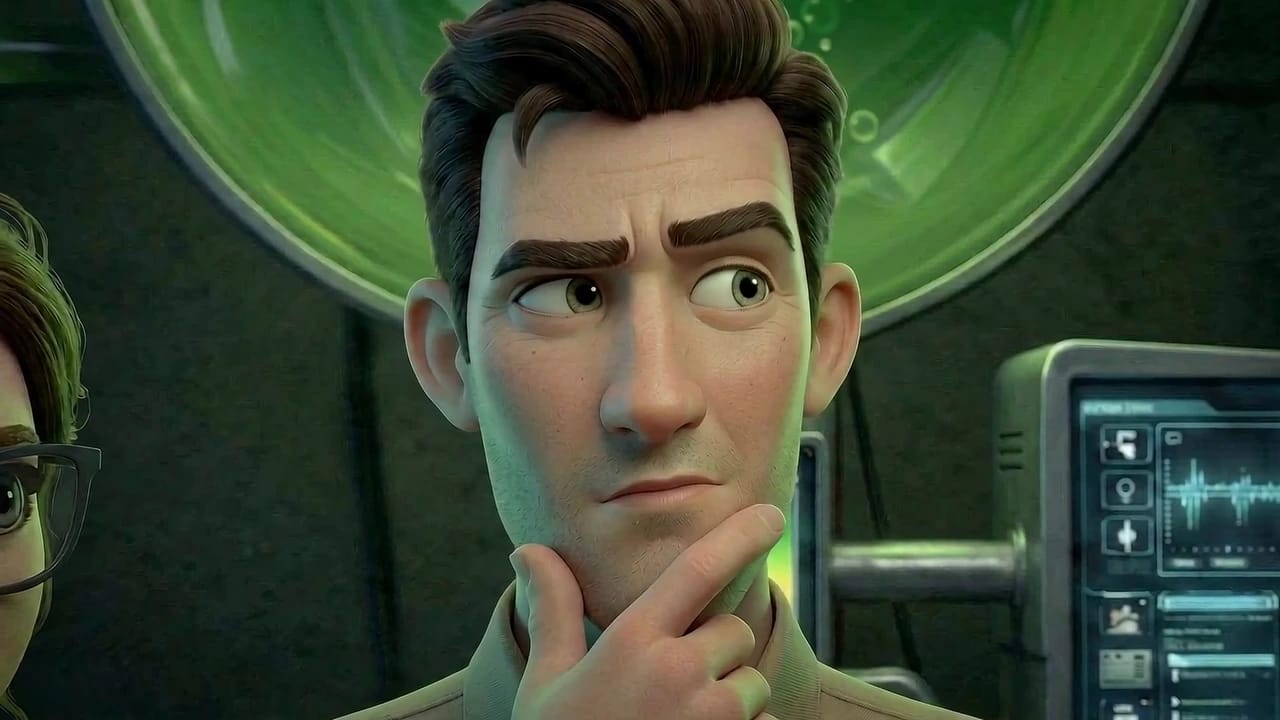
Great visuals are usually lost between experimentation and execution. This approach keeps both in one place, so teams can test options quickly without breaking continuity — especially important when working with consistent characters across shots.
That means less wasted generation, clearer approvals, and stronger scenes that hold together when you move from stills into AI video production.
Fewer blind generations
Build on concrete visual references at each stage instead of starting over with every prompt.
Stronger approval confidence
Stakeholders can follow how a frame evolves and approve direction earlier with less ambiguity.
Scene Expansion
Carry the same direction across more shots
After the core scene is approved, extend that visual language across adjacent shots, variations, and edits. The result is a sequence that feels intentional from first frame to final output.
Next to explore
Related workflows to continue with
Open connected Ciaro pages to compare capabilities and shape your production pipeline.