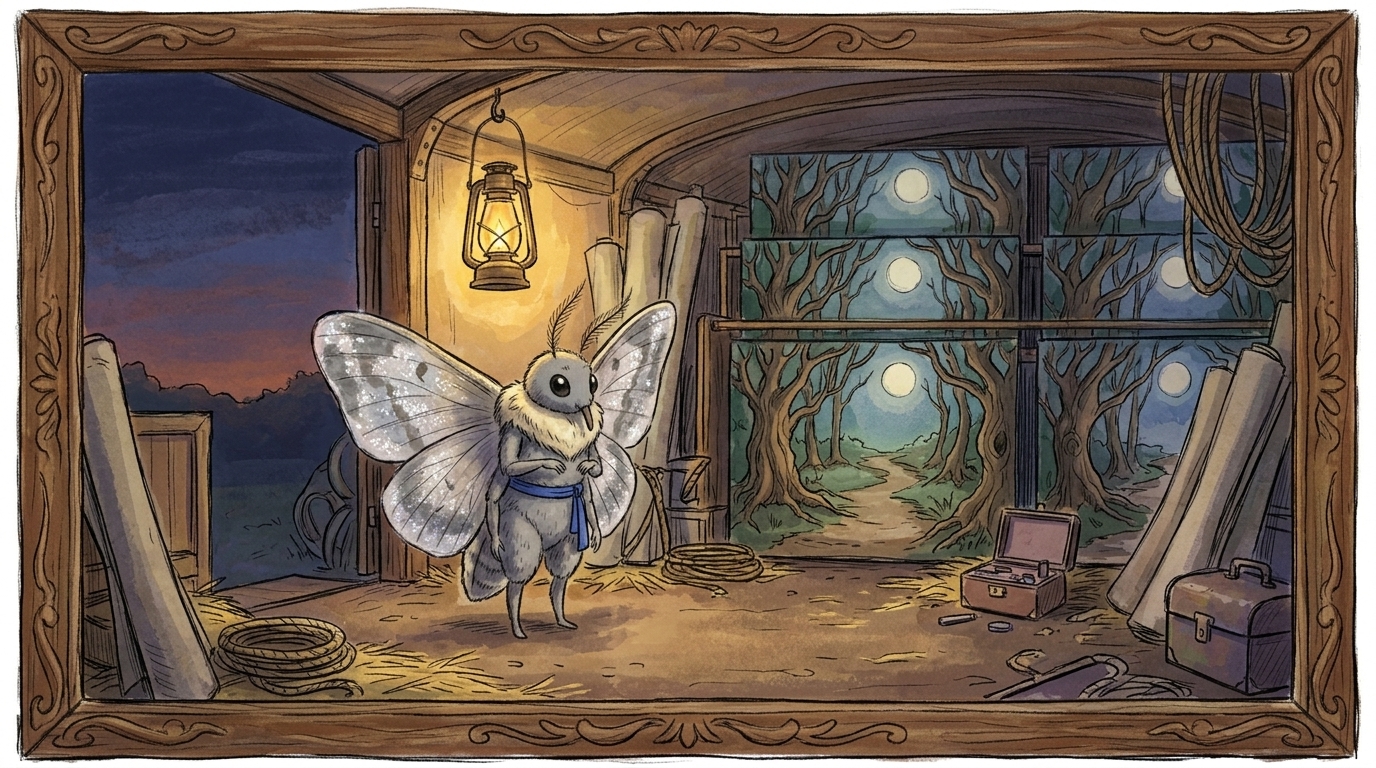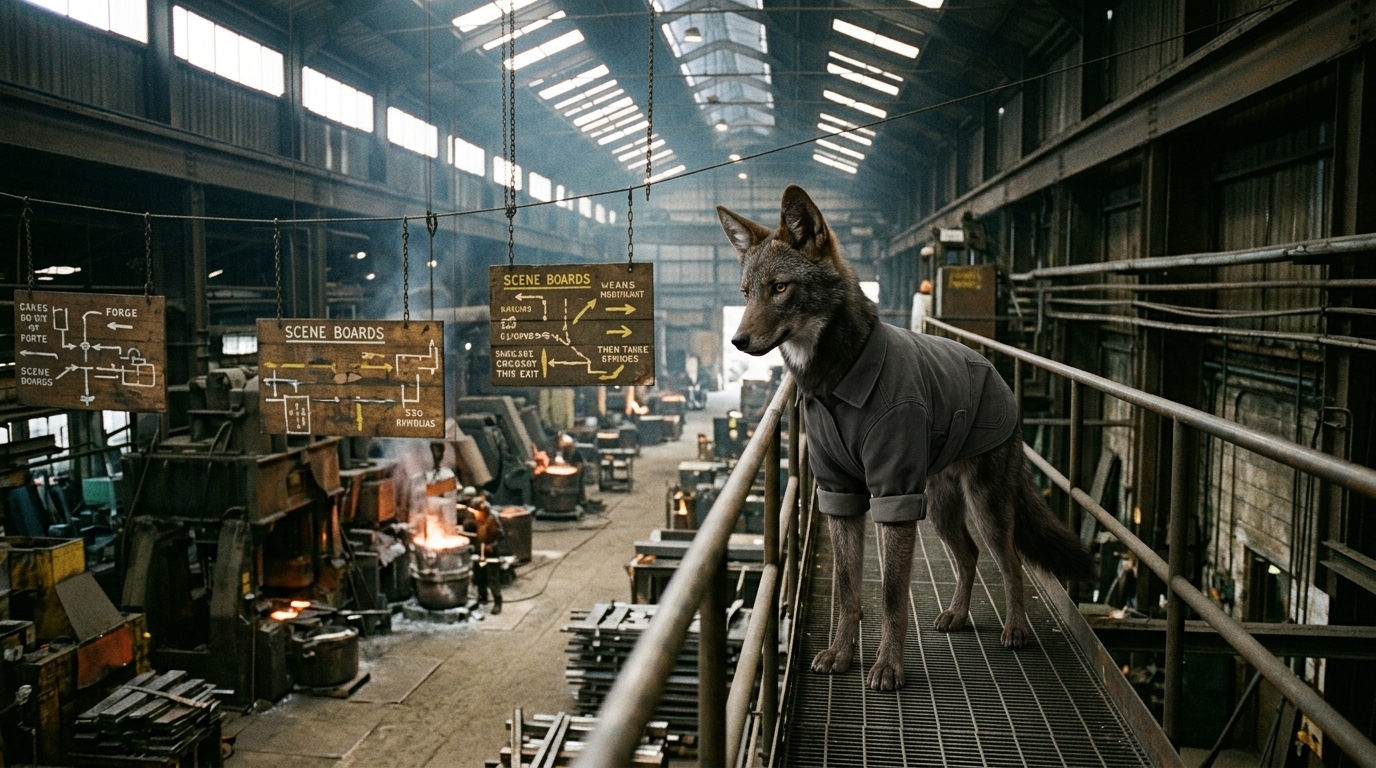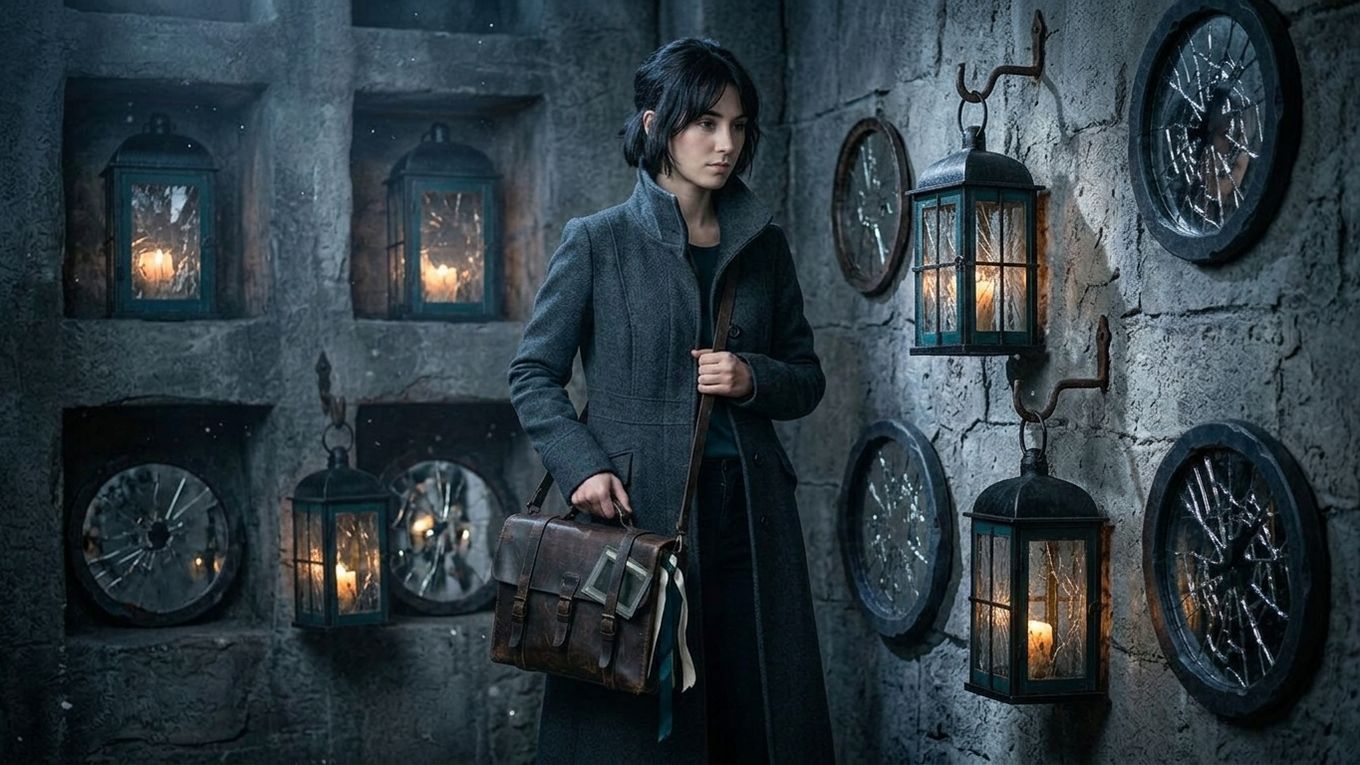
A striking opening is easy to generate. Sustaining attention for a full minute requires escalation, coverage, and payoff.
The “10-second collapse” happens when the first image creates curiosity but the following shots only repeat the same promise. Nothing changes, so the audience has no reason to keep watching.
This guide provides a practical 60-second structure for short AI films, trailers, branded stories, and proof-of-concept scenes.
Diagnose the collapse
Watch the first minute and pause at 10, 20, 30, 45, and 60 seconds. At each point, write what has changed.
Useful changes include:
- a new goal
- an obstacle
- a revelation
- a decision
- a shift in power
- a new question
- a consequence
If your notes only describe new locations, camera angles, or visual spectacle, the sequence is changing images without advancing a story.
A 60-second beat map
This is not a mandatory formula. It is a diagnostic scaffold.
| Time | Dramatic job | Editorial requirement |
|---|---|---|
| 0–5 sec | Present an unusual situation or urgent question | One immediately legible image |
| 5–15 sec | Establish who wants what | Character action, not explanatory narration alone |
| 15–30 sec | Introduce resistance or contradiction | Coverage showing cause and response |
| 30–45 sec | Force a decision or escalation | A visible change in behavior or stakes |
| 45–55 sec | Deliver consequence or reversal | Hold long enough for the audience to register it |
| 55–60 sec | Create resolution, aftertaste, or next question | A final image that completes the progression |
A branded film can map the product reveal onto the consequence. A trailer may end on a larger unanswered question. A short scene might resolve one action while opening the next.
Example: from montage to scene
Weak version:
- astronaut in a greenhouse
- close-up of plants
- planet outside the window
- floating water
- astronaut looking worried
- dramatic wide shot
The imagery changes, but the dramatic situation does not.
Structured version:
- 0–5: A dead plant suddenly produces one red fruit.
- 5–15: The hungry astronaut reaches for it.
- 15–30: The station warns that the fruit is consuming oxygen.
- 30–45: She disables the alarm and takes it anyway.
- 45–55: Every other plant turns toward her.
- 55–60: She realizes the greenhouse is awake.
Now each image inherits a purpose from the previous one.
Build coverage around changes
For each beat, plan three types of material:
- Orientation: where are we and what is happening?
- Evidence: what detail proves the change?
- Response: how does a character react or decide?
You will not use all three for every beat, but the categories expose missing coverage. A revelation without evidence feels arbitrary. Evidence without a response feels emotionally empty. A response without orientation can be confusing.
Example shot plan:
| Shot | Beat | Function |
|---|---|---|
| 01A | unusual fruit | Establish greenhouse and astronaut |
| 01B | unusual fruit | Insert of fruit growing |
| 02A | temptation | Hand approaches fruit |
| 02B | warning | Oxygen display drops |
| 02C | decision | Astronaut disables alarm |
| 03A | consequence | Plants rotate toward her |
| 03B | realization | Controlled reaction close-up |
Use sound to carry continuity
AI-generated visuals often arrive as isolated clips. Sound can bind them into one continuous event.
Create a simple audio spine before final generation:
- environmental bed
- key dialogue or narration
- timed warning, impact, or reveal
- music change at escalation
- silence or reduced ambience before the payoff
Edit storyboard frames or rough placeholders to this spine. You will quickly discover whether the sequence has enough time for information and reaction.
Sound cannot repair missing story logic, but it can reveal the intended rhythm before expensive visual work begins.
Control information density
Short AI films often fail in one of two ways:
- too little changes: a beautiful mood continues without progression
- too much changes: every shot introduces a new world, character, and idea
Limit each beat to one primary piece of information. Let the next shot confirm, complicate, or answer it.
When a shot contains essential text, dialogue, and a major visual reveal simultaneously, the audience may miss all three. Separate them or extend the duration.
Add reaction time
Generation encourages creators to cut as soon as a visual defect begins. That can remove the moment when the audience understands what happened.
Protect three durations:
- time to perceive the event
- time to see the character process it
- time to understand the consequence
A two-second technical clip may need to be combined with a held storyboard frame, a cutaway, a reaction, or a sound bridge to create the required dramatic time.
Run the five-frame test
Export one representative frame at each checkpoint: 5, 15, 30, 45, and 60 seconds.
Place them side by side. Can someone infer:
- the central situation
- the protagonist
- the obstacle
- the decisive action
- the consequence
If the frames only show different attractive compositions, return to the beat map.
Pre-generation checklist
Before generating final motion:
- The first image creates a specific question.
- A character pursues an observable objective.
- Resistance appears before the midpoint.
- The protagonist makes a decision.
- The final beat is caused by that decision.
- Every planned shot belongs to a beat.
- Evidence and reaction coverage exist.
- Temporary sound confirms the timing.
- The sequence works with rough storyboard frames.
- Visual continuity rules are documented.
Ciaro Pro’s storyboard-to-video workflow can keep beats, planned shots, references, and generated versions connected. The important discipline is to prove progression before spending credits on polish.
The cure for the 10-second collapse is not a more spectacular eleventh second. It is a sequence in which every beat changes the situation and earns the next shot.