An approved dialogue scene needs a new line and a different eyeline. Can the team replace the affected shots and sound without losing track of the references, approvals and edit?
That is a more useful test of an AI filmmaking workflow than the quality of its most striking clip. A specialist stack gives artists more freedom to choose their tools, but someone must manage the handoffs. An integrated platform can keep more work in a shared environment, though it may restrict model choice or make the production dependent on its export options.
The tools below are candidates by production stage, not winners from a controlled benchmark. For a production choosing its stack in 2026, the decision depends on the specific versions, plans and access routes available—and on what survives the journey from script to finished film.
Choose tools around the work they must pass on
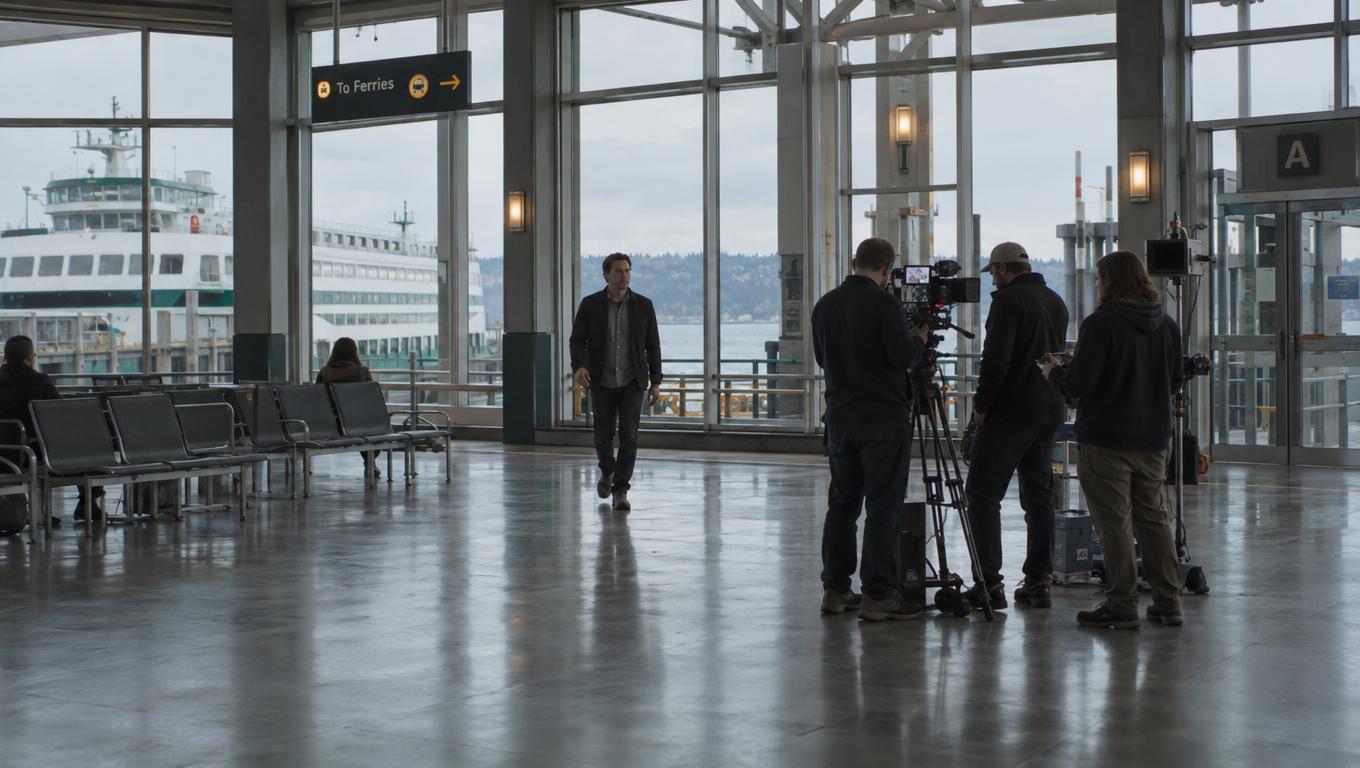
Consider a hypothetical three-shot dialogue scene: two characters exchange lines in an office, then continue their conversation in a corridor. After the boards are approved, the client revises a line and asks for a different eyeline. The production must identify the affected boards, references, shots and sound files, then get the right replacements into the editor’s cut.
Each stage has a different handoff requirement:
| Production stage | Tools to consider | What can be lost between tools | What to test in an integrated platform |
|---|---|---|---|
| Script and breakdown | Final Draft, ChatGPT | Script version, scene IDs and the reasoning behind shot assignments | Whether writing and planning retain clear version relationships |
| Boards and shot planning | Boords, specialist image tools | Dialogue-to-shot mapping, board versions and review notes | Whether boards, shot information and approvals remain connected |
| Character and location design | Adobe Firefly, Leonardo | Approved wardrobe, reference versions and asset provenance | Whether artists can identify and retrieve the approved references |
| Video generation | Runway, Google Veo | Approved frames, camera notes, shot IDs and selected takes | Which inputs carry into generation and what accompanies the exported clip |
| Dialogue and sound | ElevenLabs, Descript | Line versions, take identification, consent records and timing notes | How sound versions relate to shots and cuts |
| Edit and finish | Adobe Premiere Pro, DaVinci Resolve | Picture and sound versions, cut-specific notes, source media and delivery settings | Whether exports meet the finishing team’s requirements |
An integrated product may cover only some stages, and shared access does not necessarily mean changes propagate automatically. The practical comparison is how much context each workflow preserves, who maintains it and what reaches the finishing team.
Start with the script-to-board handoff
Final Draft is a candidate when the writing team wants dedicated screenwriting software. ChatGPT can help explore alternatives or propose an initial breakdown, but a generated shot list still needs a director’s judgment: coverage must serve the scene, dialogue must cut together, and character positions must make sense. A team may use both, with the script maintained in one place and an AI-assisted breakdown reviewed separately.
For boards, Boords is a standalone option to evaluate when the priority is a dedicated storyboarding and review process. Judge it against the actual handoff: can the artist and reviewers identify the right script revision, shot and board without reconstructing the sequence from filenames?
In the hypothetical scene, a useful board package includes scene and shot IDs, dialogue assigned to each shot, framing, screen direction, eyelines and the office-to-corridor transition. It also records which boards have been approved and which are still exploratory. The IDs do not need to be elaborate; they need to survive when a frame is exported, commented on or replaced.
With standalone tools, a coordinator can maintain these connections in a shot list or production document. That is workable when one person owns updates and the number of shots is manageable. The cost grows when script changes, board comments and new exports arrive from several people at once.
A shared production environment may reduce that maintenance, but test how it represents script revisions and board approvals. Do not assume that changing a line updates its downstream shots—or that an automatic update would be desirable before the director has reviewed its consequences.
Turn character designs into usable continuity records
Adobe Firefly and Leonardo are candidates for exploring character, wardrobe and location images. The first test is visual: can the team develop a design that fits the brief and obtain references useful to the artists making the shots? The strongest isolated image is not necessarily the best reference if it obscures the costume, face or geography the next shot must reproduce.
For the dialogue scene, the approved package might include clear views of both characters, their wardrobe, the office layout and the corridor entrance. Label approved assets and versions; record the source tool, model and relevant settings where available. Link each shot to the references it actually uses, so an older costume exploration is not mistaken for the approved design.
A compact shot record adds information that a character image cannot provide:
- Geography: where the characters stand, where the office door leads and which side of the axis the camera occupies.
- Screen direction and eyelines: where each character looks in frame and how their positions relate across the cut.
- Approved references: character, wardrobe and location versions applicable to the shot.
- Status: board and generated-take versions, outstanding notes and the scope of approval.
The record can live in a spreadsheet, a shot-management system or a production workspace. Its value is whether the team can retrieve and recognize the approved references at the point of use.
References guide generation; they do not guarantee continuity. A jacket detail that changes briefly in a wide shot might be hidden by shortening the cut or choosing a different take. A reversed eyeline on a pivotal line, or a corridor entrance that puts a character on the wrong side of the other, is more likely to require a new take or a deliberate change to the coverage.
Make that call against the assembled sequence, not a still viewed on its own. If an editorial workaround changes the intended performance or introduces a new geography problem, its apparent saving may be false economy.
Evaluate video generation against the cut
Runway and Google Veo are candidates for shot generation, but their names alone do not establish which is better for a particular sequence. Compare the actual model version and access route available to the production, including supported inputs, controls and output settings. A model offered through different services or plans may not present the same working conditions.
Give the candidates the same approved board, reference package and shot intent, adapting the input only as each service requires. The corridor shot should preserve the characters’ appearance, communicate the intended movement and provide enough usable duration for the cut. Review it beside the office shots: a convincing clip can still fail if the revised eyeline points away from the other character or the wardrobe no longer matches.
Record each attempt under its shot ID, with the output version and the notes used to make it. Then distinguish a visually attractive result from an editorially usable take: one that meets the shot’s continuity and timing requirements, or can be made to do so with an acceptable edit.
Also test a targeted revision. A tool with an impressive first take may be costly if changing one eyeline repeatedly disrupts the rest of the image. That distinction matters more for a dialogue sequence than a collection of unrelated shots.
If an integrated platform offers storyboard-to-video generation, inspect what the artist can see, what must be re-entered and what arrives with the exported clip. Model quality and handoff quality are separate parts of the decision; neither compensates automatically for the other.
Use one revision to expose the weak connections
The hypothetical client change affects both words and screen direction. Treat it as a change to a defined set of production records, not a general instruction to redo the scene.
The writer or coordinator issues a new script version and identifies the shots containing the changed line, plus adjacent shots whose eyelines or timing might be affected. The director confirms the new staging before the board artist revises the relevant frames and notes. A costume reference may remain valid; geography notes may not, particularly if the change moves a character through the office doorway.
Mark affected boards for renewed review while leaving genuinely unaffected shots approved. Once the revisions are approved, the generation artist prepares replacement picture under the relevant shot IDs, and the sound team prepares the new line. Review picture and dialogue together wherever timing, lip sync or the eyeline depends on the line. A replacement that passes picture review alone is not necessarily approved with the new sound.
The editor then needs the replacement picture and audio versions, the shot IDs they supersede and notes tied to the current cut. Record the client’s approval against the resulting numbered cut. This gives the team a way to distinguish an approved revision from a loose collection of approved assets.
Plan sound and finishing before generating final takes
ElevenLabs is a candidate for generated voice work; Descript is a candidate for dialogue and audio editing. These are different starting needs, not interchangeable reasons to select a tool. Test the resulting files in the edit: the revised line may alter shot duration, lip sync or the point at which the editor cuts to the other character.
The finishing handoff should identify source picture and audio, shot and version IDs, frame rate, and timecoded notes tied to a named cut. Supply separate dialogue, music and effects stems where applicable. Separate stems give the finishing team room to adjust the mix without rebuilding it from a flattened track. Agree on picture format and delivery specifications with the recipient before final production, not after the edit is locked.
Adobe Premiere Pro and DaVinci Resolve are established editing and finishing options. An integrated platform may also offer editing, but the critical test is whether its output works in the environment responsible for delivery. Verify the transfer method and exactly which media, timing and project information survive it. An exported movie file and an editable sequence solve different problems.
Rights remain a production responsibility across the stack. Obtain appropriate consent for voice cloning and authorized use of synthetic performances. Check current commercial terms for models, source materials and intended distribution. Access to a tool or an export is not, by itself, clearance to use every asset in the finished film.
Compare the full workflow under the same constraints
Run the same short scene through the specialist stack and the integrated workflow, from script to approved boards and references, then through generation to a finished edit. After the first cut, apply the same line and eyeline revision in each workflow. That exposes both the planning handoff and the downstream cost of replacing material already in use.
Give both routes the same creative brief, reference requirements, review criteria and delivery specification. Set equal time or spend caps for planning, production and the revision, and allow the same number of review rounds. Record differences that cannot be held constant, such as a model available in only one workflow or a team member’s greater familiarity with one tool. The goal is not a laboratory ranking; it is a fair enough comparison to make a production decision.
Track four results:
- Planning and handoff time: Time spent preparing boards, packaging references, finding the current version and transferring information between people or tools.
- Usable footage: Shots that meet the agreed continuity and edit criteria within the cap, plus the fixes or regenerations needed to get there.
- Revision cost: Additional human time, generation spend and review rounds caused by the changed line and eyeline.
- Finishing and retrieval: Whether the editor can assemble the intended cut from the delivered materials, and which source assets, notes and project information remain usable outside the original tools.
Judge the results against the production’s priorities. If the specialist stack produces a materially better performance but requires coordination the budget cannot support, the creative gain has a real operational cost. If the integrated workflow saves handoff time but cannot deliver the required source media or a critical shot, that saving may not make it viable.
One scene will not predict a whole film’s budget. It can, however, reveal a recurring failure before that failure is multiplied across the schedule. Choose specialists when a critical stage needs a capability the integrated option lacks and the team can sustain the handoffs. Favor integration when coordination and revision savings outweigh the loss of tool flexibility—but only after the finishing and exit tests pass.