A striking frame is not the same as a controllable look
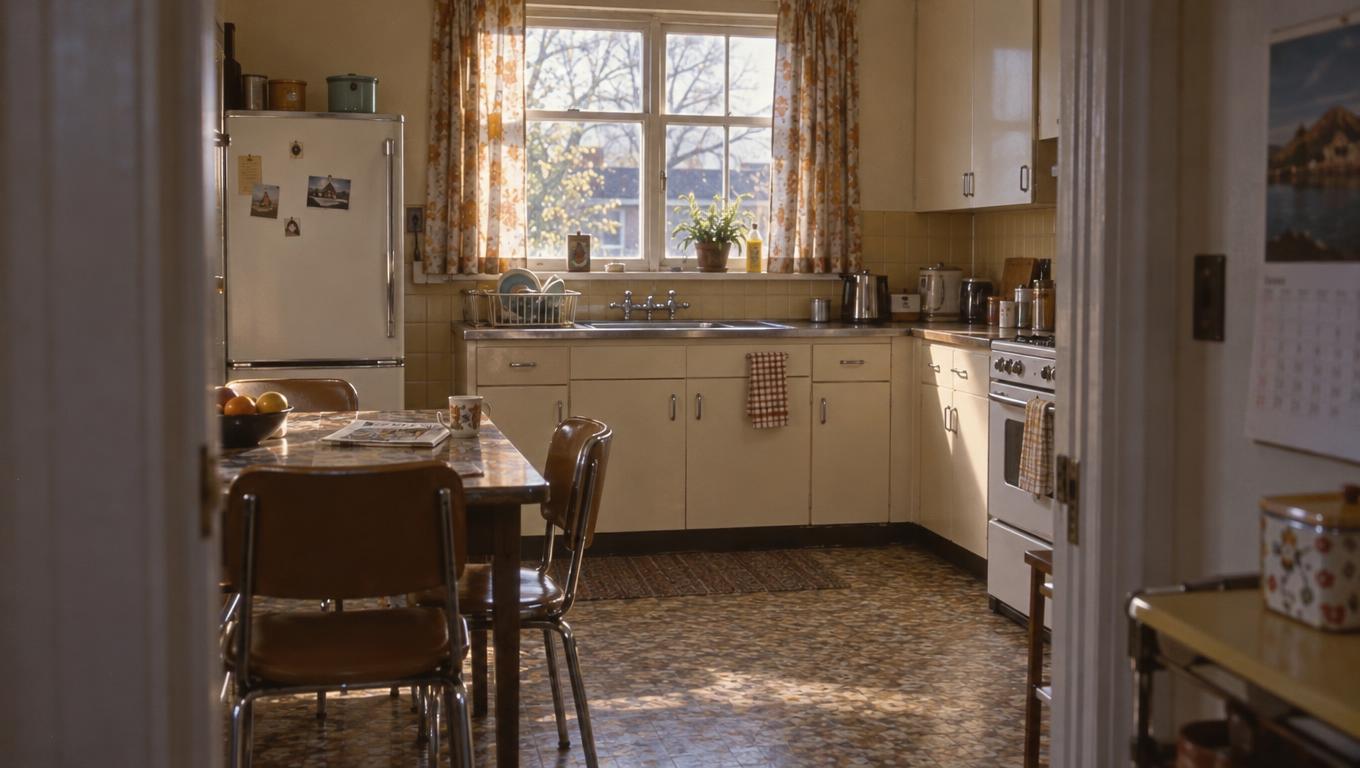
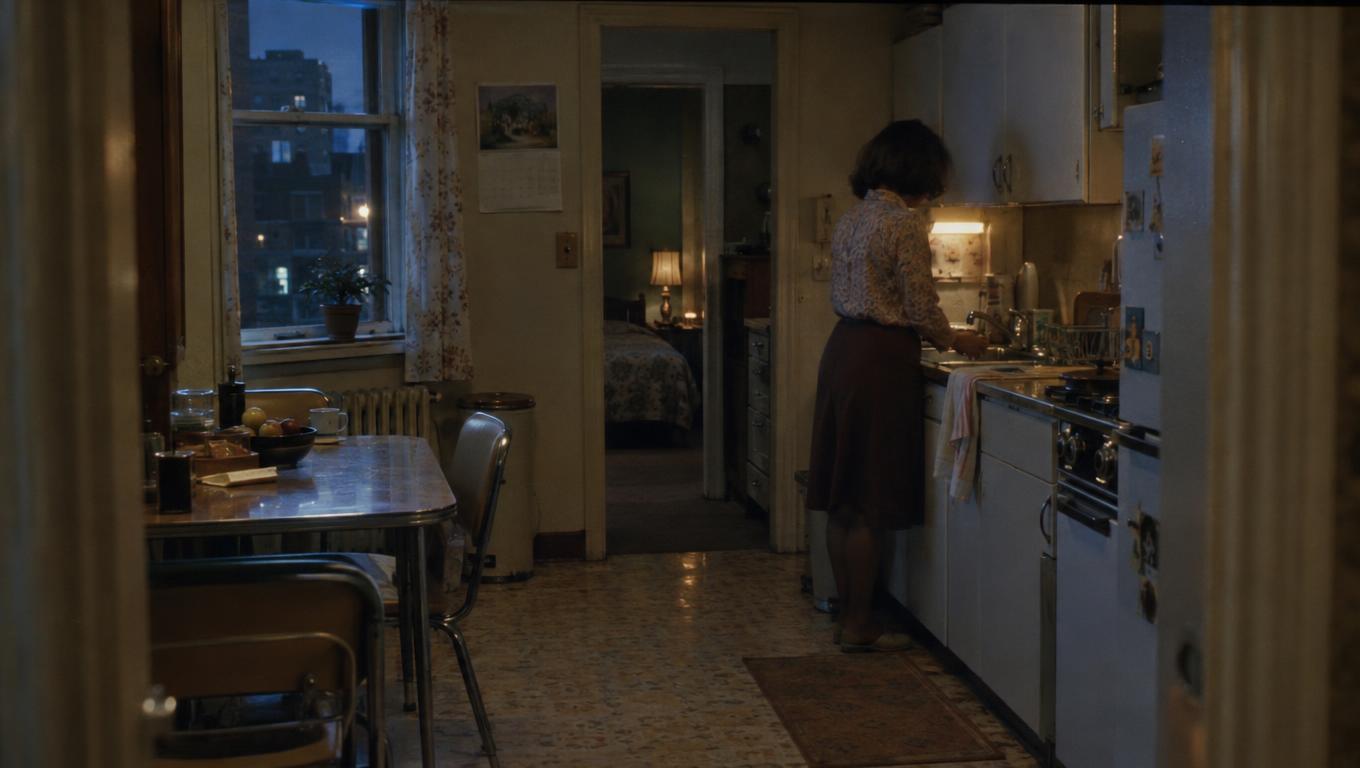
An AI image generator can produce a beautiful kitchen at night: soft shadows, a warm lamp, a face caught in cool window light. But if the window lands on the wrong wall or the actor blocks the view of the room, the image may be difficult to use for the intended shot. Its texture communicates mood; its spatial choices may communicate a different scene.
For filmmakers, control means being able to communicate choices about framing, blocking and light, then revise those choices without losing elements that should stay. A cinematographer might need a clear sense of where the light is coming from; a production designer might look for materials and fixtures that support it. Neither can assume the generated room is physically buildable from a still alone.
The useful comparison is not simply which generator makes the most cinematic picture, but which helps a filmmaker reach a usable reference with reasonable effort. The method below tests that question against a shared scene brief. It is not a ranking, and it does not report results from completed comparative tests.
Give every generator the same cramped-kitchen brief
A useful test is specific enough to reveal a missed instruction but open enough to allow more than one good image. This is a hypothetical brief, not a description of a completed test:
Create a 16:9 film still of a cramped kitchen at night. One person stands at the sink on the right side of the frame. A small window on the left provides cool light; a warm practical light hangs above a table. Show enough of the walls, sink and table to make their spatial relationship legible. Leave an unobstructed doorway visible at the rear of the room, with space for a second person to enter. Keep the look restrained and naturalistic, with a muted palette and believable contrast between the two light sources.
The subject’s position, doorway, window and light sources are essential. A frame that puts the person at the table instead of the sink, or replaces the left-hand window with an unexplained cool glow, has missed part of the brief even if it looks compelling. Visible room geometry matters because a tight portrait might conceal those failures.
The muted palette and restrained treatment are stylistic preferences: useful to request, but less exact than the blocking. A cooler wall colour or a different table material can be an acceptable variation if the image preserves the requested spatial and lighting relationships.
Separate a fair baseline from each tool’s extra controls
Start with a text-only baseline. Give each generator the same brief, request a 16:9 frame and set an equal starting allowance of requested outputs—for example, four per tool. Save every result, not just the strongest. If a tool can only generate a larger batch, record the full batch and its cost rather than discarding extra frames. Note that the larger selection makes a direct comparison less even. Count failed requests and unusable images too.
Record the date, model and version where available, exact prompt, aspect ratio and other settings. If a tool requires different wording or offers only an approximate aspect ratio, note the change. Also record time spent prompting, waiting and selecting, plus verified charges or credits where available. A small set will not establish statistical reliability, but it can reveal whether a promising result depends on selecting from several misses.
Keep the fixed starting allowance separate from the total effort needed to reach a usable result. If the initial set fails, you can continue exploring, but track the additional outputs, time and verified cost separately. A tool may produce a suitable image within the initial allowance; another may get there only after substantial extra work. If neither reaches the brief within the limit you choose, record that outcome rather than treating the closest image as an unqualified success.
A shared reference image can form a second comparison condition where supported. Use the same file, document its source and your permission to use it, and record how each tool applies it. Keep those outputs separate from the text-only baseline; a tool that cannot accept the reference has a limitation, not a failed image result.
Finally, try tool-specific controls on their own terms. A sketch might specify the window and sink positions; an image editor might allow a selected region to be changed. Save the sketch, masks or other inputs, plus relevant settings and constraints. Compare the resulting control and effort without presenting assisted results as if they came from the same inputs as the baseline.
Test blocking and framing as separate revisions
Choose an initial frame from each tool that comes closest to the brief. From that frame, make two independent revision requests. First, move the person from the sink to the table while keeping the room layout and the directions of the cool window light and warm practical light. Second, widen the view to reveal more of the rear doorway while retaining the person at the sink, the window and the practical light.
Both revisions should start from the selected initial frame, not from each other. This makes it easier to see what each change affected. For the blocking edit, check that the person has moved and the sink is unoccupied; for the framing edit, check that more of the entrance is visible. In both cases, compare the result with its source for unwanted changes, such as a shifted window, relocated lamp or reversed lighting direction.
The wider frame may naturally reveal new parts of the room, but the established elements should remain recognisable.
Use the available method for revising an existing image and save the instruction, masks, references and relevant settings. Set the same attempt limit for each revision test where feasible—for example, three attempts from each source—and track outputs, time and verified cost as before. If batch rules force different numbers of outputs, document the difference.
You can also set a spending cap, but unequal pricing may mean tools receive different numbers of attempts; make that tradeoff visible rather than calling the conditions identical.
If a tool cannot edit from the selected image, record that limitation. Generating a new image with a wider view or different blocking can still offer an alternative composition, but it is not the same test as preserving and modifying the original. One clean revision shows a change is possible; repeated successes provide stronger, though still limited, evidence that it is repeatable.
Judge what each frame tells the filmmaking team
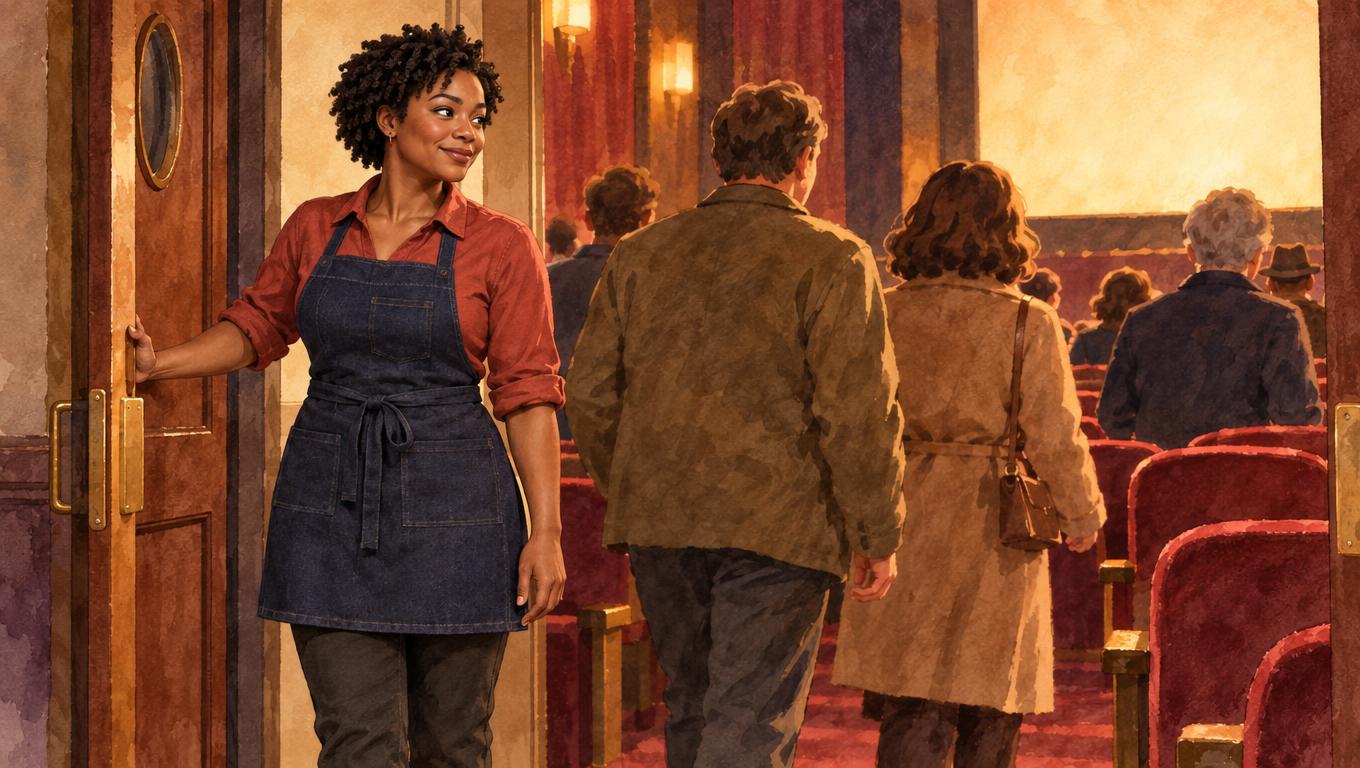
A polished frame can blur several different qualities. A director may like the mood while still needing clearer blocking; a cinematographer may find the contrast compelling but the apparent light sources unclear. Judge the initial results against the brief before deciding how much their visual polish is worth.
For composition, look at whether the person, table and rear doorway are legible together. A tight, atmospheric portrait may suit a look discussion but tell the director little about how a second person could enter and play the scene. For lighting, examine whether the cool illumination appears to come from the left-hand window and the warm contribution from the practical above the table.
Highlights and shadows may support or confuse that reading; a convincing image is still not proof that the setup can be reproduced as depicted.
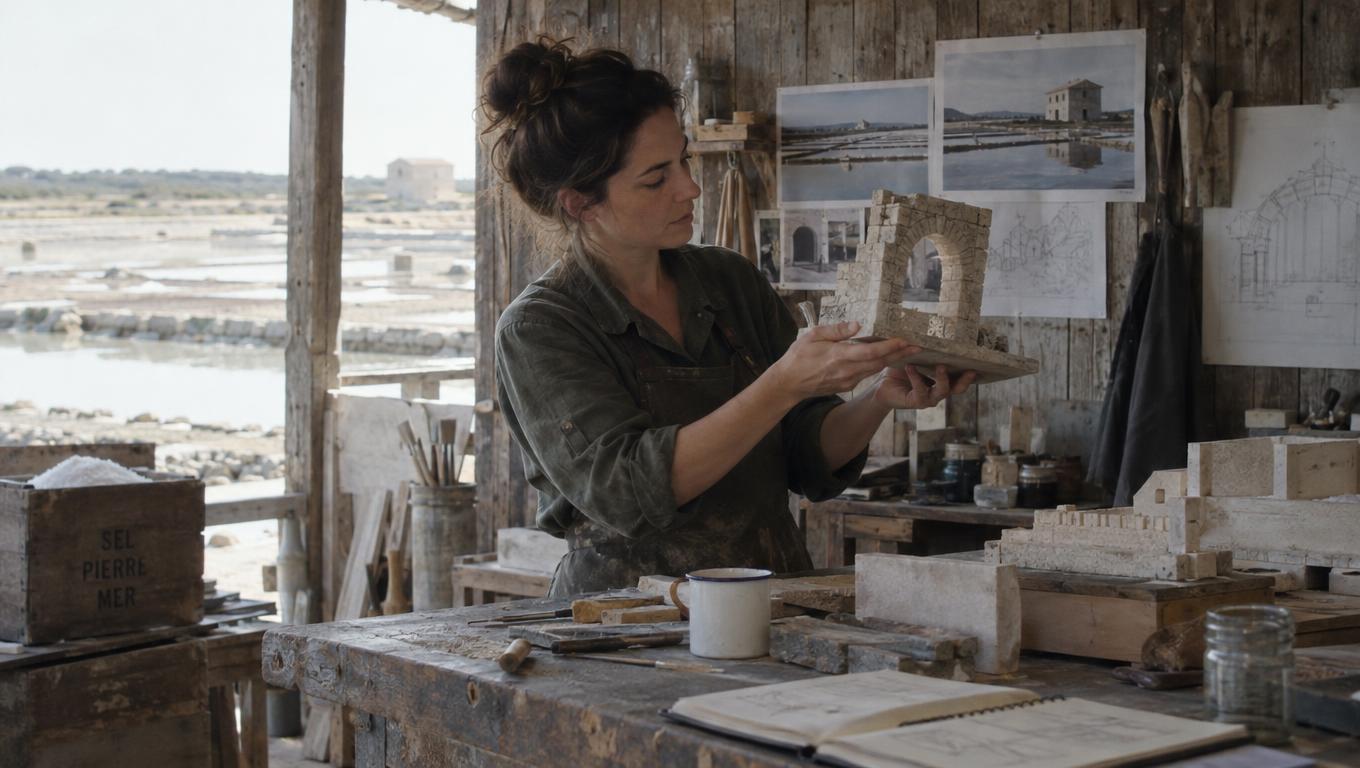
For spatial consistency and production design, follow the walls, sink and table through the image, then look separately at materials, palette and fixtures. Worn wood or convincing grain may suggest a strong design direction, but attractive texture cannot resolve a table that merges into a wall or an ambiguous window position.
Weigh the revision results against the project’s priorities rather than folding everything into one unexplained score. Reliable framing changes may matter most for boards; a compelling palette may be sufficient for an early look discussion. Record successes, failures and ambiguities alongside the effort needed to achieve them.
Translate useful references into production decisions
You may find that different frames serve different purposes: one clarifies the room layout, another suggests the lighting, and a third captures the palette. They need not come from the same generator or form a single winning image.
Annotate each useful reference with the intention it helps communicate. For the kitchen, that might include a proposed camera position and viewing direction inferred from the frame, the cool window source and warm practical, or materials worth retaining. Treat the camera position as a proposal, not a measurement extracted from the image. Mark unresolved details separately, such as whether the table can sit where shown without blocking the rear doorway.
Check those intentions against a location survey or measured set design. A window may appear to illuminate the actor from the desired side, but its real position, exterior access or available power may call for a different approach. The inferred camera position may fall outside the room or leave no space for the crew. Notes can preserve the intended effect while leaving room to solve how to achieve it.
A generated still cannot establish lens choice, fixture placement or physical feasibility on its own. Choose the image—or combination of images—that best communicates the decisions at hand, and keep the production questions it cannot answer visible.